
Influencer Invoice Template
Free invoice templates for influencers, content creators, social media creators, brand ambassadors, bloggers, vloggers, streamers, and digital creators. Download and edit in PDF, Word, Excel, Google Docs, or Google Sheets.
Use this template to bill for sponsored posts, reels, videos, stories, brand collaborations, affiliate campaigns, content usage rights, product photography, campaign reporting, taxes, discounts, deposits, and payment terms in a clear and professional way.
Download the App
Create, send and manage invoices on the go.


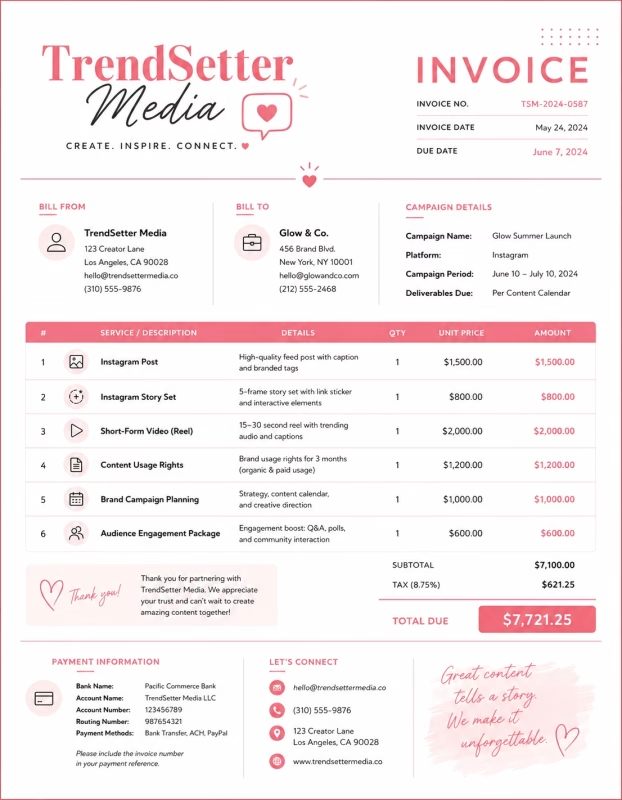
Download Free Influencer Invoice Templates
Download a template, then edit it in PDF, Word, Excel, Google Docs, or Google Sheets. Print it, save it, or send it to your client or brand when the influencer campaign is complete or when a billing period ends.
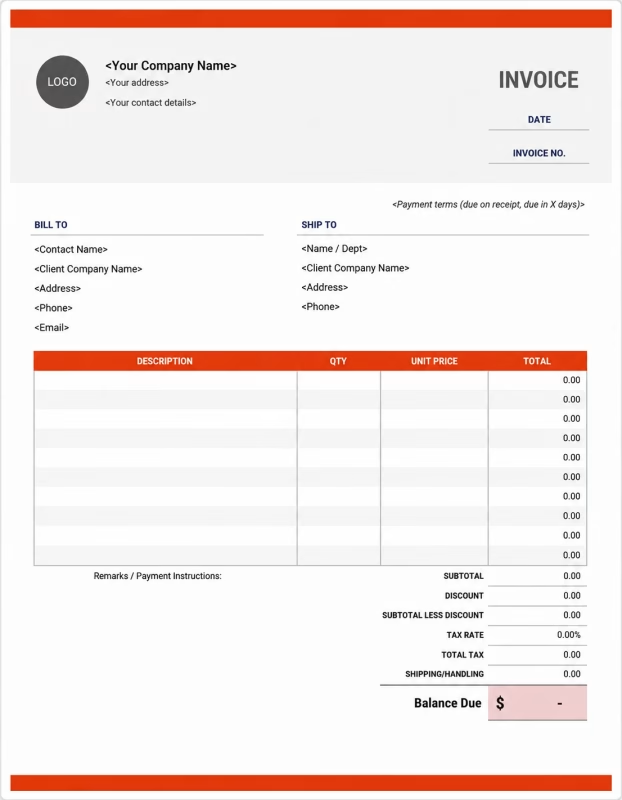


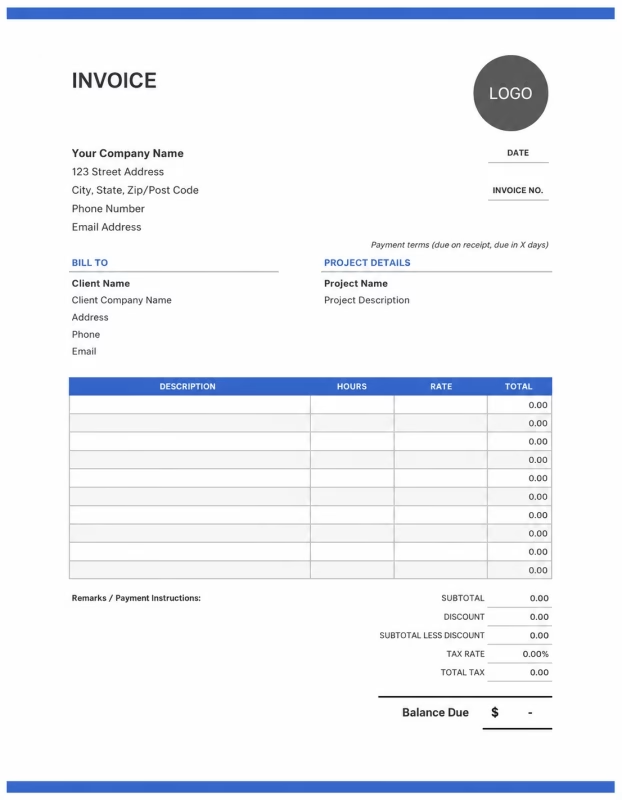
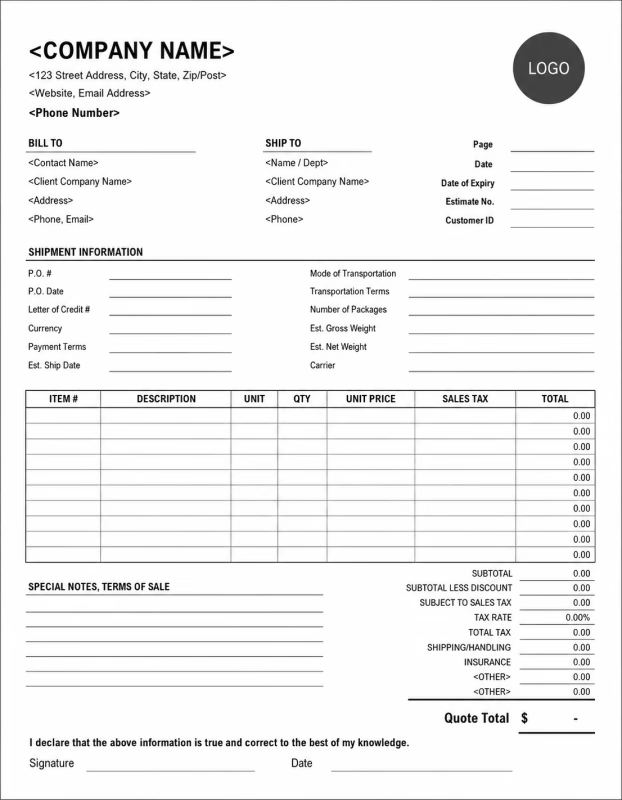
Use these templates for influencers, content creators, bloggers, YouTubers, TikTok creators, Instagram creators, streamers, brand ambassadors, and social media professionals.
View our complete selection of invoice templates for a variety of businesses and industries.
How to Invoice for Influencer Services
A good influencer invoice should clearly show the brand or client details, campaign name, platform, content deliverables, post dates, usage rights, campaign fee, deposits, taxes, and payment terms.
In 5 Steps:
- Confirm the client details, campaign scope, platforms, content type, posting schedule, approval process, usage rights, and agreed pricing before creating the content.
- Record completed influencer work, sponsored posts, reels, videos, stories, product photos, captions, links, campaign mentions, content revisions, and any approved extra services.
- Track campaign costs such as content production, props, travel, editing tools, photography, video editing, paid boosts, subcontractors, and licensed assets.
- Calculate influencer fees, content creation charges, platform deliverables, usage rights, exclusivity fees, rush work, discounts, deposits, taxes if applicable, and the final balance due.
- Send the invoice with payment options, due date, campaign notes, live post links, deliverable details, usage terms, and any remaining balance instructions.
With Invoize, you can create influencer invoices faster, save client details, reuse common campaign items, add deliverables and usage fees, and track payments from your phone.
What to Include in an Influencer Invoice
A professional influencer invoice should include the details needed to identify the client, campaign, platform, content deliverables, charges, and payment terms.
Invoice and Campaign Details
-
✓
Invoice number Helps track the invoice, payment record, and influencer campaign history.
-
✓
Brand, client, agency, or company details Shows who booked the influencer service and who is responsible for payment.
-
✓
Influencer, creator, channel, or business details Shows which influencer, content creator, channel, or creator business completed the work.
-
✓
Campaign, collaboration, or project reference Connects the invoice to the correct brand campaign, sponsored content, product launch, or creator project.
-
✓
Service date, posting date, or campaign phase Shows when the content was created, posted, delivered, billed, or which campaign period the invoice covers.
Influencer Service Details
-
✓
Platform or channel Shows whether the work was for Instagram, TikTok, YouTube, Facebook, LinkedIn, X, Twitch, blog, podcast, or newsletter.
-
✓
Service type Shows sponsored posts, reels, stories, videos, product reviews, brand mentions, campaign reporting, or creator content.
-
✓
Service description Explains content creation, product features, campaign posts, video reviews, story sets, brand collaborations, or influencer work completed.
-
✓
Deliverables Shows what the brand receives, such as posts, reels, stories, videos, photos, captions, links, reports, or final content files.
-
✓
Quantity, content package, or campaign fee Shows how the charge was calculated by post count, video count, story frames, content package, flat campaign fee, content fee, platform fee, or package price.
Payment and Final Notes
-
✓
Usage and campaign terms Records usage rights, license period, whitelisting, paid ad usage, content ownership, exclusivity, approval terms, posting requirements, or link details.
-
✓
Extra fees Shows rush work, extra revisions, extra posts, reporting, analytics fees, or added costs outside the original influencer campaign scope.
-
✓
Discounts, deposits, retainers, or milestone payments Shows credits, retainers, milestone payments, deposits, or amounts already paid before the final balance.
-
✓
Total amount due Shows the final amount the client, brand, or agency needs to pay.
-
✓
Campaign notes or payment terms Records the due date, payment methods, usage rights, late fees, final payment instructions, or campaign notes.
Billing Scenarios for Influencers
Use clear invoice labels so brands, agencies, and clients understand the type of influencer service, content fee, platform deliverable, usage cost, deposit, and final amount due.
| Scenario | Invoice line items | Best used for | How to describe it |
|---|---|---|---|
| Sponsored social media post | Sponsored post, caption writing, product mention, posting date, live link | Instagram posts, Facebook posts, LinkedIn posts, X posts, and single-platform sponsored content. | Show the platform, post date, content topic, brand mention, deliverable count, and campaign fee clearly. |
| Reel, TikTok, or short-form video | Short-form video, filming, editing, caption, hashtag use, posting | Instagram Reels, TikTok videos, YouTube Shorts, product demos, tutorials, and quick brand promotions. | List the video count, platform, posting date, editing work, usage terms, and final content fee. |
| Story campaign | Story frames, link sticker, product mention, posting schedule, reporting | Instagram stories, Facebook stories, Snapchat stories, limited-time offers, and campaign announcements. | Show the number of story frames, post date, link details, brand tags, and story campaign charge. |
| YouTube or long-form video integration | Video integration, product review, script mention, video editing, link placement | YouTube videos, podcast video sponsorships, tutorials, product reviews, and long-form creator content. | Show the video title, integration type, publish date, included links, usage terms, and video sponsorship fee. |
| Brand ambassador campaign | Monthly retainer, content package, posts, stories, reporting, exclusivity | Ongoing brand partnerships, monthly creator retainers, multi-post campaigns, and long-term collaborations. | Show the campaign period, included deliverables, platforms covered, retainer amount, and any extra work. |
| Content usage or licensing fee | Content license, paid ad usage, whitelisting, usage period, final files | Brands using influencer content in ads, websites, emails, product pages, or social campaigns after posting. | Show the content files, license period, usage rights, paid media terms, and licensing charge. |
☝️ Create your first invoice in seconds.
Common Charges and Fees for Influencer Services
Itemize influencer charges clearly so clients can see sponsored content fees, platform deliverables, usage rights, reporting, taxes, and any extra costs.
| Charge or service | Unit | When to use | How to show it |
|---|---|---|---|
| Sponsored post fee | Post or campaign | Use when charging for a sponsored feed post, brand mention, product feature, or campaign post. | Show the platform, post date, content type, and sponsored post fee clearly. |
| Short-form video fee | Video, reel, or package | Use when creating TikTok videos, Instagram Reels, YouTube Shorts, product demos, or short video ads. | Show the number of videos, platform, editing work, and video content fee. |
| Story fee | Frame, set, or campaign | Use when billing for story frames, link stickers, polls, countdowns, or short-term story promotion. | List the number of story frames, platform, posting date, and story fee. |
| Long-form video integration fee | Video or integration | Use when the brand is included in a YouTube video, podcast video, tutorial, vlog, or product review. | Show the video title, integration type, publish date, and integration fee. |
| Content creation fee | Photo, video, post, or package | Use when creating content for the brand to use, even if it is not posted on the influencer’s own account. | Show the content count, format, delivery files, and content creation charge. |
| Usage rights or licensing fee | License, asset, month, or campaign | Use when the brand wants to reuse influencer content in ads, websites, emails, product pages, or other marketing. | Show the content asset, usage period, usage channel, and licensing fee clearly. |
| Whitelisting or paid ad usage fee | Campaign, month, or asset | Use when the brand runs paid ads through the creator’s handle or uses creator content for paid media. | List whitelisting or paid ad usage separately from the organic posting fee. |
| Exclusivity fee | Campaign, month, or agreement | Use when the influencer agrees not to work with competing brands for a set time. | Show the exclusivity period, category, and fee separately. |
| Reporting or analytics fee | Report or campaign | Use when preparing performance reports, screenshots, engagement results, reach data, or campaign summaries. | Show the report type, campaign period, and reporting fee clearly. |
| Extra revision or rush fee | Round, hour, file, or fee | Use when the client requests extra edits, urgent posting, additional versions, or work outside the agreed scope. | Add a clear label so the client understands why the extra fee applies. |
| Tax | Percentage or amount | Use when tax applies to influencer services, content creation, licensing, reporting, or extra fees based on local rules. | Show tax before the final total so the client can see how the balance was calculated. |
| Deposit, retainer, or previous payment | Credit | Use when the brand, agency, or client paid before or during the influencer campaign. | Subtract it from the invoice total and show the remaining balance due. |
Create a free account and save influencer rates, content packages, platform fees, client details, usage charges, and common influencer invoice items once, so nothing gets retyped.
Common Influencer Invoicing Mistakes
Influencer billing can include platform deliverables, campaign dates, sponsored content, revisions, usage rights, reporting, deposits, and payment terms. Missing details can confuse brands or delay payment. Avoid these common mistakes.
| Mistake | Why it causes problems | How to fix it |
|---|---|---|
| Not listing the campaign name or platform | The client may not know which influencer campaign, platform, content plan, or billing period the invoice covers. | Add the campaign name, platform, posting date, project reference, or billing period clearly. |
| Not describing the influencer service clearly | The client may not understand whether the charge is for sponsored posts, stories, videos, content creation, licensing, or reporting. | Add a simple service description for each influencer deliverable, campaign item, or content asset. |
| Combining all charges in one line | The total may look unclear because the client cannot see posts, videos, usage rights, reporting, deposits, and taxes separately. | Separate sponsored posts, reels, stories, videos, usage rights, reporting, deposits, and taxes into clear line items. |
| Not showing deliverable count | The client may question the charge if the number of posts, stories, videos, photos, or reports is not visible. | Show post count, story frames, video count, content files, platform names, and package details clearly. |
| Leaving out posting dates or live links | The brand may not know when the content was posted or where to review it. | Add posting dates, campaign dates, live links, content references, or delivery notes when useful. |
| Forgetting usage rights or licensing terms | The client may not understand whether they can reuse the content in ads, websites, emails, or future campaigns. | Add usage rights, license period, paid ad usage, whitelisting terms, and content ownership notes when useful. |
| Not recording approved extra revisions | Additional edits, reshoots, extra captions, urgent posting, or added content may be questioned later. | Show approved extra revisions, added content, extra hours, rush work, and updated totals clearly. |
| Leaving out exclusivity or campaign terms | The client may not know whether exclusivity, competitor limits, approval steps, or posting requirements were included. | Add exclusivity terms, approval notes, posting requirements, hashtag details, brand tags, and campaign rules when useful. |
| Forgetting deposits or retainer payments | The final balance may look higher than expected. | Show deposits, retainers, advance payments, milestone payments, partial payments, or credits before the balance due. |
| Not keeping invoice records | Tracking campaigns, payments, content deliverables, usage rights, reports, and client history becomes harder. | Keep a copy of every influencer invoice for your creator business records. |
More Invoice Templates You May Like
Choose the invoice format that best fits your client's needs.
Professional invoice templates for interior designers, renovation projects, design consultations, and client billing services.
Professional invoice templates for media services, content production, advertising campaigns, and client billing workflows.
Professional invoice templates for music studios, recording sessions, production work, and artist project billing.
Influencer Invoice FAQs
Line items for sponsored posts, reels, stories, brand mentions, content creation, usage rights, affiliate promotions, campaign packages, deposits, and final payment. Built for influencers, content creators, social media personalities, brand ambassadors, and creator marketing professionals using the Influencer Invoice Template.
How should I show sponsored content charges on an invoice?
List each sponsored content item separately with the platform, content type, and price. Example: “Instagram sponsored reel: 1 video: $500” or “TikTok product feature video: $650.” This helps the brand understand exactly what content they are paying for.
What campaign details should be included on an influencer invoice?
Include the brand name, campaign name, platform, content type, posting date, deliverables, and invoice number. Example: “Campaign: Summer skincare launch, deliverables: 1 Instagram reel and 3 stories.” This connects the invoice to the correct brand campaign.
How do I invoice for Instagram stories, reels, or posts?
List each format as its own line item because pricing may be different. Example: “Instagram story set: 3 frames: $180,” “Instagram feed post: $350,” and “Instagram reel: $500.” This makes the deliverables clear for the client.
Should usage rights or licensing fees be listed separately?
Yes. If the brand wants to reuse your content in ads, on their website, or across other platforms, show the usage fee separately. Example: “Content usage rights: 3 months paid ad use: $400.” This keeps creator fees separate from licensing rights.
Can I include content creation or editing fees?
Yes. If filming, photography, script writing, editing, or product styling takes extra work, list it separately. Example: “Product video editing: $120” or “Content concept and script preparation: $90.” This shows the brand the work behind the final post.
How should I bill for affiliate promotions or discount code campaigns?
List the base campaign fee and any commission terms separately. Example: “Affiliate campaign post package: $300” and “Commission: 10% on sales using creator code.” This keeps fixed fees and performance-based earnings easy to understand.
How do I show deposits or booking retainers?
Show the full campaign amount, deposit paid, and remaining balance. Example: “Influencer campaign total: $1,200,” “Deposit received: $300,” and “Balance due before content goes live: $900.” This helps both the creator and brand track payment clearly.
What payment terms should an influencer invoice include?
Include the due date, accepted payment methods, deposit terms, revision policy, posting schedule, and usage rights rules. Example: “Payment due within 7 days. Extra revisions, added platforms, extended usage rights, or new deliverables may require an updated invoice.”
Used by Businesses Around the World
From freelancers to growing companies, Invoize helps businesses create professional invoices, manage billing, and get paid faster.







Create and Send Professional Invoices in Seconds
Invoize helps freelancers and businesses create, manage, and send invoices easily
from anywhere without complicated accounting software.
- Smart Invoice Management
- Expense & Payment Tracking
- Secure Local Data Storage






★★★★★
Trusted by 1400+ Business Owners