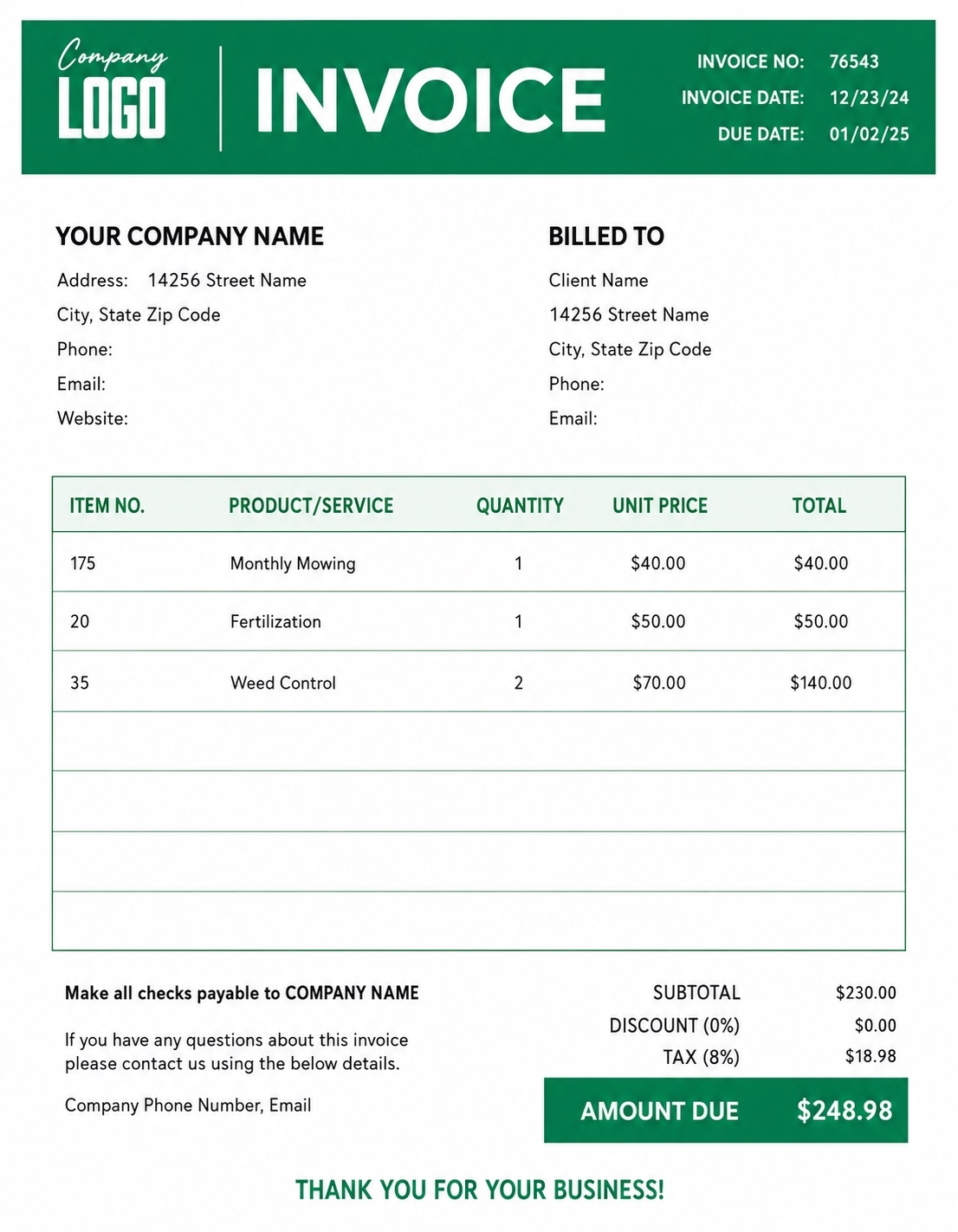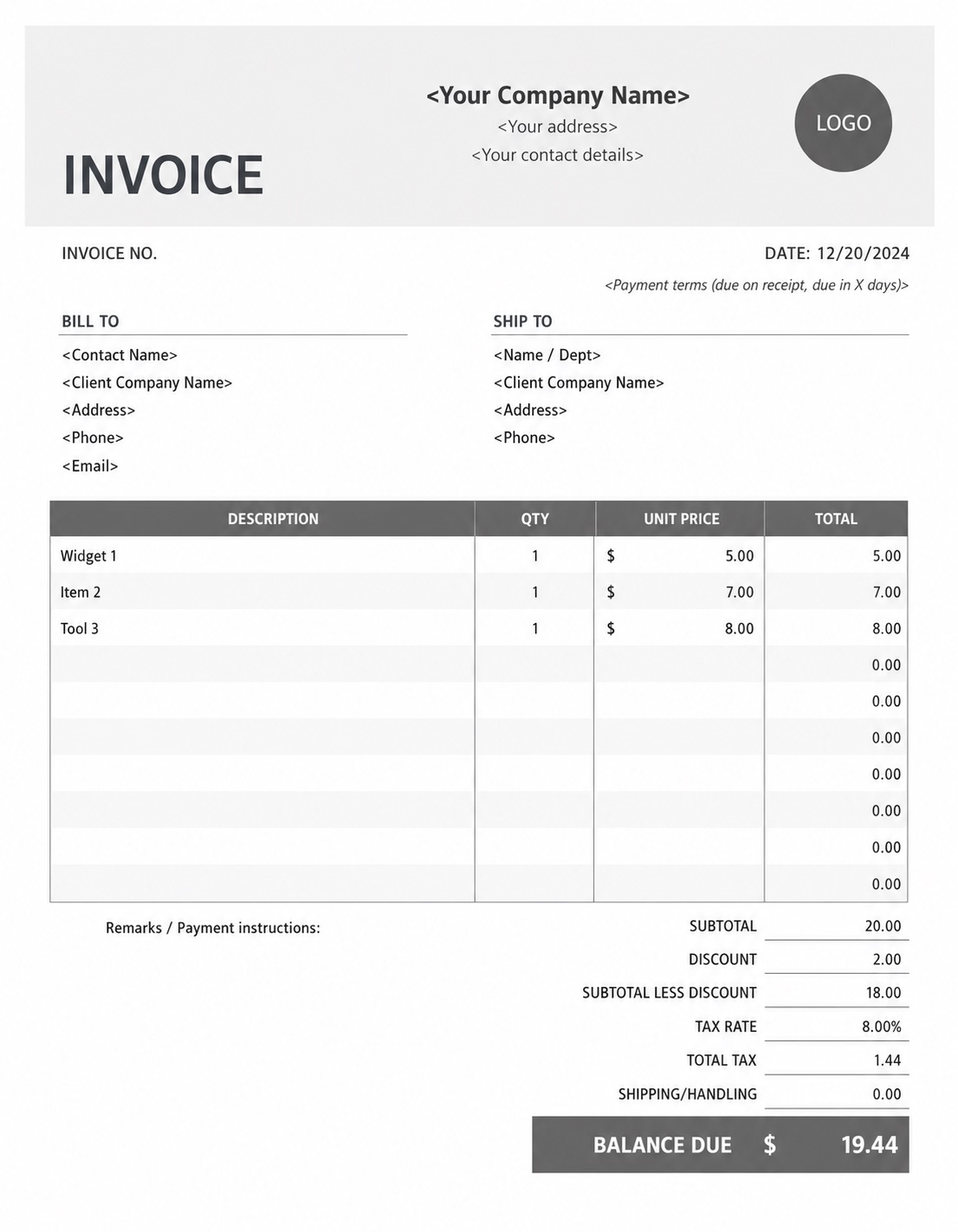


Simple Invoice Creation
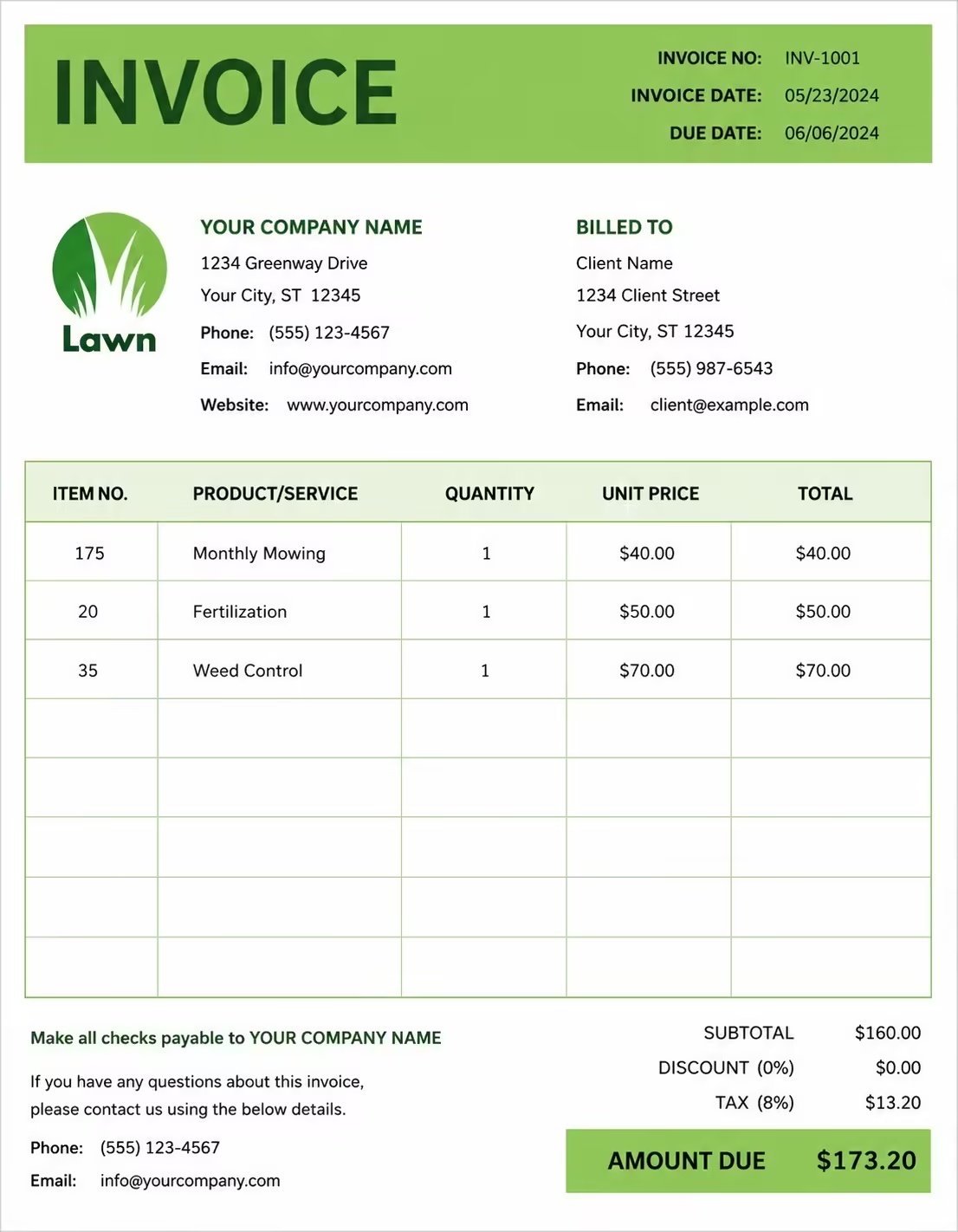
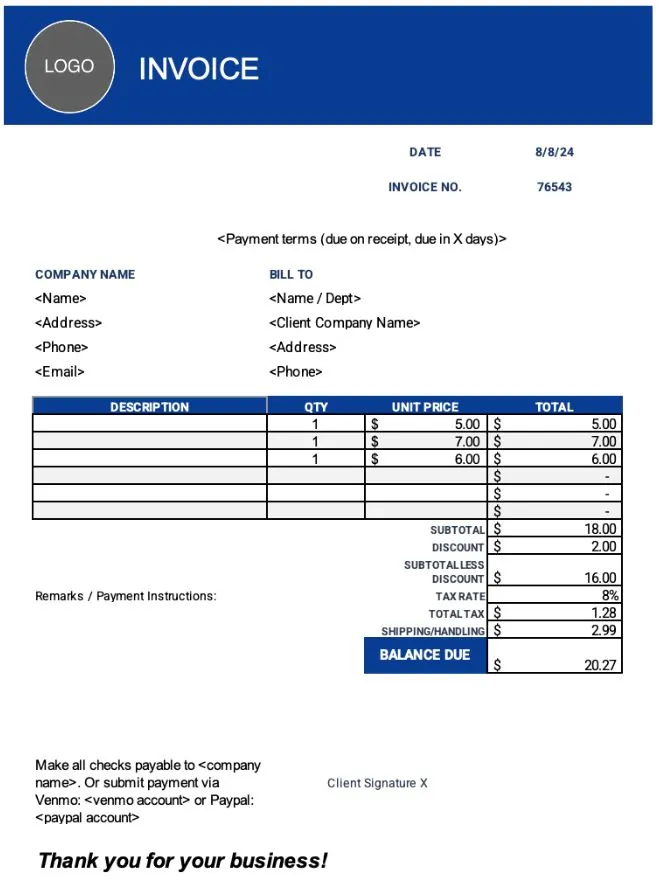
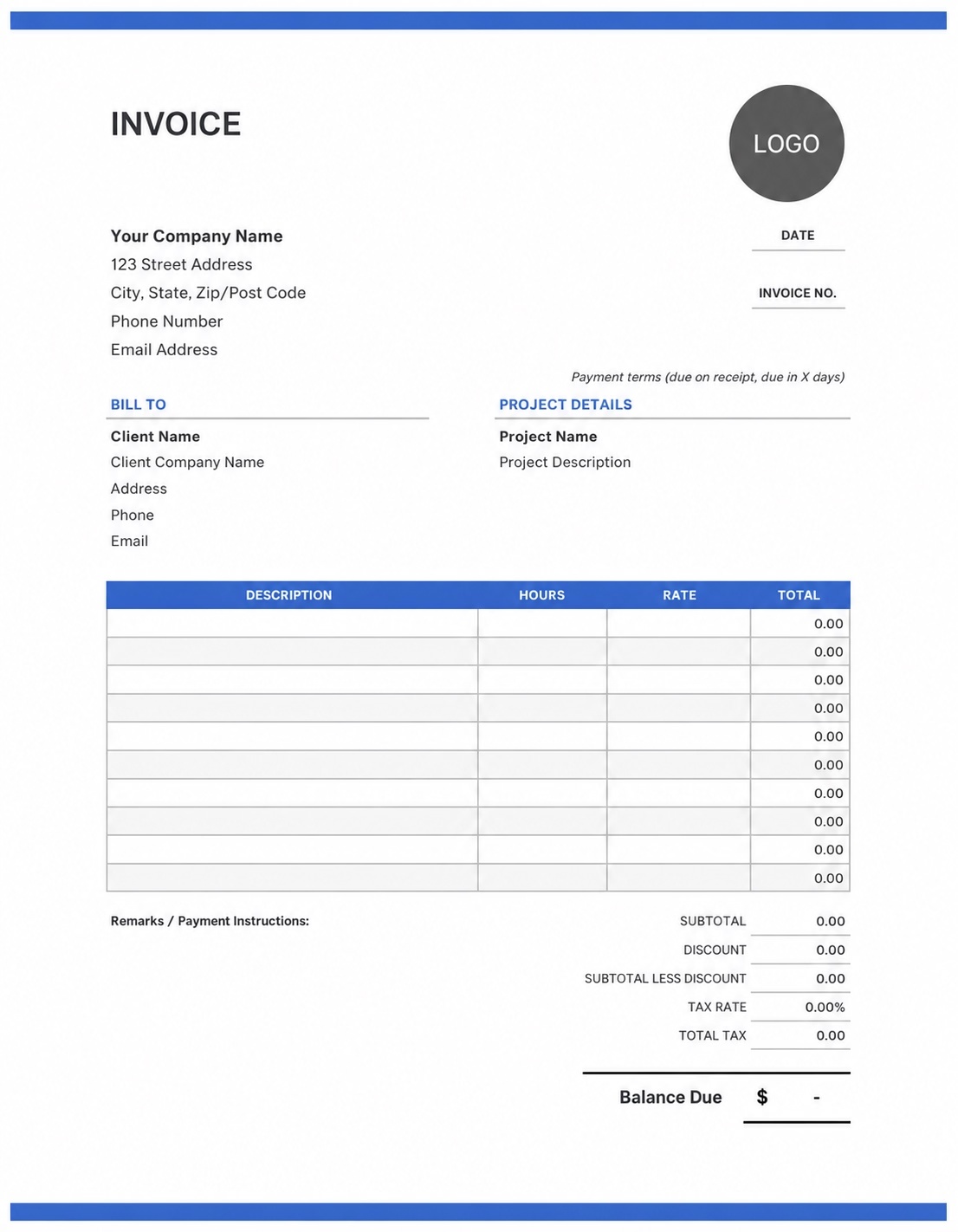
Create invoices quickly by adding your business details, client information, products, services, taxes, discounts, and payment notes.
Create invoices, send estimates, track payments, and manage client billing in one place. Save time, stay organized, and present your business professionally.
Invoize is built to make invoicing simple, fast, and professional. Instead of spending time formatting documents manually, you can create clean invoices and estimates in just a few taps.
Create invoices quickly by adding your business details, client information, products, services, taxes, discounts, and payment notes.
No complicated setup or learning curve. Just add your client, amount, and send — it’s that fast.
Generate clean and professional PDF invoices that are ready to send, download, print, or share with your clients.
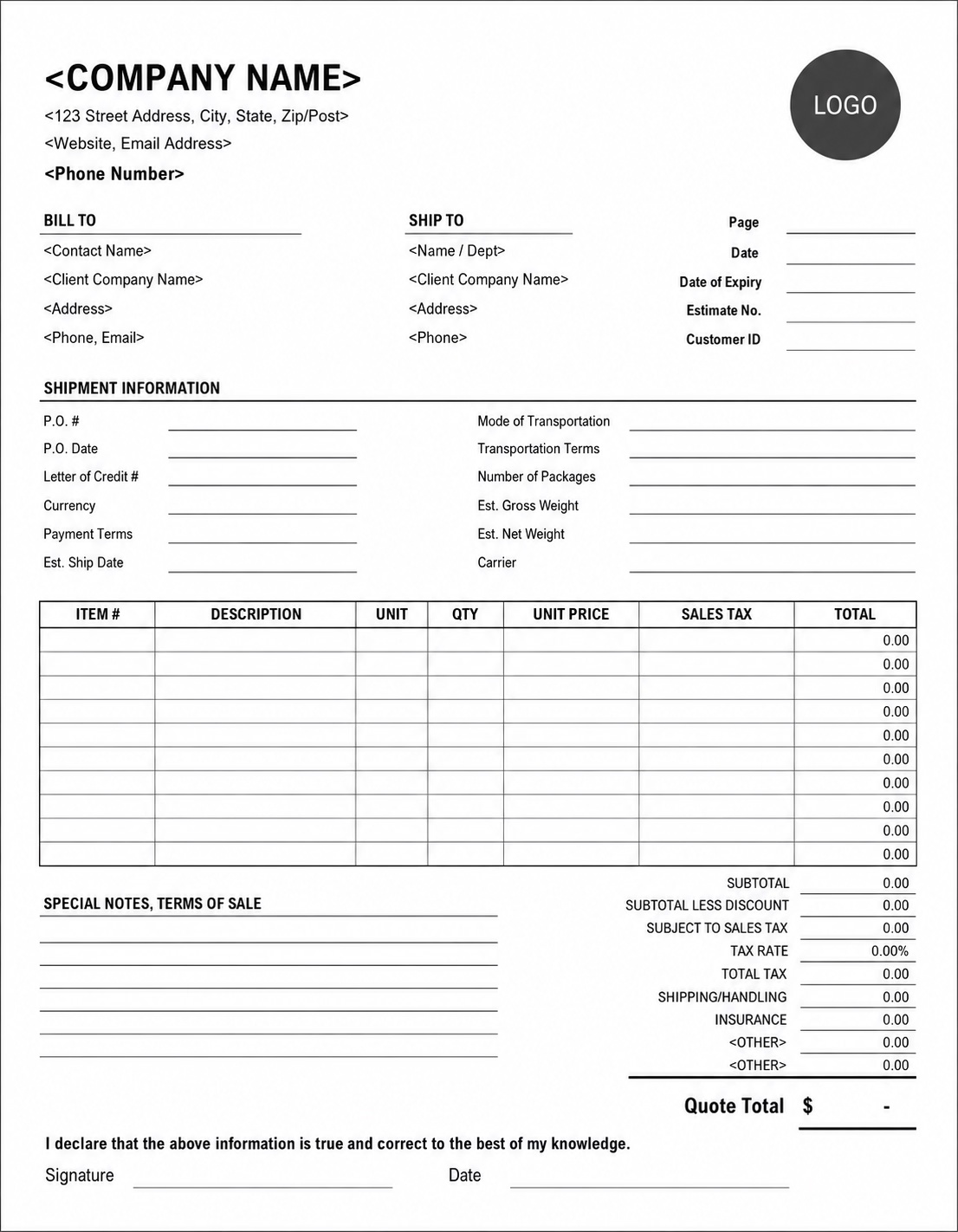
Use Invoize to create more than invoices. You can also prepare estimates, quotes, and receipts for different types of client work.
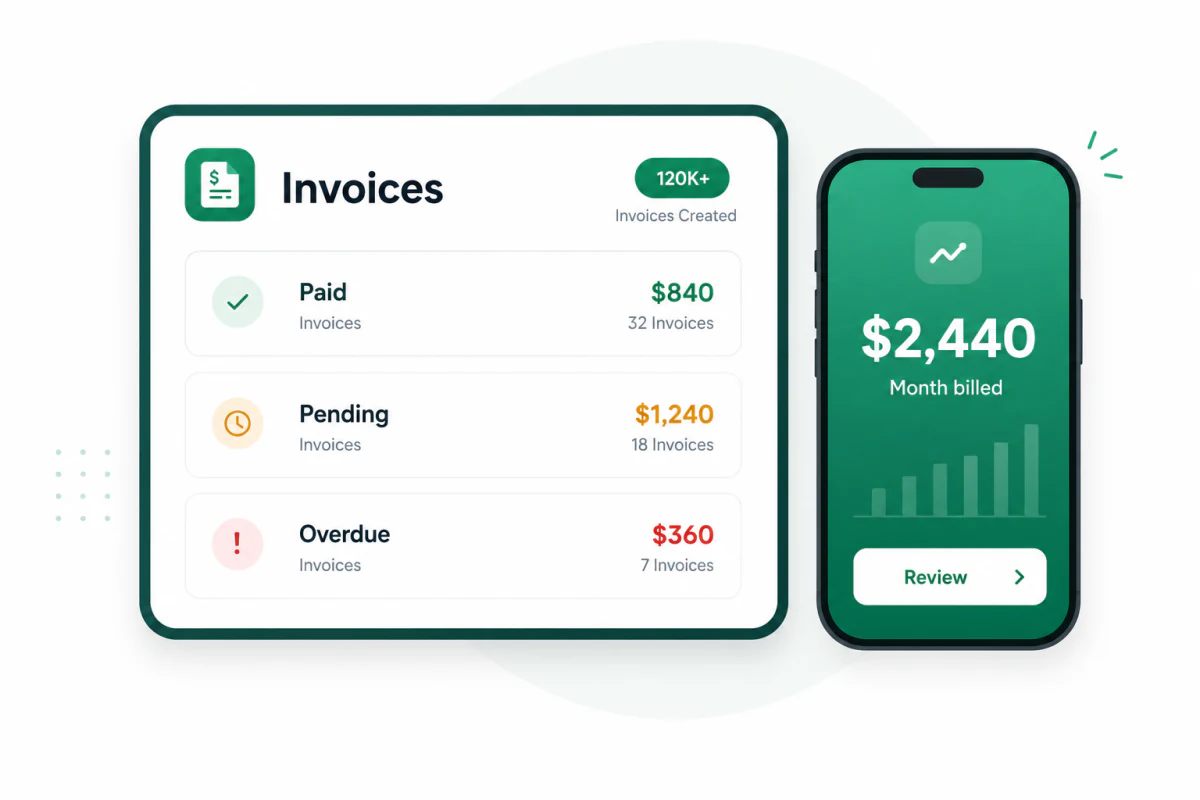
Track invoice status so you can quickly see which invoices are paid, unpaid, pending, or overdue.
Save client details once and reuse them whenever you create a new invoice, estimate, or receipt.
How it works
Create, send, and get paid — all in one simple flow.
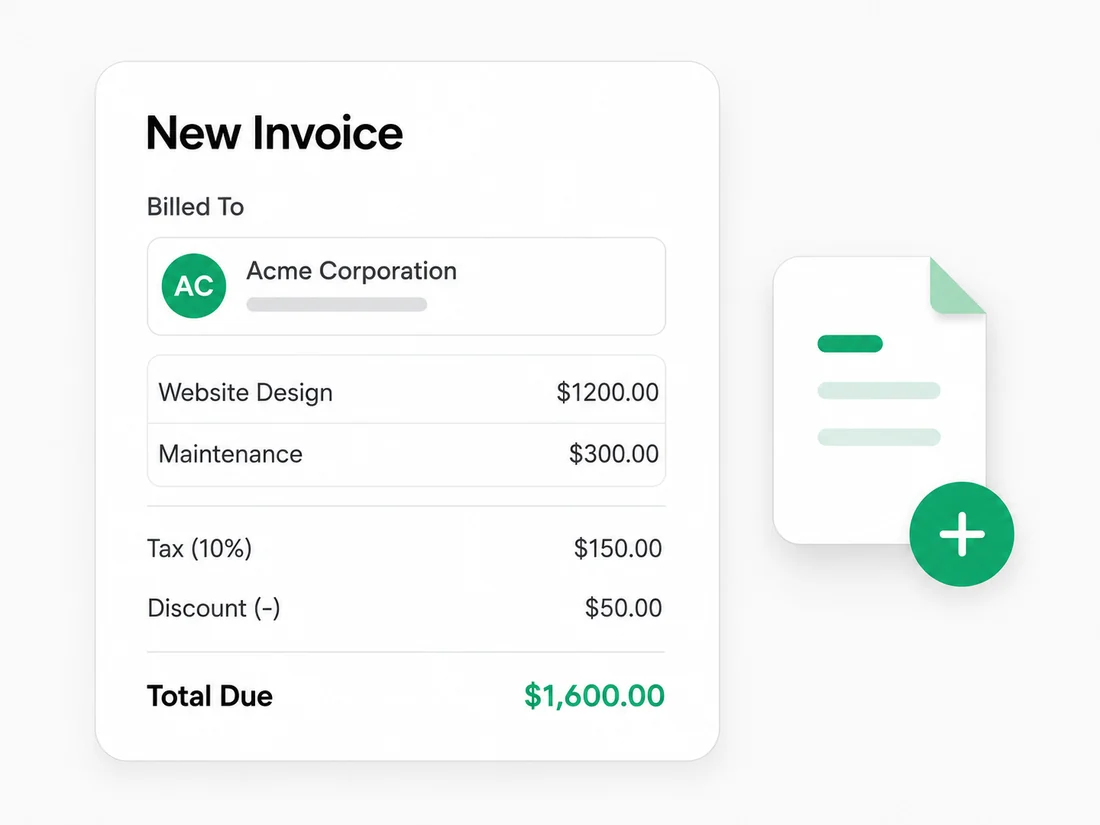
Add your client, items, tax, discount, and due date in seconds.
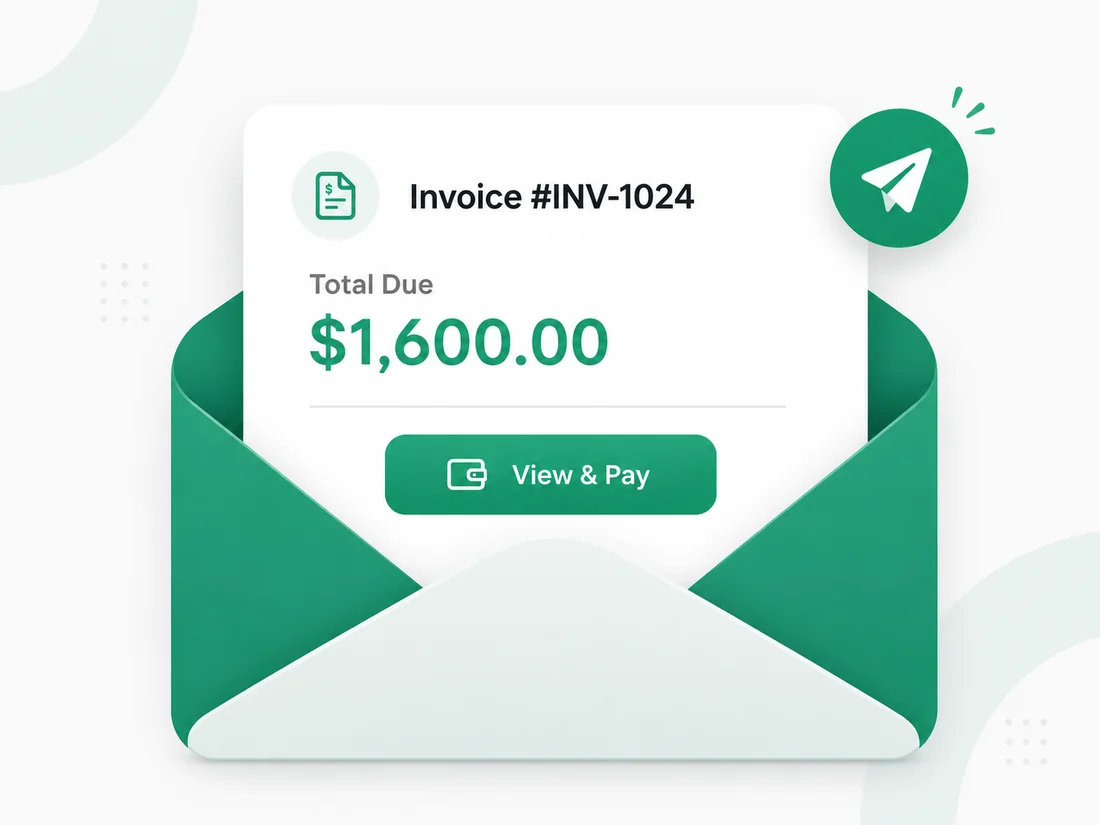
Email your invoice directly or share a secure payment link.
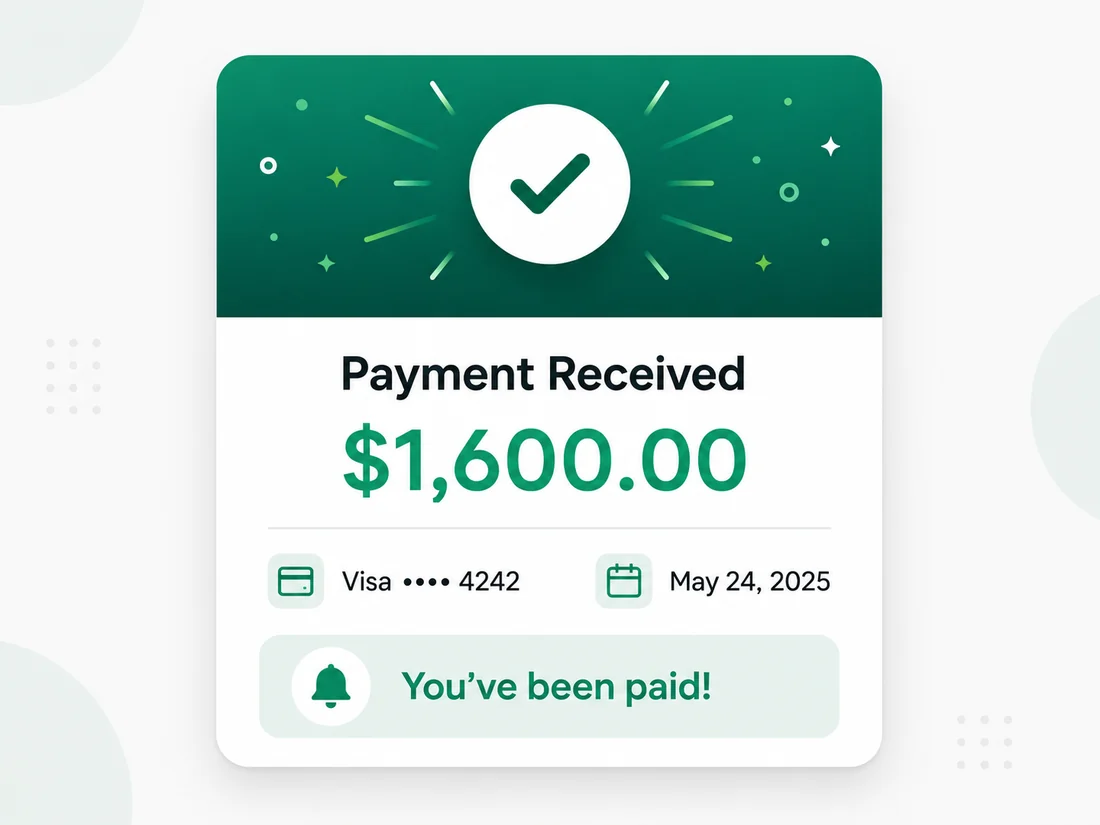
Track payments in real-time and get notified when you are paid.
| Branding Design | $400.00 |
| UI/UX Design | $1,200.00 |
| Development | $900.00 |
Get paid faster, stay organized
Invoize helps you present your business professionally, keep billing organized, and stay on top of outstanding payments.


Flexible invoicing for real work
Create invoices online, manage small-business billing, and move from estimates to payments with tools designed for work on any device.
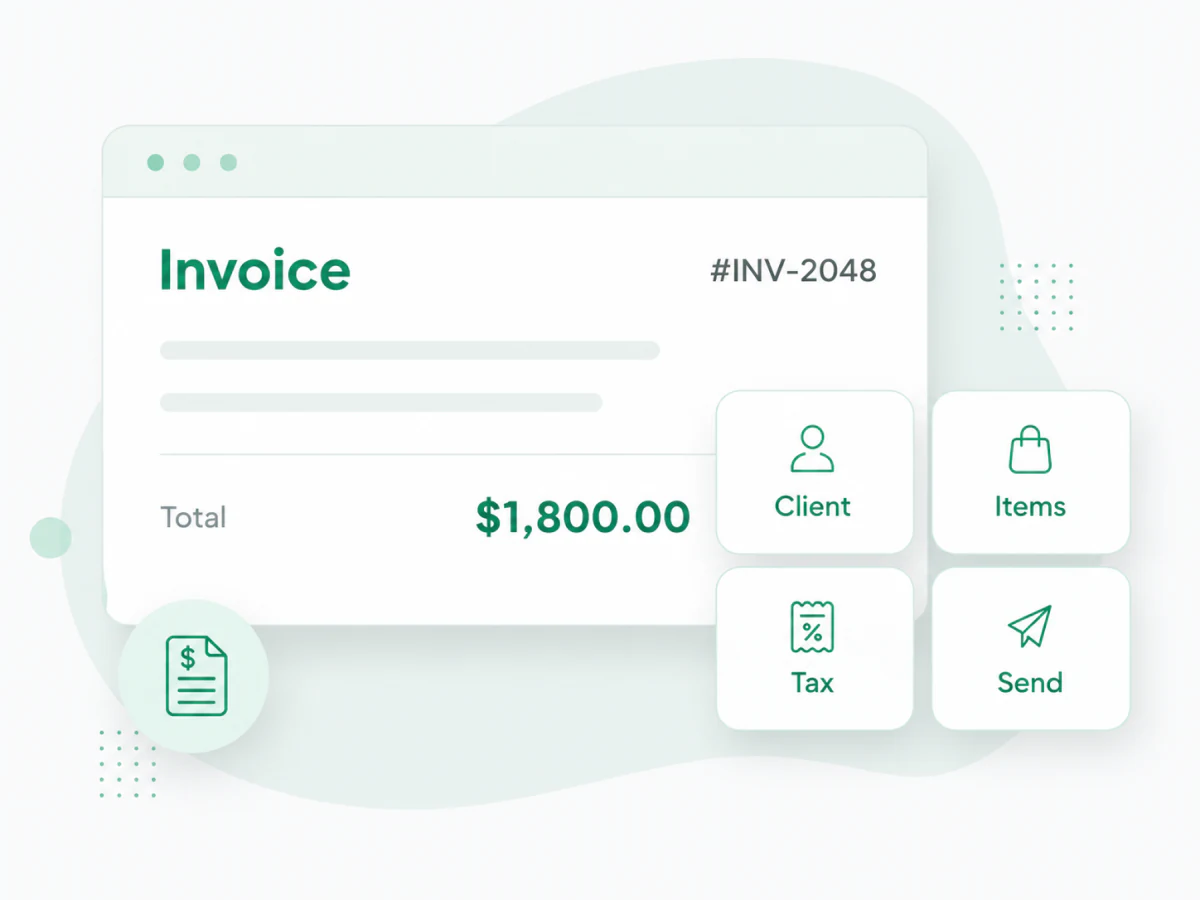
Online invoicing from any device
Use Invoize as your everyday invoice app to create and send professional invoices from your computer, tablet, or phone.
Keep client details, line items, taxes, discounts, notes, totals, and payment status organized in one place. Everything you need stays accessible without relying on spreadsheets, old files, or copied document templates.
Built for growing businesses
Invoize helps small businesses manage everyday billing without complicated accounting software or time-consuming document formatting.
Save client information, reuse products and services, apply taxes or discounts, and quickly review which invoices are paid, pending, or overdue as your customer list grows.
Estimates and invoices for freelancers
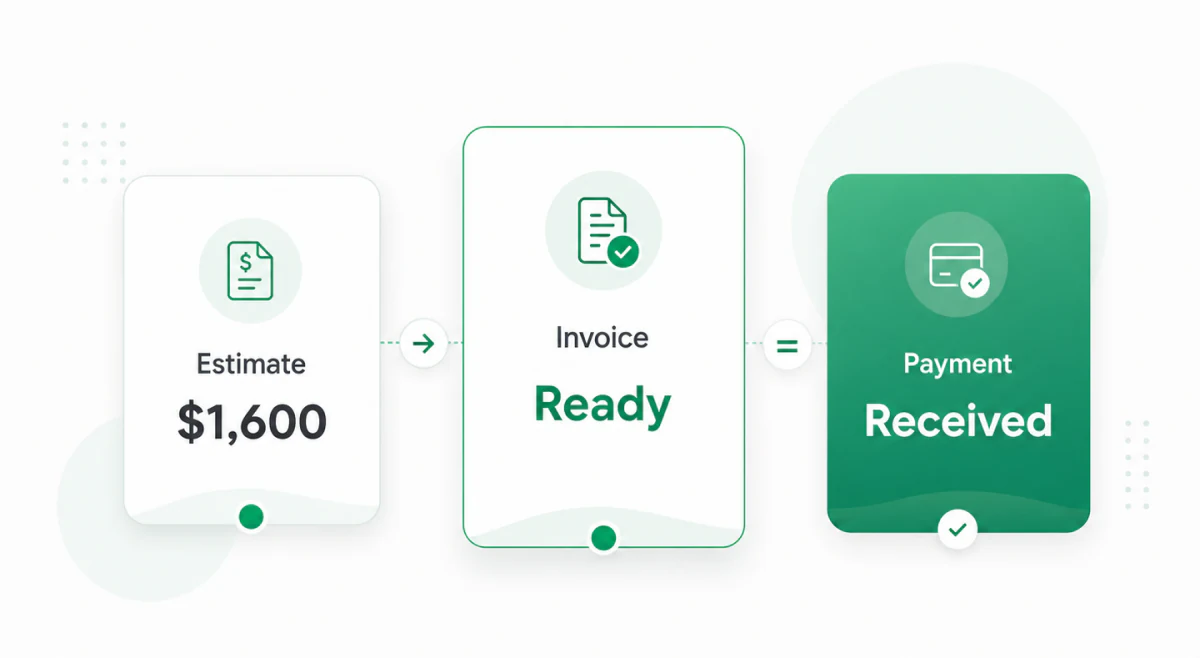
Create an estimate before the project begins, turn it into an invoice when the work is approved, and send a polished PDF from any device.
As an invoice maker for freelancers, Invoize keeps estimates, invoices, client details, and payment status connected from the first quote through the final payment.
Made to match your brand
More free business resources
Jump into helpful Invoize resources built for small businesses, freelancers, contractors, and growing teams.
Built for every business
Create and send invoices with ease and get paid faster.
Manage clients, invoices, and payments in one organized place.

Handle multiple projects, clients, and team access seamlessly.

Send estimates, track expenses, and manage cash flow.
Trusted by thousands
Real stories from business owners, freelancers, and teams who use Invoize to create invoices faster, stay organized, and get paid with confidence.

“Invoize helped me replace messy spreadsheets with clean invoices I can send in minutes. My clients take me more seriously now.”
Questions
Invoize helps business owners create professional invoices, send estimates, track payments, manage clients, and keep billing organized from one simple invoice maker app.
Yes. You can start creating invoices free and use Invoize to build clean, professional invoices without a complicated setup process.
Yes. Invoize is built for freelancers, contractors, consultants, agencies, and small business owners who want a faster way to create invoices and get paid with confidence.
Yes. You can create estimates for upcoming work, share them with clients, and keep your sales and billing workflow easier to manage.
Yes. Invoize helps you monitor payment status, see which invoices are paid or unpaid, and stay organized when following up with clients.
Yes. Invoize includes ready-made invoice templates for service businesses, contractors, creatives, consultants, and many other industries.
Yes. You can keep client information organized so every new invoice or estimate is faster to prepare and easier to manage.
Yes. Invoize is available on web, iOS, and Android, allowing you to create and manage invoices from your computer, phone, or tablet.
From freelancers to growing companies, Invoize helps businesses create professional invoices, manage billing, and get paid faster.







Invoize helps freelancers and businesses create, manage, and send invoices easily
from anywhere without complicated accounting software.