
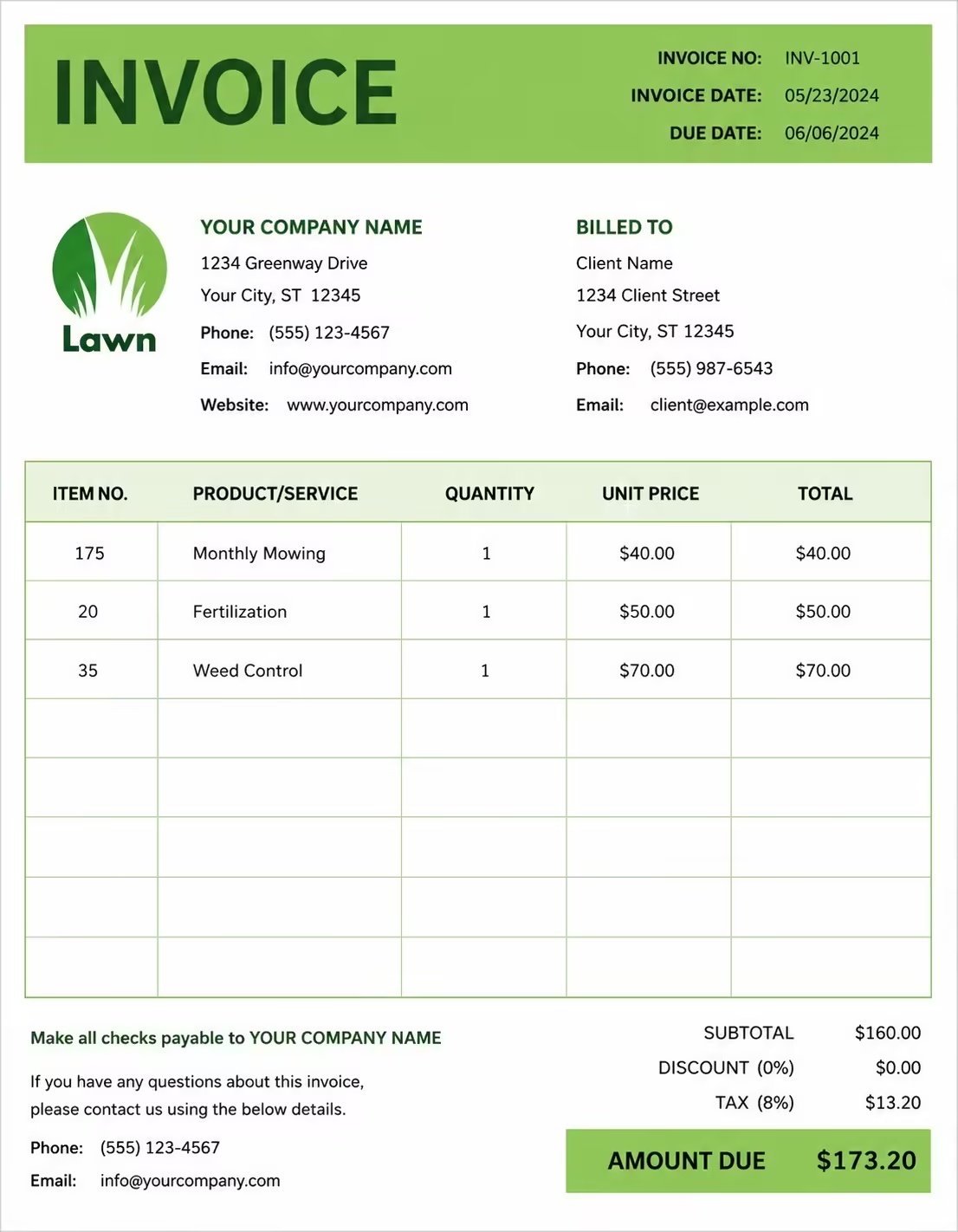
Free Auto Repair & Mechanic Invoice Template
Free invoice templates for auto repair shops, mobile mechanics, garages, service centers, and vehicle maintenance businesses. Use them for labor, parts, diagnostics, repairs, inspections, tune-ups, oil changes, tire services, and customer billing.
Use this template to bill customers for repair work, mechanic labor, replacement parts, shop fees, taxes, discounts, deposits, and payment terms in a clean and professional way.
Download the app and manage invoices anywhere


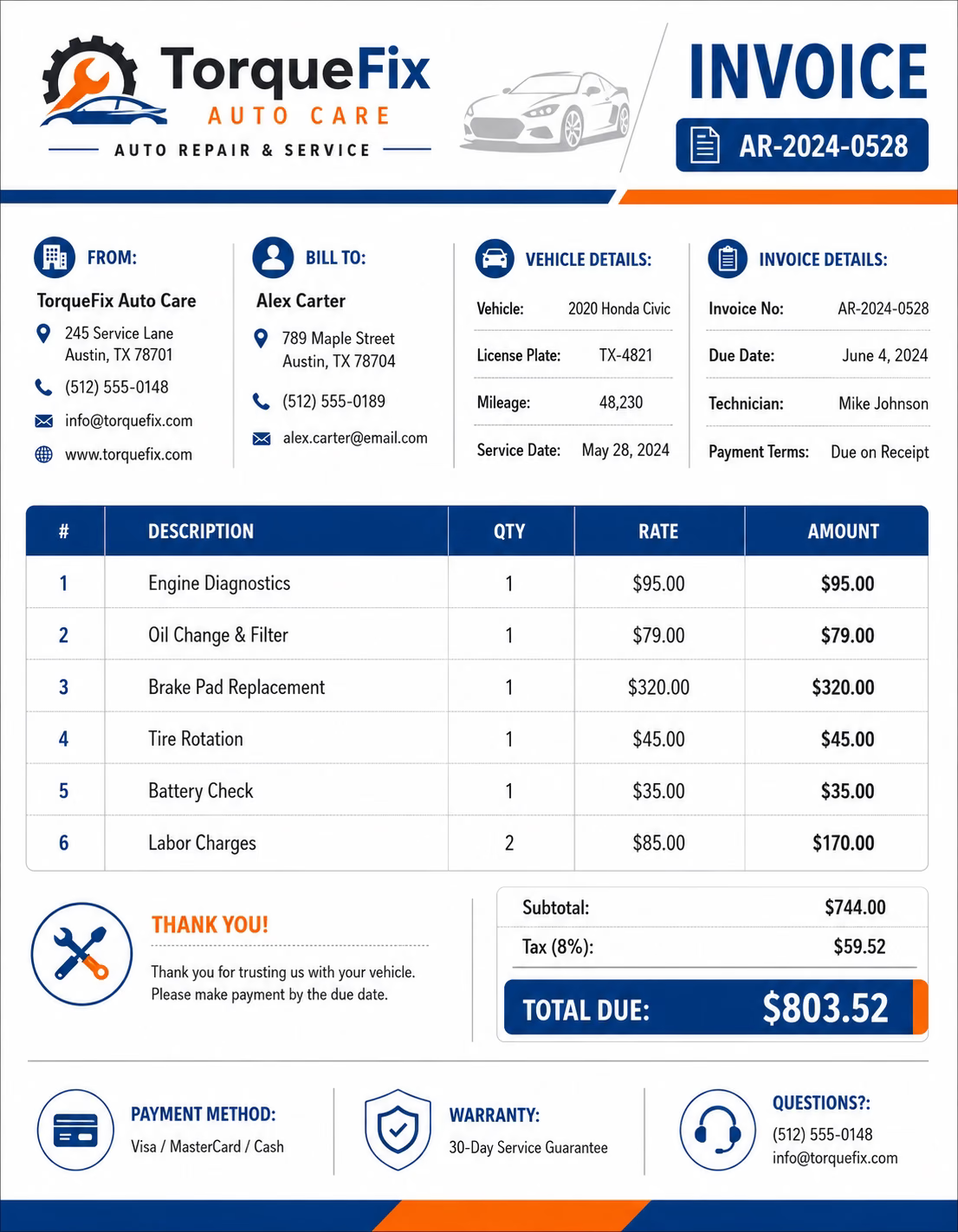
Download Free Auto Repair & Mechanic Invoice Templates
Download a template, then edit it in PDF, Word, Excel, Google Docs, or Google Sheets. Print it, save it, or send it to your customer when the auto repair service is complete.
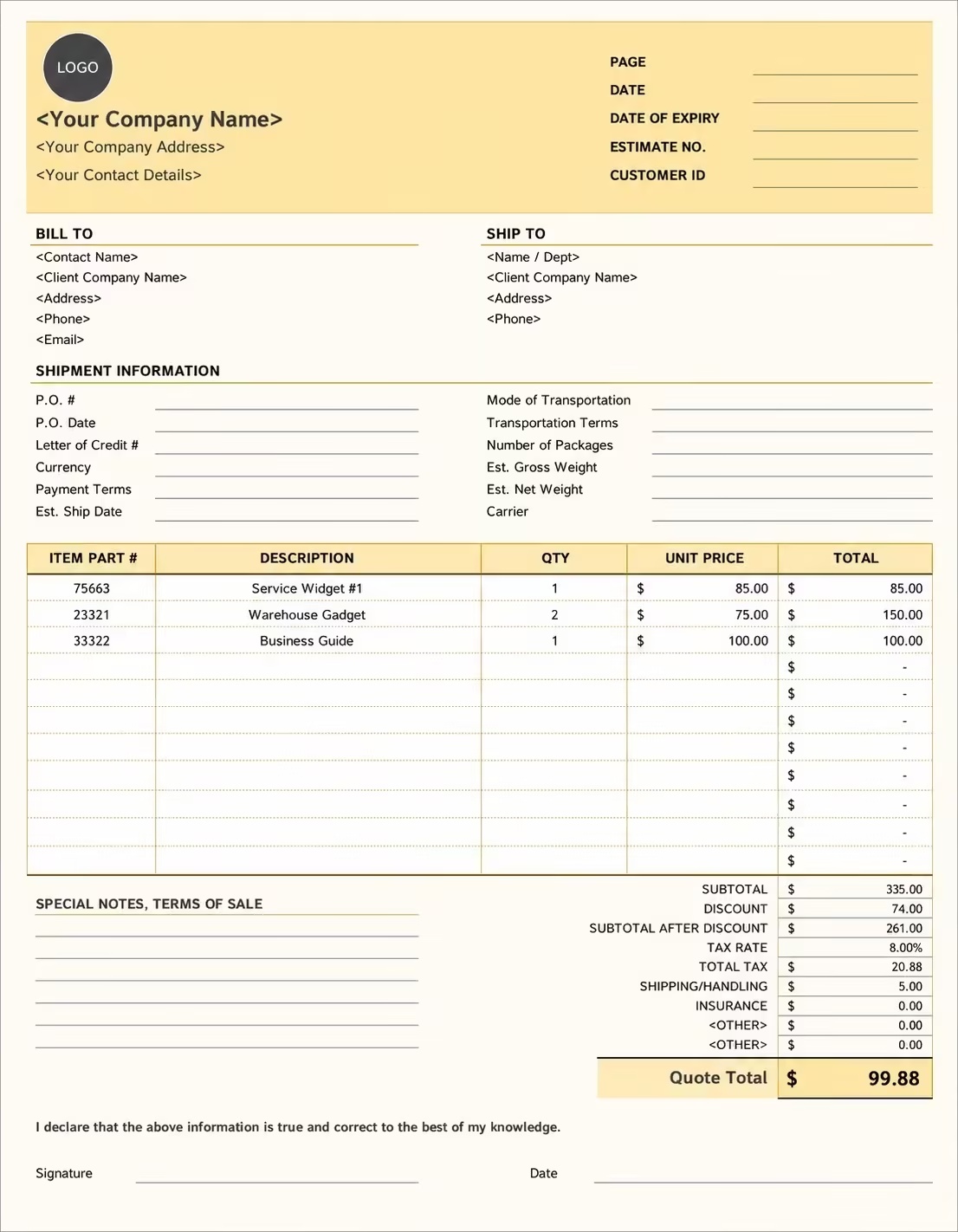
Editable Auto Repair and Mechanic Invoice Template
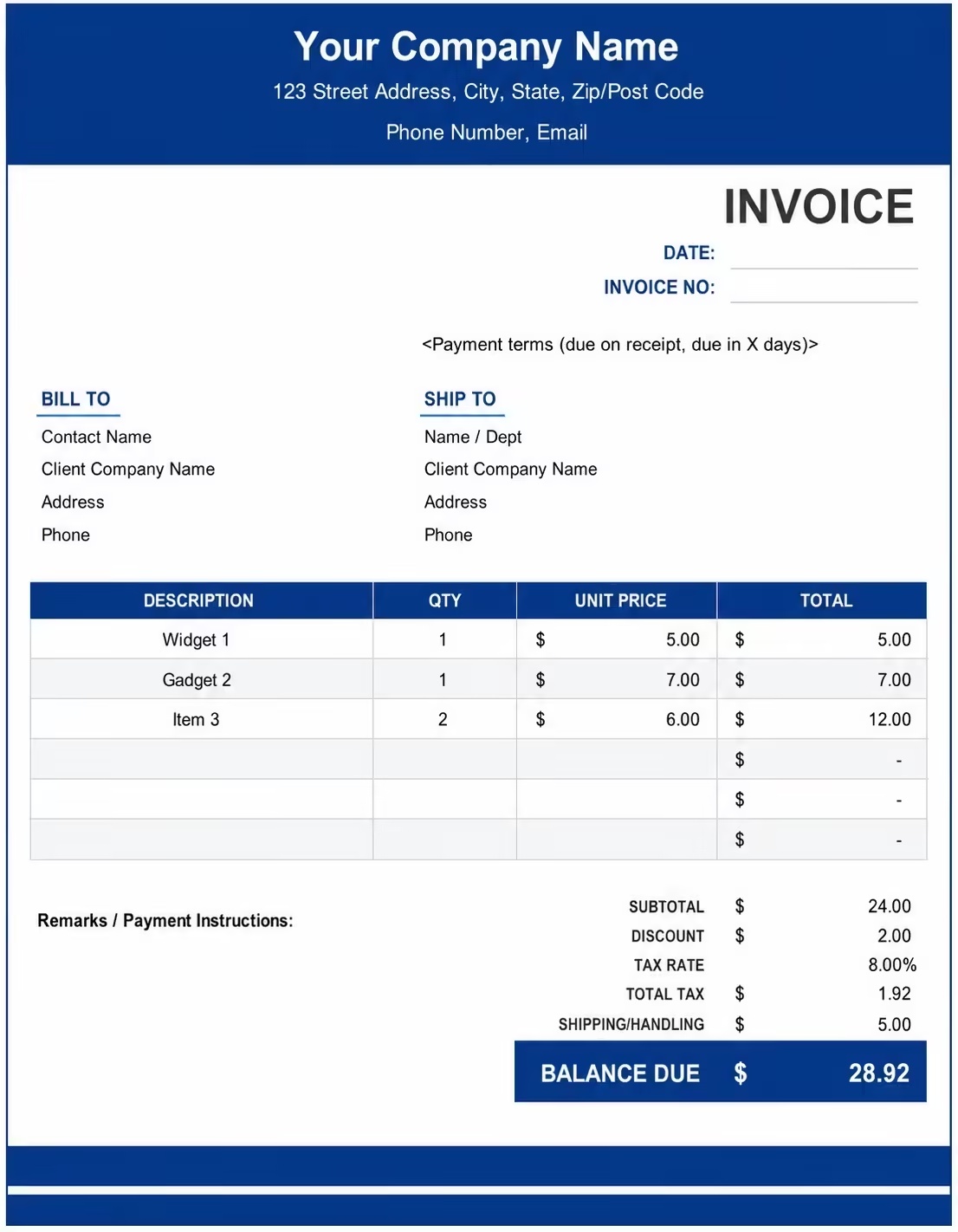
Printable Auto Repair and Mechanic Invoice Template
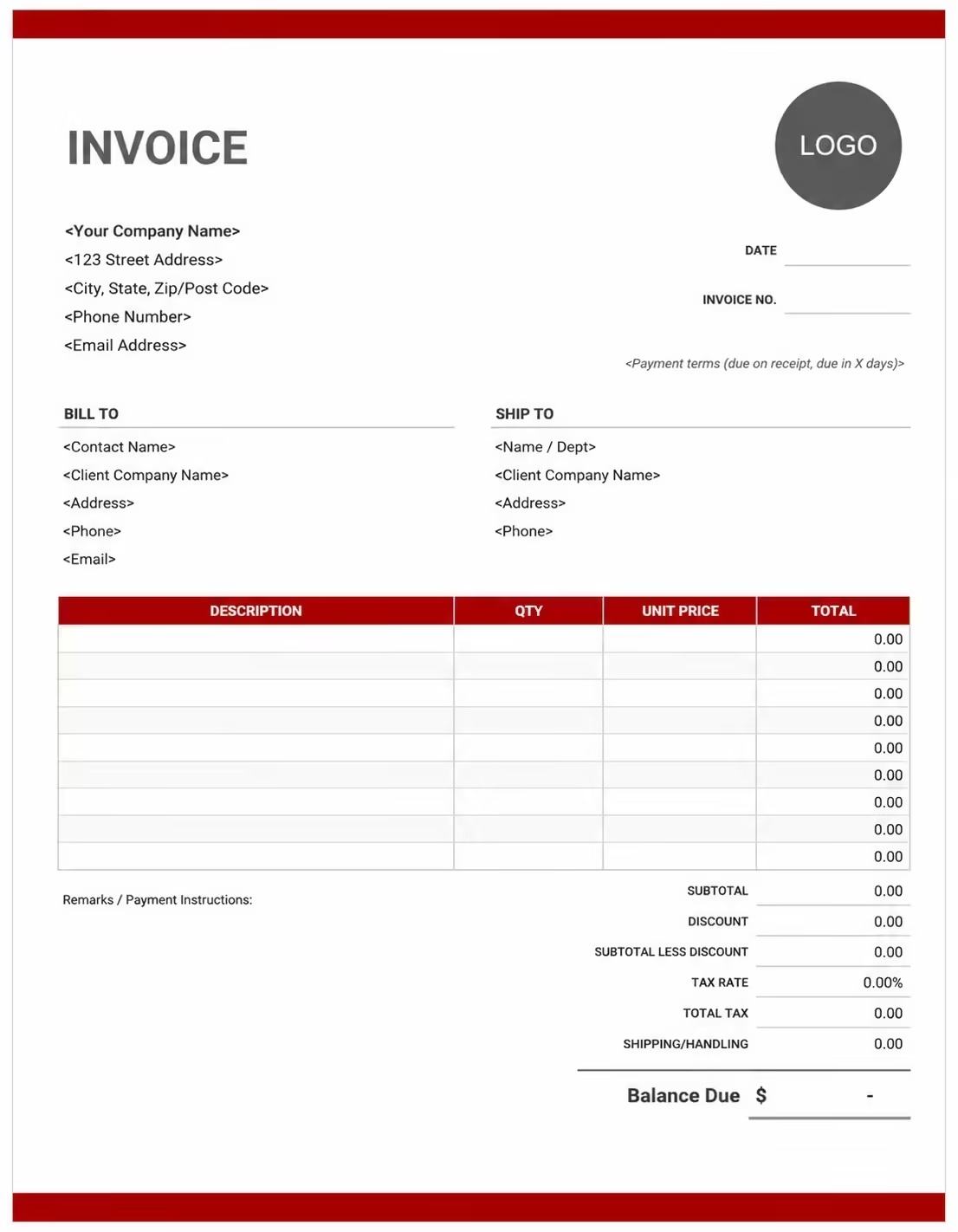
Free Auto Repair and Mechanic Invoice Template
Use these templates for auto repair shops, mobile mechanics, garages, vehicle maintenance businesses, service centers, fleet repair providers, and independent mechanics.
How to Invoice for Auto Repair & Mechanic Work
A clear auto repair invoice helps the customer understand the service performed, the parts used, the labor charged, and the final amount due.
Start Creating Invoices FreeIn 5 Steps:
- Confirm the customer details, vehicle information, repair request, labor rate, parts needed, and estimated cost.
- Record the service completed, parts installed, diagnostic work, inspection notes, and any extra approved repairs.
- Track mechanic labor hours, part quantities, shop supplies, towing fees, and any discounts or deposits.
- Calculate labor, parts, fees, taxes, previous payments, and the final balance due.
- Send the invoice with payment options, due date, service notes, warranty details, and customer instructions.
With Invoize, you can create auto repair invoices faster, save customer details, reuse service items, and track payments from your phone.
What to Include in an Auto Repair & Mechanic Invoice
A professional auto repair invoice should include all details needed to identify the customer, vehicle, repair work, parts, charges, and payment terms.
Vehicle and Repair Details
- Invoice numberHelps connect the repair job, customer payment, and service history to one clear record.
- Customer name and contact detailsShows who requested the repair and who is responsible for the payment.
- Vehicle informationAdd the vehicle make, model, year, license plate, VIN, mileage, or unit number when useful.
- Service date and repair orderShows when the vehicle was inspected, repaired, completed, or ready for pickup.
- Repair descriptionExplain the issue, approved work, inspection result, diagnostic notes, or service performed.
Labor, Parts, and Supplies
- General repair laborShows approved repair work such as replacement, adjustment, installation, or mechanical service.
- Labor hours and rateShows labor hours multiplied by the hourly rate with a short service description.
- Replacement partsUse when installing brake pads, filters, batteries, belts, hoses, sensors, tires, or other parts.
- Part detailsShow the part name, quantity, unit price, and part number when needed.
- Shop supplies and fluidsList cleaners, lubricants, rags, clips, oil, coolant, brake fluid, or transmission fluid used during the job.
Fees and Payment Adjustments
- Diagnostic serviceUse for warning lights, drivability problems, electrical issues, or inspection work.
- Mobile mechanic service feeShow travel or on-site service charges separately from repair labor.
- Tire disposal or environmental feesShow the number of tires, waste oil, recycling, or disposal charge as a separate fee.
- Tax, discounts, and depositsShow tax before the final total and subtract any paid deposits or approved discounts.
- Payment terms and final balanceMake the due date, accepted payment methods, and remaining amount due easy to understand.
Billing Scenarios for Auto Repair & Mechanic Businesses
Use clear invoice labels so customers understand the service type, mechanic labor, parts installed, shop fees, and final balance due.
| Scenario | Invoice line items | Best used for | How to describe it |
|---|---|---|---|
| Diagnostic service | Diagnostic labor, scan report, inspection fee | Check engine light, electrical issues, unusual noises, or performance problems. | Explain that the charge covers testing, scanning, and identifying the issue before repair work begins. |
| Brake repair | Brake pads, rotors, brake labor, brake fluid | Front brake repair, rear brake repair, rotor replacement, or brake inspection. | Separate parts from labor so the customer can see the full brake service cost. |
| Labor-only repair | Installation labor, customer-supplied part note | Jobs where the customer provides the replacement part. | Make it clear that your shop is billing only for labor and not for the part itself. |
| Mobile mechanic service | Travel fee, service call fee, on-site labor, parts | Roadside repair, home service, office parking lot repair, or emergency repair. | Show travel and service call charges separately from repair labor. |
| Battery replacement | Battery, installation labor, terminal cleaning, core charge | Battery testing, replacement, and installation. | List the battery cost and any core charge clearly. |
| Oil change and fluid service | Oil, filter, labor, fluid top-off, disposal fee | Routine maintenance, fleet service, quick lube visits, and scheduled vehicle care. | Show fluids, filters, labor, and disposal fees separately instead of one unclear service total. |
| After-hours repair | Emergency labor, after-hours fee, parts, service call | Evening, weekend, or urgent repair work. | Explain that the extra charge applies because the repair was done outside normal hours. |
| Fleet maintenance | Vehicle unit number, recurring labor, parts, inspections, service notes | Commercial vehicles, delivery fleets, rideshare cars, vans, trucks, or maintenance contracts. | Include the vehicle unit, service period, completed work, and payment status for each fleet job. |
Start Creating Invoices Free
☝️ Create your first invoice in seconds.
Common Charges and Shop Fees for Auto Repair Shops
Itemize auto repair charges clearly so customers can see labor, diagnostics, replacement parts, supplies, mobile service fees, taxes, and credits.
| Charge or service | Unit | When to use | How to show it |
|---|---|---|---|
| General repair labor | Time | Use for approved repair work such as replacement, adjustment, installation, or mechanical service. | Show labor hours multiplied by the hourly rate with a short service description. |
| Diagnostic service | Service or time | Use for warning lights, drivability problems, electrical issues, or inspection work. | List the diagnostic service separately and add a short note about the issue checked. |
| Replacement parts | Item | Use when installing brake pads, filters, batteries, belts, hoses, sensors, tires, or other parts. | Show part name, quantity, unit price, and part number if needed. |
| Shop supplies | Fee | Use for cleaners, lubricants, rags, clips, minor hardware, or small materials. | Add it as a separate line so it is not hidden inside labor or parts. |
| Tire disposal | Item or fee | Use when old tires are removed and disposed of after replacement. | Show the number of tires and the disposal charge per tire or as one fee. |
| Oil and fluids | Item | Use for oil changes, coolant, brake fluid, transmission fluid, or top-offs. | List the fluid type, quantity, and related service. |
| Mobile mechanic service fee | Service | Use when traveling to a customer’s home, workplace, roadside location, or parking area. | Show it separately from repair labor so the travel charge is clear. |
| After-hours charge | Fee | Use when the customer requests service outside normal business hours. | Add it as a separate line with a short emergency or after-hours note. |
| Tax | Percentage or amount | Use when tax applies to parts, services, or fees based on local rules. | Show tax before the final total so the customer can see how the balance was calculated. |
| Deposit or partial payment | Credit | Use when the customer paid before or during the repair. | Subtract it from the invoice total and show the remaining balance due. |
Common Auto Repair & Mechanic Invoicing Mistakes
Auto repair work often includes labor, parts, diagnostics, vehicle details, shop fees, and service notes. Missing details can confuse customers or delay payment. Avoid these common mistakes.
| Mistake | Why it causes problems | How to fix it |
|---|---|---|
| Missing vehicle details | The customer, shop, or fleet manager may not know which vehicle the invoice belongs to. | Add the make, model, year, VIN, license plate, mileage, or unit number when useful. |
| Combining labor and parts in one line | The total can look unclear because the customer cannot see what was labor and what was parts. | Separate labor hours, labor rate, part names, quantities, unit prices, fees, and taxes. |
| Not explaining diagnostic fees | Customers may question a diagnostic charge if the repair work is listed separately. | Add scan, testing, inspection, or diagnostic notes as their own line item. |
| Leaving out part details | Replacement parts may look vague or overpriced without part names, quantities, or notes. | List the part name, quantity, unit price, part number, and OEM or aftermarket note when needed. |
| Forgetting shop supplies or disposal fees | Small fees can surprise customers if they are hidden in the total. | Show shop supplies, tire disposal, waste oil, recycling, or environmental fees separately. |
| Not recording approved extra repairs | Extra work may be disputed if it is not documented on the final invoice. | Add approved add-ons, extra labor, extra parts, and updated totals clearly. |
| Not showing deposits or credits | The final balance may look higher than expected. | Subtract deposits, partial payments, discounts, warranty credits, or insurance payments before showing the amount due. |
| Missing warranty or pickup terms | Customers may not know what is covered or when payment is required. | Add warranty notes, payment due date, pickup terms, storage fee policy, and accepted payment methods. |
| Not saving invoice records | Tracking payment history, repeat repairs, warranty work, and customer questions becomes harder. | Keep a copy of every auto repair invoice for your business and customer records. |
More Invoice Templates You May Like
Explore closely related invoice templates for auto repair and mechanic work, similar services, and nearby billing scenarios before choosing the best format for your customer.
Questions
Frequently Asked Questions
How should I show labor charges on an auto repair invoice?
Break labor into clear service lines instead of writing one total amount. Example: Brake pad replacement labor: front axle: 1.5 hours × $85/hr = $127.50. This helps the customer understand what work was done and how the labor cost was calculated.
What parts details should be included on a mechanic invoice?
List the part name, quantity, part number if available, unit price, and whether it is OEM, aftermarket, or customer-supplied. Example: Oil filter: Part #PH7317: Qty 1: $12, or front brake pads: aftermarket ceramic set: Qty 1: $68.
Should diagnostic fees be listed separately from repair work?
Yes. Keep the diagnostic fee as its own line item, especially if it was charged before the customer approved the repair. If the fee is waived after repair, show it as a discount or zero-dollar line item.
How do I invoice for oil changes, fluids, and filters?
List each service and material clearly so the customer can see what was used. Include oil type, quantity, filter, labor, disposal, and any additional fluid top-offs or inspection work.
Can I add shop supplies or environmental disposal fees?
Yes. Label them clearly and keep them separate from labor and parts. Use lines such as shop supplies, waste oil disposal, tire disposal, recycling fee, or environmental fee when they apply.
How should I bill towing, mobile mechanic visits, or roadside service?
Add a separate line for travel, towing, call-out, roadside, or mobile service charges. If mileage applies, show the distance, rate, or service area note so the charge is easy to understand.
How do I show warranty repair or no-charge service on the invoice?
List the covered service and mark the cost as $0, discounted, or covered by warranty. This creates a clear service record without charging the customer again.
What payment terms should an auto repair invoice include?
Include the due date, accepted payment methods, deposit amount, balance due, pickup terms, warranty notes, and any storage or late fee policy that applies to completed vehicles.













