
Woodworking Invoice Template
Free invoice templates for woodworking businesses, custom furniture makers, cabinet builders, wood repair services, craft woodworkers, and handmade wood product sellers. Download and edit in PDF, Word, Excel, Google Docs, or Google Sheets.
Use this template to bill for woodworking labor, custom design, wood materials, hardware, finishing, repairs, delivery, taxes, discounts, deposits, and payment terms in a clear and professional way.
Download the App
Create, send and manage invoices on the go.


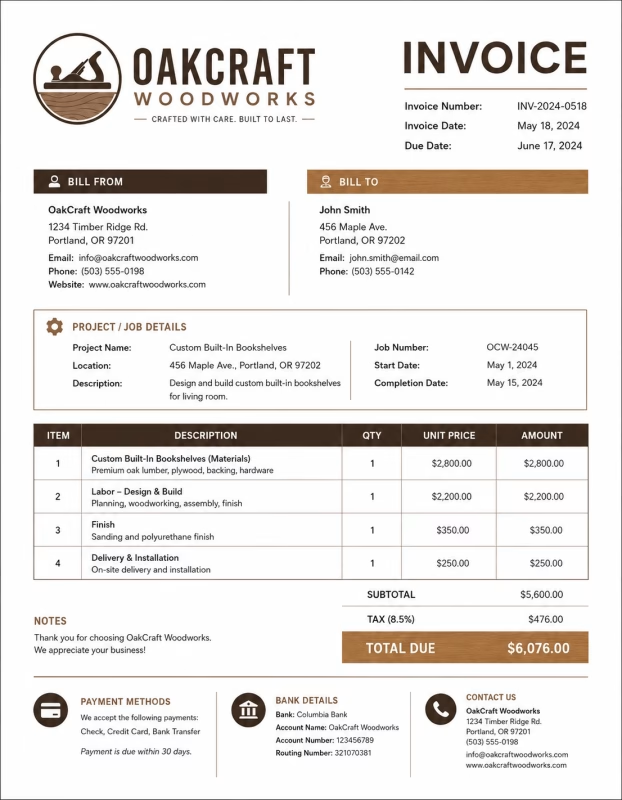
Download Free Woodworking Invoice Templates
Download a template, then edit in PDF, Word, Excel, Google Docs or Google Sheets. Print or email when ready.
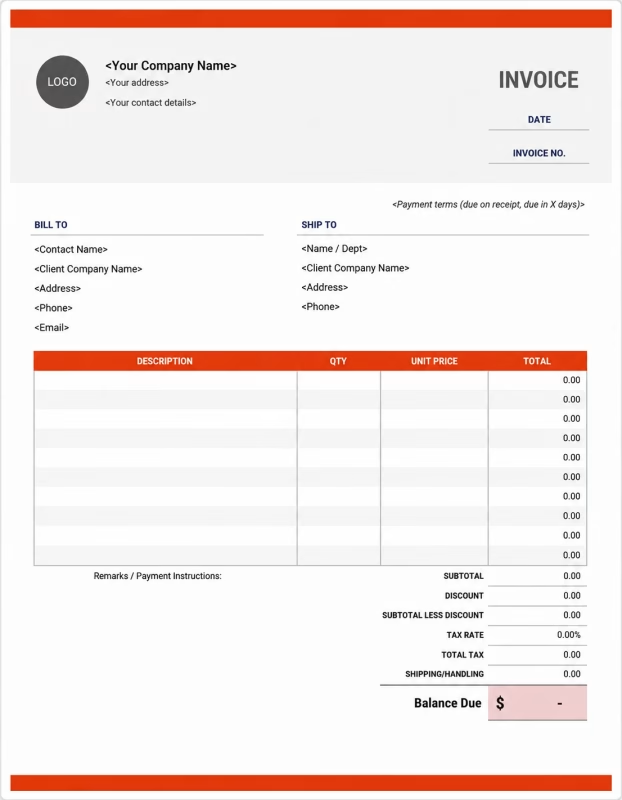


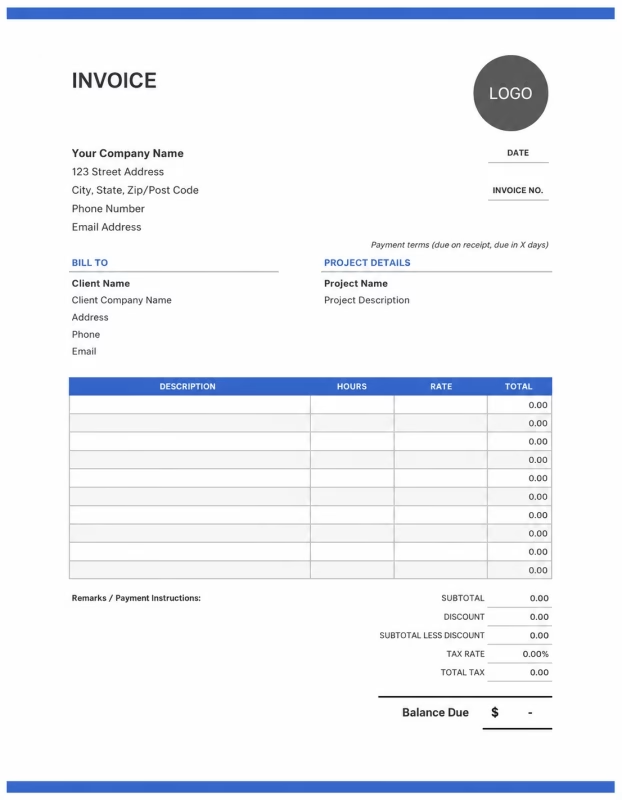
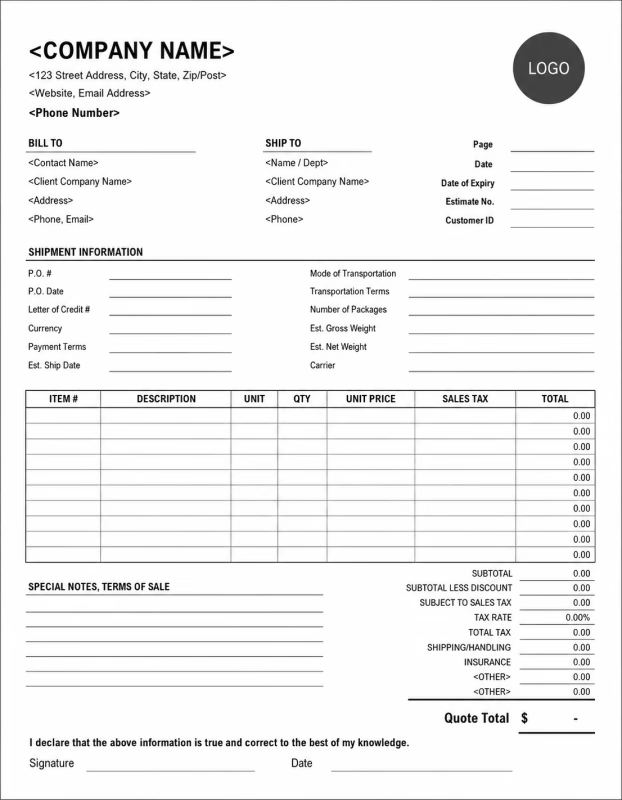
View our complete selection of invoice templates for a variety of businesses and industries.
How to Invoice for Woodworking Work
A good woodworking invoice should clearly show the project details, custom work completed, labor charges, materials used, finishing costs, delivery fees, taxes, and payment terms.
In 5 Steps:
- Confirm the client details, project type, measurements, wood choice, design requirements, delivery needs, and agreed pricing before starting the work.
- Record the completed woodworking work, labor time, custom pieces made, materials used, hardware added, finishing work, and any approved changes.
- Track project costs such as wood, panels, hardware, glue, stain, paint, polish, sanding materials, packaging, and delivery.
- Calculate labor, materials, finishing fees, delivery charges, taxes, discounts, deposits, and the final balance due.
- Send the invoice with payment options, due date, project notes, care instructions, warranty details, and any follow-up recommendations.
With Invoize, you can create woodworking invoices faster, save client details, reuse common services, add materials, and track payments from your phone.
What to Include in a Woodworking Invoice
A professional woodworking invoice should include the details needed to identify the client, project, custom work, materials, charges, and payment terms.
Invoice and Project Details
-
✓
Invoice number Helps track the invoice, payment record, and woodworking project history.
-
✓
Client name and contact details Shows who ordered the woodworking project and who is responsible for payment.
-
✓
Business name and contact details Shows which woodworker, workshop, or company completed the work.
-
✓
Project name or item description Connects the invoice to the correct woodworking order, custom piece, repair, or service request.
-
✓
Measurements, size, or quantity Shows the size, number of items, or custom dimensions used for pricing.
Woodworking Service Details
-
✓
Project dates or delivery date Shows when the woodworking project started, ended, or was delivered.
-
✓
Service description Explains furniture making, cabinet building, shelving, wood repair, carving, refinishing, or custom woodwork.
-
✓
Labor hours and hourly rate Shows how woodworking labor costs were calculated when the job is billed by time.
-
✓
Fixed project fee Shows the agreed price when the woodworking job is billed as a flat-rate project.
-
✓
Wood and main materials Lists wood, boards, plywood, panels, timber, or other main materials used to create the finished piece.
Payment and Final Notes
-
✓
Hardware and finishing supplies Lists hinges, handles, screws, nails, brackets, glue, drawer slides, stain, paint, varnish, polish, or sealant.
-
✓
Delivery and installation fees Shows extra costs for moving, installing, packaging, or safely handling the finished woodworking item.
-
✓
Discounts, deposits, or previous payments Shows credits or amounts already paid before the final balance.
-
✓
Total amount due Shows the final amount the client needs to pay.
-
✓
Warranty or care notes Records the due date, payment methods, care instructions, finish protection notes, repair warranty, or maintenance advice.
Billing Scenarios for Woodworking Businesses
Use clear invoice labels so clients understand the type of woodworking project, custom labor, material costs, finishing work, and final amount due.
| Scenario | Invoice line items | Best used for | How to describe it |
|---|---|---|---|
| Custom furniture order | Design, labor, wood materials, hardware, finishing, delivery | Tables, chairs, desks, wardrobes, beds, benches, shelves, or custom storage units. | Break the project into design, labor, materials, finishing, and delivery so the client understands the full cost. |
| Cabinet or shelving project | Measurements, wood panels, hardware, labor, installation, finishing | Kitchen cabinets, wall shelves, bookcases, display units, or storage cabinets. | Show the item type, size, materials, hardware, and installation work separately. |
| Wood repair or restoration | Repair labor, replacement wood, sanding, refinishing, polish, materials | Damaged furniture, cracked wood, worn surfaces, broken joints, or old wood restoration. | Describe the repair clearly and list any replacement materials or finishing work used. |
| Wood carving or decorative work | Design labor, carving labor, wood materials, finishing, custom details | Decorative panels, signs, engraved items, carved furniture parts, or handmade wood art. | Explain the custom design and show labor and material charges clearly. |
| Small handmade wood products | Product quantity, material cost, labor, packaging, delivery | Cutting boards, trays, boxes, frames, signs, small shelves, or handmade wood gifts. | List each item, quantity, unit price, and any packaging or delivery cost. |
| Installation or delivery service | Delivery fee, installation labor, fitting work, hardware, adjustments | Finished pieces delivered or installed at the client’s home, office, shop, or job site. | Show delivery and installation separately from the woodworking project price. |
☝️ Create your first invoice in seconds.
Common Charges and Fees for Woodworking Businesses
Itemize woodworking charges clearly so clients can see labor, materials, finishing, custom work, delivery, taxes, and any extra costs.
| Charge or service | Unit | When to use | How to show it |
|---|---|---|---|
| Woodworking labor | Time | Use for cutting, shaping, building, sanding, joining, assembling, repairing, or finishing wood pieces. | Show labor hours multiplied by the hourly rate with a short work description. |
| Flat project fee | Fixed price | Use when the full woodworking project has one agreed price. | List the project name and fixed amount clearly. |
| Design or planning fee | Fee | Use when charging for drawings, measurements, custom planning, design revisions, or layout work. | Add it as a separate line so the client understands the cost before production begins. |
| Wood and panels | Item, sheet, board, length, or quantity | Use when charging for hardwood, softwood, plywood, MDF, boards, panels, or timber. | Show material name, quantity, unit price, and total cost. |
| Hardware | Item or quantity | Use for hinges, handles, drawer slides, locks, screws, nails, brackets, and fasteners. | List hardware separately when it adds to the project cost. |
| Finishing materials | Item or fee | Use for stain, paint, varnish, polish, sealant, oil, wax, or sanding materials. | Show finishing materials separately from wood and labor. |
| Refinishing or restoration fee | Service | Use when sanding, repairing, polishing, repainting, or restoring an old wood item. | Describe the restoration work and show the fee clearly. |
| Packaging fee | Fee | Use when fragile, handmade, or finished wood items need protective packing. | List packaging separately if it is charged to the client. |
| Delivery or installation fee | Service | Use when delivering, fitting, mounting, or installing the finished woodwork. | Show delivery or installation costs separately from the project price. |
| Rush order fee | Fee | Use when the client requests fast completion, priority work, weekend work, or a short deadline. | Add a clear label so the client understands why the extra fee applies. |
| Tax | Percentage or amount | Use when tax applies to labor, materials, products, or services based on local rules. | Show tax before the final total so the client can see how the balance was calculated. |
| Deposit or previous payment | Credit | Use when the client paid before or during the woodworking project. | Subtract it from the invoice total and show the remaining balance due. |
Create a free account and save labor rates, materials, services, client details, and common woodworking items once, so nothing gets retyped.
Common Woodworking Invoicing Mistakes
Woodworking projects often include custom labor, materials, measurements, finishing, hardware, delivery, and care instructions. Missing details can confuse clients or delay payment. Avoid these common mistakes.
| Mistake | Why it causes problems | How to fix it |
|---|---|---|
| Not describing the woodworking project clearly | The client may not understand what was built, repaired, restored, or delivered. | Add a simple description for each product, service, or custom piece. |
| Combining labor and materials in one line | The total may look unclear because the client cannot see work cost and material cost separately. | Separate labor, wood, hardware, finishing materials, delivery, and taxes into clear line items. |
| Leaving out measurements or quantities | The client may not understand how the project size or material cost was calculated. | Add sizes, dimensions, quantities, sheets, boards, or item counts when useful. |
| Not listing the wood type | The client may not know which material was used or why the cost is different from other options. | Add the wood type, panel type, finish type, or material name when it affects pricing. |
| Forgetting hardware or finishing costs | Small items can add up and may look unexplained if they are not shown. | List hinges, handles, screws, glue, stain, polish, varnish, or coating separately when charged. |
| Not recording approved changes | Extra design changes, size changes, or added features may be questioned later. | Show approved changes, added materials, extra labor, and updated totals clearly. |
| Forgetting deposits or advance payments | The final balance may look higher than expected. | Show deposits, partial payments, or credits before the balance due. |
| Leaving out delivery or installation fees | The client may not understand why the final cost is higher than the product price. | Add delivery, packaging, fitting, or installation fees as separate line items. |
| Not adding care or warranty notes | The client may not know how to protect the finished wood item or what is covered after delivery. | Add short notes for cleaning, moisture protection, finish care, repair warranty, or follow-up service. |
| Not keeping invoice records | Tracking projects, payments, material costs, repeat clients, and taxes becomes harder. | Keep a copy of every woodworking invoice for your business records. |
More Invoice Templates You May Like
Choose the invoice format that best fits your client's needs.
Professional invoice templates for auto repair shops, mechanics, vehicle servicing, and maintenance billing workflows.
Professional invoice templates for carpentry services, custom woodwork, furniture making, and construction project billing.
Professional invoice templates for construction services, building projects, contracting work, and client billing workflows.
Woodworking Invoice FAQs
Get clear answers about using a Woodworking invoice template for labor, materials, equipment, subcontractors, deposits, change orders, taxes, and project billing.
Are these templates suitable for woodworking projects?
Yes, they're designed for woodworkers handling custom or standard pieces. Add specifics like wood species and send bills easily. They help you appear more professional to buyers.
Can I separate materials and labor costs?
Sure, sections allow listing woods, tools, or glues apart from crafting time. This gives clients a clear split. It also aids in checking project costs later.
Do these work for custom and ready-made items?
They cover both, with room for unique designs or stock sales. Customize descriptions to fit the work. This aligns payments with your output.
How easy is customizing woodworking invoice templates?
It's simple with basic tools; edit fields or add your branding fast. Include finish notes without trouble. Most setups take minutes.
Will these invoices look reliable to clients?
They provide a neat, logical layout that reflects your craftsmanship. Key details stand out clearly. Clients often respond well to the format.
Can I add finishing or delivery fees?
Yes, dedicate spots for those extras and calculate them openly. This avoids surprises. It ensures full and accurate billing.
Used by Businesses Around the World
From freelancers to growing companies, Invoize helps businesses create professional invoices, manage billing, and get paid faster.







Create and Send Professional Invoices in Seconds
Invoize helps freelancers and businesses create, manage, and send invoices easily
from anywhere without complicated accounting software.
- Smart Invoice Management
- Expense & Payment Tracking
- Secure Local Data Storage






★★★★★
Trusted by 1400+ Business Owners