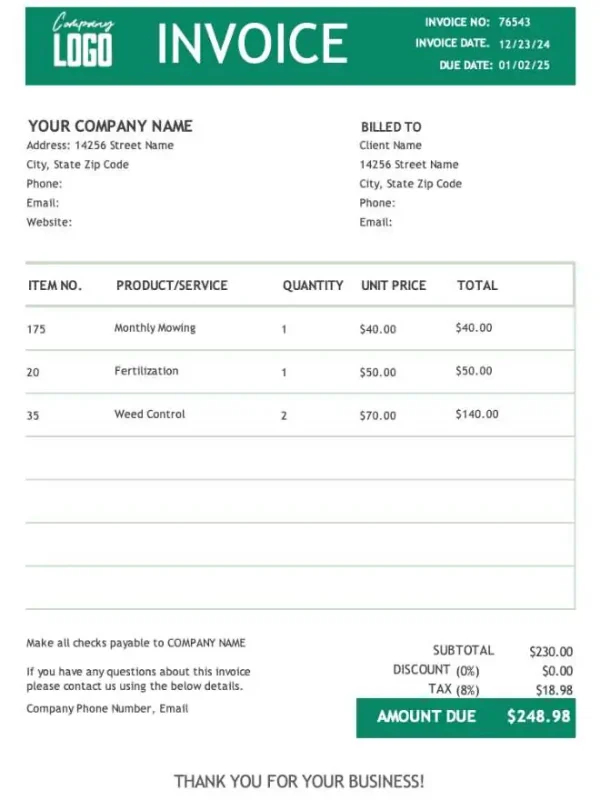
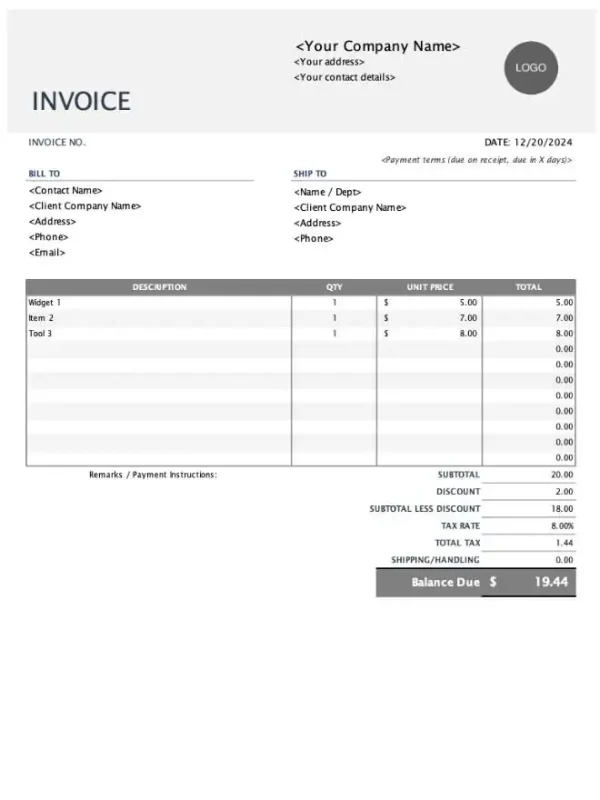
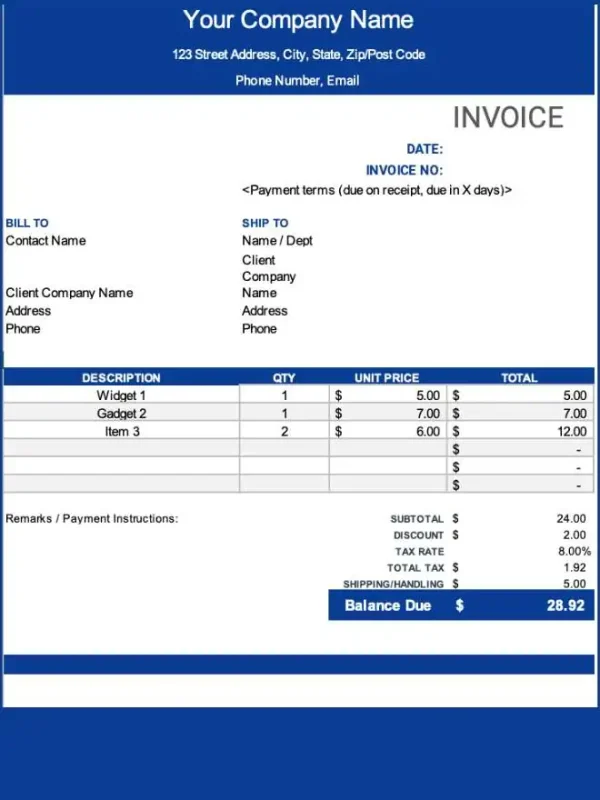
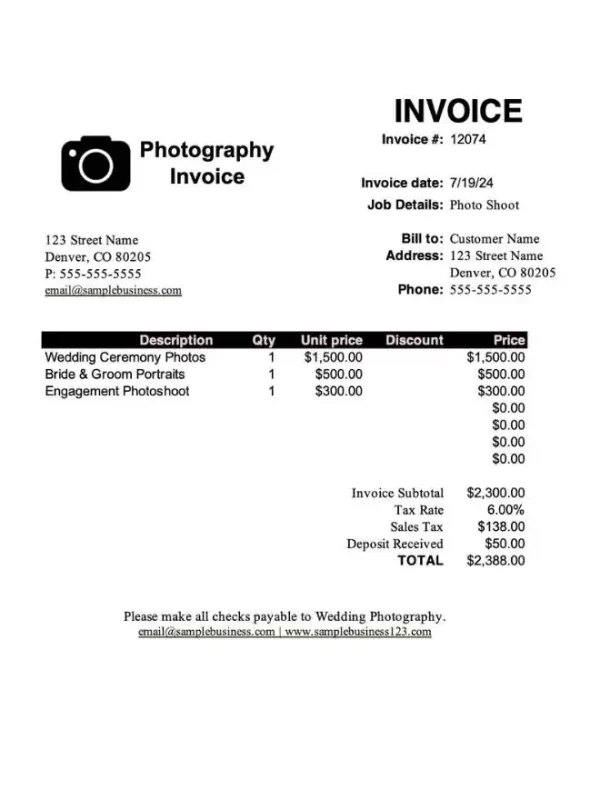

Free Invoice Templates for Every Business
Create professional invoices faster with free invoice templates made for freelancers, small businesses, contractors, service providers, and growing teams. Choose from ready-to-use invoice templates in Word, Excel, PDF, Google Docs, and Google Sheets, or explore industry-specific templates built for the way you work.
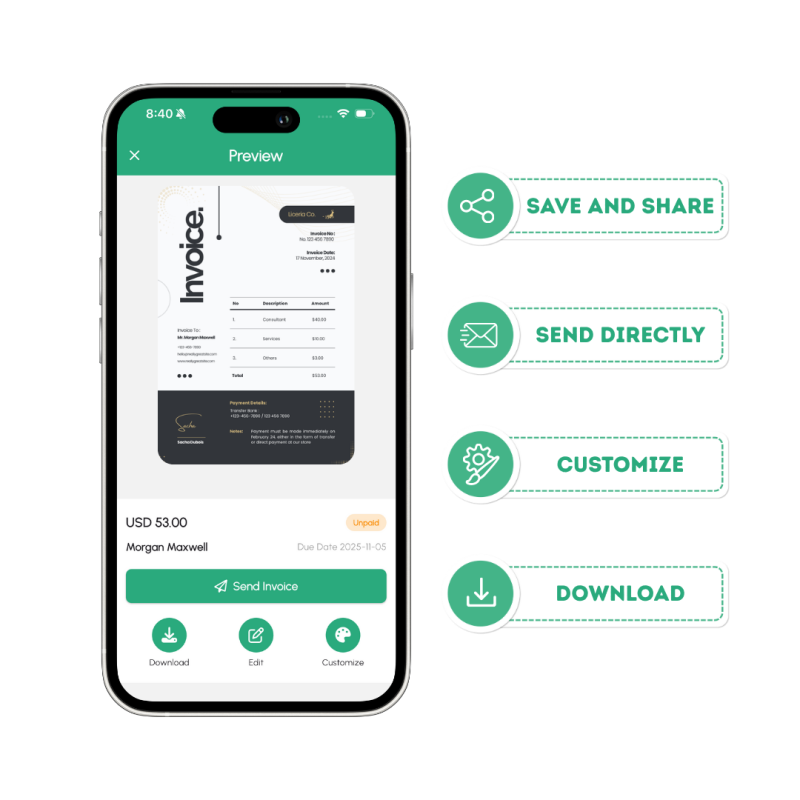
Each template is designed to help you add your business details, list your products or services, show payment terms clearly, and send a polished invoice to your client without starting from scratch. For an even faster workflow, use the Invoize invoice app to create, manage, and send invoices directly from your phone.
Choose from Ready-to-Use Templates
Download and edit simple invoice templates for free
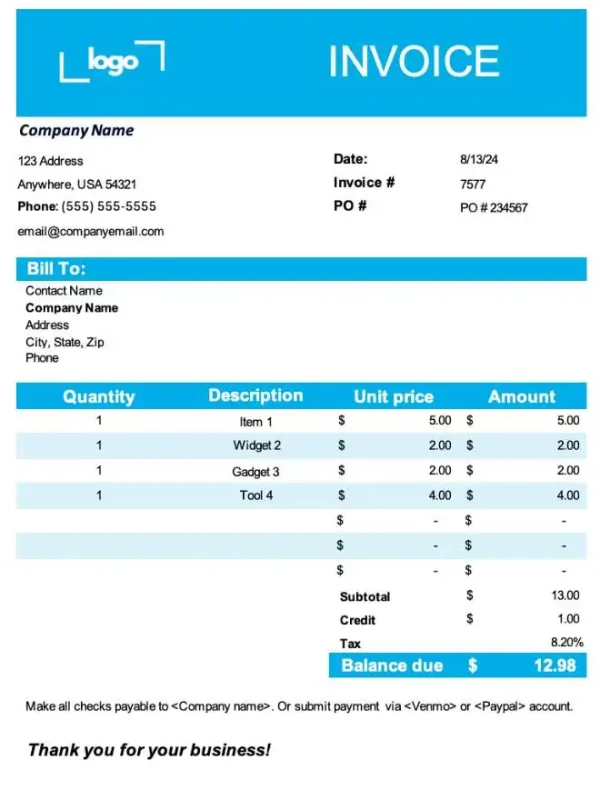
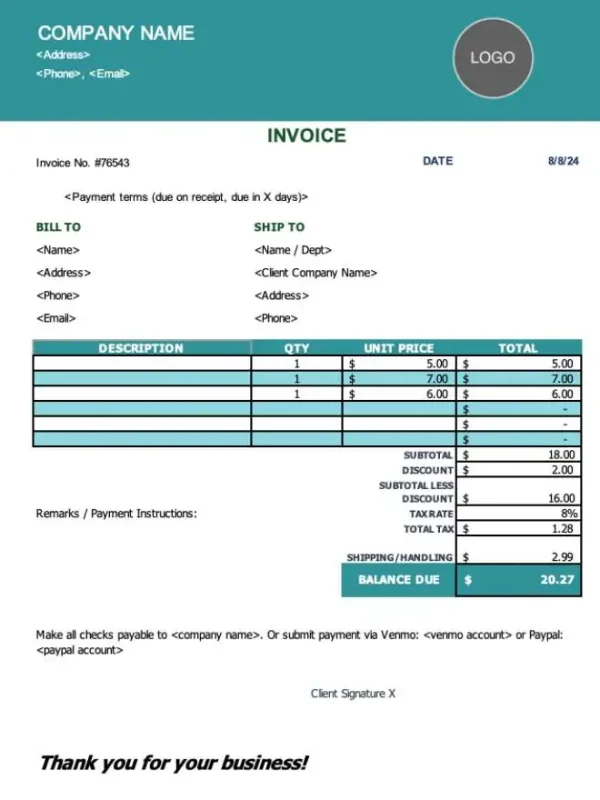
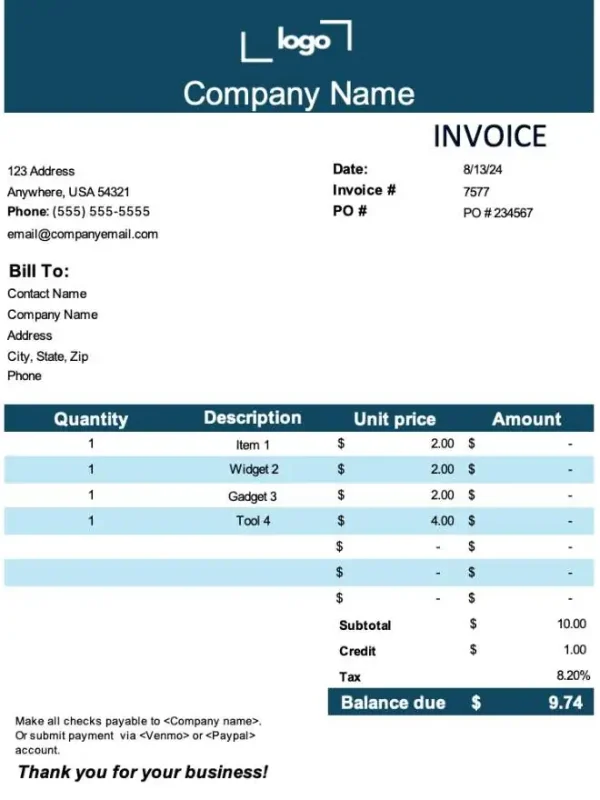
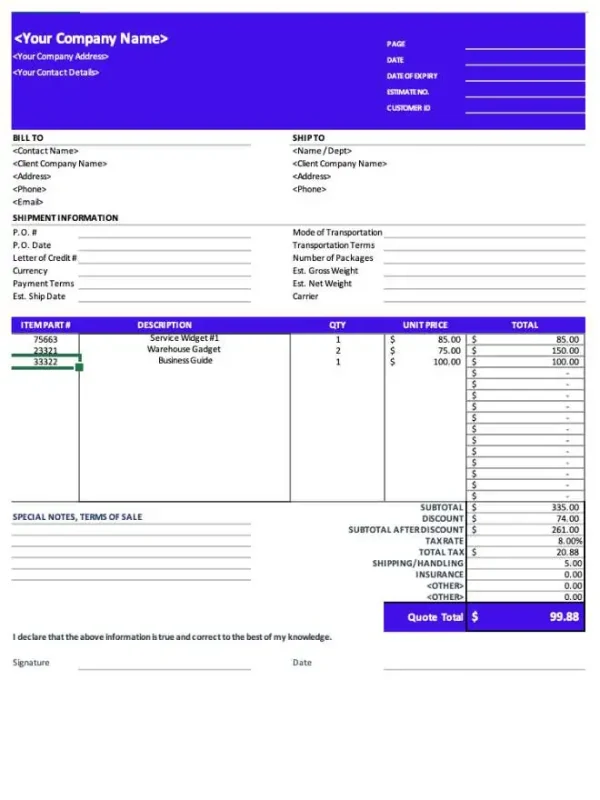
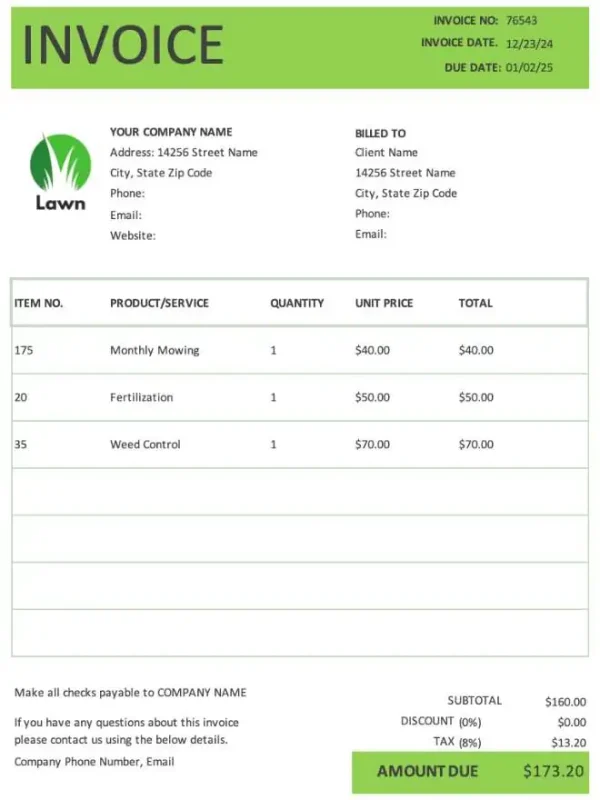
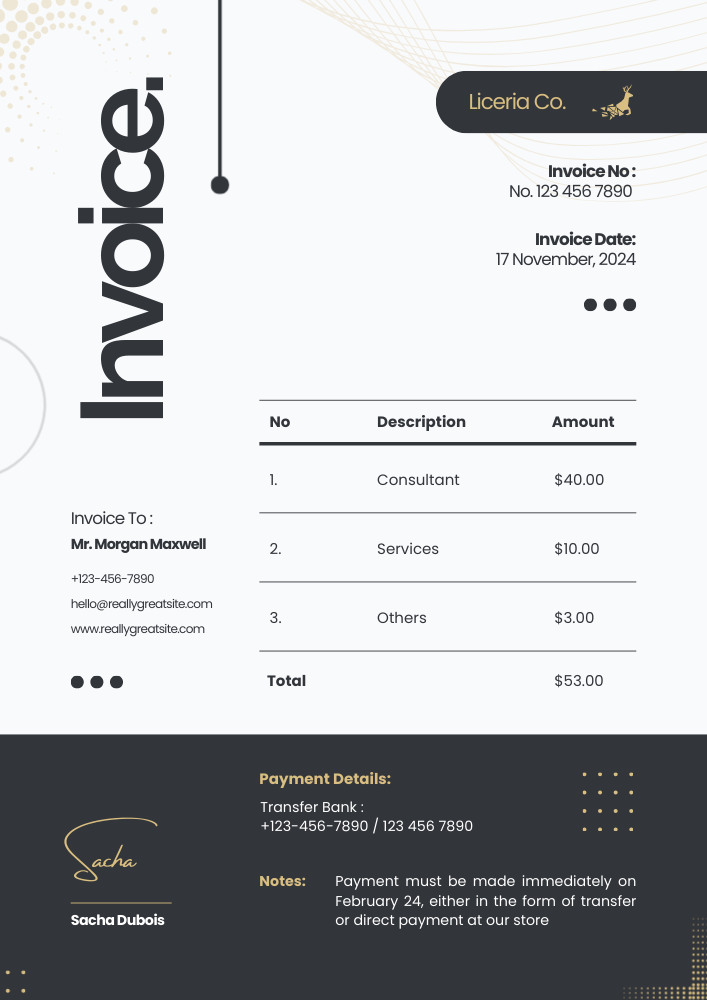
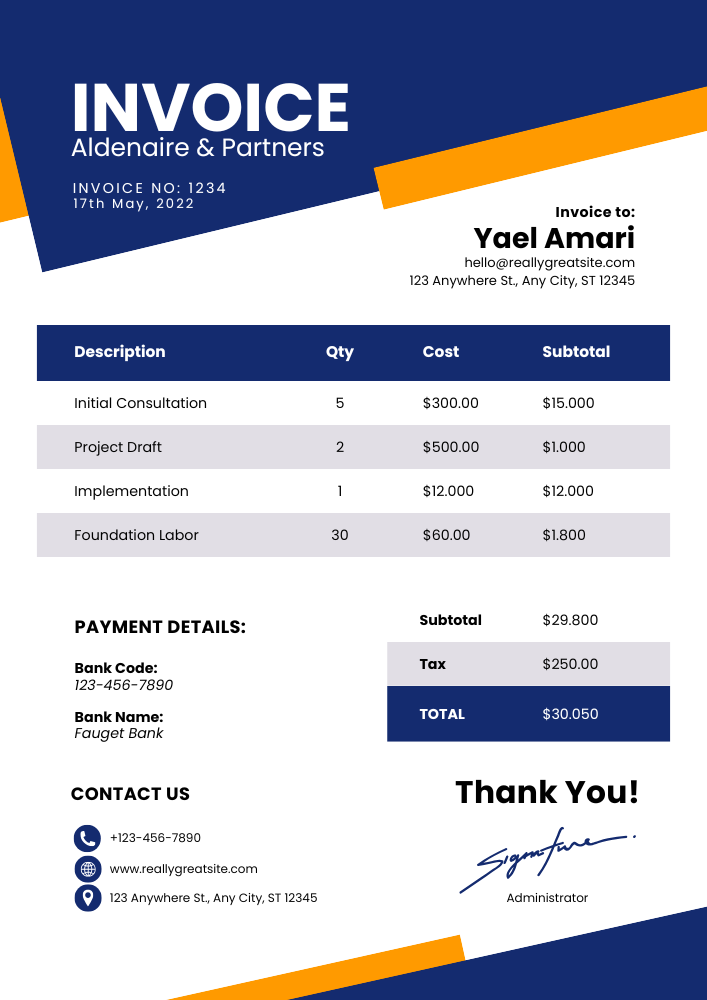
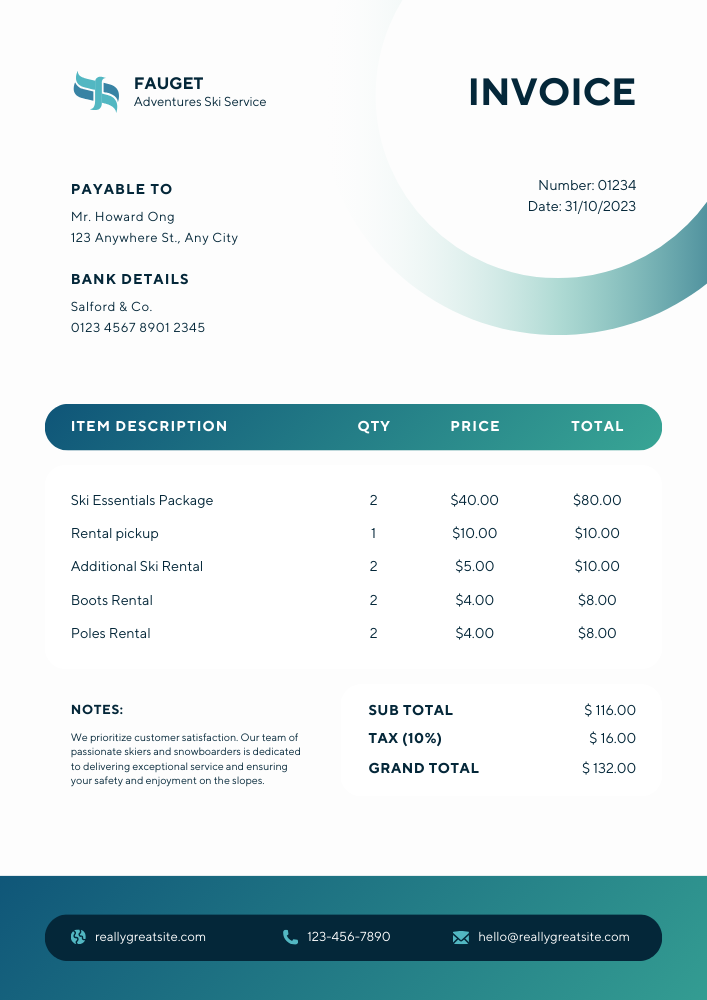
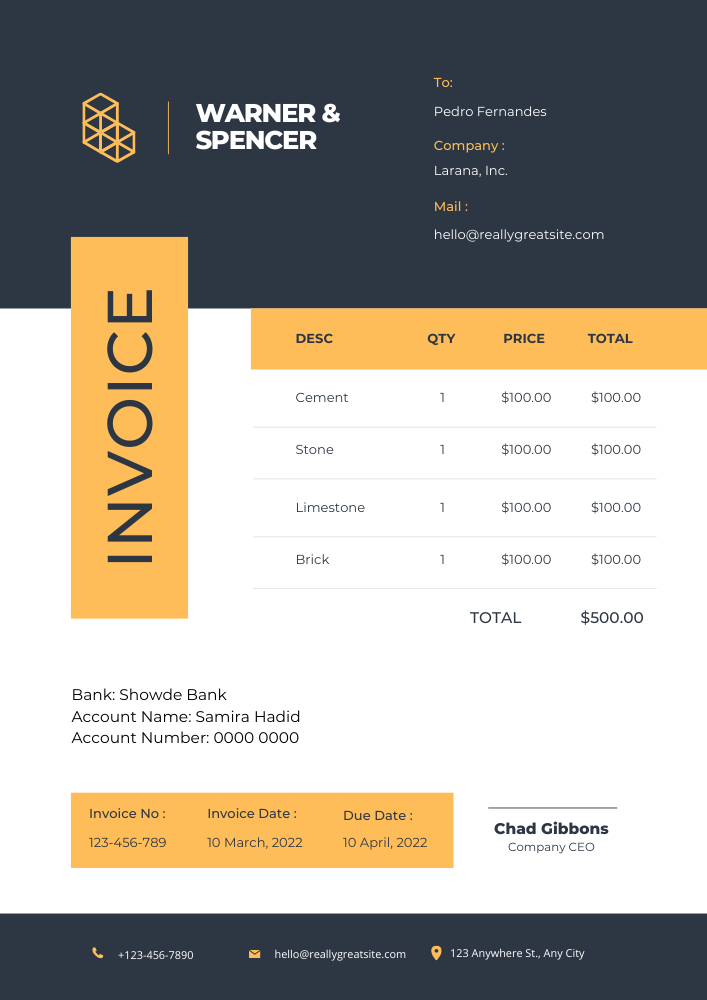
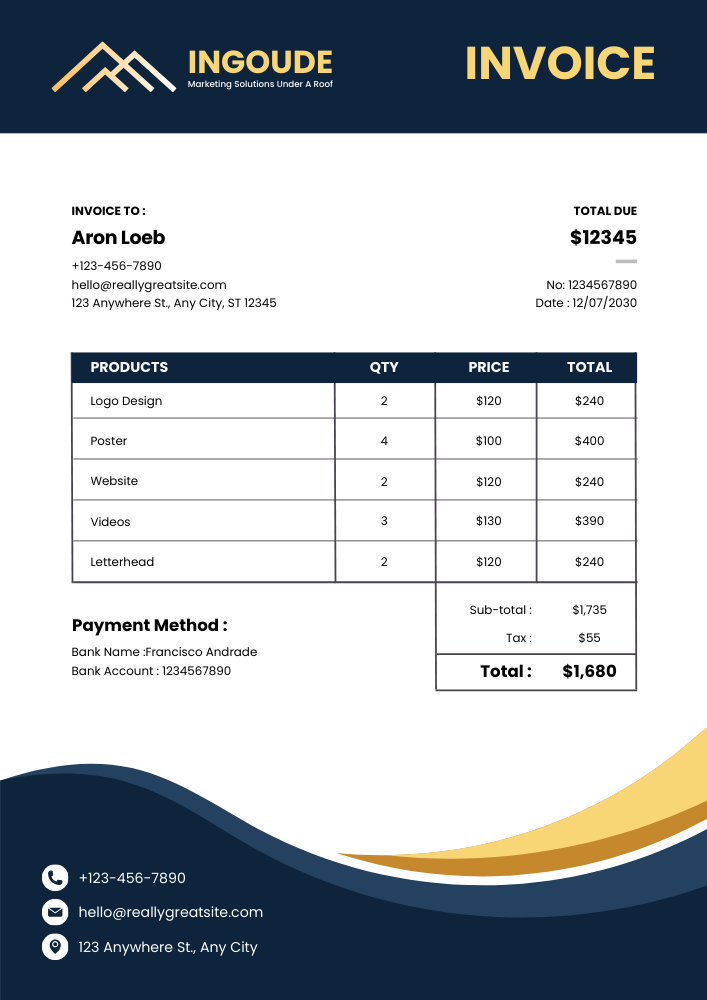
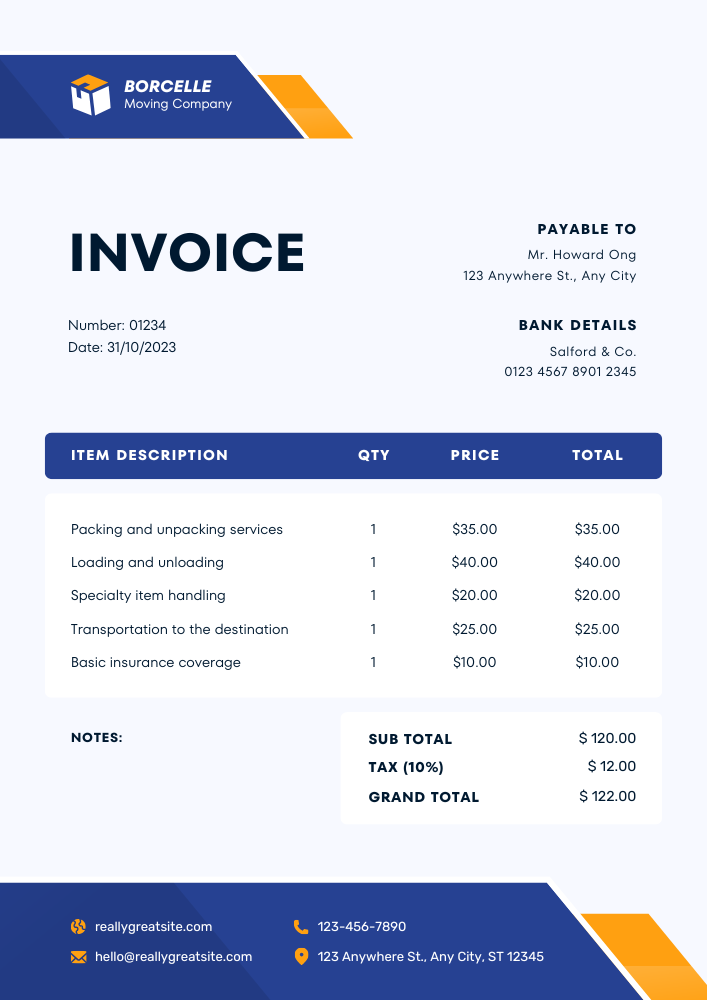
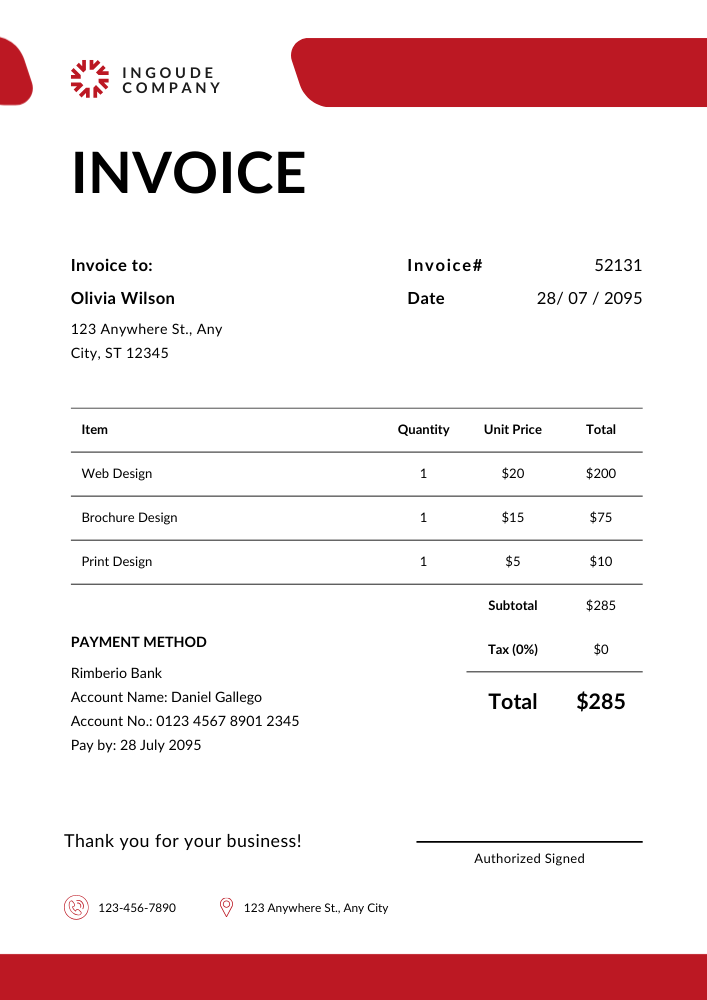
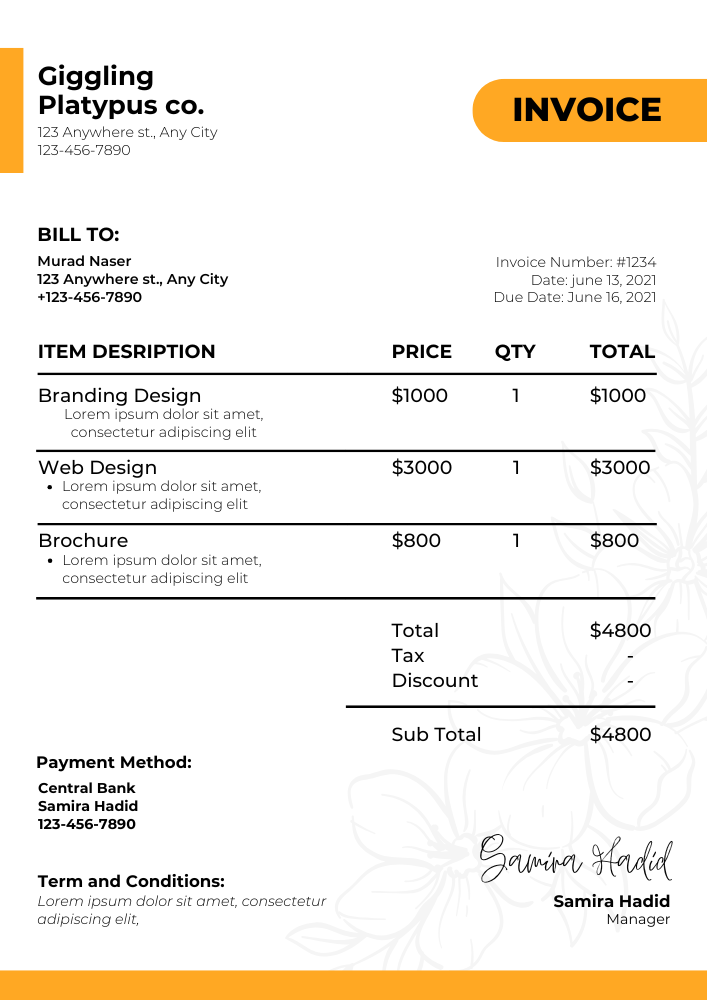
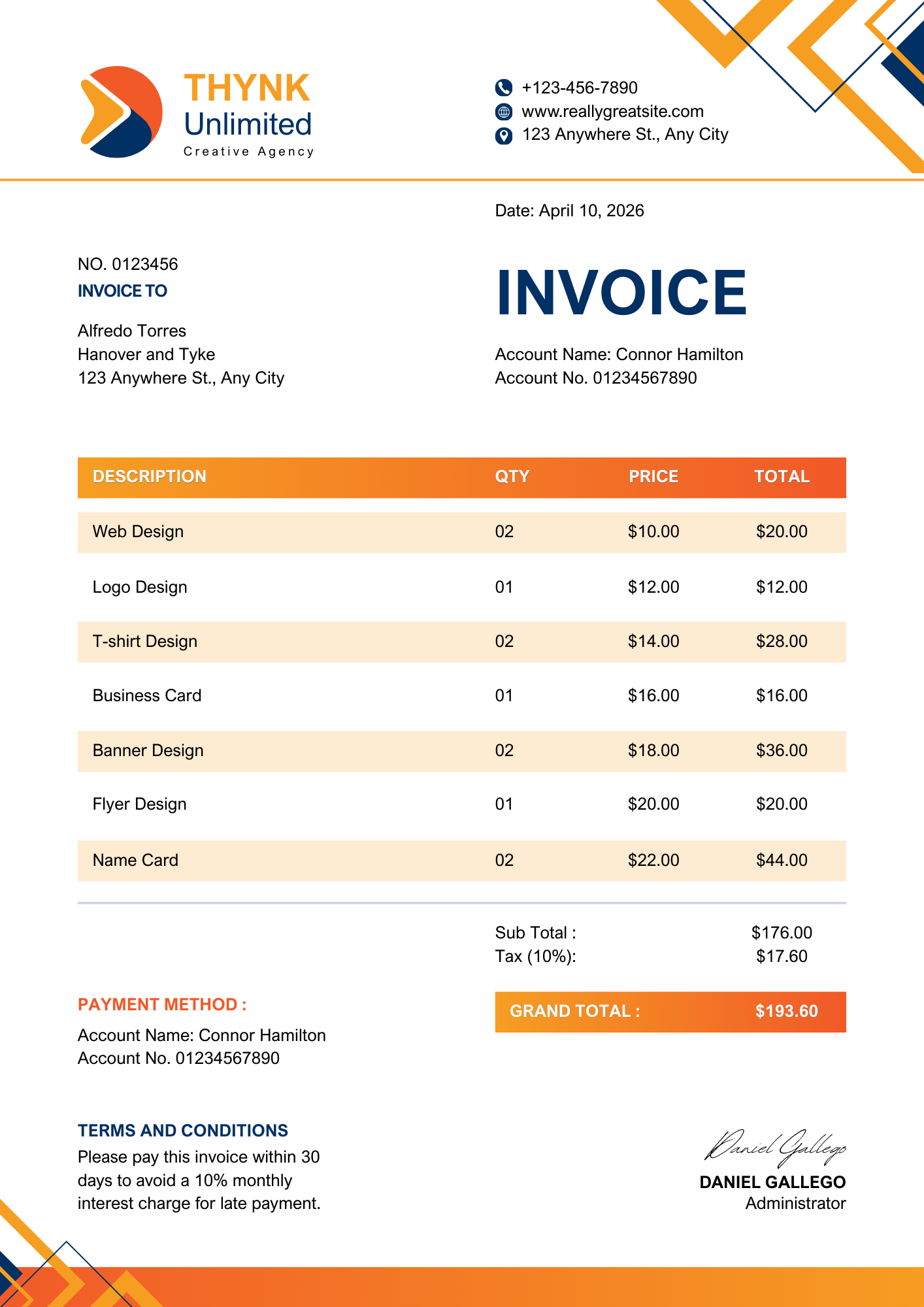
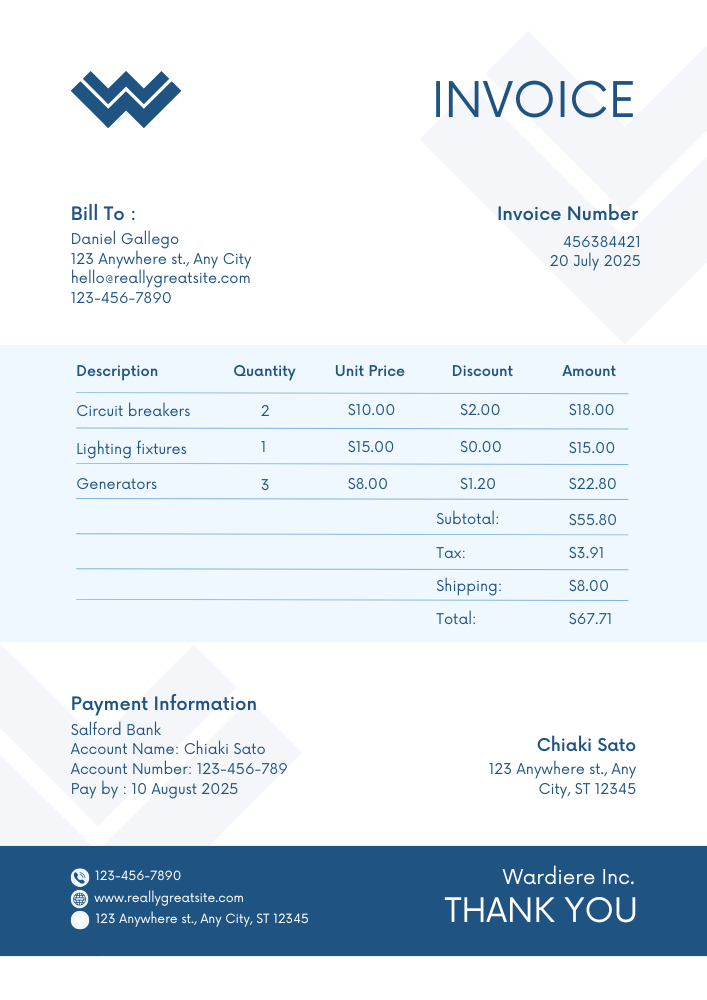
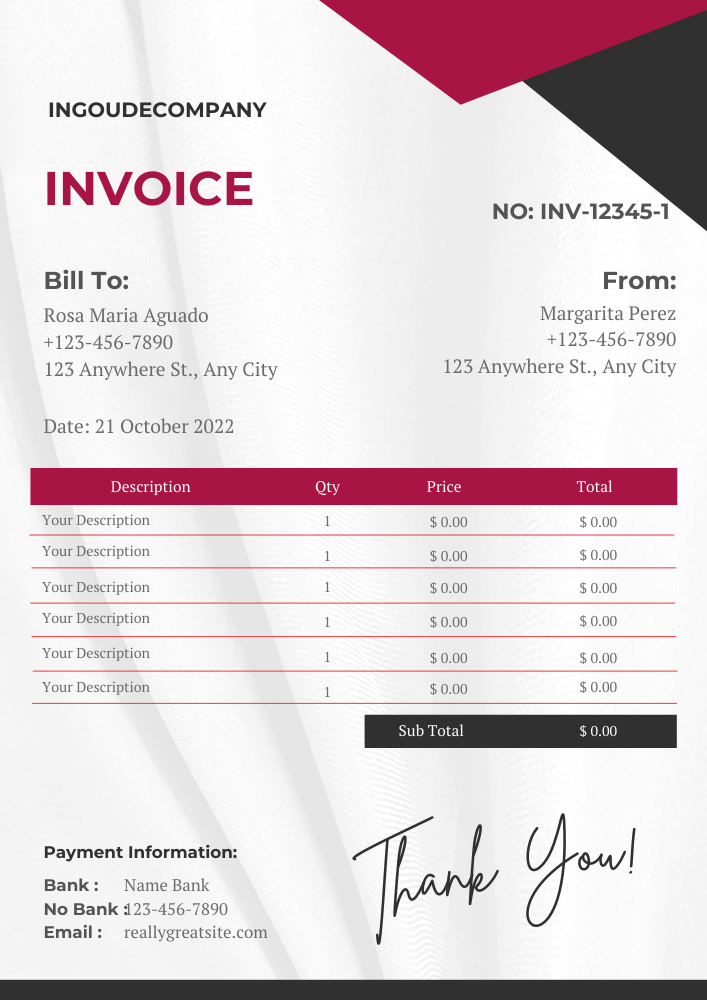
A good invoice includes your business name and contact details, your client's information, a unique invoice number, the issue date and payment due date, an itemized list of products or services with prices, subtotal, taxes, total amount due, your preferred payment method, and any relevant terms or late fee policies. Use the free invoice maker app to create a professional invoice with all these details in under a minute.
Choose the Right Invoice Template Format
Not every business works the same way, and not every invoice needs the same format. Some users want a simple printable invoice, while others need automatic calculations, cloud editing, or a mobile-friendly way to send invoices quickly.
Use the format that matches your billing process. Word and Google Docs are ideal for simple editable invoices. Excel and Google Sheets are better when you need formulas for totals, taxes, or discounts. PDF templates are useful when you want a clean, print-ready invoice that keeps its layout after sending.
Word Invoice Templates
Use a Word invoice template when you want a simple, editable document that is easy to customize. You can add your business name, logo, client details, invoice number, service description, payment terms, and total amount due.
Word templates are a good choice for freelancers, consultants, small businesses, and service providers who want full control over layout and wording without needing accounting software.
Excel Invoice Templates
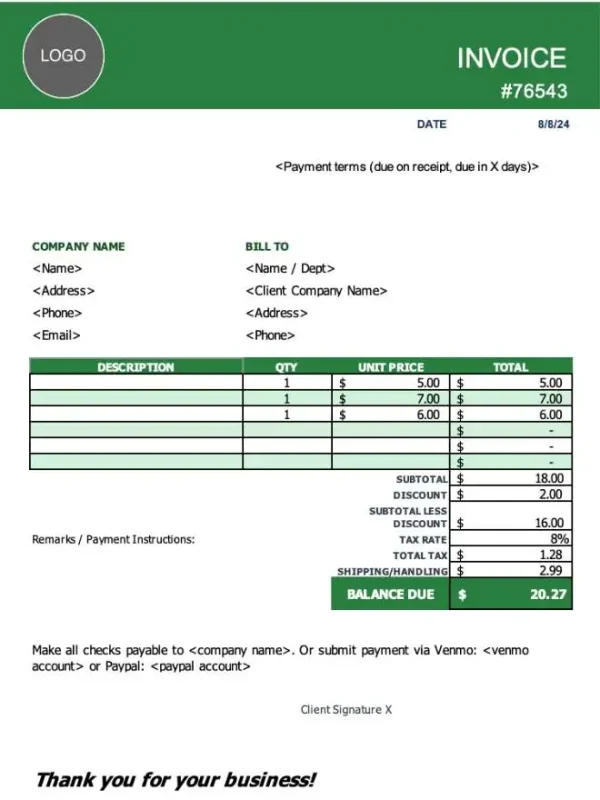
Excel invoice templates are best for invoices with multiple line items, taxes, discounts, quantities, or recurring calculations. Instead of adding numbers manually, you can use built-in formulas to calculate subtotals and totals more accurately.
This format works well for businesses that sell products, charge by quantity, bill hourly, or need a more structured invoice layout.
PDF Invoice Templates
PDF invoice templates are ideal when you need a professional invoice that is easy to print, save, or send as an attachment. A PDF keeps the design stable, so your invoice looks the same on different devices.
Use a PDF invoice template when you want a clean final document for clients, records, or offline billing.
Google Docs Invoice Templates
Google Docs invoice templates are helpful if you prefer cloud-based editing. You can open your invoice from any device, update client details, collaborate with a team member, and download the finished invoice as a PDF.
This is a good option for freelancers, remote teams, and small businesses that already use Google Workspace.
Google Sheets Invoice Templates
Google Sheets invoice templates combine cloud access with spreadsheet calculations. You can edit your invoice online, duplicate it for new clients, and use formulas to calculate totals, tax, and discounts.
This format is useful for small businesses that want an online invoice template with automatic calculations but do not want to install software.
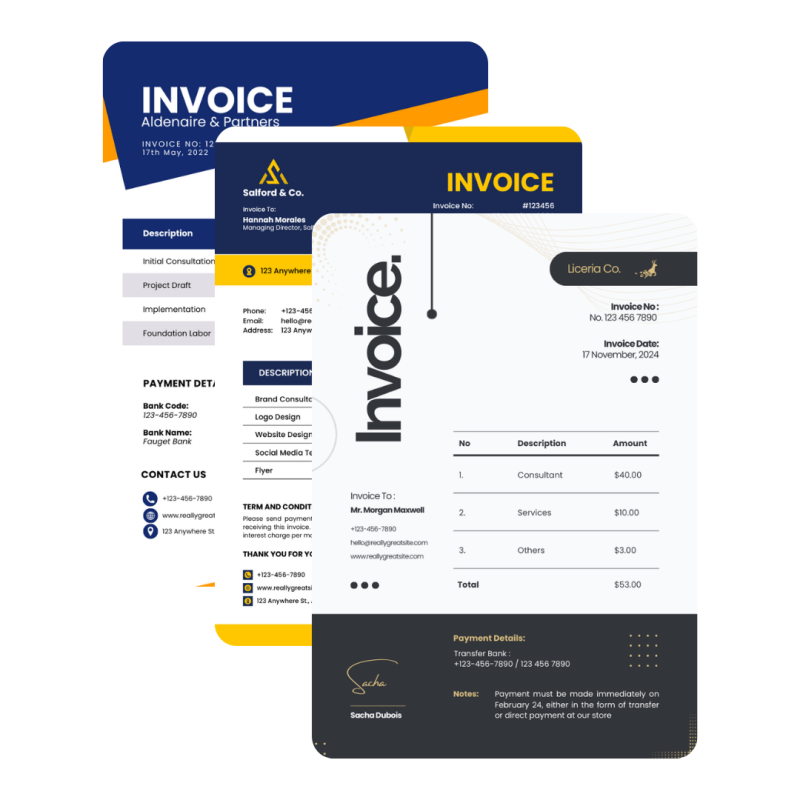
Industry-ready invoice templates, built for how you work
Invoice Templates Built for Different Industries
A general invoice template works for simple billing, but many businesses need invoices that match their specific services. A contractor may need to include labor and materials. A hotel or Airbnb host may need booking details. A designer may need project milestones. A legal professional may need hourly billing and case-related notes.
That is why Invoize organizes invoice templates by industry, profession, and service type. Choose the category that fits your business, open the template, and customize it with the details your clients expect to see.
Trades
Health
Creative
Services
Business
Legal
What Should a Professional Invoice Include?
A professional invoice should make it easy for your client to understand what they are paying for, when payment is due, and how to complete the payment. A clear invoice also helps you keep better records for your business.
A strong invoice should include:
- Your business name, logo, and contact details
- Client name and billing information
- Unique invoice number
- Invoice date and payment due date
- Description of products or services
- Quantity, rate, subtotal, tax, discount, and total amount due
- Accepted payment methods
- Payment terms, notes, or late fee policy
How to Use a Free Invoice Template?
1. Choose your invoice format
Pick Word, Excel, PDF, Google Docs, or Google Sheets based on how you prefer to edit and send invoices.
2. Add your business and client details
Enter your company name, logo, contact information, client details, invoice number, date, and payment terms.
3. List your products or services
Add each item, service, quantity, rate, tax, discount, and total amount due. Make the description clear so your client understands the charge.
4. Save, print, or send the invoice
Download the completed invoice as a PDF, print it, or send it directly to your client by email or messaging app.
Special Purpose Invoice Templates
Download a Template or Create an Invoice in the App
Free invoice templates are a great starting point when you need a quick document. They are simple, editable, and useful for one-time billing. But if you send invoices regularly, managing files manually can become slow.
With Invoize, you can create invoices from your phone, save client details, track payments, manage expenses, and send invoices without editing the same document again and again.
Check out our latest
What Invoize Users Say
Trusted by Thousands of Freelancers and Small Businesses
Managing invoices used to be a headache until I found Invoize. It’s fast, reliable, and helps me keep track of all my payments. I love that I can make estimates and convert them to invoices with just a tap.

I’ve tried many invoice apps, but Invoize is by far the easiest to use. I can create professional invoices for my clients in minutes and send them straight from my phone. The design is clean and modern — exactly what I needed!

Invoize keeps my billing organized without needing a laptop. Everything from creating invoices to sending PDFs works flawlessly. It’s simple, effective, and feels made for small businesses like mine.

What I love about Invoize is how easy it makes managing multiple clients. The interface is intuitive and beautifully designed. I can’t imagine running my business without it now!
Everything you need to know about using Invoize
Frequently Asked Questions
Find clear answers to the most common questions about invoices, payments, subscriptions, and getting started with Invoize—so you can focus on running your business, not figuring out software.
Are these invoice templates free?
Yes. You can use the free invoice templates to create professional invoices for your business. Choose a format, customize the invoice, and send it to your client.
Which invoice template format is best?
It depends on how you work. Word and Google Docs are best for simple editing. Excel and Google Sheets are better for automatic calculations. PDF is best when you want a print-ready invoice with a fixed layout.
Can I use these invoice templates for my business?
Yes. These templates are suitable for freelancers, contractors, small businesses, service providers, creative professionals, healthcare providers, legal professionals, and many other industries.
Can I add my logo to an invoice template?
Yes. Most editable invoice templates allow you to add your business logo, brand name, contact details, and custom payment terms.
What is the difference between an invoice and a receipt?
An invoice is sent to request payment. A receipt is given after payment has been received. In simple words, an invoice shows what the client owes, while a receipt confirms what the client has paid.
Do I need invoice software if I already have templates?
Templates are useful for quick invoicing, but invoice software is better if you send invoices often. With Invoize, you can create invoices faster, save client details, track payments, and manage billing from your phone.
Can I print these invoice templates?
Yes. PDF templates are best for printing, but Word, Excel, Google Docs, and Google Sheets templates can also be exported as PDF and printed.
Can I use invoice templates on my phone?
You can open many templates on mobile using document or spreadsheet apps. However, if you want the easiest mobile invoicing experience, use the Invoize app to create and send invoices directly from your phone.
Featured in Businesses Worldwide
Trusted across leading platforms worldwide.


Create and Send Professional Invoices in Seconds
Start with a template, or use the Invoize invoice app to create, manage, and send invoices faster from one simple place.
- Smart Invoice Management
- Expense & Payment Tracking
- Secure Local Data Storage
★★★★★
Trusted by 1400+ Business Owners