
Masonry Invoice Template
Free invoice templates for masonry contractors, bricklayers, stonework specialists, blockwork services, concrete masonry teams, chimney repair businesses, and outdoor hardscape professionals. Download and edit in PDF, Word, Excel, Google Docs, or Google Sheets.
Use this template to bill for masonry labor, brickwork, stonework, block installation, mortar work, repairs, materials, equipment use, permits, taxes, discounts, deposits, and payment terms in a clear and professional way.
Download the App
Create, send and manage invoices on the go.


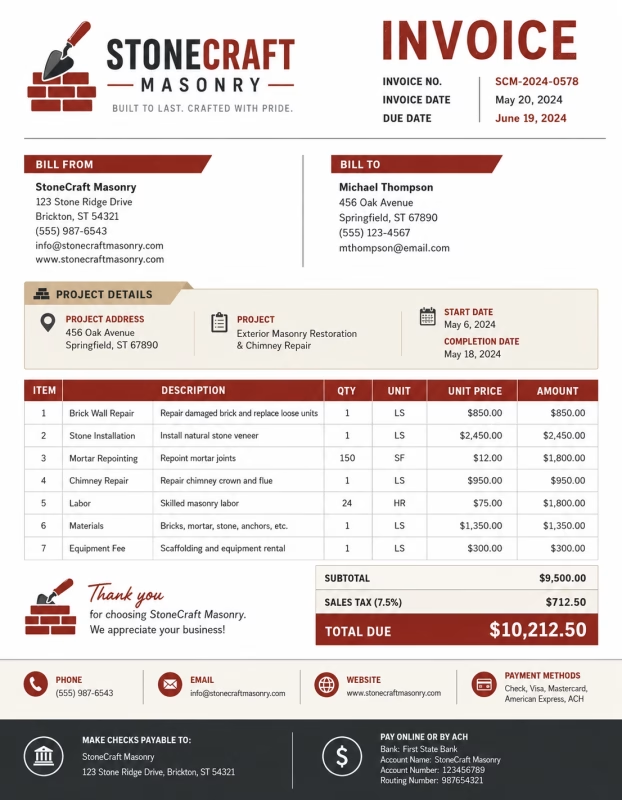
Download Free Masonry Invoice Templates
Download a template, then edit it in PDF, Word, Excel, Google Docs, or Google Sheets. Print it, save it, or send it to your client when the masonry work is complete.
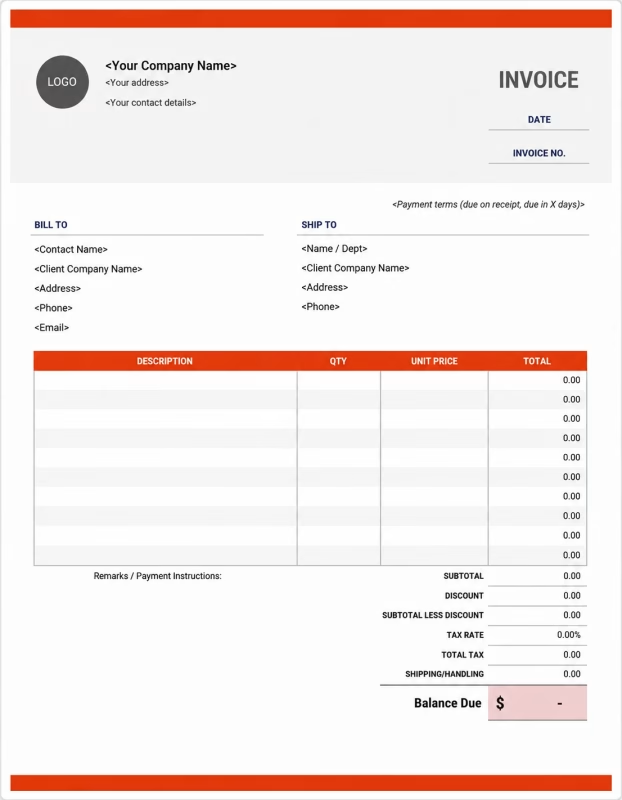


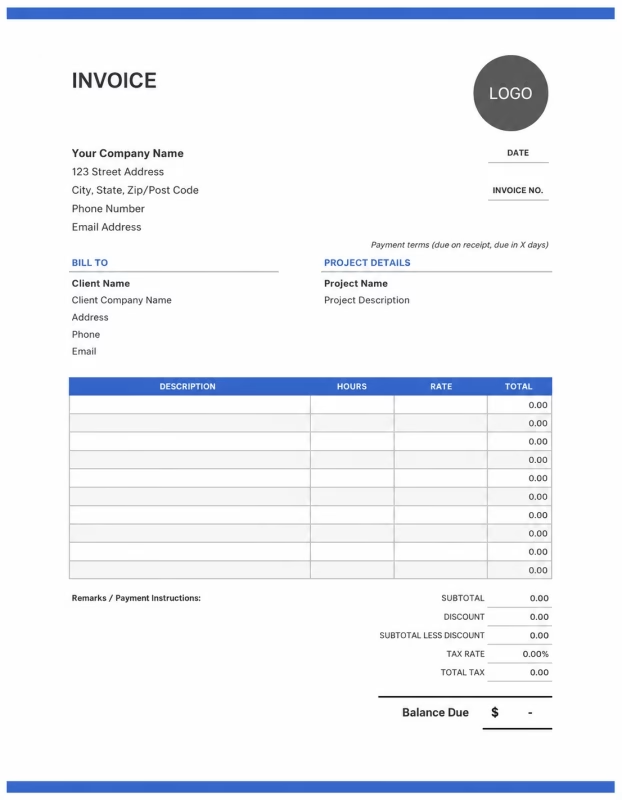
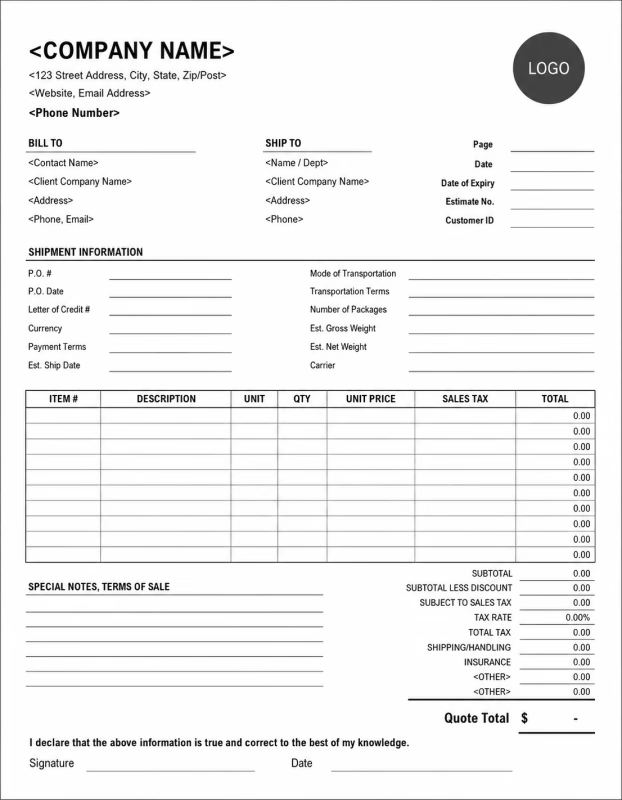
Use these templates for masonry contractors, bricklayers, stone masons, blockwork installers, chimney repair services, patio builders, retaining wall contractors, and concrete masonry businesses.
View our complete selection of invoice templates for a variety of businesses and industries.
How to Invoice for Masonry Work
A good masonry invoice should clearly show the client details, job location, masonry work completed, labor charges, materials used, equipment fees, permits, taxes, and payment terms.
In 5 Steps:
- Confirm the client details, project address, masonry service needed, material type, measurements, permit needs, and agreed pricing before starting the job.
- Record completed masonry work, labor hours, bricks laid, blocks installed, stonework completed, repair work, mortar use, and any approved extra tasks.
- Track job costs such as bricks, blocks, stone, mortar, cement, sand, reinforcement materials, equipment, delivery, cleanup, and disposal.
- Calculate labor, materials, equipment charges, delivery fees, permits, taxes, discounts, deposits, and the final balance due.
- Send the invoice with payment options, due date, project notes, warranty details, and any curing or maintenance instructions.
With Invoize, you can create masonry invoices faster, save client details, reuse common services, add materials, and track payments from your phone.
What to Include in a Masonry Invoice
A professional masonry invoice should include the details needed to identify the client, project, masonry service, materials, charges, and payment terms.
Invoice and Project Details
-
✓
Invoice number Helps track the invoice, payment record, and masonry project history.
-
✓
Client name and contact details Shows who requested the masonry work and who is responsible for payment.
-
✓
Business name and contact details Shows which mason, contractor, or masonry company completed the work.
-
✓
Project name or service reference Connects the invoice to the correct masonry job, repair, installation, or service request.
-
✓
Job site address Shows where the masonry work was completed.
Masonry Work Details
-
✓
Project dates or billing period Shows when the masonry work started, ended, or which billing period the invoice covers.
-
✓
Service description Explains bricklaying, stonework, blockwork, chimney repair, retaining wall work, tuckpointing, or related masonry work.
-
✓
Labor hours and hourly rate Shows how masonry labor costs were calculated when the job is billed by time.
-
✓
Fixed project fee Shows the agreed price when the masonry job is billed as a flat-rate project.
-
✓
Main masonry materials Lists bricks, blocks, stone, pavers, mortar, cement, sand, grout, or other materials used for the project.
Payment and Final Notes
-
✓
Supplies and extra fees Shows reinforcement, sealant, flashing, anchors, scaffolding, delivery, cleanup, disposal, or equipment fees.
-
✓
Discounts, deposits, or previous payments Shows credits or amounts already paid before the final balance.
-
✓
Total amount due Shows the final amount the client needs to pay.
-
✓
Payment due date and methods Tells the client when payment is expected and how they can pay.
-
✓
Warranty or care notes Records workmanship warranty, material warranty, curing instructions, sealing notes, maintenance advice, or final service notes.
Billing Scenarios for Masonry Businesses
Use clear invoice labels so clients understand the type of masonry work, labor cost, material charges, equipment fees, and final amount due.
| Scenario | Invoice line items | Best used for | How to describe it |
|---|---|---|---|
| Bricklaying project | Brick materials, mortar, labor, layout work, cleanup, tax | Walls, facades, garden walls, columns, steps, or new brick structures. | Show the area built, materials used, labor cost, and any cleanup or finishing work. |
| Stone masonry work | Stone materials, cutting, fitting, mortar, labor, sealing | Stone walls, fireplaces, patios, columns, decorative features, or outdoor stonework. | List the stone type, installation area, labor, materials, and finishing details clearly. |
| Blockwork installation | Concrete blocks, mortar, reinforcement, labor, equipment, delivery | Foundations, retaining walls, partitions, commercial blockwork, or structural masonry. | Show block quantity, wall size, reinforcement needs, labor, and delivery charges. |
| Masonry repair | Repair labor, replacement materials, mortar repair, patching, cleanup | Cracked walls, loose bricks, damaged stone, chipped blocks, or worn mortar joints. | Describe the damaged area, repair completed, and any materials replaced. |
| Chimney repair or rebuild | Inspection, brick repair, mortar work, flashing, cap, scaffolding, labor | Chimney repointing, chimney rebuilds, cap replacement, flashing repair, or leak repair. | Explain the chimney issue, materials used, access equipment, and repair work completed. |
| Patio, steps, or hardscape masonry | Pavers, stone, base material, labor, equipment, cleanup | Outdoor steps, walkways, patios, garden edges, and small hardscape projects. | Show the project area, material type, installation labor, and base preparation work. |
☝️ Create your first invoice in seconds.
Common Charges and Fees for Masonry Businesses
Itemize masonry charges clearly so clients can see labor, materials, equipment, delivery, permits, cleanup, taxes, and any extra costs.
| Charge or service | Unit | When to use | How to show it |
|---|---|---|---|
| Masonry labor | Time | Use for bricklaying, stone setting, block installation, repair work, tuckpointing, or finishing. | Show labor hours multiplied by the hourly rate with a short work description. |
| Flat project fee | Fixed price | Use when the masonry job has one agreed price. | List the project name and fixed amount clearly. |
| Brick, block, or stone materials | Item, piece, pallet, square foot, or quantity | Use when charging for bricks, concrete blocks, natural stone, manufactured stone, or pavers. | Show material type, quantity, unit price, and total cost. |
| Mortar, cement, sand, or grout | Bag, mix, load, or quantity | Use when materials are needed for bonding, setting, filling joints, or repair work. | List these materials separately from bricks, blocks, or stone when charged. |
| Tuckpointing or repointing | Area, linear foot, or service | Use when old mortar is removed and replaced between bricks or stones. | Show the area repaired, labor, and material cost clearly. |
| Equipment or scaffolding fee | Hour, day, or fee | Use when scaffolding, mixers, lifts, cutters, compactors, or special tools are needed. | Show equipment name, usage period, and cost. |
| Delivery fee | Service or fee | Use when bricks, stone, blocks, sand, cement, or equipment are delivered to the job site. | Show delivery separately from material and labor costs. |
| Permit or inspection fee | Fee | Use when permits, inspections, or approvals are needed for masonry work. | Add permit or inspection costs as separate line items when they apply. |
| Cleanup or disposal fee | Service or fee | Use when removing broken bricks, old mortar, stone waste, packaging, or job site debris. | List cleanup, hauling, or disposal as a separate line item when charged. |
| Sealing or finishing fee | Service or area | Use when applying sealant, waterproofing, protective coating, or final masonry finish. | Show the finishing service and area covered when useful. |
| Tax | Percentage or amount | Use when tax applies to labor, materials, or masonry services based on local rules. | Show tax before the final total so the client can see how the balance was calculated. |
| Deposit or previous payment | Credit | Use when the client paid before or during the masonry project. | Subtract it from the invoice total and show the remaining balance due. |
Create a free account and save labor rates, masonry materials, equipment fees, client details, and common project items once, so nothing gets retyped.
Common Masonry Invoicing Mistakes
Masonry work can include labor, materials, measurements, equipment, scaffolding, repairs, permits, cleanup, and curing notes. Missing details can confuse clients or delay payment. Avoid these common mistakes.
| Mistake | Why it causes problems | How to fix it |
|---|---|---|
| Not describing the masonry work clearly | The client may not understand what was built, repaired, restored, sealed, or cleaned up. | Add a simple description for each masonry service or task completed. |
| Leaving out the job site address | The invoice may be hard to match with the correct property or project location. | Add the job site address or project location to every masonry invoice. |
| Combining labor and materials in one line | The total may look unclear because the client cannot see work cost and material cost separately. | Separate labor, bricks, blocks, stone, mortar, equipment, delivery, cleanup, and taxes into clear line items. |
| Not listing material quantities | The client may not understand how the material cost was calculated. | Add quantities for bricks, blocks, stone, mortar, cement, sand, grout, or pavers when possible. |
| Forgetting equipment or scaffolding fees | The client may be surprised by extra charges for access tools or equipment use. | Add scaffolding, mixers, lifts, cutters, or rented equipment as separate line items. |
| Leaving out cleanup or disposal charges | Waste removal costs may look unexpected if they are not shown clearly. | Add cleanup, hauling, debris removal, or disposal fees as separate line items. |
| Not recording approved extra work | Additional repair work, material changes, or added sections may be questioned later. | Show approved changes, added labor, extra materials, and updated totals clearly. |
| Forgetting deposits or previous payments | The final balance may look higher than expected. | Show deposits, partial payments, or credits before the balance due. |
| Leaving out care or curing notes | The client may not know how long the work needs to cure or how to protect the finished masonry. | Add curing instructions, sealing notes, weather care, warranty details, or maintenance recommendations. |
| Not keeping invoice records | Tracking projects, payments, materials, warranties, and client history becomes harder. | Keep a copy of every masonry invoice for your business records. |
More Invoice Templates You May Like
Choose the invoice format that best fits your client's needs.
Professional invoice templates for moving companies, relocation services, packing, and transportation billing.
Professional invoice templates for painting services, residential and commercial projects, and contractor billing workflows.
Professional invoice templates for pest control services, extermination treatments, and maintenance billing workflows.
Masonry Invoice FAQs
Get clear answers about using a construction invoice template for labor, materials, equipment, subcontractors, deposits, change orders, taxes, and project billing.
How should I show masonry labor on an invoice?
Break labor into clear work tasks instead of using one general labor total. Example: “Brick wall repair labor: 5 hours × $70/hr = $350” or “Concrete block wall installation: 120 blocks × $4.50/block = $540.” This helps the customer understand how the labor cost was calculated.
What masonry materials should I include on the invoice?
List all materials used for the job, such as bricks, blocks, stone, mortar, cement, sand, gravel, rebar, ties, sealant, and flashing. Example: “Red bricks: 400 units: $320,” “Mortar mix: 12 bags: $96,” and “Stone veneer: 80 sq ft: $560.”
Should wall size or square footage be listed on a masonry invoice?
Yes. Include measurements when possible, such as square feet, linear feet, wall height, or number of blocks. Example: “Stone veneer installation: 120 sq ft × $18/sq ft = $2,160” or “Block retaining wall: 40 linear feet: $1,800.”
How do I invoice for brick or stone repair work?
Describe the damaged area, repair work completed, labor time, and replacement materials. Example: “Repair cracked brick steps: Remove damaged bricks, reset new bricks, apply mortar: $420” plus “Replacement bricks and mortar: $85.”
Can I charge separately for mortar, tuckpointing, or repointing?
Yes. Mortar repair work should be listed clearly because it often requires detailed labor. Example: “Tuckpointing: Front chimney wall: 45 sq ft × $12/sq ft = $540” or “Repointing mortar joints: 6 hours labor: $420.”
How should I bill for demolition or removal of old masonry?
Add removal work as a separate line item from new installation. Example: “Remove damaged brick wall section: $280” or “Haul away broken concrete and masonry debris: $150.” This helps explain labor and disposal costs.
How do I show sealing, waterproofing, or finishing work?
List finishing services separately with the surface area or service details. Example: “Masonry sealer application: 300 sq ft × $2.50/sq ft = $750” or “Waterproof coating for block wall: Labor and materials: $480.”
What payment terms should a masonry invoice include?
Include the due date, accepted payment methods, deposit amount, warranty note, and any terms for material changes or extra repairs. Example: “Payment due within 7 days. Deposit paid: $600. Balance due after completion. Hidden damage or extra structural repairs may require a revised invoice.”
Used by Businesses Around the World
From freelancers to growing companies, Invoize helps businesses create professional invoices, manage billing, and get paid faster.







Create and Send Professional Invoices in Seconds
Invoize helps freelancers and businesses create, manage, and send invoices easily
from anywhere without complicated accounting software.
- Smart Invoice Management
- Expense & Payment Tracking
- Secure Local Data Storage






★★★★★
Trusted by 1400+ Business Owners