Estimate
Send the expected price and scope before the work begins.
Invoice app for iPhone
Create, customize and send professional invoices directly from your iPhone - whether you're at your desk, meeting a client or finishing a job on site.
With Invoize, you can manage invoices, estimates, receipts and client details from one simple app. Add your services, calculate totals, generate a polished PDF and send it to your client without waiting until you're back at a computer.
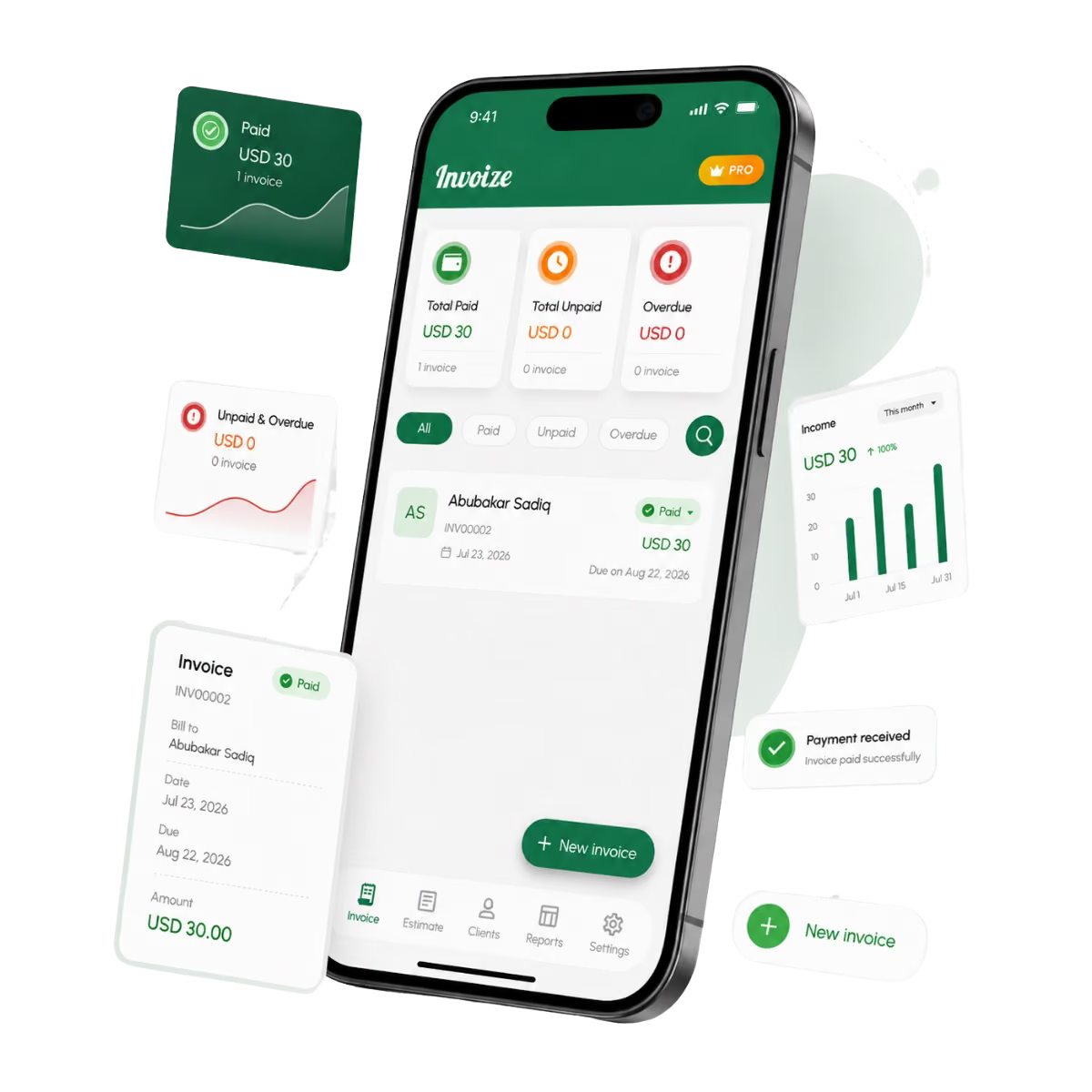
Fast invoice creation
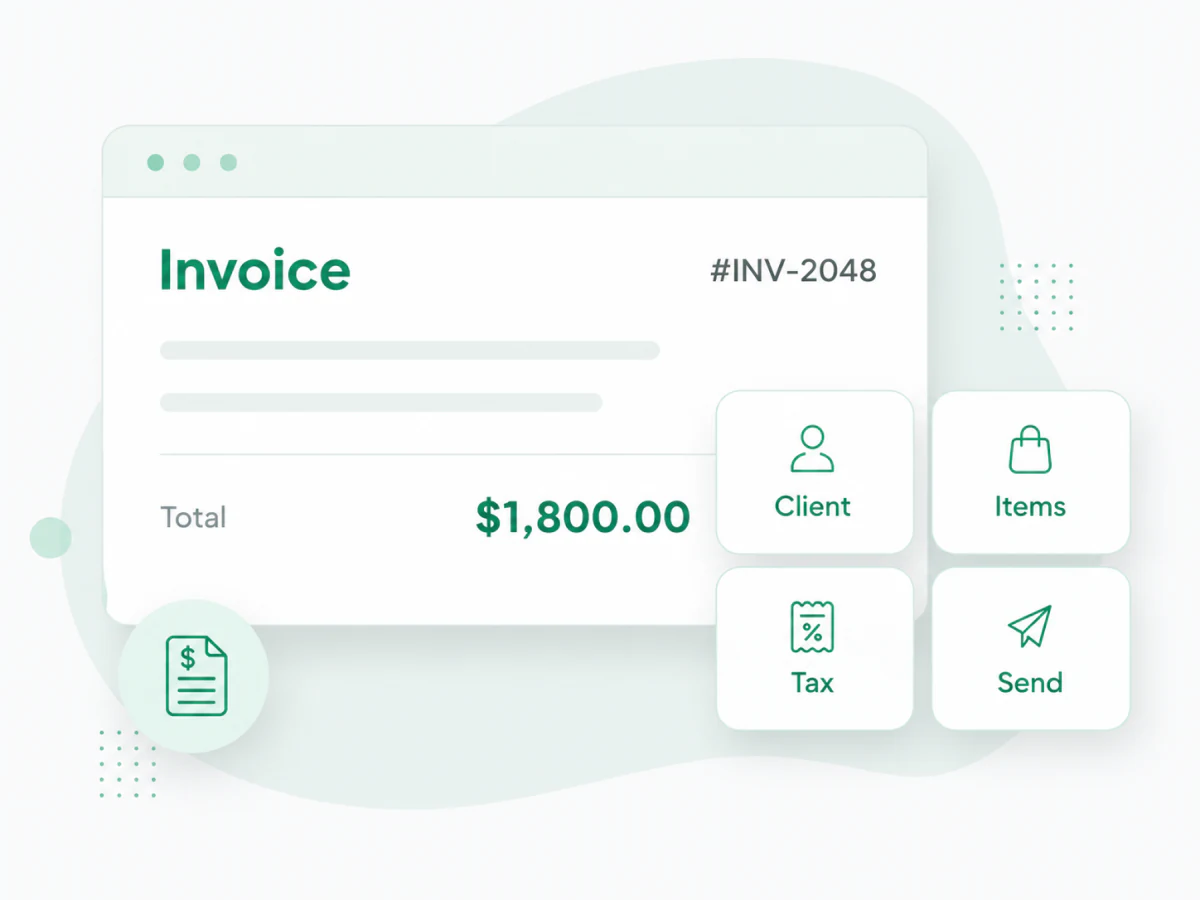
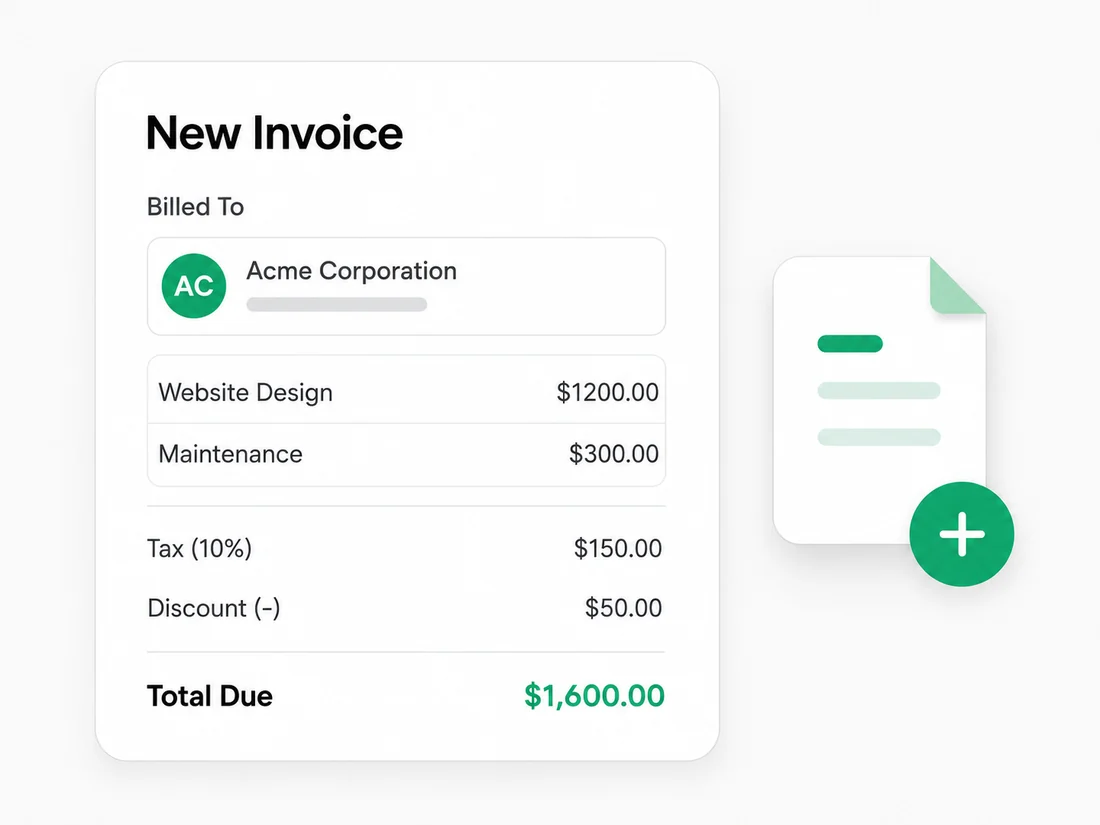
Creating an invoice shouldn't feel like doing accounting. Add your client, enter the products or services you provided, set quantities and rates, apply taxes or discounts, choose a due date and your invoice is ready.
Invoize handles the structure and calculations so you can focus on checking the details before sending.
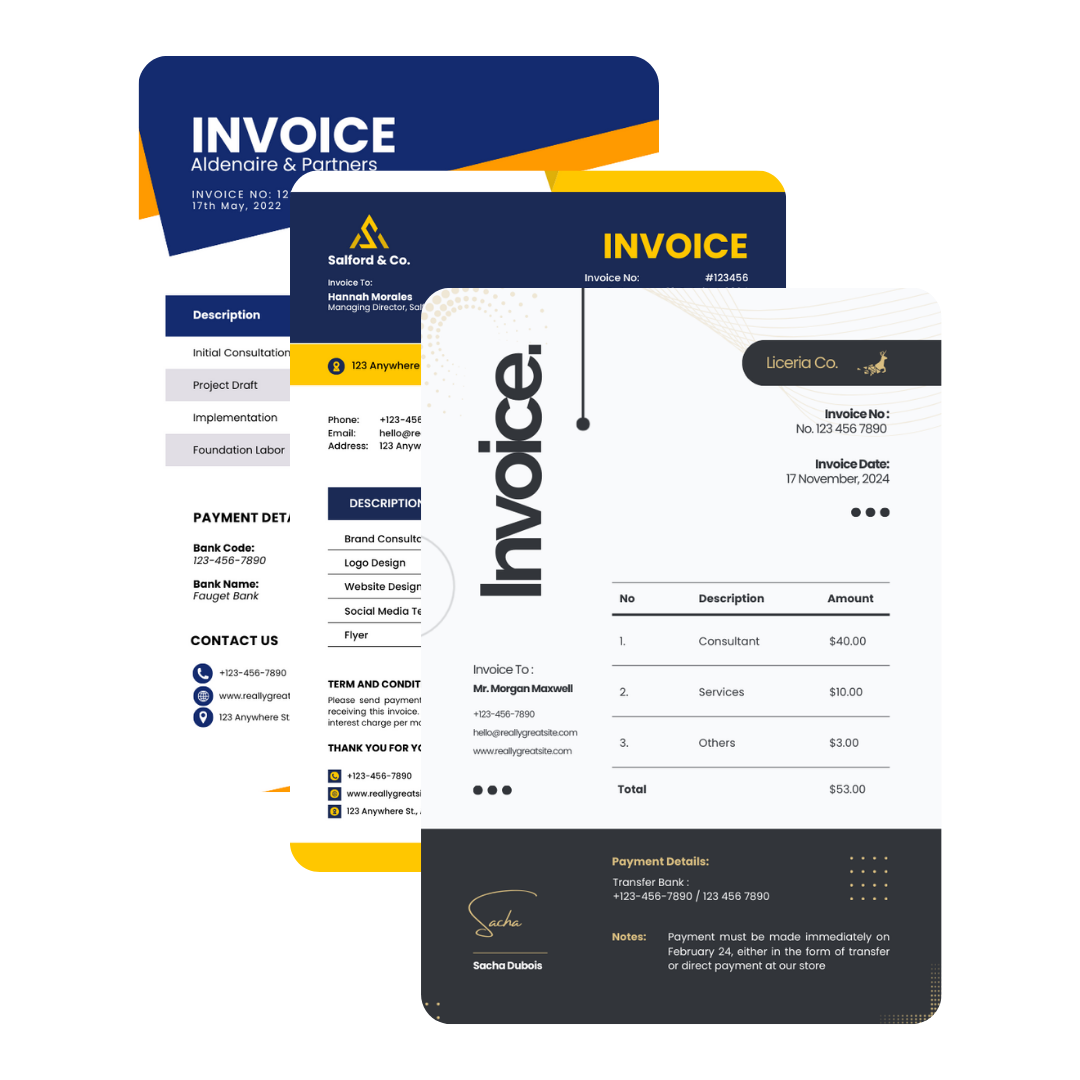
Branded, client-ready documents
Your invoice represents your business after the work is complete. Use professional invoice templates and add your business details and branding to create documents that are clear, polished and easy for clients to understand.
A good invoice makes the important information obvious:
Preview everything before sending so you know exactly what your client will receive.
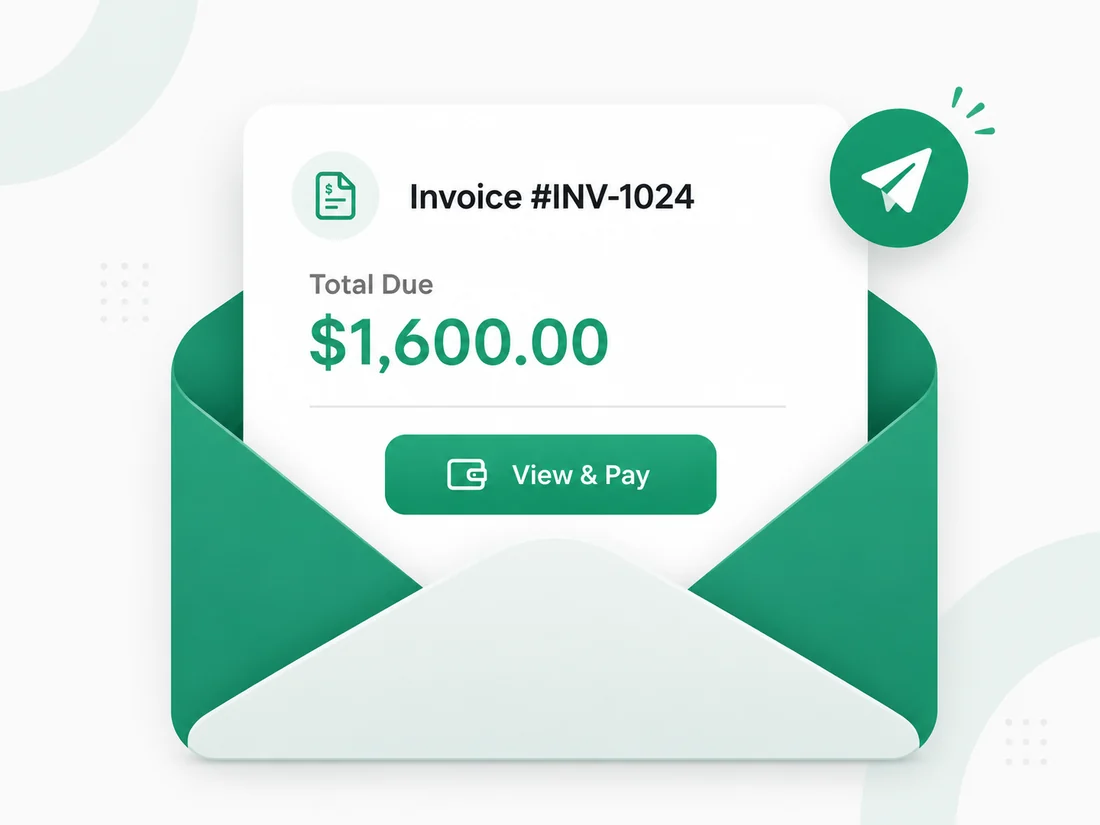
PDF sharing from your phone
Finish a job and send the invoice while the details are still fresh. Generate a professional PDF directly from Invoize and share it with your client from your iPhone.
Just create, review and send.
One billing workflow
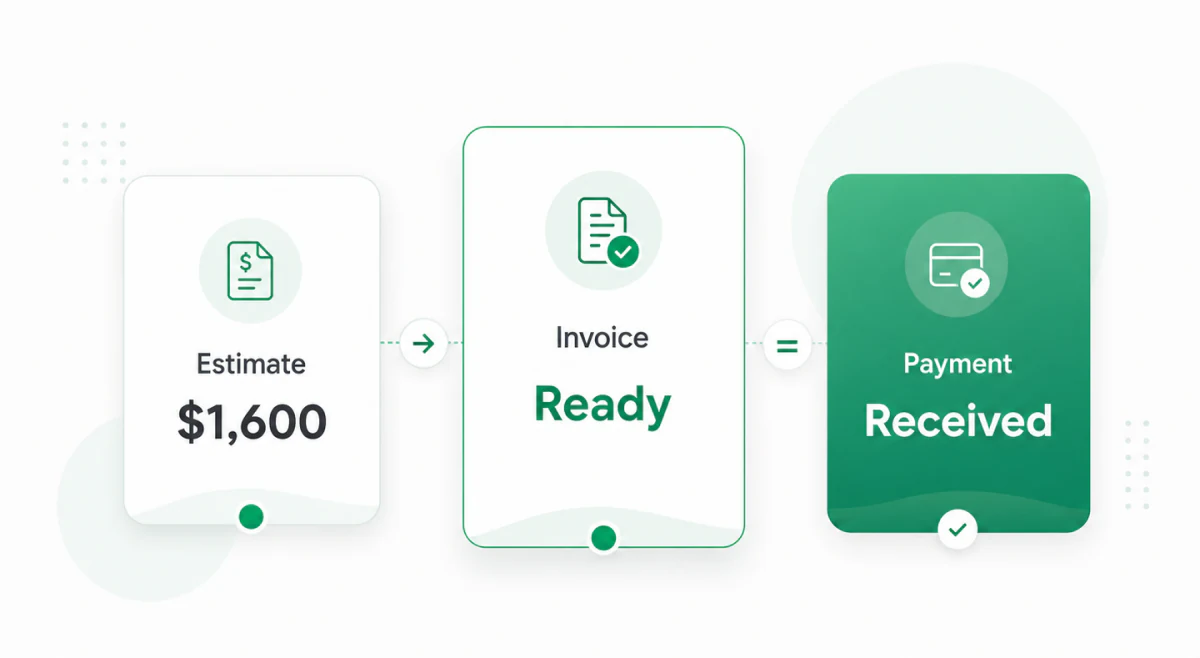
Billing often starts before the invoice and continues after the payment. With Invoize, you can keep the important documents together throughout the process.
Send the expected price and scope before the work begins.
Request payment once the agreed work, service or milestone is ready to be billed.
Give your client confirmation after payment has been received.
You can also turn an accepted estimate into an invoice instead of entering the same information again.
Reuse the details you bill most
If you regularly work with the same clients, you shouldn't have to type their information every time. Save client details and frequently used products or services so they're ready when you create your next invoice.
This is especially useful for freelancers, consultants, contractors and small businesses with repeat customers.
Instead of rebuilding every document, select what you already use and update only what changed.

Stay on top of unpaid work
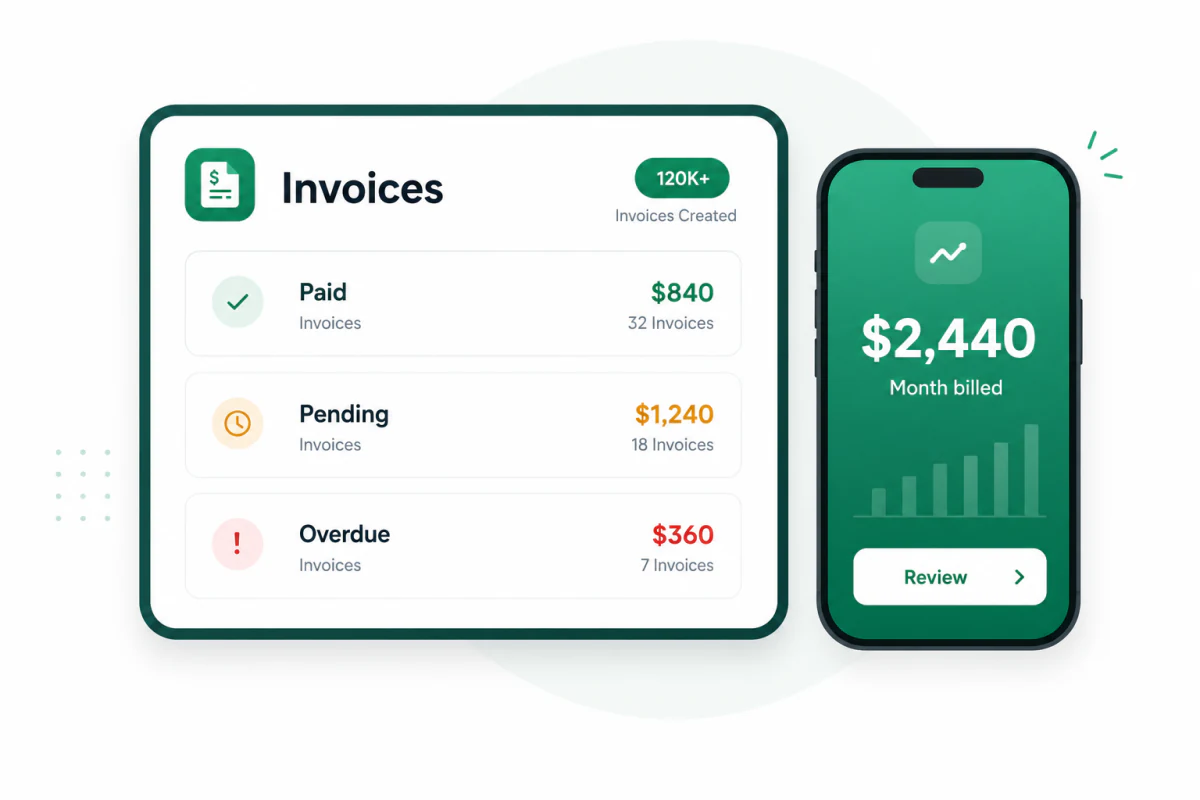
Sending an invoice is only part of the job. You also need to know what has been paid. Keep your invoice history organized and use payment statuses to quickly identify invoices that still need attention.
That means less searching through emails and fewer unpaid invoices forgotten in old folders.
Simple step-by-step workflow
Enter your business name, contact information and logo.
Add the person or company you're billing.
Include clear descriptions, quantities and rates.
Adjust the total when required.
Make it clear when payment is expected.
Check the client, amounts, dates and payment information.
Send the finished invoice directly from your iPhone.
Clear invoice details
You don't need to overcrowd your invoice, but the client should have everything necessary to understand and pay it.
Keep the layout clean and make the total amount and due date easy to find.
Built for mobile work
Invoize works well for people who need to create invoices wherever their work takes them.
Designers, developers, writers, photographers and marketers can invoice for projects, hours and milestones.
Create estimates and invoices for labor, materials and services while you're still on the job.
Bill for sessions, retainers, reports or project work.
Keep clients, invoices and payment records organized without scattered spreadsheets and documents.
One place for everyday billing
With Invoize, you can keep everyday billing simple and organized from one device. Instead of switching between templates, spreadsheets, emails and folders, you have one place for the documents you use to bill your clients.
Questions about mobile billing
Yes. You can enter your business information, select a client, add products or services and generate the finished invoice directly from your iPhone.
Yes. Invoize lets you generate professional PDF invoices that you can review and share with your clients.
Yes. You can create invoices, estimates and receipts as part of the same billing workflow.
Yes. You can use your business information and branding to make invoices look more professional and consistent.
Yes. Invoize is suitable for freelancers, contractors, consultants, service providers and small businesses.
Yes. Payment statuses help you keep track of invoices that are paid, pending or overdue.
Your business moves. Your invoicing should too.
You shouldn't have to return to a desk just to send an invoice. Create professional invoices, prepare estimates, issue receipts and keep your client billing organized directly from your iPhone.
From freelancers to growing companies, Invoize helps businesses create professional invoices, manage billing, and get paid faster.







Invoize helps freelancers and businesses create, manage, and send invoices easily
from anywhere without complicated accounting software.