Invoice meaning
What is an invoice?
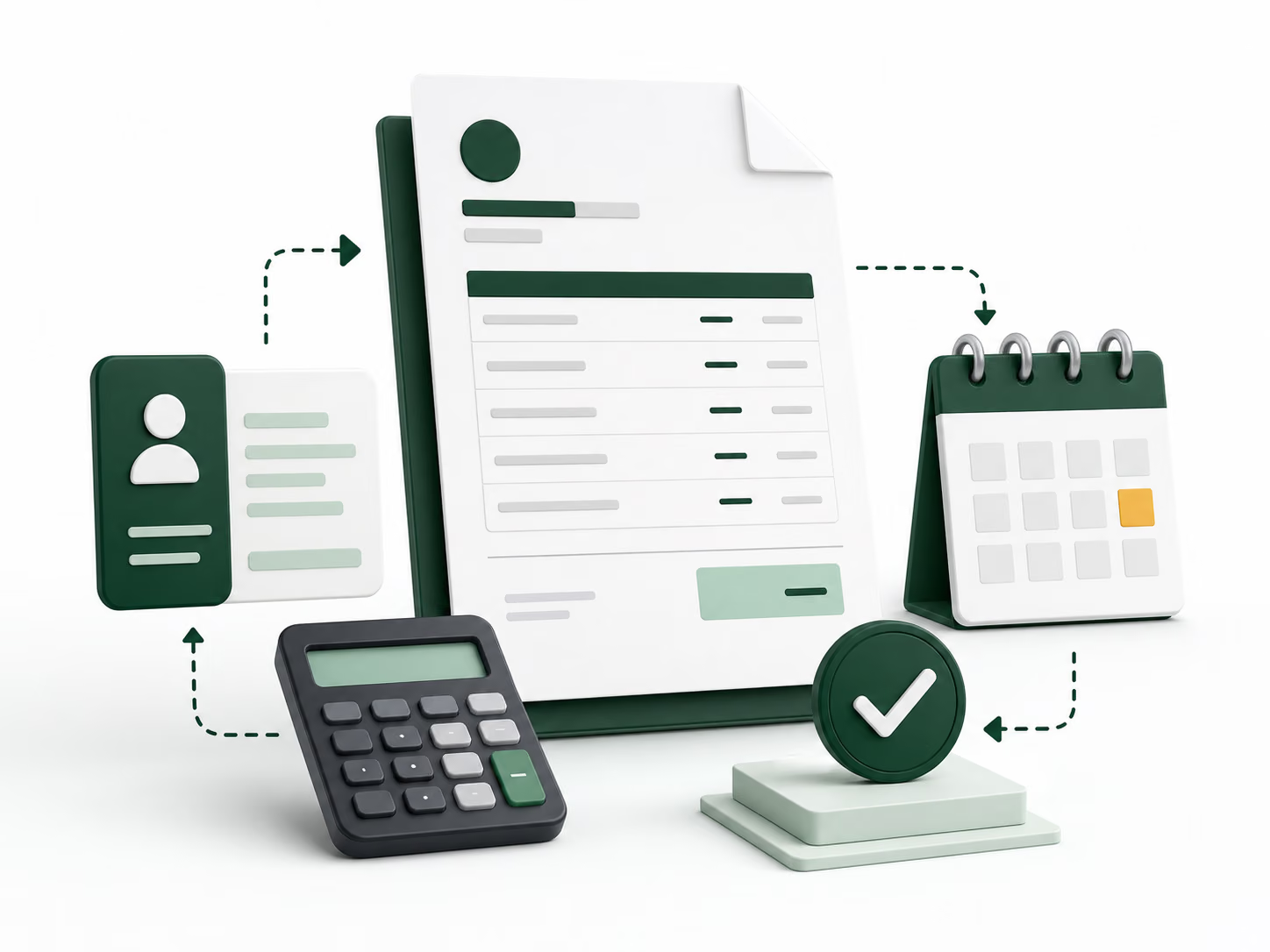
An invoice is a detailed payment request from a business or individual to a customer.
It normally lists the products or services provided, the price of each item, taxes, discounts, the total amount due, and the payment deadline.
For example, a freelance designer may complete a logo project and send an invoice for the agreed amount. The customer can review the invoice, confirm the work, and make the payment.
An invoice usually shows that money is still owed. A receipt, by comparison, confirms that a payment was received.
Purpose
What is an invoice used for?
Businesses use invoices to clearly explain a charge and request payment from a customer.
Invoices are useful for both the seller and the customer. Each side can keep a copy as a record of the transaction.
- Record what you sold.
- Show how the total was calculated.
- Set a clear payment deadline.
- Track paid and unpaid work.
- Give customers your payment instructions.
- Maintain organised financial records.
- Review income for bookkeeping and reporting.
The invoicing process
How does an invoice work?
The invoicing process usually follows a simple series of steps, from completing the work to recording the payment.
- 01
Provide the product or service
Deliver the agreed product, complete the work, or reach the billing milestone.
- 02
Create the invoice
Add accurate customer details, item descriptions, prices, terms, and a unique number.
- 03
Send it to the customer
Share it by email, PDF, messaging app, or through an invoicing platform.
- 04
Customer reviews it
The customer checks the items, quantities, prices, taxes, and total.
- 05
Customer pays
The customer follows the payment instructions and pays by the due date.
- 06
Record the payment
Mark the invoice as paid and provide a receipt when payment is confirmed.
Some businesses request a deposit before starting. In that case, an invoice may be sent before the full work is completed.
Invoice anatomy
What information should an invoice include?
A useful invoice gives the customer enough information to understand the charge, check the calculation, and make the payment.
- 01
Business information
Include your business or trading name and contact information. Add registration, address, or tax details when required.
- 02
Customer information
Add the customer or business name, billing address, email address, and other relevant details.
- 03
Invoice number
Give every invoice a unique reference, such as INV-001, 2026-001, or CLIENTA-104.
- 04
Invoice date
Show the date on which the invoice was created or issued.
- 05
Payment due date
Use a specific deadline or a clear term such as “Due within 14 days.”
- 06
Products or services
Describe each item clearly enough for the customer to understand the charge.
- 07
Quantity and price
Show units, hours, rates, or prices for every line item.
- 08
Subtotal
State the amount before taxes, discounts, delivery fees, or other adjustments.
- 09
Taxes and discounts
List each adjustment separately so the calculation is easy to review.
- 10
Total amount due
Make the final amount prominent and verify that it matches every item and adjustment.
- 11
Payment instructions
Explain how the customer can pay and include any required payment reference.
- 12
Notes or terms
Add relevant project terms, deposit details, payment terms, or a purchase-order reference.
Tax, registration, invoice, and record-keeping rules vary by country and location. Follow the requirements that apply to your business.
Illustrative example
Simple invoice example
This basic service invoice shows how the most important details can be organised in a clean, reviewable format.
Real invoice details and tax requirements depend on the seller, customer, transaction, and location.
Create an invoice like thisINVOICE
- Invoice number
- INV-104
- Invoice date
- July 29, 2026
- Payment due
- August 12, 2026
| Description | Quantity | Rate | Amount |
|---|---|---|---|
| Homepage design | 1 | $900 | $900 |
| Product-page design | 2 | $175 | $350 |
- Subtotal
- $1,250
- Tax
- $0
- Total due
- $1,250
Payment terms: Due by August 12, 2026.
Business records
Why are invoices important?
Invoices are more than payment requests. They create a clear, repeatable billing process for the business and the customer.
Explain what the customer is paying for
A detailed invoice connects the amount due to specific products, services, hours, or project stages.
Provide a payment deadline
A clear due date reduces uncertainty and gives both sides a deadline they can refer to.
Support payment tracking
Invoice numbers and payment statuses help separate paid invoices from outstanding ones.
Create a transaction record
The seller and customer can keep the invoice for bookkeeping, reporting, and future reference.
Make billing more consistent
Using the same structure for each customer makes billing easier to review and manage.
Record-retention requirements differ between locations, so businesses should follow the rules that apply to them.
Common formats
Common types of invoices
Different billing arrangements may require different invoice types.
Standard invoice
Requests payment for products or services. This is the most common format for freelancers, contractors, and small businesses.
Recurring invoice
Bills the same customer regularly for subscriptions, retainers, maintenance, or repeated service work.
Progress invoice
Requests part of a larger payment when work reaches an agreed project stage.
Pro forma invoice
Shows an expected cost before the final sale or service is completed. Its exact use varies by business and location.
Credit invoice or credit note
Reduces a previous charge after a return, pricing correction, cancelled service, or approved refund.
Document comparison
Invoice vs estimate vs receipt
These documents support different stages of the same transaction.
| Document | Main purpose | When it is usually sent | Requests payment? |
|---|---|---|---|
| Estimate | Shows an expected price | Before the work or sale is confirmed | No |
| Invoice | Requests payment | After work, delivery, or an agreed billing stage | Yes |
| Receipt | Confirms payment | After payment is received | No |
Estimate
An estimate tells the customer what a product or service is expected to cost. The final amount may change when the work, quantity, or requirements change.
Create an estimateInvoice
An invoice shows the amount the customer is expected to pay. It should reflect the agreed work, delivered items, or current billing stage.
Use the invoice generatorReceipt
A receipt confirms that the customer paid. It may show the payment date, amount, method, and related invoice number.
Create a receiptEveryday terminology
Is an invoice the same as a bill?
An invoice and a bill can describe the same amount owed, but the words are often used from different viewpoints.
The seller may call the document an invoice because they are requesting payment. The customer may call it a bill because it is an amount they need to pay. In everyday use, the terms are sometimes used in the same way.
Billing timing
When should you send an invoice?
Send the invoice according to the payment arrangement agreed with your customer.
Sending it promptly can make the request easier to understand because the work or purchase is still recent.
- Immediately after completing a service
- When products are delivered
- At the end of a billing period
- Before work begins when requesting a deposit
- After reaching a project milestone
- On an agreed weekly or monthly billing date
Practical checklist
How to create an invoice
Follow these nine steps to create a clear invoice and keep your billing records consistent.
- 01
Choose an invoice format
Use an invoicing app, invoice template, spreadsheet, document editor, or online generator. Choose a format that keeps the layout and numbering consistent.
- 02
Add your business details
Enter your business name, contact information, and any registration or tax details required in your location.
- 03
Enter the customer’s information
Add the correct customer or company name and use any billing information they have provided.
- 04
Assign an invoice number
Give the invoice a unique number and use a numbering system you can continue as the business grows.
- 05
List the products or services
Add a separate line for each item with a clear description, quantity, rate, and amount.
- 06
Calculate the total
Check the subtotal, taxes, discounts, extra charges, and final amount before sending.
- 07
Add payment terms
State the due date, payment method, and any deposit, instalment, or late-payment terms.
- 08
Review the invoice
Check the customer details, invoice number, dates, items, prices, adjustments, total, and payment instructions.
- 09
Send and save it
Send the invoice through the customer’s preferred method, keep a copy, and update its status after payment.
Ready to begin?
Create your first invoice
Before you send
Common invoicing mistakes to avoid
Small invoice mistakes can delay payment or create avoidable questions.
Missing a due date
An issue date alone does not tell the customer when payment is expected. Add a clear deadline.
Using vague descriptions
Replace labels such as “services” with the actual task, product, period, or project stage.
Reusing an invoice number
Duplicate references make records harder to track. Every invoice needs a unique number.
Sending it to the wrong person
The person who approved the work may not handle payments. Confirm the correct billing contact.
Entering an incorrect total
Check quantities, rates, discounts, taxes, and the final calculation before sending.
Leaving out payment instructions
A correct invoice can still remain unpaid when the customer does not know how to pay.
Failing to track the invoice
Record when it was sent, when it is due, and whether payment has been received.
A simpler workflow
How Invoize can help you create invoices
Create and organise invoices with Invoize instead of formatting each document manually. The app is designed for freelancers, contractors, self-employed professionals, and small businesses.
Add business and customer details, list products or services, apply taxes or discounts, review totals, prepare professional PDFs, and keep invoice payment status organised in one place.
Browse invoice templates for different industries- Create invoices, estimates, and receipts
- Keep customer and item details organised
- Apply taxes and discounts clearly
- Review paid, pending, and overdue invoices
- Download and share professional PDFs
- Work on web, iOS, and Android
Create your next invoice
Create clear invoices with Invoize
Add your customer details, list your products or services, review the total, and prepare an invoice to share. A good invoice makes the payment request clear for you and your customer.