Create clear estimates
Add project details, client information, line items, quantities, rates, expected costs, notes, and terms before work begins.
Estimate app for client-ready pricing
Use Invoize to prepare clean estimates, explain project pricing, and give clients a professional document they can review before you start the job.
What it helps you do
A good estimate app helps clients understand what they are approving. Invoize keeps project details, pricing, terms, and follow-up documents in a cleaner billing workflow.
Add project details, client information, line items, quantities, rates, expected costs, notes, and terms before work begins.
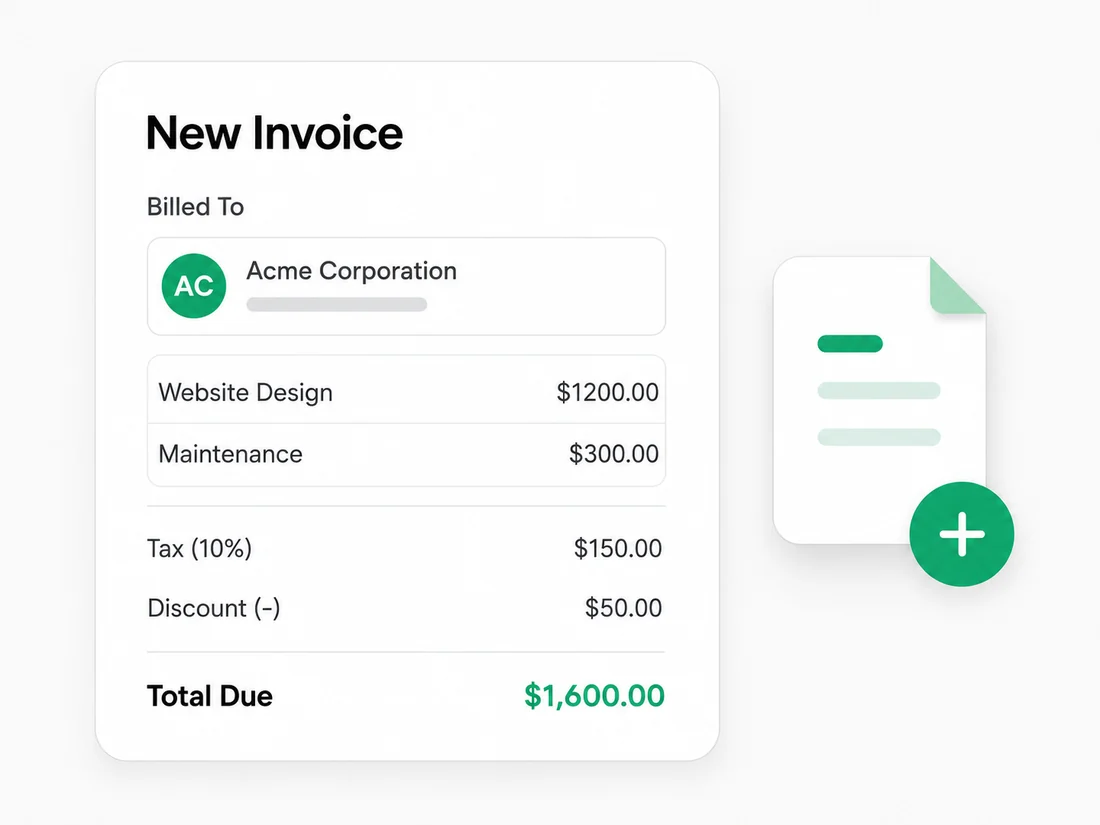
Show labor, materials, packages, service fees, taxes, discounts, deposits, and totals in a format clients can review.
Preview the estimate and send a polished document that explains the scope, pricing, and next step clearly.
Save client details once and reuse them when you prepare future estimates, invoices, quotes, or receipts.
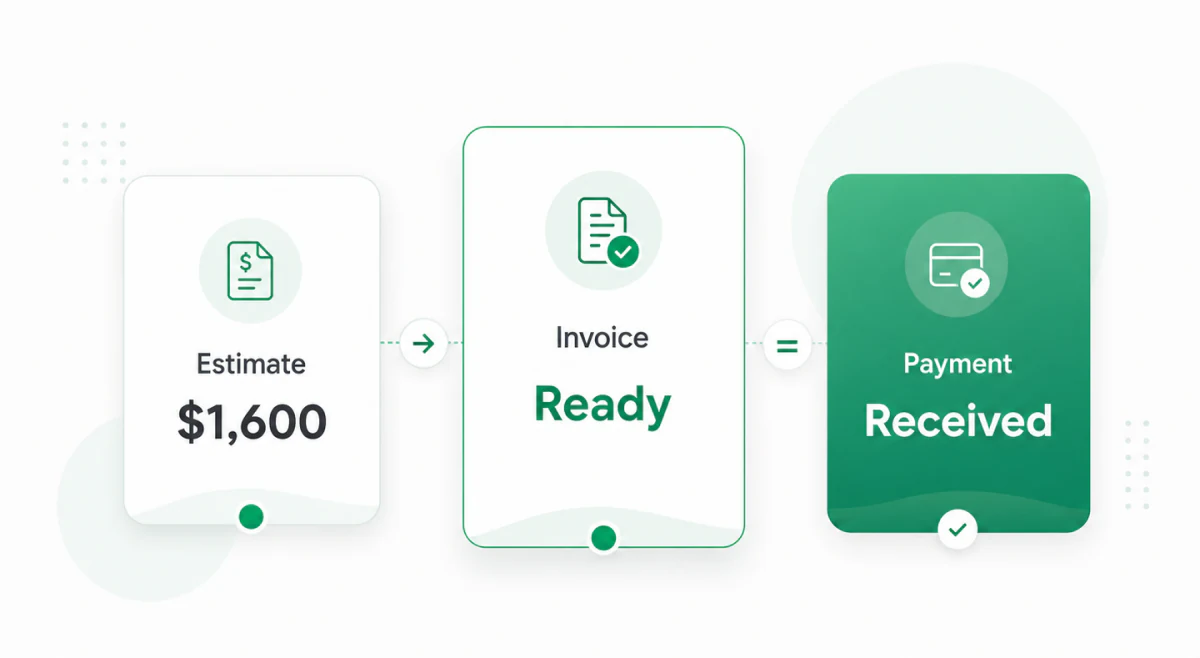
Use approved estimate details as the starting point for the invoice instead of entering the same work twice.
Create and manage estimates from your computer, iPhone, Android phone, or tablet when project details change on the go.
From quote to approved work
Whether you price a repair, consultation, creative project, installation, or service package, Invoize helps you organize the expected cost before the final invoice is due.
Add the client and project details
List services, labor, materials, packages, or fees
Add taxes, discounts, deposits, notes, and approval terms
Preview the estimate so the scope and price are easy to understand
Send the estimate and use it for the final invoice when the work is approved
One workflow before and after approval
Estimates are most useful when they connect to the final billing workflow. Invoize helps keep the pre-work price, client details, approved services, and invoice-ready information together.
Use an estimate to show expected pricing, scope, assumptions, and approval terms before the client commits.
Keep services, materials, add-ons, and scope changes organized so the final invoice is easier to prepare.
Turn accepted estimate details into invoice-ready billing information without rebuilding the document manually.
Built for service pricing
Invoize fits businesses that need to explain pricing before the client says yes. It is useful when the work includes scope, services, labor, materials, packages, deposits, or milestones.
Prepare professional estimates, explain pricing clearly, and keep the approved details ready when it is time to create the invoice.
Start Creating Estimates FreeQuestions
An estimate app helps businesses create and send expected project pricing before work begins. It organizes client details, service descriptions, quantities, rates, taxes, discounts, notes, and approval terms in a professional document.
No. An estimate is usually sent before work starts to show expected pricing. An invoice is sent when payment is requested for completed work, approved services, products, or project milestones.
Yes. Invoize is designed so estimate details can support the final invoice workflow after a client approves the work.
Contractors, freelancers, consultants, agencies, repair businesses, service providers, and small businesses can use an estimate app when clients need pricing before work begins.
Yes. Invoize is available on web, iOS, and Android, so you can create and manage estimates from a computer, phone, or tablet.
A professional estimate should include your business details, client details, estimate number, issue date, project or service description, itemized pricing, taxes, discounts, notes, terms, and expected total.
From freelancers to growing companies, Invoize helps businesses create professional invoices, manage billing, and get paid faster.







Invoize helps freelancers and businesses create, manage, and send invoices easily
from anywhere without complicated accounting software.