Create professional invoices
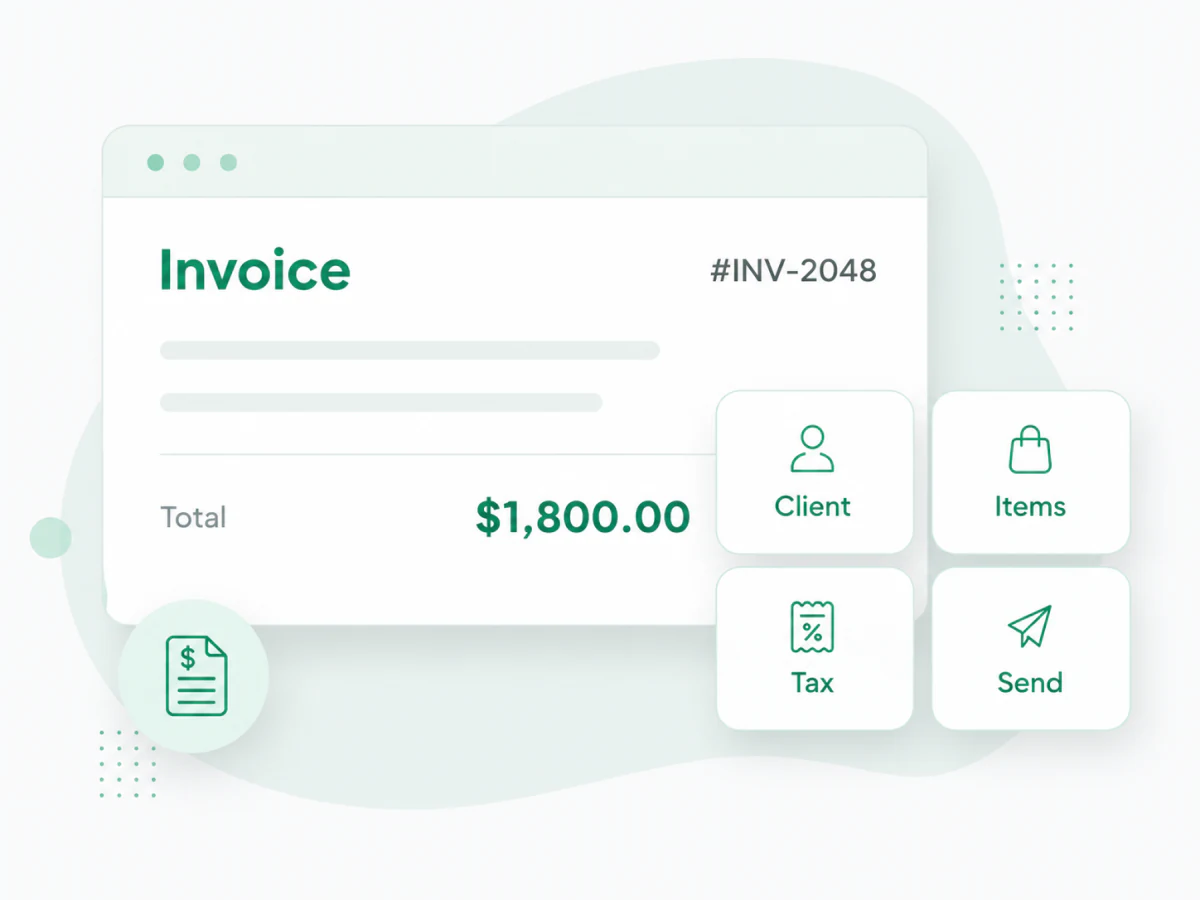
Build clean invoices with client details, line items, taxes, discounts, notes, payment terms, and totals.
Invoicing software for real business work
Use Invoize to create invoices, send estimates, manage client billing, and track payment status without rebuilding documents from scratch every time you get paid.
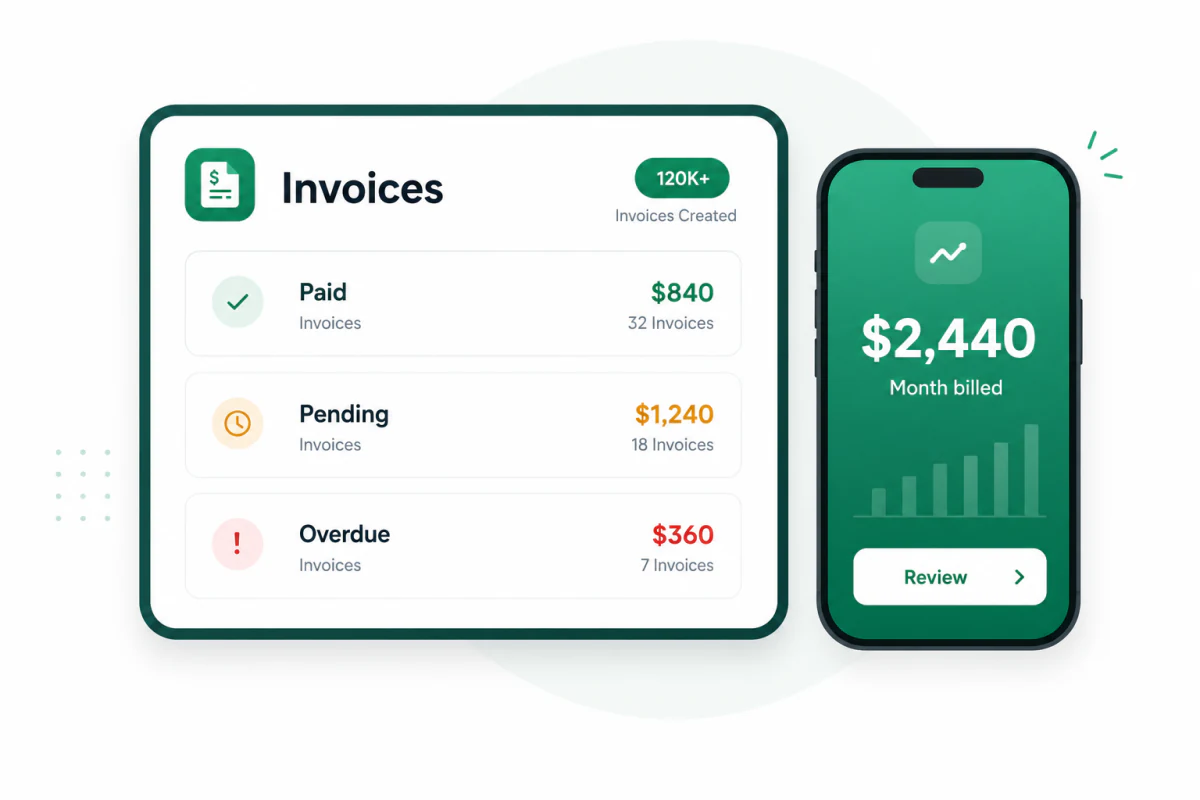
What it helps you do
Good invoicing software does more than format a document. It keeps the full billing workflow organized so every client, amount, due date, and payment status is easier to manage.
Build clean invoices with client details, line items, taxes, discounts, notes, payment terms, and totals.
Prepare project pricing before work starts, then keep the approved details ready for the final invoice.
See which invoices are paid, pending, or overdue so follow-up work does not get lost in email threads.
Save customer details once and reuse them whenever you create a new invoice, estimate, quote, or receipt.
Start from invoice layouts designed for freelancers, contractors, consultants, agencies, trades, and service work.
Create and manage billing from your computer, iPhone, Android phone, or tablet when work moves away from your desk.
A cleaner billing workflow
Invoize helps you move from client work to a finished invoice with fewer repeated steps. Save the details you use often, review the numbers, send the document, and keep the record where you can find it later.
Add your business and client details
Choose products, services, labor, materials, or project fees
Apply taxes, discounts, deposits, and payment terms
Preview the invoice and send a polished document
Track payment status and keep the record organized
Software, not only files
Templates are useful, and Invoize has them. The software layer matters when you need the whole billing process to stay organized after the document is created.
Useful for calculations, but easy to break, duplicate, misfile, or send with outdated client details.
Good for one-off formatting, but they still require manual totals, copying, saving, exporting, and follow-up.
Keeps invoice creation, estimates, client details, PDF documents, and payment status in one organized workflow.
Built for service businesses
Invoize works best for people who need professional billing without heavyweight accounting software. It fits everyday client work, field work, project billing, and repeat services.

Create invoices, send estimates, manage client details, and track payment status from one clean workflow built for small businesses and freelancers.
Start Creating Invoices FreeQuestions
Invoicing software helps businesses create invoices, calculate totals, organize client details, send billing documents, and track invoice payment status without relying on copied spreadsheets or manual document templates.
Yes. Invoize is built for freelancers, contractors, service providers, consultants, agencies, and small businesses that need a faster way to create invoices, send estimates, manage clients, and keep billing organized.
Yes. Invoize is available on web, iOS, and Android, so you can create and manage invoices from your computer, phone, or tablet.
Yes. Invoize supports estimates so you can prepare pricing before work begins, then use the same billing workflow when it is time to send an invoice.
Templates are useful when you want a ready-made format. Invoicing software goes further by helping you manage client information, invoice details, totals, payment status, and recurring billing records in one place.
Yes. You can start creating invoices with Invoize and use simple billing tools without a complicated setup process.
From freelancers to growing companies, Invoize helps businesses create professional invoices, manage billing, and get paid faster.







Invoize helps freelancers and businesses create, manage, and send invoices easily
from anywhere without complicated accounting software.