
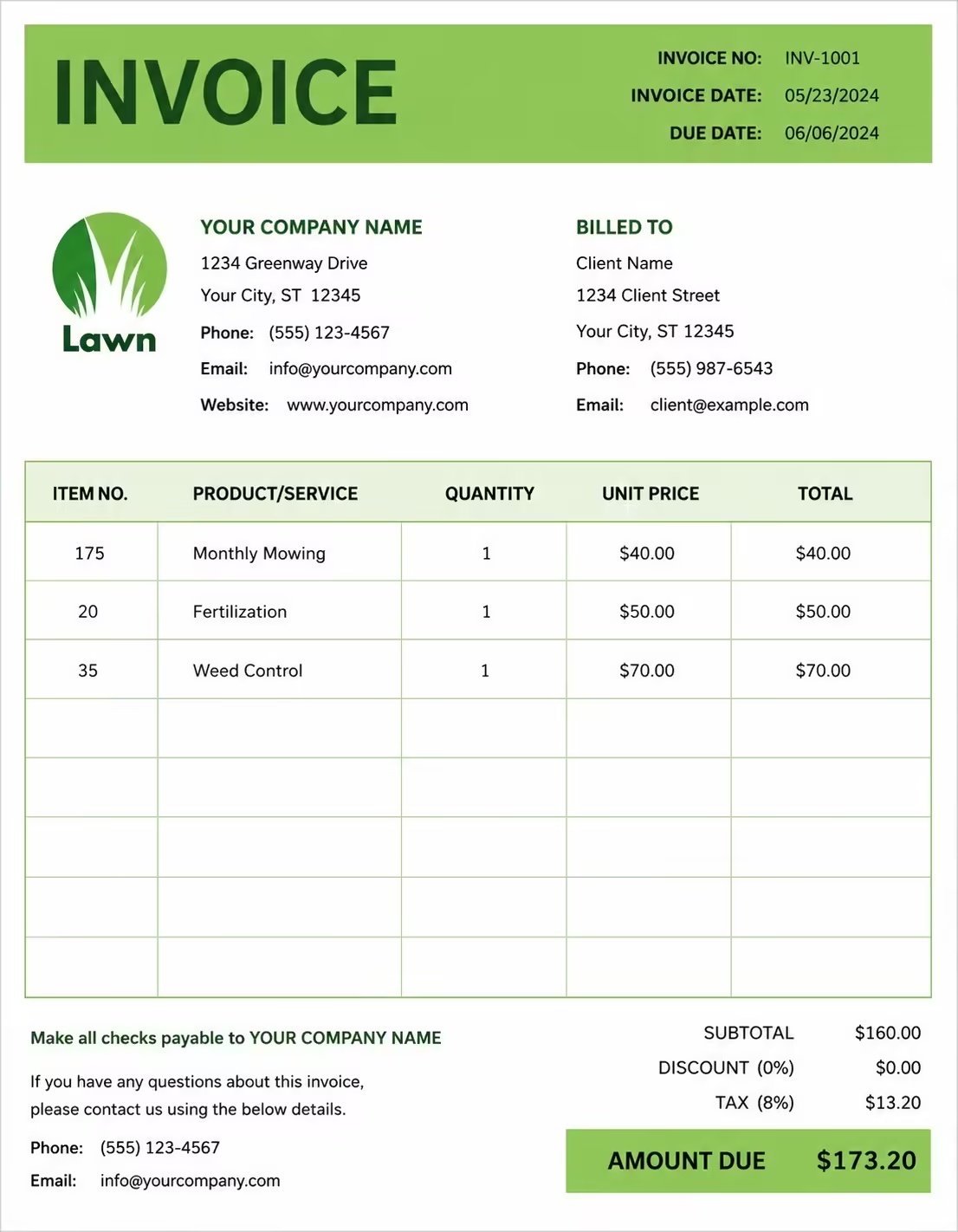
Free Guest Speaker Invoice Template
Free invoice templates for guest speakers, keynote speakers, event speakers, conference presenters, workshop speakers, panel speakers, trainers, and public speaking professionals. Download and edit in PDF, Word, Excel, Google Docs, or Google Sheets.
Use this template to bill for speaking fees, keynote sessions, panel appearances, workshops, travel, accommodation, preparation time, event materials, taxes, discounts, deposits, and payment terms in a clear and professional way.
Download the app and manage invoices anywhere


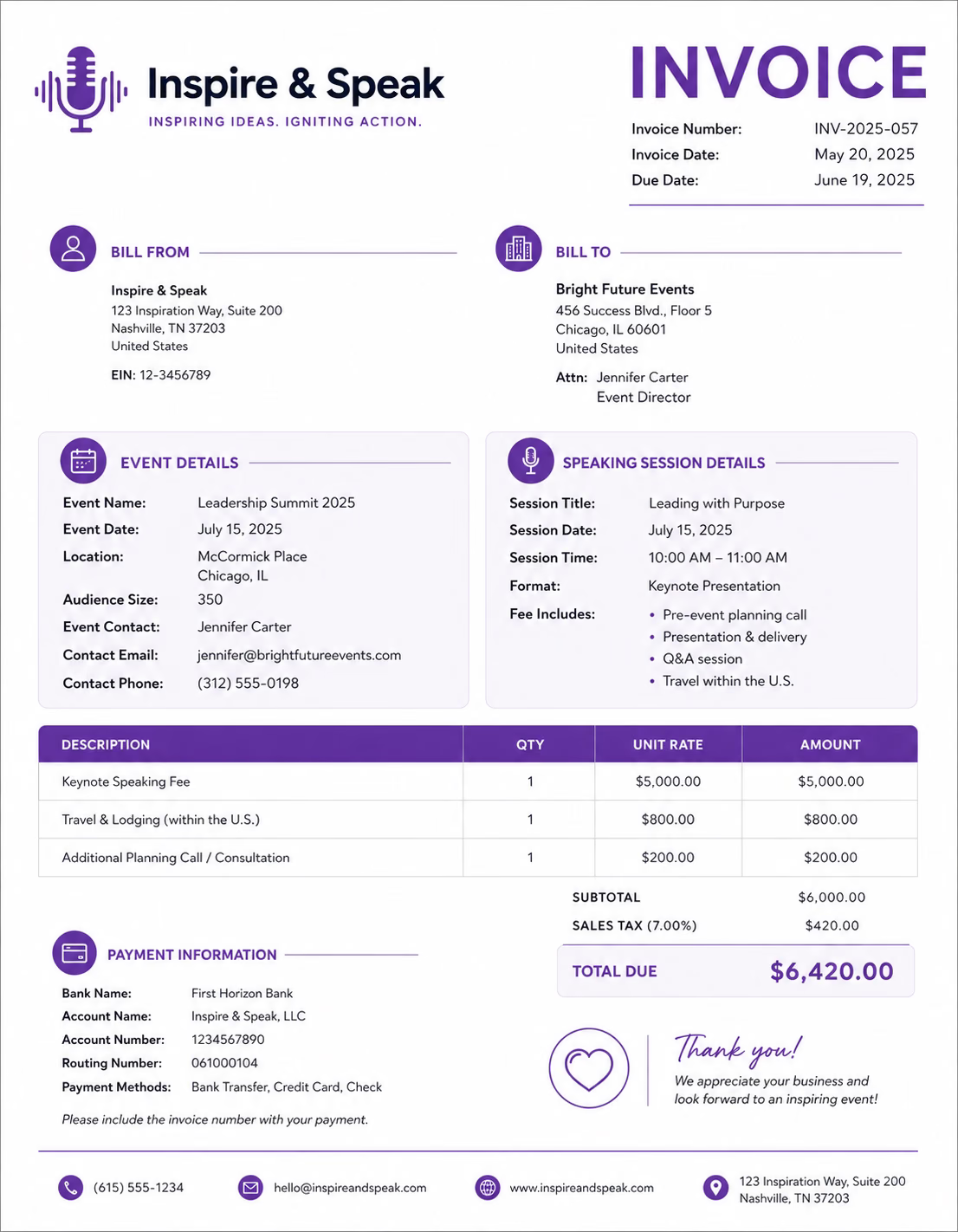
Download Free Guest Speaker Invoice Templates
Download a template, then edit it in PDF, Word, Excel, Google Docs, or Google Sheets. Print it, save it, or send it to your client when the speaking engagement is complete.
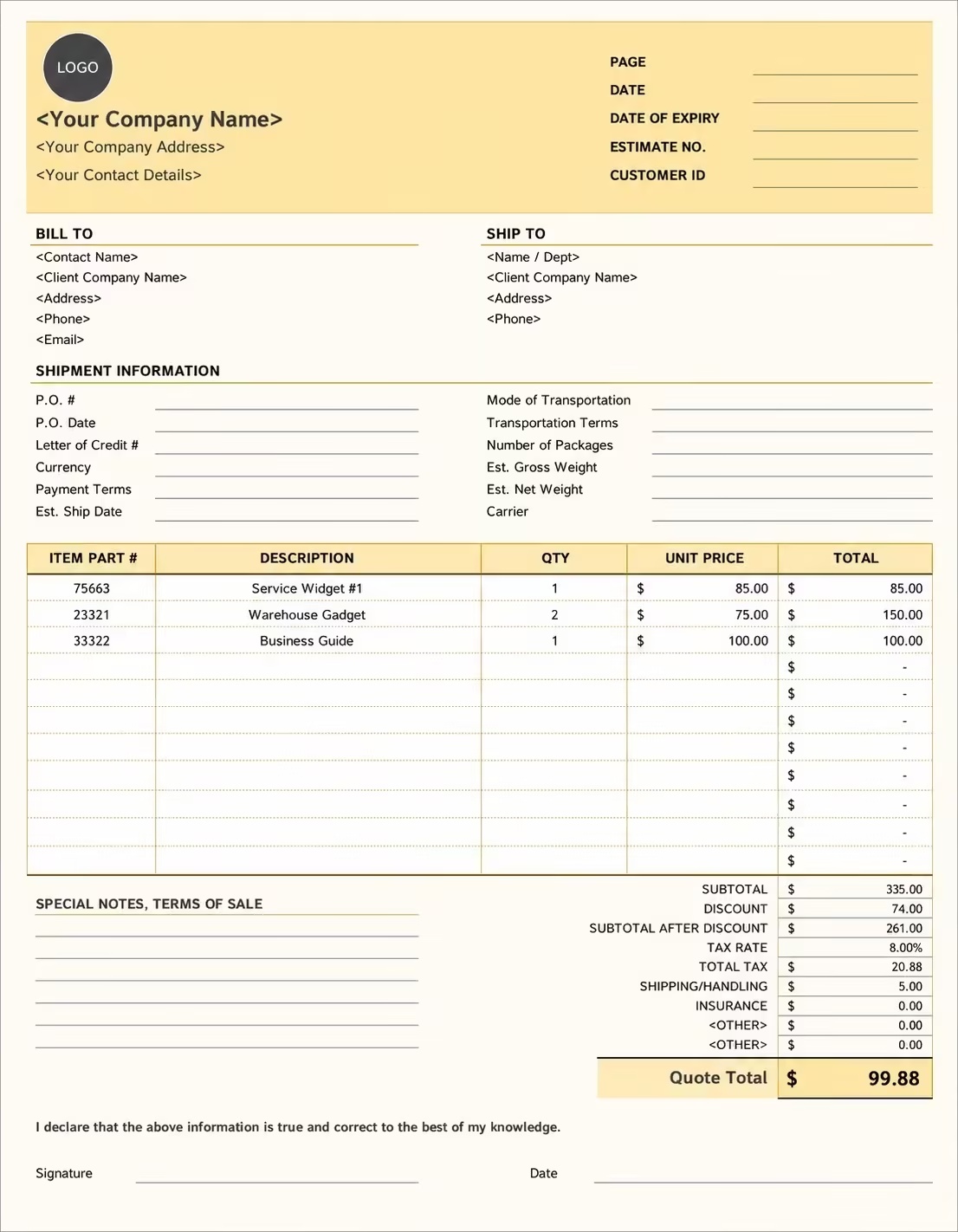
Editable Guest Speaker Invoice Template
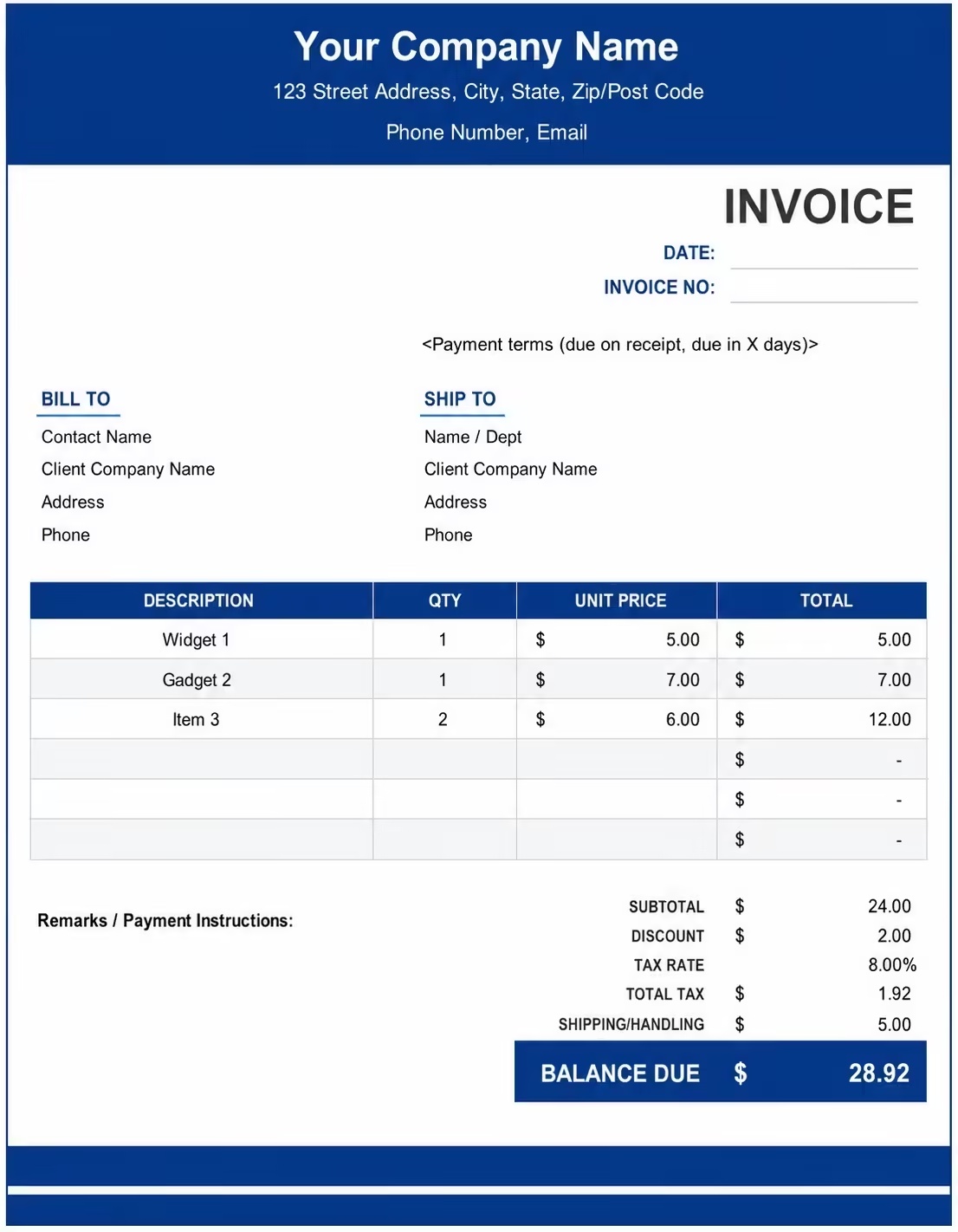
Printable Guest Speaker Invoice Template
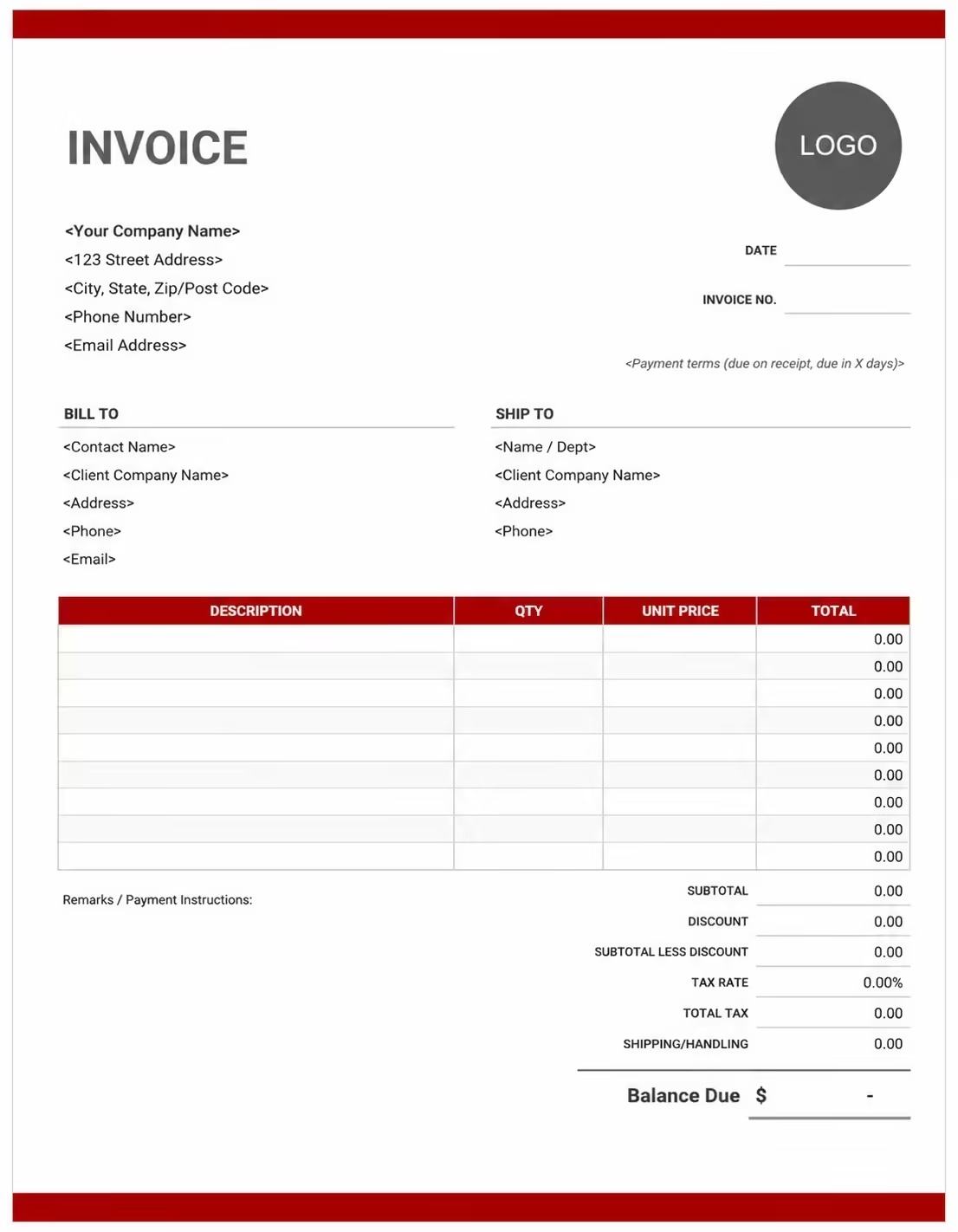
Free Guest Speaker Invoice Template
Use these templates for keynote speakers, conference speakers, guest lecturers, workshop presenters, corporate speakers, motivational speakers, training speakers, and event presenters.
How to Invoice for Guest Speaker Work
A good guest speaker invoice should clearly show the client details, event name, speaking date, session type, speaking fee, travel costs, extra charges, taxes, and payment terms.
Start Creating Invoices FreeIn 5 Steps:
- Confirm the client details, event name, event date, venue location, session topic, speaking time, travel needs, and agreed pricing before the event.
- Record completed speaking work, keynote session, panel appearance, workshop, preparation time, Q&A session, materials provided, and any approved extra services.
- Track service costs such as travel, accommodation, meals, presentation materials, event handouts, equipment needs, parking, and extra session time.
- Calculate speaking fees, preparation fees, workshop charges, travel expenses, materials, taxes, discounts, deposits, and the final balance due.
- Send the invoice with payment options, due date, event notes, speaking details, expense notes, and any remaining balance instructions.
With Invoize, you can create guest speaker invoices faster, save client details, reuse speaking packages, add travel expenses, and track payments from your phone.
What to Include in a Guest Speaker Invoice
A professional guest speaker invoice should include the details needed to identify the client, event, speaking service, expenses, charges, and payment terms.
Invoice and Event Details
- Invoice numberHelps track the invoice, payment record, and speaking engagement history.
- Client name and contact detailsShows who booked the guest speaker and who is responsible for payment.
- Speaker or business detailsShows which speaker, consultant, trainer, or speaking business provided the service.
- Event name or booking referenceConnects the invoice to the correct conference, seminar, workshop, lecture, or event booking.
- Event date and speaking timeShows when the speaking service was scheduled and completed.
Speaking Service Details
- Venue address or online event linkShows where the guest speaker service was provided.
- Audience type or event sizeHelps explain the speaking format, preparation level, event needs, and pricing.
- Session title or topicShows what the speaker presented or discussed during the event.
- Service descriptionExplains keynote speeches, workshops, panel discussions, training sessions, guest lectures, or event talks.
- Session length and number of sessionsShows how much speaking time was provided and how the total charge was calculated.
Payment and Final Notes
- Speaking fee or event rateShows whether the service was billed by speaking fee, hourly rate, fixed event fee, or package price.
- Expenses and extra feesLists preparation time, rehearsal, consultation, travel, accommodation, meals, parking, transport, handouts, slides, or workbooks.
- Discounts, deposits, or previous paymentsShows credits or amounts already paid before the final balance.
- Total amount dueShows the final amount the client needs to pay.
- Booking notes or service termsRecords the due date, payment methods, cancellation terms, travel terms, recording rights, overtime rules, or final payment instructions.
Billing Scenarios for Guest Speakers
Use clear invoice labels so clients understand the type of speaking service, session fee, preparation charge, travel cost, and final amount due.
| Scenario | Invoice line items | Best used for | How to describe it |
|---|---|---|---|
| Keynote speaking engagement | Keynote fee, session title, event date, preparation time, travel expenses | Conferences, corporate events, summits, launches, and large audience events. | Show the keynote topic, speaking time, event name, and agreed keynote fee clearly. |
| Workshop or training session | Workshop fee, preparation time, materials, participant resources, Q&A time | Interactive sessions, employee training, educational events, leadership workshops, and team learning sessions. | List the workshop title, session length, materials provided, and any preparation or resource fees. |
| Panel appearance | Panel speaker fee, event time, discussion topic, travel, parking | Industry panels, expert discussions, academic events, media events, and community programmes. | Show the panel topic, event date, speaking role, and any travel or access costs. |
| Guest lecture | Lecture fee, academic session, slides, preparation, student Q&A | Schools, colleges, universities, training centres, and educational programmes. | Show the lecture title, institution name, session date, and agreed lecture fee. |
| Virtual speaking event | Online session fee, platform preparation, digital materials, recording permission | Webinars, online conferences, virtual training sessions, and remote guest appearances. | Show the online event name, session time, platform details, and digital resource charges. |
| Multi-session speaking package | Multiple sessions, package fee, materials, travel, recurring event dates | Speaker series, training programmes, recurring workshops, or multi-day events. | Show the number of sessions, event dates, topics covered, and package total clearly. |
Start Creating Invoices Free
☝️ Create your first invoice in seconds.
Common Charges and Fees for Guest Speakers
Itemize guest speaker charges clearly so clients can see speaking fees, preparation time, materials, travel, taxes, and any extra costs.
| Charge or service | Unit | When to use | How to show it |
|---|---|---|---|
| Speaking fee | Session or event | Use when charging for a keynote, guest lecture, talk, panel appearance, or presentation. | Show the session title, event date, and fixed speaking fee clearly. |
| Hourly speaking rate | Hour | Use when billing by time for speeches, workshops, Q&A sessions, or extended presentations. | Show hours worked multiplied by the hourly rate with a short service description. |
| Workshop fee | Workshop or session | Use when the speaker leads an interactive training, class, or learning session. | List the workshop name, duration, audience type, and workshop fee. |
| Preparation fee | Hour or service | Use when custom research, planning, rehearsal, slide preparation, or event consultation is billed separately. | Show preparation time and purpose clearly. |
| Presentation materials | Item or package | Use when charging for workbooks, handouts, printed notes, slides, templates, or digital resources. | List materials separately when they are not included in the speaking fee. |
| Travel fee | Mile, kilometer, or fee | Use when travel is required for an in-person event, conference, school, or corporate booking. | Show travel separately from the speaking fee. |
| Accommodation or meal expense | Night, day, or expense | Use when the speaker needs hotel stay, meals, or event-related travel support. | List accommodation and meal expenses separately when charged to the client. |
| Parking, tolls, or local transport | Fee | Use when parking, tolls, taxi, rideshare, or local transport adds cost to the event. | Show these expenses separately with a clear label. |
| Recording or usage fee | Fee or licence | Use when the client records, reuses, sells, or shares the speaking session beyond the live event. | Show recording or usage rights separately when they are part of the agreement. |
| Overtime or extra session fee | Hour or session | Use when the event runs longer than agreed or the client requests an added session. | Show approved extra time, session details, and updated total clearly. |
| Tax | Percentage or amount | Use when tax applies to guest speaking services, materials, travel fees, or event charges based on local rules. | Show tax before the final total so the client can see how the balance was calculated. |
| Deposit or previous payment | Credit | Use when the client paid before or during the guest speaker booking. | Subtract it from the invoice total and show the remaining balance due. |
Common Guest Speaker Invoicing Mistakes
Guest speaker work can include event dates, speaking topics, session fees, preparation time, travel costs, materials, deposits, and booking terms. Missing details can confuse clients or delay payment. Avoid these common mistakes.
| Mistake | Why it causes problems | How to fix it |
|---|---|---|
| Not listing the event name and date | The client may not know which conference, seminar, workshop, or speaking event the invoice belongs to. | Add the event name, event date, and speaking time to every guest speaker invoice. |
| Not describing the speaking service clearly | The client may not understand whether the charge is for a keynote, workshop, lecture, panel, or online session. | Add a simple description of the speaking service, topic, and session format. |
| Combining all charges in one line | The total may look unclear because the client cannot see speaking fees, materials, travel, and taxes separately. | Separate speaking fees, preparation time, materials, travel, accommodation, overtime, deposits, and taxes into clear line items. |
| Forgetting preparation time | Custom research, slide work, planning calls, or rehearsal time may be questioned if not shown clearly. | Add preparation time or custom planning fees as separate line items when billed. |
| Leaving out travel or accommodation costs | The client may be surprised by travel-related charges if they are not listed clearly. | Add travel, hotel, meals, parking, tolls, or local transport as separate expense lines. |
| Not listing session length | The client may not understand how the speaking fee or hourly charge was calculated. | Add session duration, number of sessions, hourly rate, or fixed event fee clearly. |
| Not recording approved extra time | Extra Q&A time, added sessions, or overtime may be questioned later. | Show approved extra time, added sessions, overtime rate, and updated totals clearly. |
| Forgetting deposits or booking payments | The final balance may look higher than expected. | Show deposits, advance payments, partial payments, or credits before the balance due. |
| Leaving out recording or usage terms | The client may not know whether the session can be recorded, reused, or shared after the event. | Add short notes for recording rights, usage terms, cancellation rules, or final payment conditions. |
| Not keeping invoice records | Tracking bookings, payments, event details, travel expenses, and client history becomes harder. | Keep a copy of every guest speaker invoice for your business records. |
More Invoice Templates You May Like
Explore closely related invoice templates for guest speaker work, similar services, and nearby billing scenarios before choosing the best format for your customer.
Questions
Frequently Asked Questions
How should I show guest speaker fees on an invoice?
List the speaking service clearly with the event name, session type, and fee. Example: “Keynote speaking session: 60-minute presentation: $1,500” or “Guest lecture: 90-minute university session: $600.” This helps the client understand what speaking service was provided.
What event details should be included on a guest speaker invoice?
Include the event name, event date, venue, session title, speaking time, and client or organiser name. Example: “Leadership Conference 2026, session: Building Better Teams, speaking time: 2 PM to 3 PM.” This connects the invoice to the correct event booking.
How do I invoice for preparation or research time?
Add preparation time as a separate line item if it is not included in your speaking fee. Example: “Presentation preparation: Custom slides and topic research: $350.” This explains the work completed before the event.
Can I charge separately for workshops or breakout sessions?
Yes. List each session separately when it has its own fee. Example: “Main keynote session: $1,500” and “Breakout workshop: 2 hours × $400/hr = $800.” This keeps different event services clear.
Should travel and accommodation costs be listed separately?
Yes. Add flights, hotel, mileage, parking, meals, or local transport as separate line items when they are billable. Example: “Travel reimbursement: Round-trip flight: $420” or “Hotel accommodation: 1 night: $180.”
How should I bill for virtual speaking events?
List the virtual session type, platform if needed, session length, and fee. Example: “Virtual guest speaker session: 60 minutes via Zoom: $750.” If recording rights or replay access are included, mention that in the service description.
How do I show deposits or booking retainers?
Show the full speaking fee, deposit paid, and remaining balance. Example: “Guest speaking booking total: $2,000,” “Deposit received: $500,” and “Balance due before event date: $1,500.” This helps both sides track the payment schedule.
What payment terms should a guest speaker invoice include?
Include the due date, accepted payment methods, deposit terms, cancellation policy, travel reimbursement rules, and final payment deadline. Example: “Final payment due 7 days before the event. Travel costs are billed separately. Cancellations may follow the signed speaker agreement.”













