
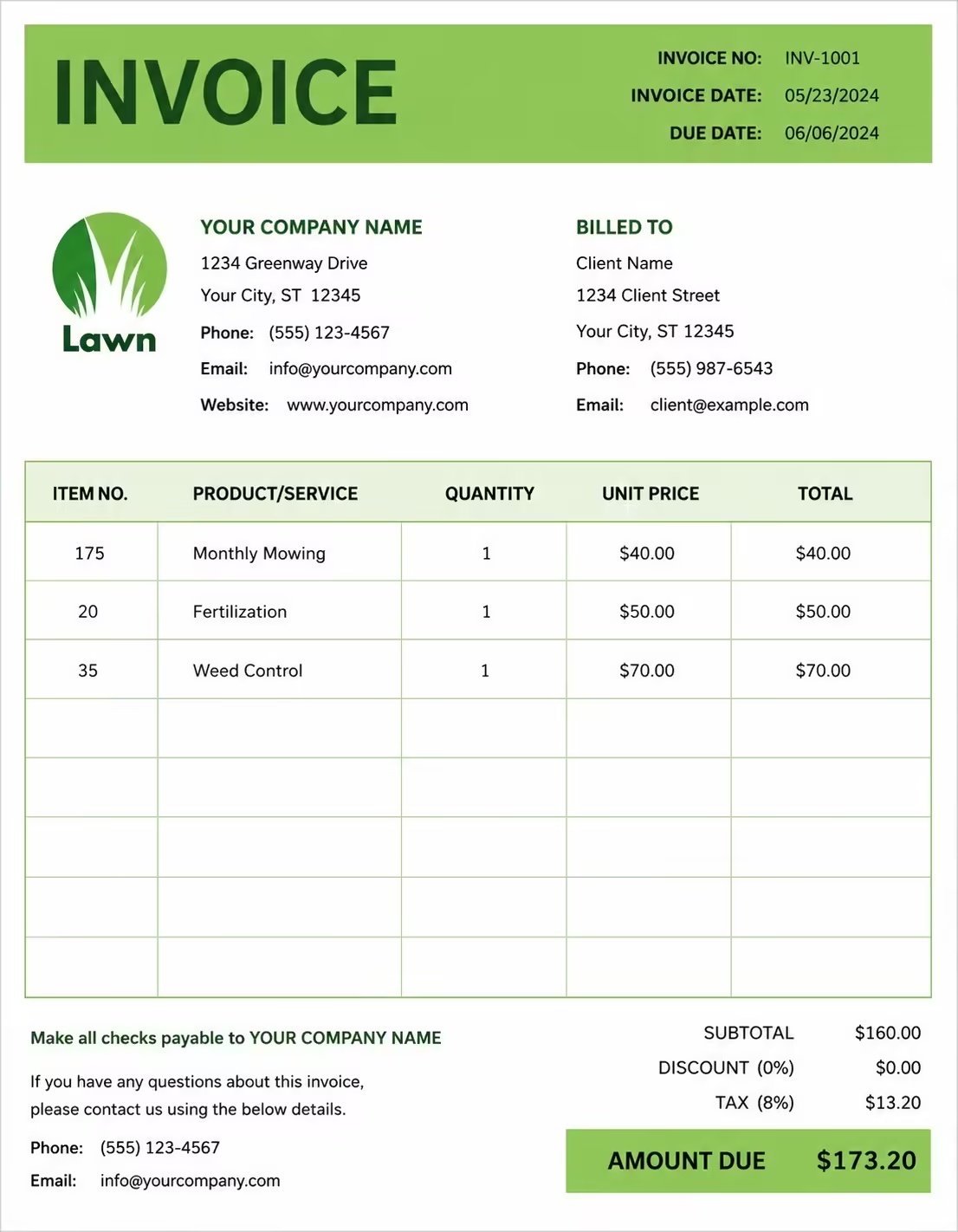
Free Pet-Sitting Invoice Template
Free invoice templates for pet sitters, pet care providers, dog sitters, cat sitters, overnight pet care providers, house sitters, and local pet service businesses. Download and edit in PDF, Word, Excel, Google Docs, or Google Sheets.
Use this template to bill for pet-sitting visits, overnight care, feeding, walking, medication support, litter cleaning, travel, extra pet fees, cancellation fees, taxes, discounts, deposits, and payment terms in a clear and professional way.
Download the app and manage invoices anywhere


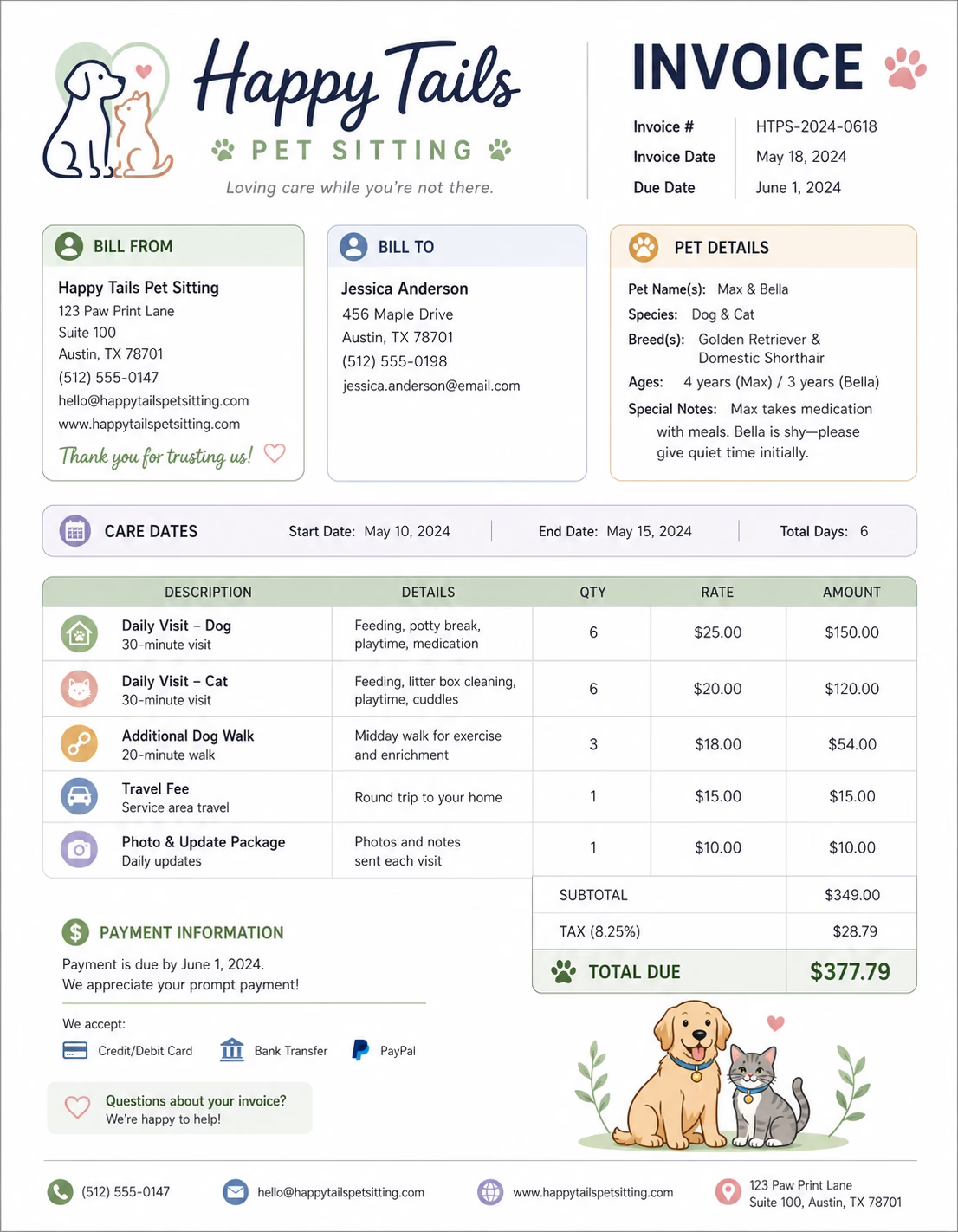
Download Free Pet-Sitting Invoice Templates
Download a template, then edit it in PDF, Word, Excel, Google Docs, or Google Sheets. Print it, save it, or send it to your client when the pet-sitting service is complete or when a billing period ends.
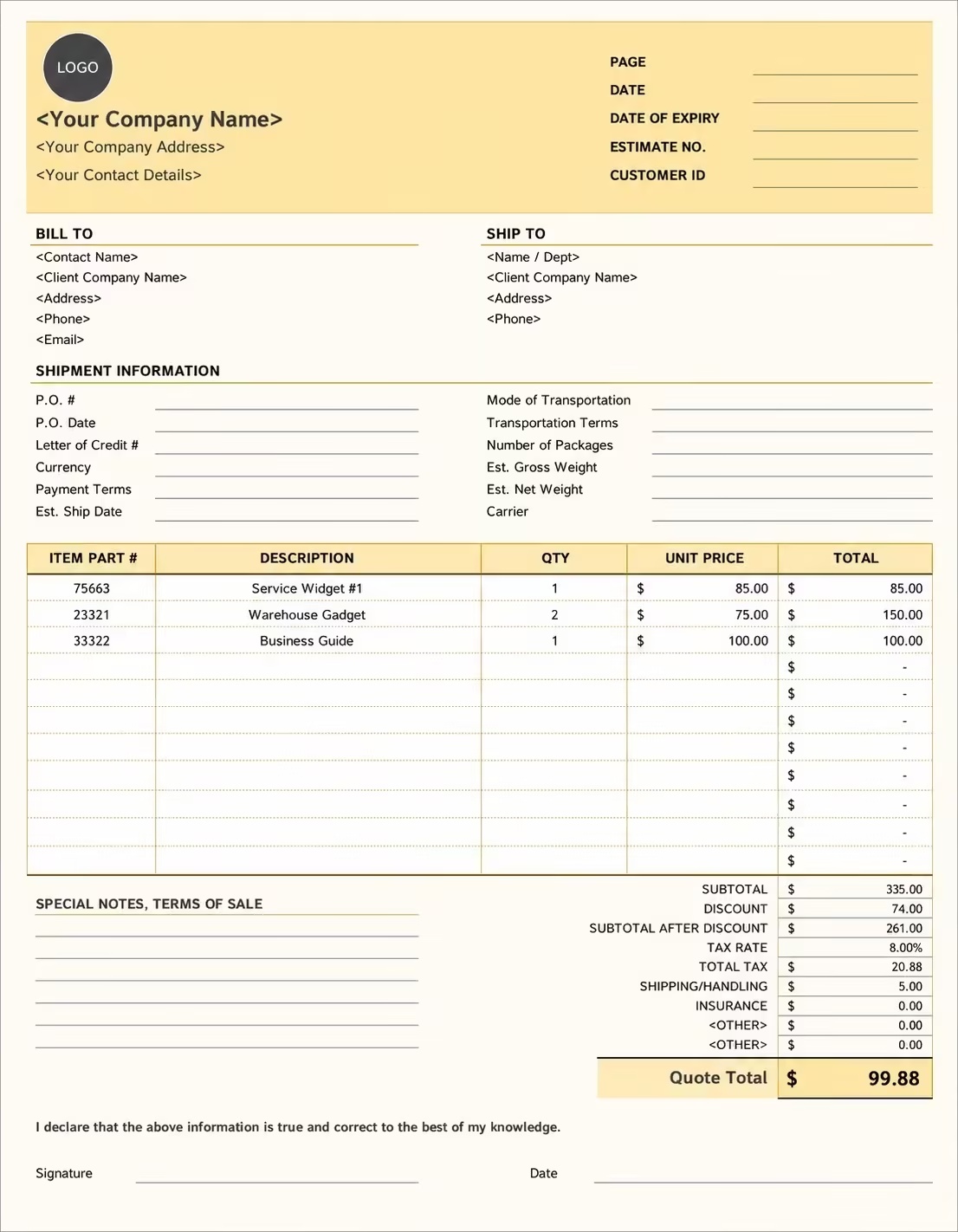
Editable Pet-Sitting Invoice Template
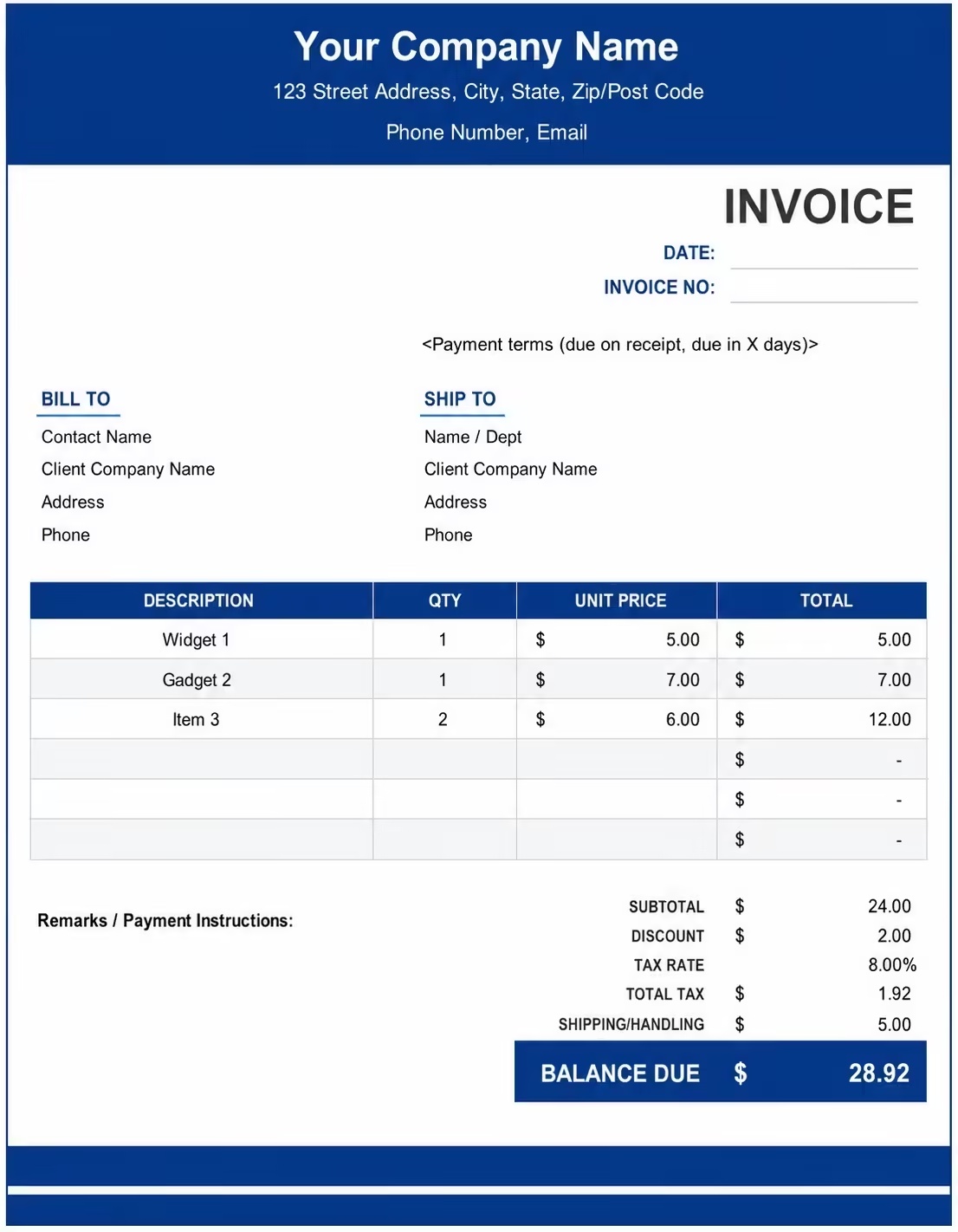
Printable Pet-Sitting Invoice Template
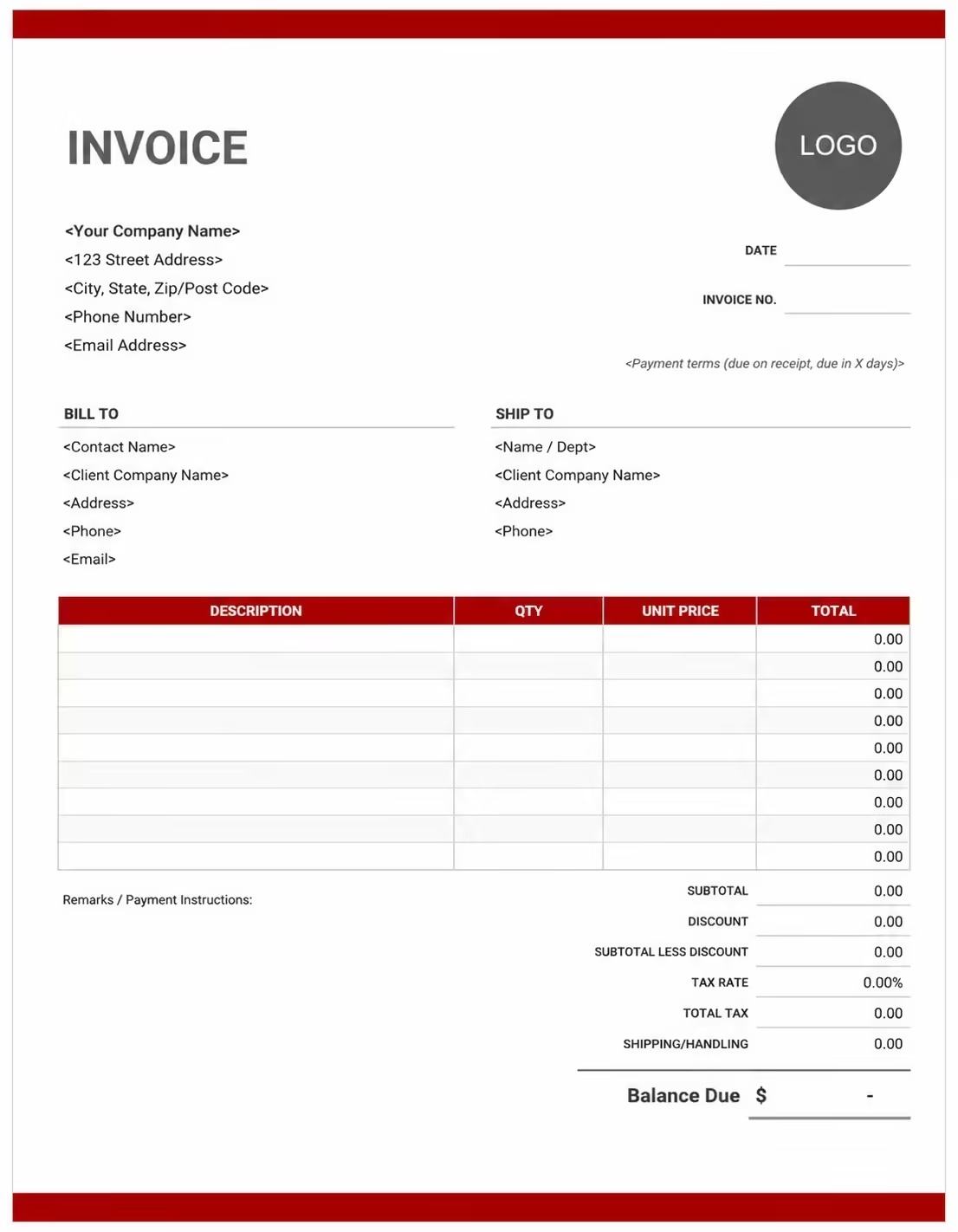
Free Pet-Sitting Invoice Template
Use these templates for pet sitters, dog sitters, cat sitters, overnight pet care providers, house sitters, puppy care providers, senior pet care services, and recurring pet care businesses.
How to Invoice for Pet-Sitting Work
A good pet-sitting invoice should clearly show the client details, pet name, service dates, visit type, care tasks, rates, extra fees, taxes, and payment terms.
Start Creating Invoices FreeIn 5 Steps:
- Confirm the client details, pet name, service address, care schedule, visit length, number of pets, special instructions, and agreed pricing before starting the service.
- Record completed pet-sitting work, visit dates, feeding, water refill, walks, litter cleaning, medication reminders, playtime, and any approved extra services.
- Track pet care costs such as travel, extra pets, weekend care, holiday care, supplies, key pickup, emergency visits, and cancellation fees.
- Calculate visit fees, overnight care charges, recurring service costs, extra pet fees, travel charges, discounts, deposits, taxes if applicable, and the final balance due.
- Send the invoice with payment options, due date, pet care notes, billing period, service details, and any next-visit information.
With Invoize, you can create pet-sitting invoices faster, save client details, reuse common pet care services, add recurring charges, and track payments from your phone.
What to Include in a Pet-Sitting Invoice
A professional pet-sitting invoice should include the details needed to identify the client, pet, care schedule, services, charges, and payment terms.
Invoice and Pet Details
- Invoice numberHelps track the invoice, payment record, and pet care history.
- Client name and contact detailsShows who booked the pet-sitting service and who is responsible for payment.
- Business name and contact detailsShows which pet sitter, house sitter, or pet care provider completed the service.
- Pet nameConnects the invoice to the correct pet, especially when the client has more than one animal.
- Pet type and care notesHelps explain breed, age, care needs, visit length, handling requirements, or special service charges.
Pet-Sitting Service Details
- Service address or care locationShows where the pet-sitting service was provided.
- Service dates or billing periodShows which days, week, month, or care period the invoice covers.
- Service typeShows drop-in visits, overnight care, house sitting, dog sitting, cat sitting, puppy care, or recurring pet care.
- Visit length and number of visitsShows how the pet-sitting charge was calculated.
- Rate or fixed service feeShows whether the service was billed by hourly rate, per-visit rate, daily rate, overnight rate, or fixed fee.
Payment and Final Notes
- Extra care chargesShows extra pets, extended visits, weekend care, holiday service, medication support, or emergency visit charges.
- Supplies and extra feesLists food, treats, litter, waste bags, water refills, travel, key pickup, cancellation, or missed appointment fees.
- Discounts, deposits, or previous paymentsShows credits or amounts already paid before the final balance.
- Total amount dueShows the final amount the client needs to pay.
- Care notes or service termsRecords payment due date, payment methods, pet care instructions, medication notes, cancellation rules, or next service details.
Billing Scenarios for Pet Sitters
Use clear invoice labels so clients understand the type of pet-sitting service, visit charges, extra pet fees, recurring costs, and final amount due.
| Scenario | Invoice line items | Best used for | How to describe it |
|---|---|---|---|
| Drop-in pet visit | Visit fee, feeding, water refill, litter check, playtime, service notes | Short pet care visits for cats, dogs, small animals, or pets that need daily check-ins. | Show the pet name, visit date, visit length, care tasks completed, and per-visit rate clearly. |
| Overnight pet sitting | Overnight care fee, feeding, walks, home check, pet care notes | Pets that need overnight supervision, evening care, morning care, or comfort while owners are away. | List the overnight dates, care location, included tasks, and overnight rate clearly. |
| Dog sitting service | Dog care visit, feeding, walk, playtime, waste cleanup, extra pet fee | Dogs needing daily care, walks, feeding, playtime, or home-based sitting support. | Show the dog’s name, visit schedule, walk time, care tasks, and any extra dog charges. |
| Cat sitting service | Cat visit, feeding, water refill, litter cleaning, playtime, care notes | Cats needing feeding, litter care, medication reminders, or regular home visits. | List the cat’s name, visit dates, litter service, feeding notes, and total care charge. |
| Recurring pet care | Weekly visits, monthly care plan, number of visits, extra pets, balance due | Clients who book regular pet-sitting visits on a weekly or monthly schedule. | Show the billing period, number of visits completed, visit schedule, and recurring service total. |
| Holiday or emergency pet sitting | Holiday care fee, emergency visit, travel fee, extra care notes | Pet care during holidays, weekends, urgent bookings, last-minute visits, or special service periods. | Show the special service date, holiday or emergency fee, care tasks, and updated total clearly. |
Start Creating Invoices Free
☝️ Create your first invoice in seconds.
Common Charges and Fees for Pet Sitters
Itemize pet-sitting charges clearly so clients can see visit fees, overnight care, extra pet charges, travel, cancellation fees, taxes, and any extra costs.
| Charge or service | Unit | When to use | How to show it |
|---|---|---|---|
| Drop-in visit fee | Visit | Use when charging for one pet-sitting visit at the client’s home. | Show the visit date, pet name, visit length, and per-visit price. |
| Hourly pet-sitting fee | Hour | Use when billing by time for longer visits, custom pet care, house sitting, or extended support. | Show hours worked multiplied by the hourly rate with a short care description. |
| Overnight care fee | Night | Use when staying overnight with the pet or providing evening-to-morning care. | Show the overnight dates, included care tasks, and nightly rate clearly. |
| Daily pet-sitting fee | Day | Use when charging one fixed amount for daily pet care or multiple visits in one day. | List the care date, number of visits, and daily rate clearly. |
| Extra pet fee | Pet or visit | Use when caring for more than one pet in the same household. | Show the number of extra pets and the added charge per visit or service period. |
| Dog walking add-on | Walk or time | Use when a walk is added to a pet-sitting visit or overnight care service. | Show the walk length, pet name, and add-on charge separately when needed. |
| Medication support | Visit, pet, or service | Use when helping with medication reminders, special feeding instructions, or extra care routines. | Show medication support as a separate service when it is not included in the regular visit fee. |
| Travel or key pickup fee | Mile, kilometer, or fee | Use when travel distance, parking, key pickup, or location access adds cost to the service. | Show travel or key pickup separately from the pet-sitting service fee. |
| Weekend or holiday fee | Fee | Use when pet sitting is provided outside regular hours, on weekends, or during holidays. | Add a clear label so the client understands why the extra fee applies. |
| Cancellation or missed appointment fee | Fee | Use when a client cancels late, forgets to provide access, or misses the agreed service window. | Show the cancellation or missed appointment fee with a short note. |
| Tax | Percentage or amount | Use when tax applies to pet-sitting services, pet care fees, supplies, or extra charges based on local rules. | Show tax before the final total so the client can see how the balance was calculated. |
| Deposit or previous payment | Credit | Use when the client paid before or during the pet-sitting service period. | Subtract it from the invoice total and show the remaining balance due. |
Common Pet-Sitting Invoicing Mistakes
Pet-sitting work can include visit dates, pet details, feeding notes, walks, medication support, overnight care, extra pets, travel fees, cancellation fees, and care notes. Missing details can confuse clients or delay payment. Avoid these common mistakes.
| Mistake | Why it causes problems | How to fix it |
|---|---|---|
| Not listing the pet name | The invoice may be hard to match with the correct pet, especially when the client has more than one animal. | Add the pet name to every pet-sitting invoice. |
| Not showing service dates clearly | The client may not know which visits, days, or billing period the invoice covers. | Add visit dates, overnight dates, service dates, or billing period clearly. |
| Combining all charges in one line | The total may look unclear because the client cannot see visit fees, overnight care, extra pets, travel, and credits separately. | Separate visit fees, overnight care, extra pet charges, travel, supplies, cancellation fees, deposits, and taxes into clear line items. |
| Not showing visit length or rate | The client may question the charge if the visit time and price are not visible. | Show visit length, hourly rate, per-visit rate, daily rate, or overnight rate clearly. |
| Forgetting extra pet charges | Additional pet care may look unexpected if it is not listed. | Add each extra pet fee as a separate line item or show the total number of pets included. |
| Leaving out travel or key pickup fees | The client may be surprised by added charges if location-based costs are not explained. | Add travel, key pickup, parking, or access fees separately when charged. |
| Not recording medication or special care support | Extra care tasks may be questioned if they are not described clearly. | Add medication reminders, special feeding, litter care, senior pet care, or puppy care as separate notes or line items when needed. |
| Forgetting deposits or previous payments | The final balance may look higher than expected. | Show deposits, advance payments, partial payments, or credits before the balance due. |
| Leaving out care or visit notes | The client may not know what happened during the visit or which instructions were followed. | Add short notes for feeding, water refill, walk completion, litter cleaning, medication reminder, or pet behavior. |
| Not keeping invoice records | Tracking visits, payments, recurring schedules, client details, pet care notes, and service history becomes harder. | Keep a copy of every pet-sitting invoice for your business records. |
More Invoice Templates You May Like
Explore closely related invoice templates for pet-sitting work, similar services, and nearby billing scenarios before choosing the best format for your customer.
Questions
Frequently Asked Questions
How should I show pet-sitting visits on an invoice?
List each visit with the date, visit length, and rate clearly. Example: “Pet-sitting visit: 30 minutes × 5 visits = $125” or “Evening pet check-in: 1 visit: $30.” This helps the pet owner understand exactly how the care cost was calculated.
What pet details should be included on a pet-sitting invoice?
Include the pet’s name, pet type, owner’s name, service dates, care location, and any special care notes. Example: “Pet: Bella, cat care from June 1–June 5, includes feeding and litter cleaning.” This connects the invoice to the correct pet and care period.
How do I invoice for overnight pet sitting?
Show overnight care as a separate line item with the number of nights and rate per night. Example: “Overnight pet sitting: 3 nights × $75/night = $225.” If daytime visits are also included, list them separately or mention they are included in the overnight rate.
Should feeding, walking, or litter cleaning be listed separately?
Yes, if these services are charged outside the basic visit fee. Example: “Dog walking add-on: $15,” “Litter box cleaning: $10,” or “Meal preparation and feeding: Included.” This keeps each pet care service clear for the owner.
Can I charge extra for medication or special care?
Yes. Medication, senior pet care, puppy care, or special instructions can be added as separate line items. Example: “Medication administration: 2 times daily × 5 days = $50.” This explains extra care beyond normal feeding and check-ins.
How should I bill for multiple pets?
List each pet separately or show the extra pet fee clearly. Example: “Pet sitting for first pet: $30/visit” and “Additional pet fee: 2 pets × $8/visit = $16.” This makes the total easier to review for homes with more than one pet.
How do I show travel, holiday, or last-minute booking fees?
Add these fees separately when they apply. Example: “Holiday pet-sitting fee: Christmas Day visit: $20 extra” or “Travel fee: Outside standard service area: $15.” This helps explain why the invoice total is higher than a regular booking.
What payment terms should a pet-sitting invoice include?
Include the due date, accepted payment methods, deposit terms, cancellation policy, and emergency care rules. Example: “Payment due before the first visit. Last-minute cancellations may still be charged. Emergency vet costs or extra visits may require an updated invoice.”













