
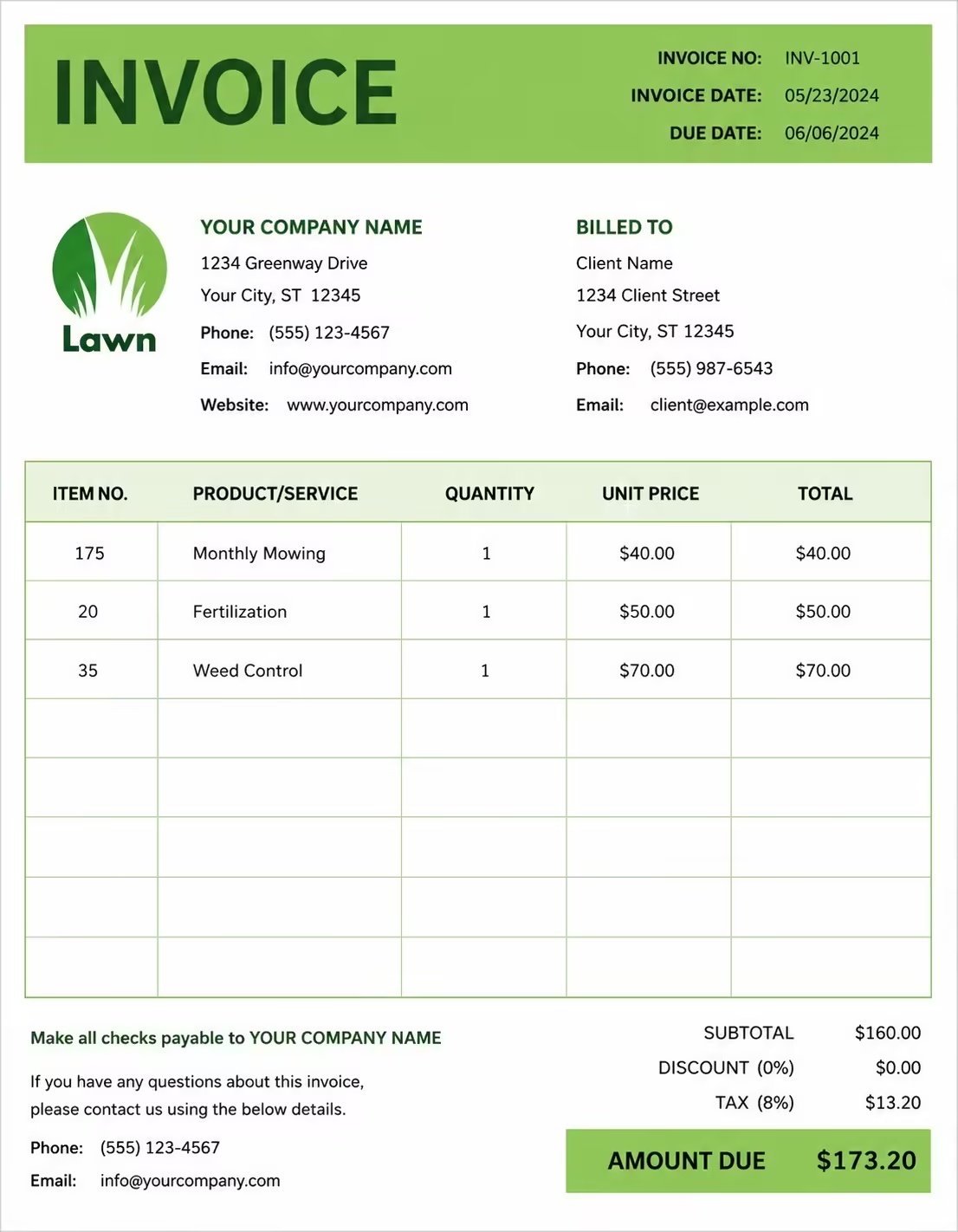
Free Appliance Repair Invoice Template
Free invoice templates for appliance repair technicians, home appliance repair businesses, refrigerator repair services, washer and dryer repair teams, oven repair specialists, and maintenance providers. Download and edit in PDF, Word, Excel, Google Docs, or Google Sheets.
Use this template to bill for appliance diagnostics, repair labor, replacement parts, service calls, emergency repairs, travel fees, taxes, discounts, deposits, and payment terms in a clear and professional way.
Download the app and manage invoices anywhere


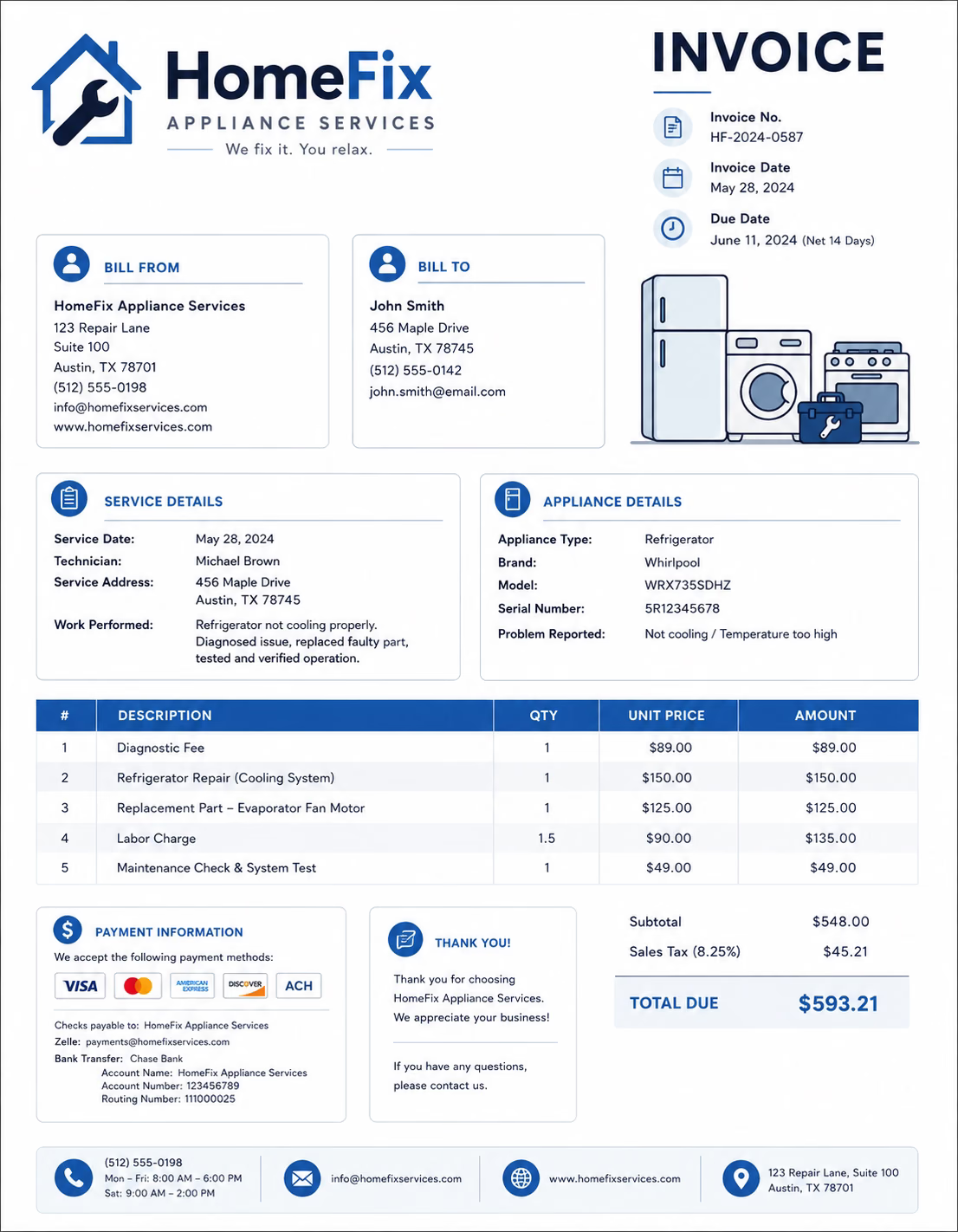
Download Free Appliance Repair Invoice Templates
Download a template, then edit it in PDF, Word, Excel, Google Docs, or Google Sheets. Print it, save it, or send it to your customer when the appliance repair work is complete.
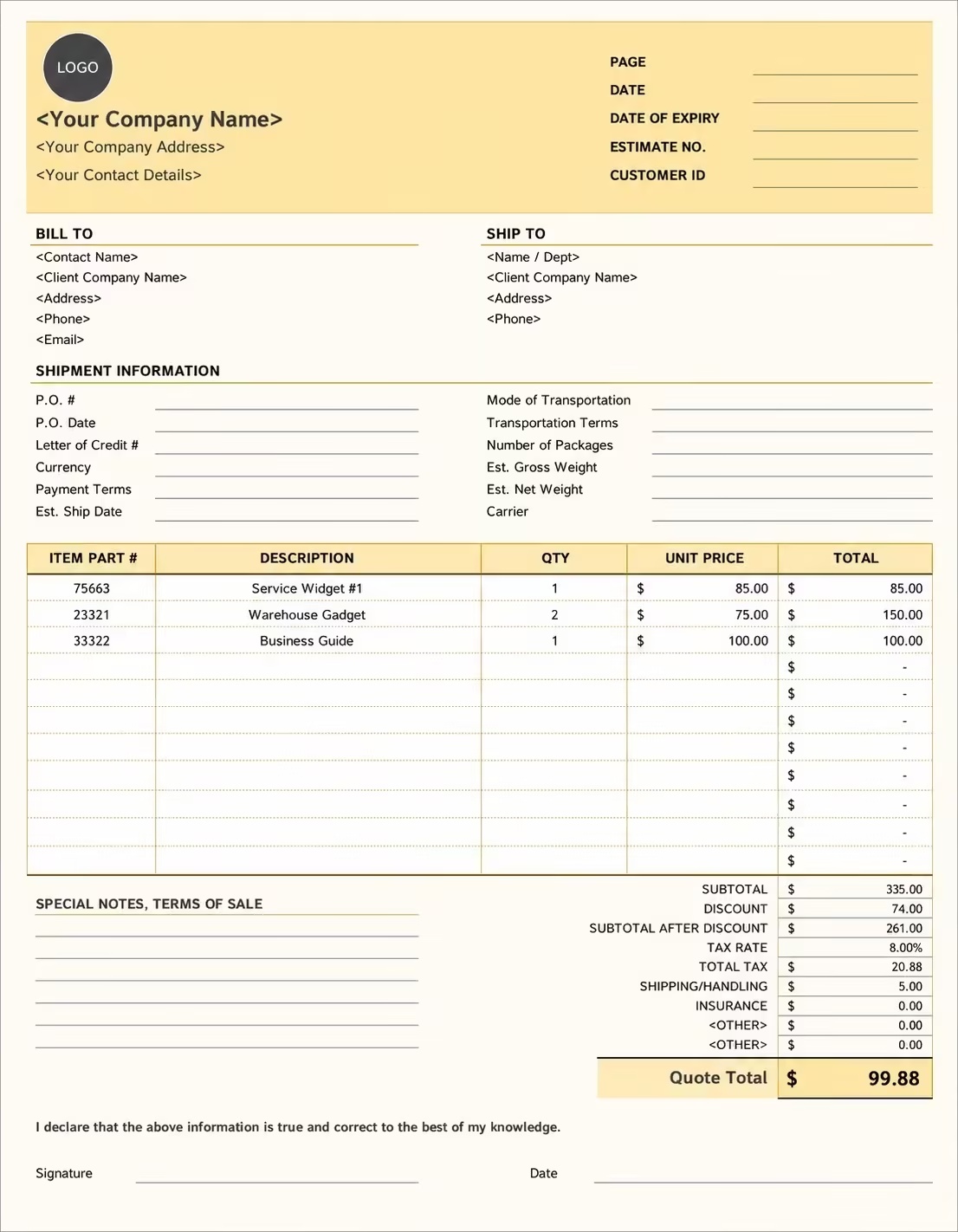
Editable Appliance Repair Invoice Template
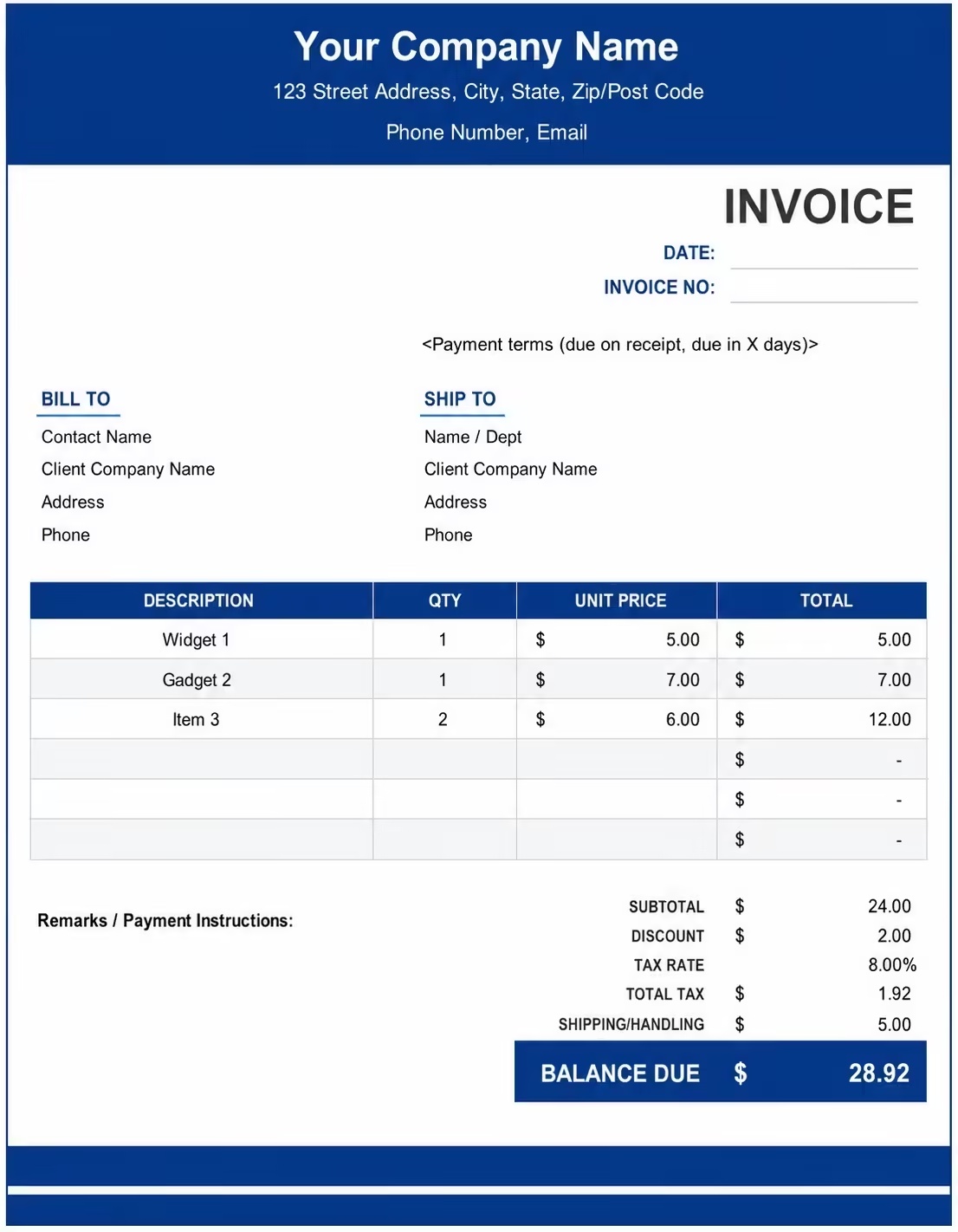
Printable Appliance Repair Invoice Template
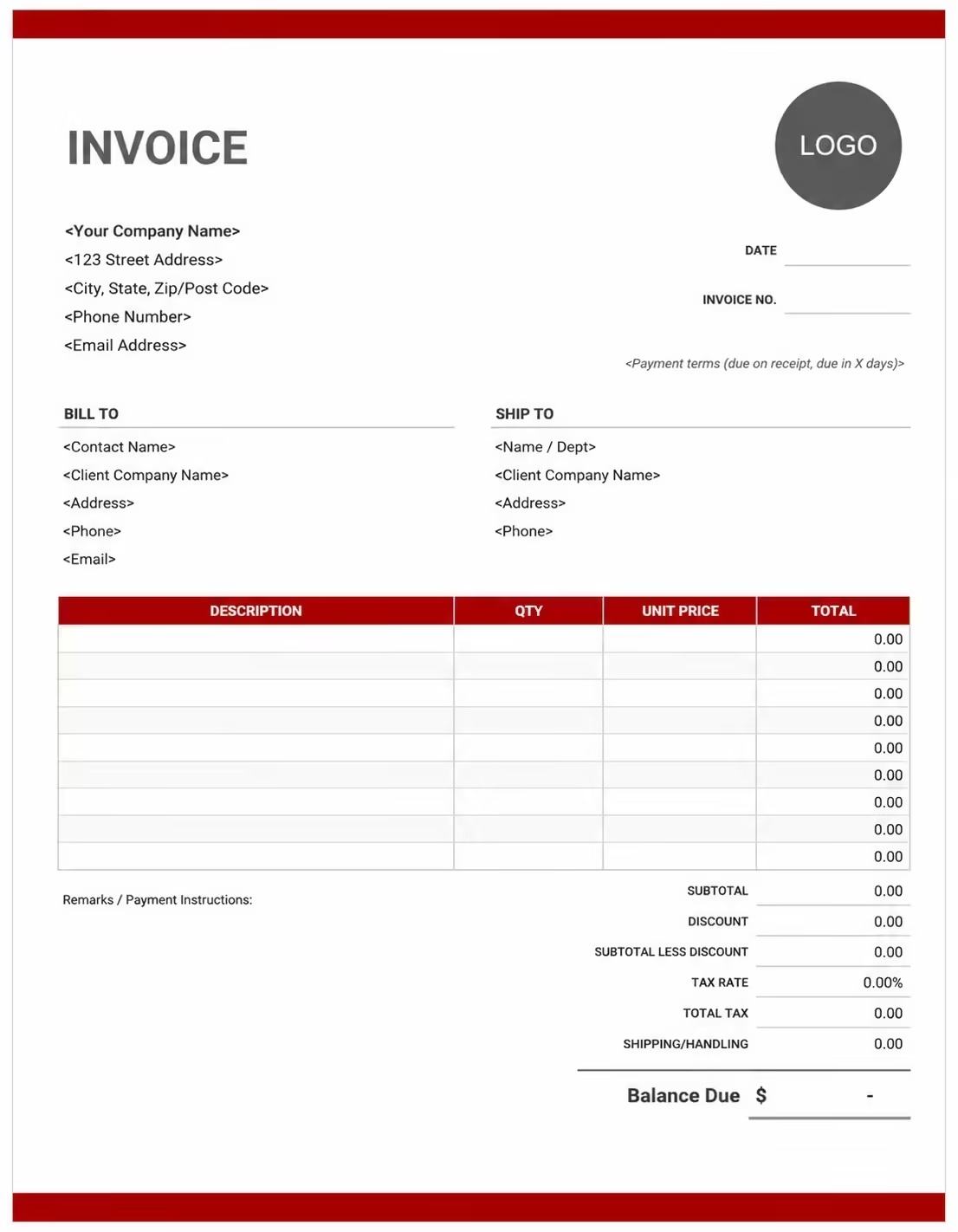
Free Appliance Repair Invoice Template
Use these templates for refrigerator repair, washing machine repair, dryer repair, dishwasher repair, oven repair, stove repair, microwave repair, and general home appliance service businesses.
How to Invoice for Appliance Repair Work
A good appliance repair invoice should clearly show the customer details, service location, appliance details, repair issue, work completed, labor charges, parts used, taxes, and payment terms.
Start Creating Invoices FreeIn 5 Steps:
- Confirm the customer details, service address, appliance type, model details, repair issue, parts needed, and agreed pricing before starting the work.
- Record completed repair work, diagnostic findings, labor hours, parts replaced, appliance testing, and any approved extra services.
- Track repair costs such as replacement parts, service call fees, tools, travel, emergency charges, disposal fees, and warranty-related notes.
- Calculate labor, parts, diagnostic fees, service fees, taxes, discounts, deposits, and the final balance due.
- Send the invoice with payment options, due date, appliance notes, warranty details, and any follow-up or maintenance recommendations.
With Invoize, you can create appliance repair invoices faster, save customer details, reuse common repair services, add parts and fees, and track payments from your phone.
What to Include in an Appliance Repair Invoice
A professional appliance repair invoice should include the details needed to identify the customer, appliance, repair work, parts, charges, and payment terms.
Invoice and Customer Details
- Invoice numberHelps track the invoice, payment record, and appliance repair history.
- Customer name and contact detailsShows who requested the appliance repair and who is responsible for payment.
- Business name and contact detailsShows which technician, repair company, or service provider completed the work.
- Service address or repair locationShows where the appliance repair was completed.
- Service date or billing periodShows when the repair was completed or which service period the invoice covers.
Appliance and Repair Details
- Service typeShows whether the job was diagnostic service, repair, part replacement, maintenance, or emergency repair.
- Appliance typeIdentifies the item repaired, such as refrigerator, washer, dryer, dishwasher, oven, stove, or microwave.
- Brand, model, or serial numberConnects the invoice to the correct appliance for future service and warranty records.
- Problem or service reasonExplains why the repair was needed, such as leaking, noise, no power, heating issue, or cooling issue.
- Service descriptionExplains the work completed, such as diagnosis, part replacement, cleaning, adjustment, testing, or repair service.
Payment and Final Notes
- Labor or fixed repair feeShows whether the appliance repair was billed by labor hours, hourly rate, or flat-rate service price.
- Parts and extra feesLists replacement parts, hardware, wires, hoses, filters, motors, control boards, travel, service call, or emergency fees.
- Discounts, deposits, or previous paymentsShows credits or amounts already paid before the final balance.
- Total amount dueShows the final amount the customer needs to pay.
- Payment terms and warranty notesRecords the due date, payment methods, workmanship warranty, part warranty, appliance care advice, or follow-up recommendations.
Billing Scenarios for Appliance Repair Businesses
Use clear invoice labels so customers understand the type of appliance repair service, labor cost, parts used, service fees, and final amount due.
| Scenario | Invoice line items | Best used for | How to describe it |
|---|---|---|---|
| Diagnostic service | Service call, diagnostic fee, inspection notes, repair recommendation | Appliances with unknown issues, error codes, unusual sounds, leaks, or performance problems. | Show the appliance checked, issue found, diagnostic work completed, and recommended repair. |
| Refrigerator repair | Diagnosis, repair labor, replacement parts, testing, service notes | Cooling issues, ice maker problems, leaks, noisy units, thermostat issues, or compressor-related problems. | List the refrigerator issue, parts replaced, labor, and final testing work clearly. |
| Washer or dryer repair | Repair labor, belt, pump, motor, hose, seal, filter, testing | Washing machines or dryers with drainage issues, spinning issues, heating problems, leaks, or noise. | Describe the problem, repair completed, parts used, and appliance test result. |
| Oven, stove, or range repair | Diagnostic fee, heating element, burner parts, control parts, repair labor | Heating issues, burner problems, ignition problems, broken controls, or temperature problems. | Show the cooking appliance serviced, part replaced, repair labor, and safety check completed. |
| Dishwasher repair | Repair labor, pump, valve, hose, seal, filter, testing, cleanup | Dishwashers with leaks, drainage issues, poor cleaning, unusual noise, or door seal problems. | Explain the issue found, part replaced, repair completed, and final test cycle. |
| Emergency appliance repair | Emergency call-out fee, after-hours labor, parts, travel, repair work | Urgent repairs, same-day service, weekend calls, food storage issues, leaks, or safety concerns. | Show emergency or after-hours charges separately and describe the urgent repair completed. |
Start Creating Invoices Free
☝️ Create your first invoice in seconds.
Common Charges and Fees for Appliance Repair Businesses
Itemize appliance repair charges clearly so customers can see diagnostics, labor, replacement parts, service calls, travel, taxes, and any extra costs.
| Charge or service | Unit | When to use | How to show it |
|---|---|---|---|
| Appliance repair labor | Time | Use for troubleshooting, fixing, replacing, adjusting, cleaning, testing, or servicing an appliance. | Show labor hours multiplied by the hourly rate with a short repair description. |
| Flat repair fee | Fixed price | Use when the appliance repair has one agreed price. | List the appliance repair service and fixed amount clearly. |
| Diagnostic fee | Fee | Use when checking the appliance, testing parts, reading error codes, or preparing a repair recommendation. | Add it as a separate line so the customer understands the cost of assessment. |
| Service call fee | Fee | Use when charging for visiting the customer’s home, rental property, office, or service location. | Show the service call fee separately from labor and parts. |
| Replacement parts | Item or quantity | Use when charging for motors, belts, pumps, hoses, seals, filters, switches, boards, thermostats, or heating elements. | Show part name, quantity, unit price, and total cost. |
| Testing or calibration fee | Service or time | Use when the appliance needs testing, setup, temperature checks, cycle checks, or final performance adjustment. | Show testing or calibration separately when it is not included in the labor charge. |
| Travel or mileage fee | Mile, kilometer, or fee | Use when travel time or distance is charged to the customer. | Show travel separately from the main repair service charge. |
| Emergency or after-hours fee | Fee | Use for urgent appliance repairs, weekend service, holiday service, night calls, or same-day emergency work. | Add a clear label so the customer understands why the extra fee applies. |
| Disposal or old part removal | Service or fee | Use when removing damaged parts, packaging, old components, or appliance-related waste. | List cleanup or disposal separately when charged. |
| Warranty service adjustment | Credit or fee | Use when part of the repair is covered by a warranty or service agreement. | Show covered amounts, customer balance, or warranty notes clearly. |
| Tax | Percentage or amount | Use when tax applies to appliance repair labor, parts, materials, or services based on local rules. | Show tax before the final total so the customer can see how the balance was calculated. |
| Deposit or previous payment | Credit | Use when the customer paid before or during the appliance repair service. | Subtract it from the invoice total and show the remaining balance due. |
Common Appliance Repair Invoicing Mistakes
Appliance repair work can include diagnostics, appliance details, labor, replacement parts, service call fees, testing, warranty notes, and follow-up recommendations. Missing details can confuse customers or delay payment. Avoid these common mistakes.
| Mistake | Why it causes problems | How to fix it |
|---|---|---|
| Not describing the appliance issue clearly | The customer may not understand what problem was inspected, repaired, replaced, or tested. | Add a simple note about the appliance issue and the repair work completed. |
| Leaving out appliance details | The invoice may be hard to match with the correct appliance for future service or warranty records. | Add appliance type, brand, model, serial number, and unit location when available. |
| Leaving out the service location | The invoice may be hard to match with the correct home, rental property, office, or repair request. | Add the service address or repair location to every appliance repair invoice. |
| Combining labor and parts in one line | The total may look unclear because the customer cannot see repair cost and part cost separately. | Separate labor, replacement parts, diagnostic fees, service call fees, travel, and taxes into clear line items. |
| Not listing replacement parts | The customer may not understand why parts were added to the invoice. | Show part names, quantities, unit prices, and totals when possible. |
| Forgetting diagnostic or service call fees | The customer may be surprised by assessment or visit charges if they are not shown clearly. | Add diagnostic fees, service call fees, travel fees, or inspection fees as separate line items. |
| Not recording final testing | The customer may not know whether the appliance was tested after the repair. | Add a short note about the test cycle, temperature check, power check, or final performance result. |
| Forgetting deposits or previous payments | The final balance may look higher than expected. | Show deposits, partial payments, or credits before the balance due. |
| Leaving out warranty or follow-up notes | The customer may not know what is covered after the repair or what maintenance is needed next. | Add workmanship warranty, part warranty, appliance care instructions, or follow-up recommendations. |
| Not keeping invoice records | Tracking repairs, payments, appliance details, parts, warranties, and customer history becomes harder. | Keep a copy of every appliance repair invoice for your business records. |
More Invoice Templates You May Like
Explore closely related invoice templates for appliance repair work, similar services, and nearby billing scenarios before choosing the best format for your customer.
Questions
Frequently Asked Questions
How should I show appliance repair labor on an invoice?
Break labor into clear repair tasks instead of using one general labor total. Example: “Washer drain pump replacement labor: 1.5 hours × $75/hr = $112.50” or “Refrigerator cooling issue repair: 2 hours × $80/hr = $160.” This helps the customer understand what work was completed.
What appliance details should be included on the invoice?
Include the appliance type, brand, model number, serial number if available, and the issue reported by the customer. Example: “Samsung refrigerator, Model RF28R7201SR, issue: not cooling.” This keeps the service record connected to the correct appliance.
Should diagnostic fees be listed separately?
Yes. If you charged for inspecting the appliance before repair, show it as its own line item. Example: “Diagnostic inspection: Test washer motor, drain pump, and control board: $85.” If the diagnostic fee is applied toward the repair, show it as a discount or credit.
What replacement parts should I include on an appliance repair invoice?
List each replacement part with the part name, quantity, unit price, and total cost. Example: “Dryer heating element: 1 unit: $95,” “Washer drain pump: 1 unit: $78,” or “Refrigerator door gasket: 1 unit: $62.”
How do I invoice for emergency or same-day appliance repair?
Add the emergency or same-day service fee as a separate line item. Example: “Same-day repair fee: Urgent refrigerator service: $50” or “After-hours appliance repair fee: Service completed after 7 PM: $90.” This explains why the total may be higher than a regular visit.
How should I show service call or travel fees?
List the service call or travel charge separately from labor and parts. Example: “Service call fee: On-site appliance inspection: $45” or “Travel fee: Outside standard service area: $35.” This keeps visit-related charges clear.
How do I show warranty repair or no-charge appliance service?
List the repair work and mark the covered amount as $0 or discounted. Example: “Warranty repair: Replace faulty control switch: $0 labor charge” and “Replacement part covered under warranty: $0.” This creates a clear repair record without charging the customer again.
What payment terms should an appliance repair invoice include?
Include the due date, accepted payment methods, warranty note, parts approval terms, and late payment policy. Example: “Payment due upon completion. Parts warranty follows manufacturer terms. Additional repairs found during service may require approval before work continues."













