
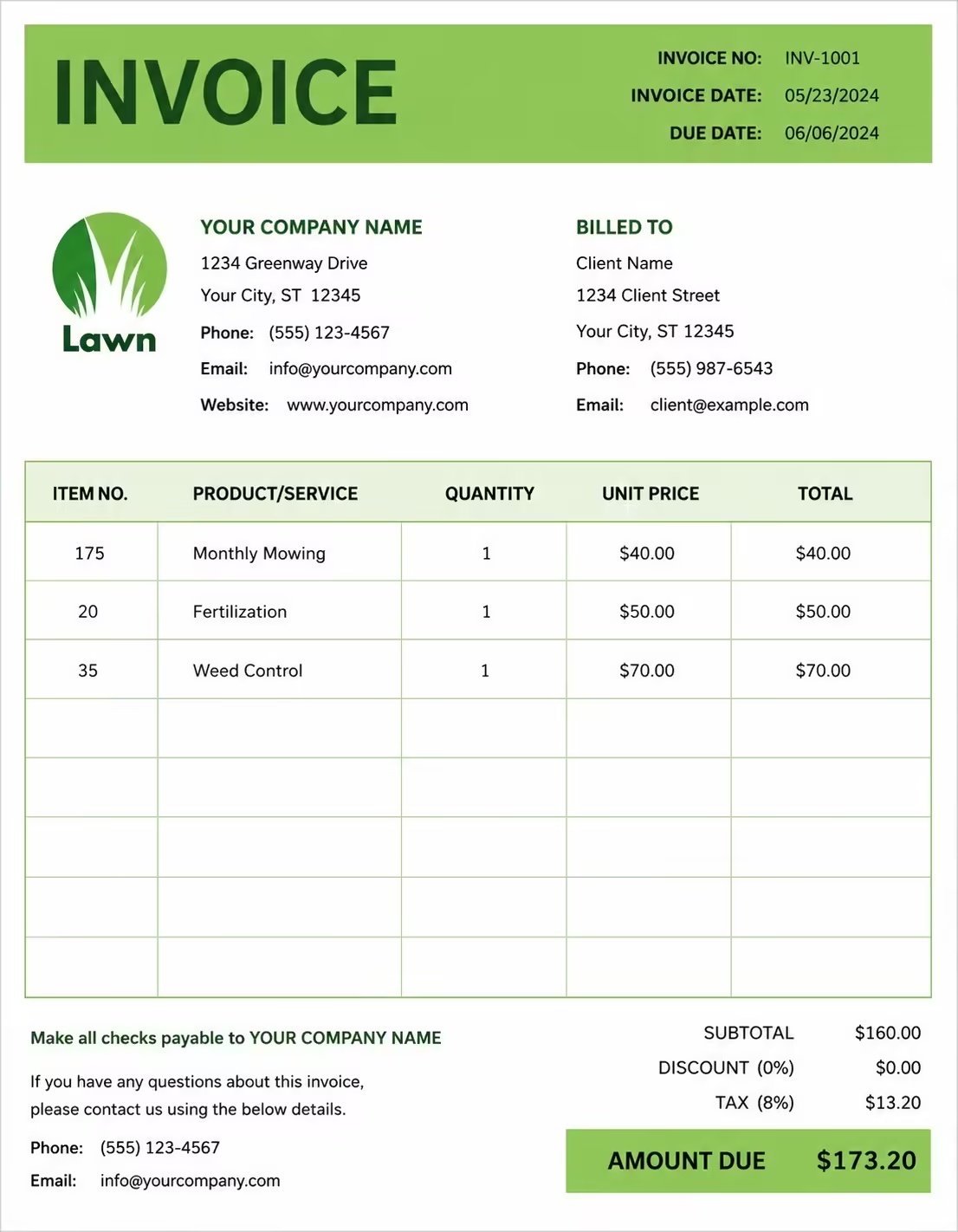
Free Graphic Design Invoice Template
Free invoice templates for graphic designers, freelance designers, design studios, branding agencies, logo designers, print designers, and creative service providers. Download and edit in PDF, Word, Excel, Google Docs, or Google Sheets.
Use this template to bill for logo design, branding, flyers, brochures, social media graphics, packaging design, print design, digital ads, revisions, source files, licensing, taxes, discounts, deposits, and payment terms in a clear and professional way.
Download the app and manage invoices anywhere


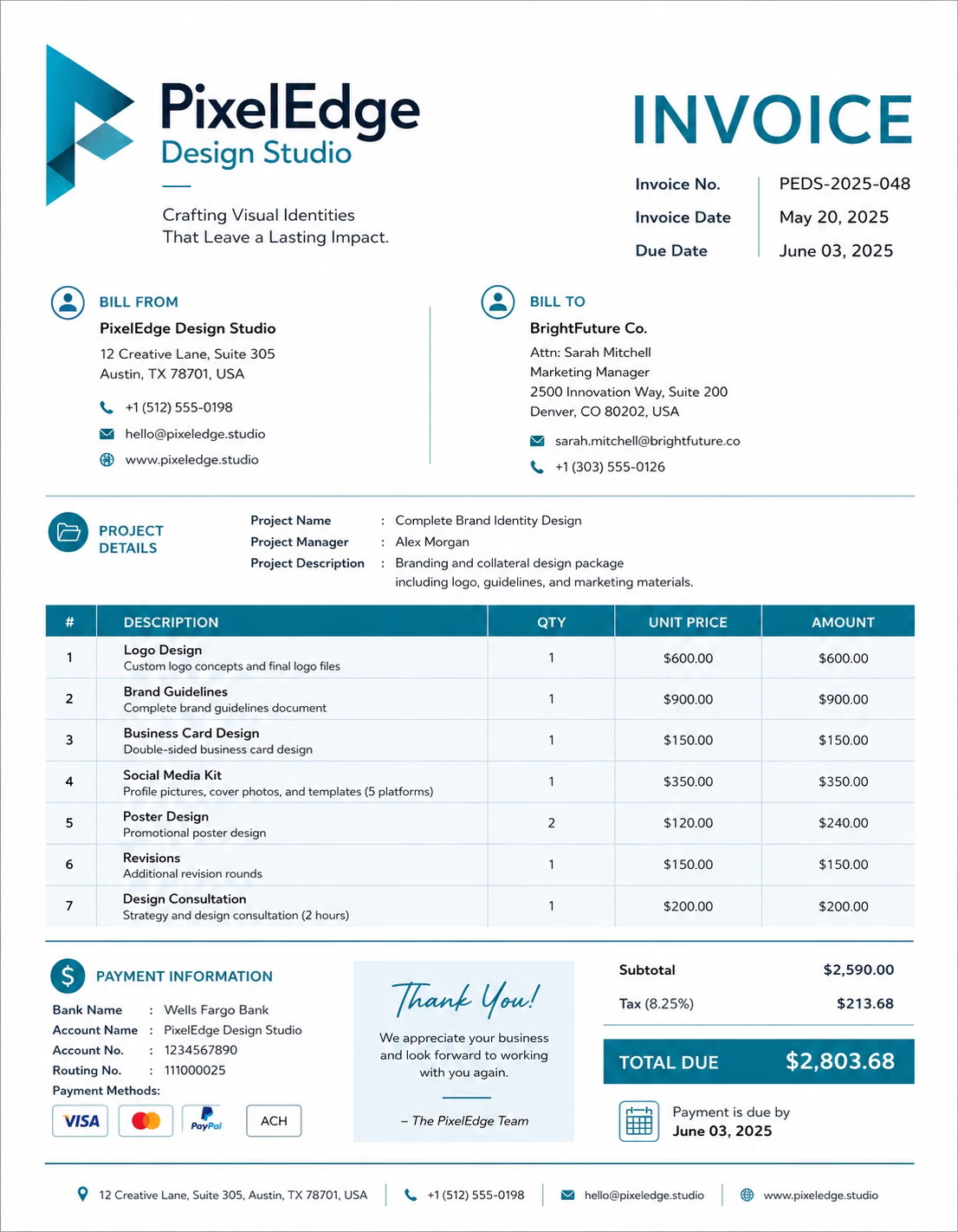
Download Free Graphic Design Invoice Templates
Download a template, then edit it in PDF, Word, Excel, Google Docs, or Google Sheets. Print it, save it, or send it to your client when the graphic design work is complete or when a billing period ends.
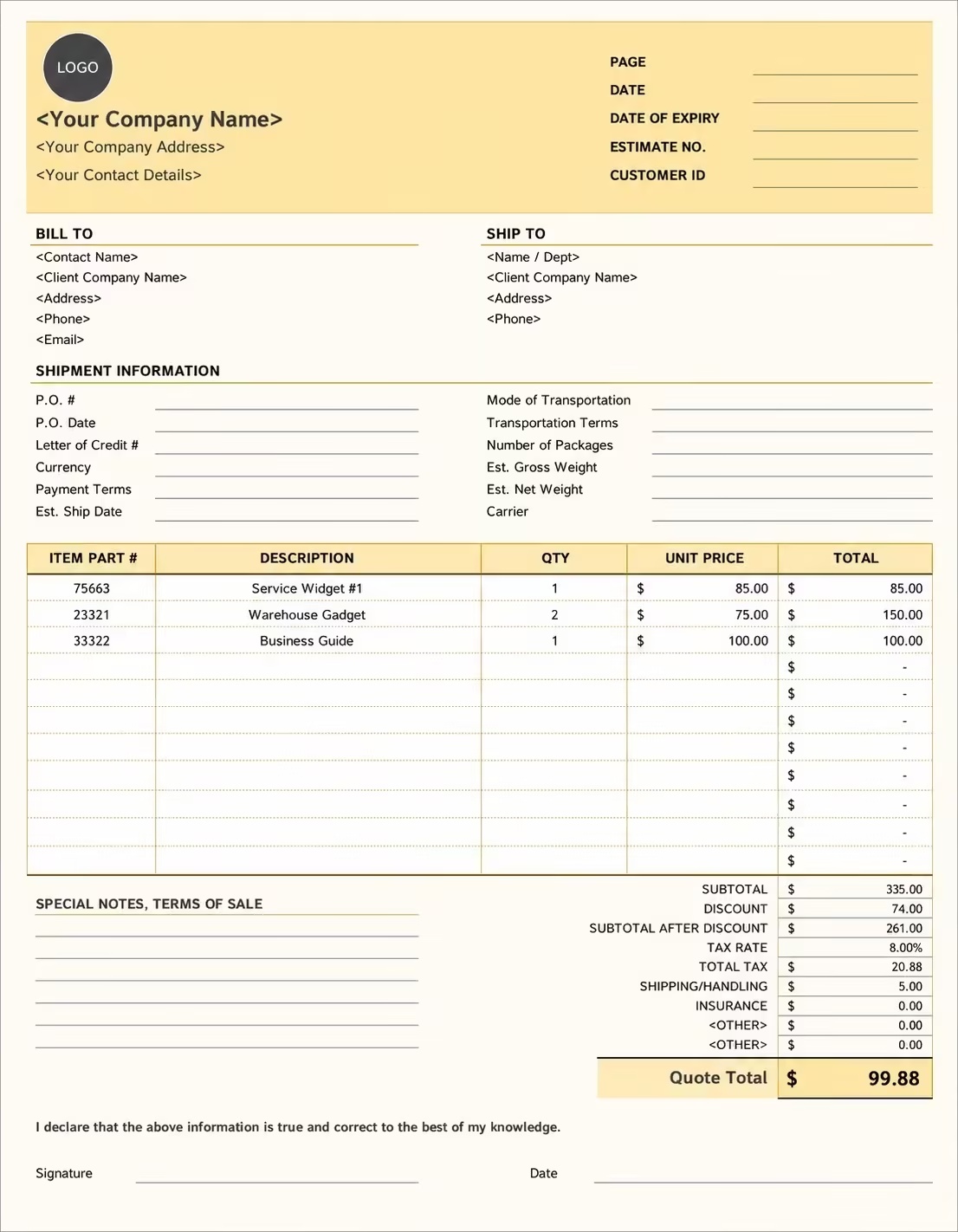
Editable Graphic Design Invoice Template
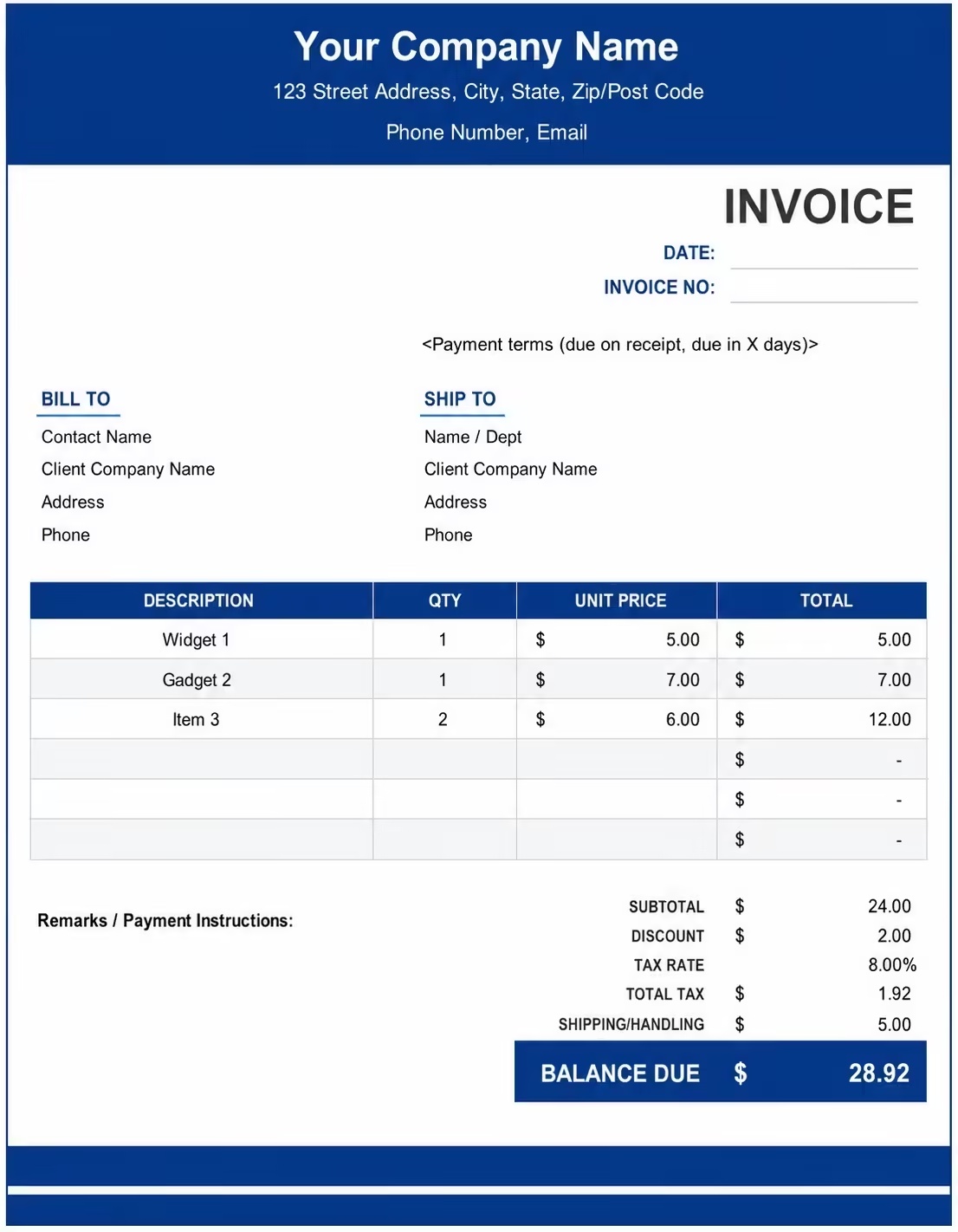
Printable Graphic Design Invoice Template
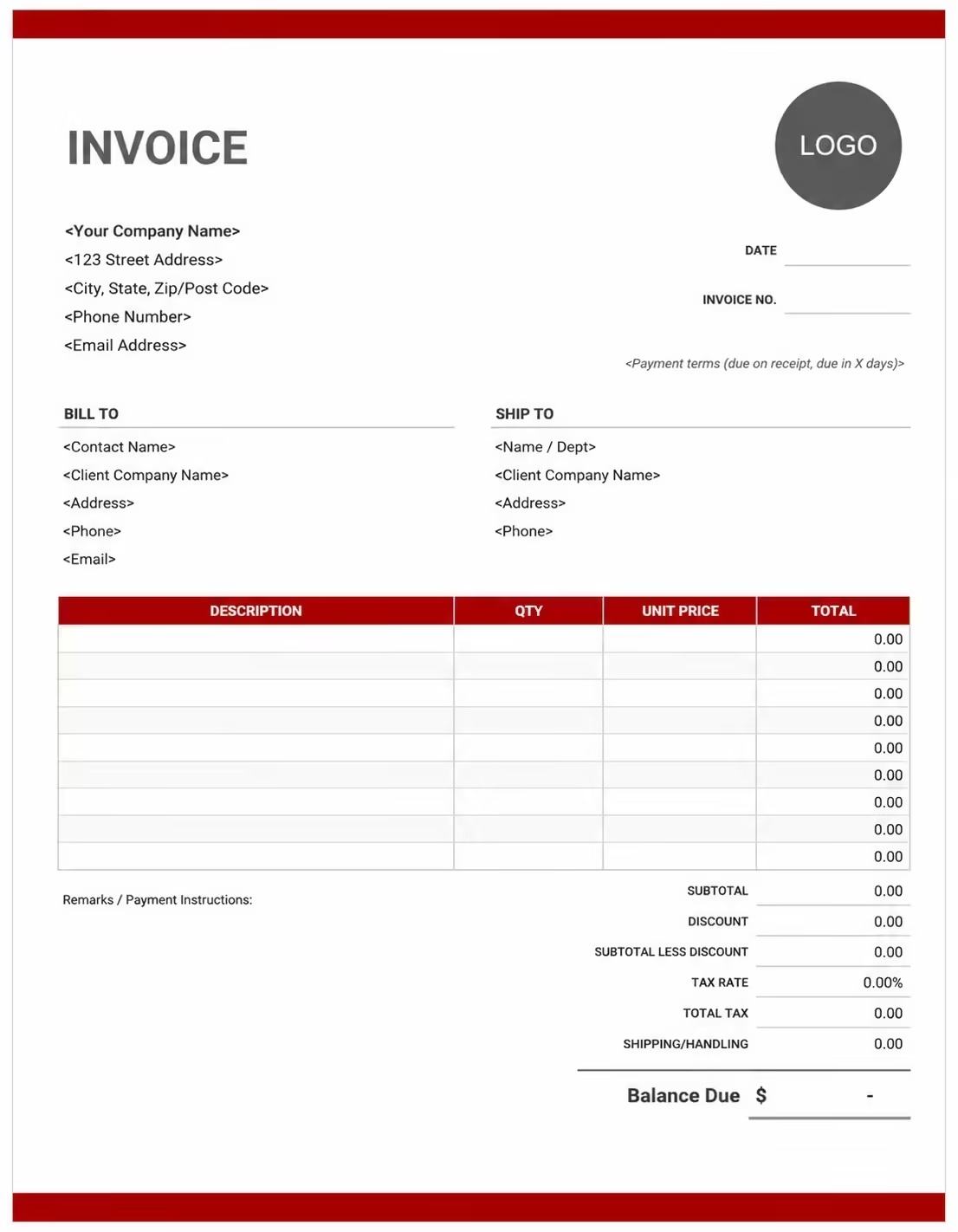
Free Graphic Design Invoice Template
Use these templates for graphic designers, freelance designers, design studios, branding agencies, logo designers, print designers, digital designers, packaging designers, and creative service providers.
How to Invoice for Graphic Design Work
A good graphic design invoice should clearly show the client details, project name, design service provided, design deliverables, revision work, source file fees, deposits, taxes, and payment terms.
Download Free TemplateIn 5 Steps:
- Confirm the client details, design brief, project scope, file formats, number of design concepts, revision limits, usage terms, and agreed pricing before starting the work.
- Record completed graphic design work, logo concepts, brand assets, layouts, social media designs, print files, packaging artwork, revisions, and any approved extra services.
- Track design-related costs such as design software, stock images, fonts, icons, templates, printing tests, licensed assets, subcontractor help, and rush work.
- Calculate design fees, hourly work, fixed project charges, revision costs, source file fees, licensing fees, discounts, deposits, taxes if applicable, and the final balance due.
- Send the invoice with payment options, due date, project notes, final file details, usage terms, and any remaining balance instructions.
With Invoize, you can create graphic design invoices faster, save client details, reuse common design service items, add revision fees and source file charges, and track payments from your phone.
What to Include in a Graphic Design Invoice
A professional graphic design invoice should include the details needed to identify the client, design project, work completed, deliverables, charges, and payment terms.
Invoice and Project Details
- Invoice numberHelps track the invoice, payment record, and graphic design project history.
- Client name and contact detailsShows who requested the logo design, branding project, print design, digital artwork, or design support.
- Designer, studio, agency, or business detailsShows which graphic designer, design studio, branding agency, or creative business completed the work.
- Project name, campaign, or design referenceConnects the invoice to the correct logo, brand identity, brochure, social media package, packaging design, or client order.
- Service date, delivery date, or billing periodShows when the design work was created, revised, delivered, or billed.
Graphic Design Service Details
- Design service typeShows logo design, brand identity, print design, social media graphics, packaging, digital ads, illustration, layout design, or source file preparation.
- Service descriptionExplains the design task, project stage, deliverable, file type, revision round, or final design output completed.
- Quantity, hours, pages, concepts, or project feeShows how the charge was calculated by hourly rate, fixed project price, design count, page count, package rate, or approved extra work.
- File formats and deliverablesLists final files such as PNG, JPG, PDF, SVG, AI, PSD, print-ready files, social sizes, editable files, or brand guide assets.
- Revision, licensing, and source file notesShows included revisions, extra revision fees, usage rights, commercial use, source file delivery, and editable file terms.
Payment and Final Notes
- Extra feesShows rush delivery, extra revisions, additional sizes, source files, asset licenses, print setup, or work outside the agreed scope.
- Discounts, deposits, retainers, or partial paymentsShows credits, retainers, partial payments, deposits, or milestone payments before the final balance.
- Taxes and approved expensesShows tax, stock assets, paid fonts, mockups, icons, templates, subcontractor costs, or approved design expenses.
- Total amount dueShows the final amount the client needs to pay.
- Payment terms and file handover notesRecords due date, payment methods, late fees, revision policy, file delivery terms, usage rights, and final handover instructions.
Billing Scenarios for Graphic Designers
Use clear invoice labels so clients understand the type of design work, project fee, revision charge, source file cost, licensing fee, deposit, and final amount due.
| Scenario | Invoice line items | Best used for | How to describe it |
|---|---|---|---|
| Logo design project | Logo concepts, final logo, colour versions, file exports, revisions | New businesses, brand refreshes, personal brands, startups, and company identity projects. | Show the brand name, number of concepts, included revisions, final file formats, and fixed logo design fee. |
| Brand identity package | Logo design, brand colours, typography, brand guide, social assets | Clients who need a full visual identity, brand kit, or design system for their business. | List the brand assets included, file formats, style guide details, deposit, and remaining balance. |
| Print design project | Flyer design, brochure layout, business card, poster, print-ready files | Marketing materials, event promotions, menus, brochures, posters, business cards, and printed campaigns. | Show the print item, size, page count, final file setup, and print-ready design fee. |
| Social media graphics package | Post designs, story graphics, ad creatives, resizing, final exports | Instagram posts, Facebook graphics, LinkedIn banners, ad creatives, reels covers, and social campaigns. | Show the platform, number of graphics, sizes included, delivery files, and package price. |
| Packaging design | Packaging artwork, label design, dieline setup, mockup, print files | Product labels, boxes, bags, bottles, food packaging, cosmetic packaging, and retail products. | Show the product name, packaging type, artwork files, print setup, revision terms, and design charge. |
| Extra revision or source file billing | Extra edits, additional sizes, source files, editable files, final exports | Clients who request more changes, extra versions, editable files, or work outside the original design scope. | Show the approved extra work, file type, revision round, added hours or fixed fee, and updated total. |
Create Invoice Now
☝️ Create a professional invoice in seconds.
Common Charges and Fees for Graphic Design Services
Itemize graphic design charges clearly so clients can see design fees, concepts, revisions, file exports, source files, licensing, taxes, and any extra costs.
| Charge or service | Unit | When to use | How to show it |
|---|---|---|---|
| Graphic design project fee | Project or package | Use when charging for a full graphic design project with agreed deliverables. | Show the project name, included design work, deliverables, and fixed project fee. |
| Hourly graphic design fee | Hour | Use when billing by time for design work, layout changes, revisions, file preparation, or creative support. | Show hours worked multiplied by the hourly rate with a short design description. |
| Logo design fee | Logo or package | Use when creating a logo, logo variations, brand mark, icon mark, or logo refresh. | Show the brand name, number of concepts, included revisions, and final logo fee. |
| Brand identity fee | Package or project | Use when creating brand colours, typography, visual guidelines, brand assets, and identity files. | List the included brand items and package amount clearly. |
| Print design fee | Page, item, or project | Use when designing flyers, brochures, posters, menus, business cards, signs, or printed materials. | Show the print item, size, page count, and print design fee. |
| Digital design fee | Graphic, banner, ad, or package | Use when designing web banners, email graphics, ad creatives, social media graphics, or digital assets. | Show the platform, size, number of graphics, and digital design charge. |
| Packaging or label design fee | Item, label, package, or project | Use when designing product packaging, labels, stickers, boxes, bags, or retail product artwork. | Show the product name, packaging type, file setup, and design fee. |
| Extra revision fee | Round, hour, or change | Use when the client requests design changes beyond the agreed number of revisions. | Add a clear label so the client understands why the extra revision fee applies. |
| Source file or editable file fee | File or project | Use when the client requests editable design files, layered files, vector files, or working files. | Show source file delivery separately when it is not included in the base design fee. |
| Stock image, font, or asset fee | Item, license, or package | Use when paid images, icons, fonts, templates, mockups, or design assets are billed to the client. | Show each approved asset cost separately when useful. |
| Tax | Percentage or amount | Use when tax applies to graphic design services, digital files, print design, licensing, or extra fees based on local rules. | Show tax before the final total so the client can see how the balance was calculated. |
| Deposit, retainer, or previous payment | Credit | Use when the client paid before or during the graphic design project. | Subtract it from the invoice total and show the remaining balance due. |
Common Graphic Design Invoicing Mistakes
Graphic design billing can include concepts, final files, revisions, source files, stock assets, deposits, usage rights, and licensing terms. Missing details can confuse clients or delay payment. Avoid these common mistakes.
| Mistake | Why it causes problems | How to fix it |
|---|---|---|
| Not listing the project name or design type | The client may not know which logo, brochure, social media package, campaign, or billing period the invoice covers. | Add the project name, design type, campaign name, delivery date, or billing period clearly. |
| Not describing the design service clearly | The client may not understand whether the charge is for logo design, print layout, social graphics, branding, revisions, or source files. | Add a simple service description for each design task, project stage, or deliverable. |
| Combining all charges in one line | The total may look unclear because the client cannot see design work, revisions, asset costs, source files, deposits, and taxes separately. | Separate design fees, logo work, print files, digital assets, revisions, source files, deposits, and taxes into clear line items. |
| Not showing design count or pricing method | The client may question the charge if the number of designs, pages, assets, or hours is not visible. | Show design count, page count, asset count, hours worked, hourly rate, package fee, or fixed project price clearly. |
| Leaving out final deliverables | The client may not know what files, formats, sizes, versions, or print-ready files are included. | Add deliverables such as PNGs, JPGs, PDFs, SVGs, AI files, print-ready files, web files, or editable source files. |
| Not recording approved extra revisions | Additional edits, new layouts, resizing, urgent changes, or extra versions may be questioned later. | Show approved extra revisions, added design hours, additional sizes, extra file versions, and updated totals clearly. |
| Forgetting source file terms | The client may expect editable files even if they were not included in the original quote. | State whether source files, layered files, or editable vector files are included or billed separately. |
| Forgetting licensing or usage notes | The client may not understand whether the design can be used for print, ads, packaging, merchandise, or future campaigns. | Add usage rights, commercial use terms, license notes, ownership details, and asset usage limits when useful. |
| Forgetting deposits or milestone payments | The final balance may look higher than expected. | Show deposits, retainers, advance payments, milestone payments, partial payments, or credits before the balance due. |
| Not keeping invoice records | Tracking design projects, payments, revisions, file delivery, asset licenses, and client history becomes harder. | Keep a copy of every graphic design invoice for your creative business records. |
More Invoice Templates You May Like
Explore closely related invoice templates for graphic design work, similar services, and nearby billing scenarios before choosing the best format for your customer.
Questions
Frequently Asked Questions
How should I show graphic design charges on an invoice?
List each design service separately with the project type, quantity, or rate. Example: “Logo design concept: $350” or “Social media graphics: 10 designs × $25 = $250.” This helps the client understand exactly what design work was completed.
What project details should be included on a graphic design invoice?
Include the client name, project title, design type, billing period, service date, deliverable count, and invoice number. Example: “Project: Brand identity design, deliverables: logo, colour palette, and business card design.” This connects the invoice to the correct design project.
How do I invoice for logo or branding design?
Break branding work into clear line items such as logo design, brand colours, typography, brand guide, and final file preparation. Example: “Logo design package: $500” and “Brand style guide: $250.” This makes branding invoices easier for the client to review.
Should revisions be listed separately?
Yes, if the client requests changes beyond the agreed revision limit. Example: “Additional logo revision after approval: $75” or “Extra design changes: 2 hours × $45/hr = $90.” This keeps added work clear and easy to approve.
Can I include source files or editable files on the invoice?
Yes. If editable files are charged separately, list them as their own line item. Example: “Editable source files: AI, PSD, and PDF formats: $150.” This helps separate final design delivery from extra file ownership or editing access.
How should I bill for print design or marketing materials?
List each print design item separately, such as flyers, brochures, posters, menus, packaging, or business cards. Example: “Flyer design: $120,” “Tri-fold brochure design: $250,” and “Business card design: $80.” This keeps each design deliverable clear.
How do I show deposits or milestone payments?
Show the full design project amount, deposit paid, current milestone charge, and remaining balance. Example: “Graphic design project total: $1,200,” “Deposit received: $300,” “Design concept milestone completed: $500,” and “Remaining balance: $400.” This helps both sides track project payments clearly.
What payment terms should a graphic design invoice include?
Include the due date, accepted payment methods, deposit terms, revision policy, file delivery terms, and usage rights rules. Example: “Final payment due before high-resolution files are delivered. Extra revisions, added formats, new design sizes, or extended usage rights may require an updated invoice.”













