
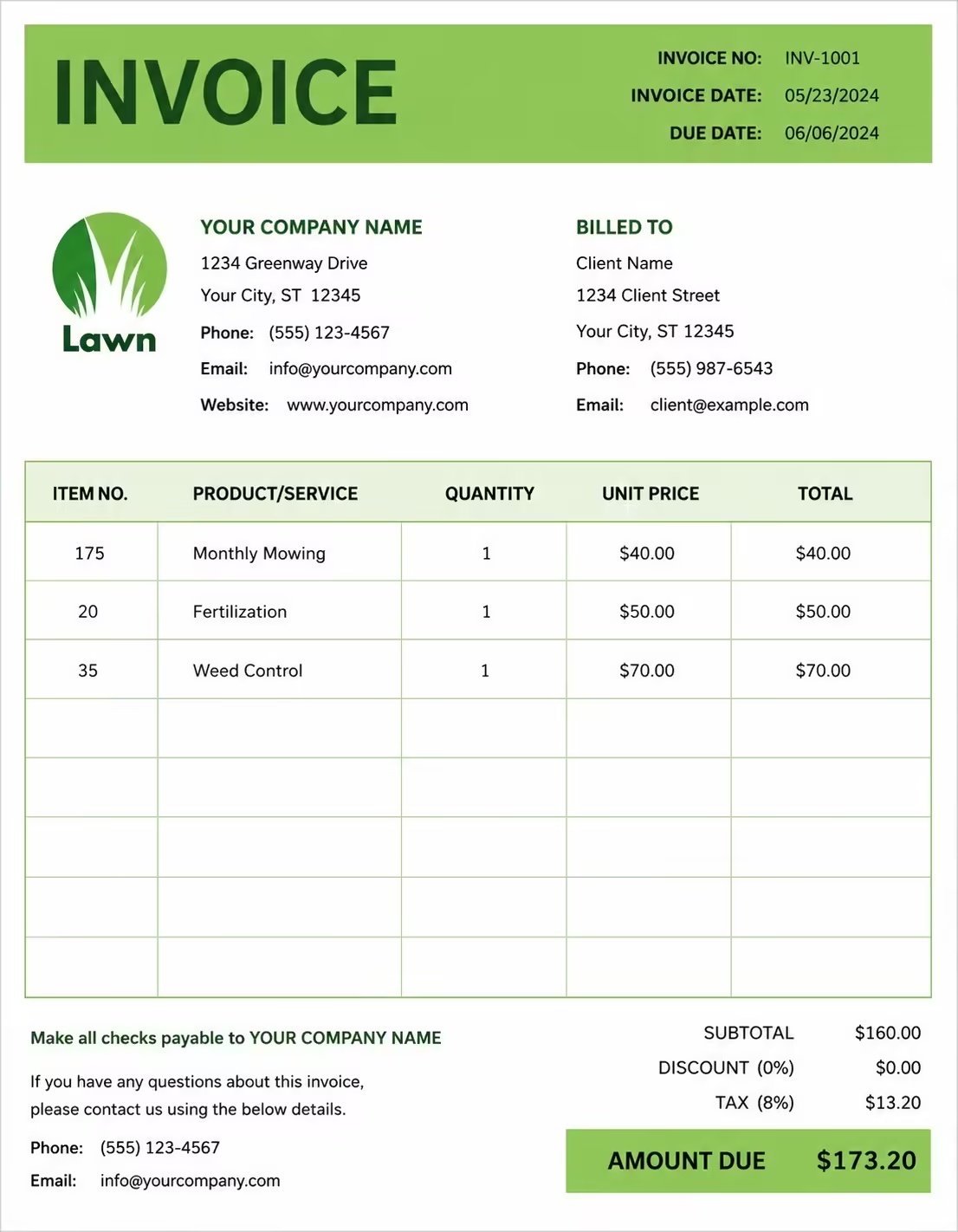
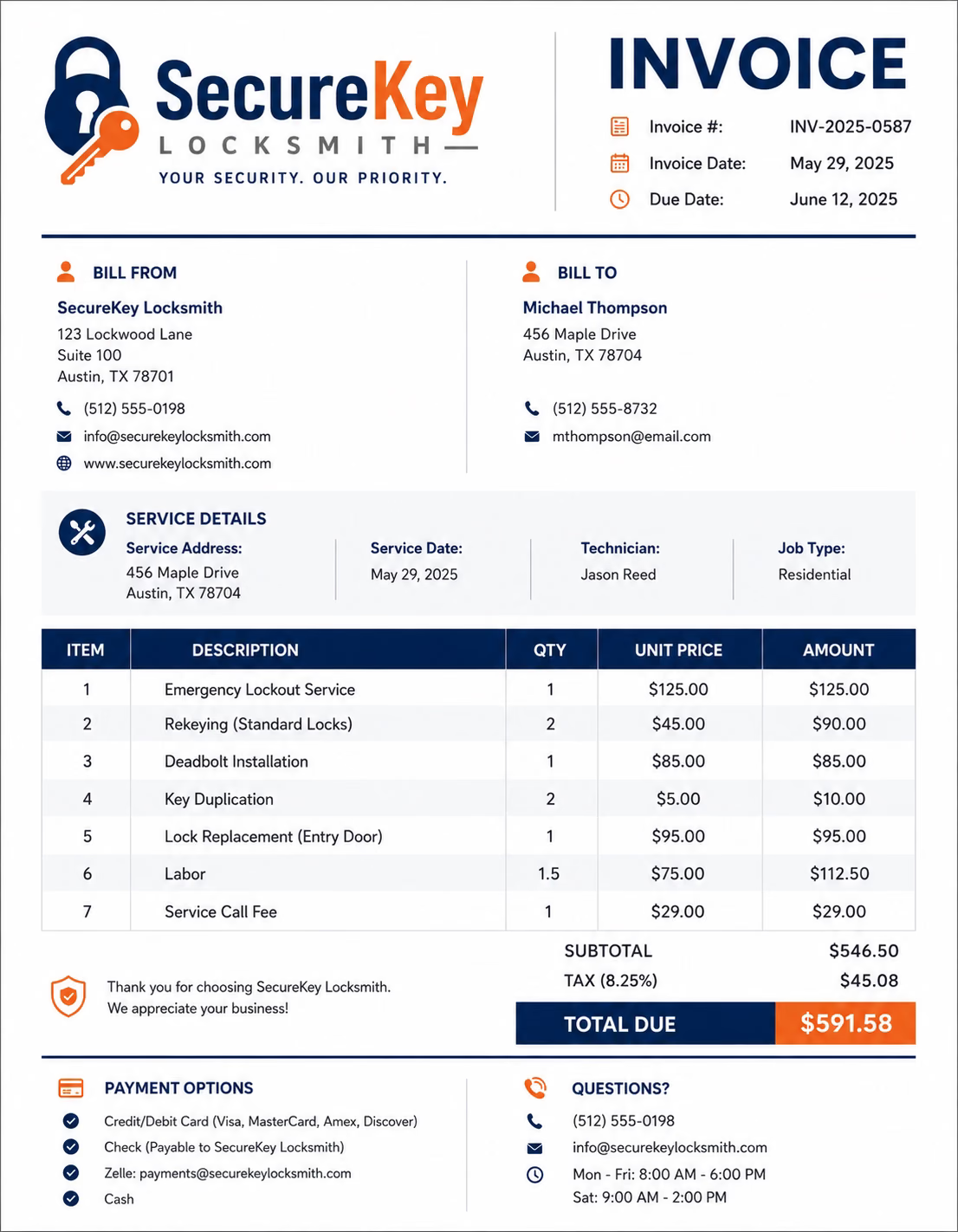
Free Locksmith Invoice Template
Free invoice templates for locksmiths, mobile locksmith businesses, emergency lockout providers, residential locksmiths, commercial locksmith teams, rekeying specialists, and security hardware installers. Download and edit in PDF, Word, Excel, Google Docs, or Google Sheets.
Use this locksmith invoice template to bill for rekeying, lock installation, emergency lockouts, lock repairs, key cutting, duplicate keys, smart lock setup, access hardware, service calls, labor, parts, travel fees, taxes, deposits, and final balances in a clean professional format.
Download the app and manage invoices anywhere


Download Free Locksmith Invoice Templates
Download a locksmith invoice template, then edit it in PDF, Word, Excel, Google Docs, or Google Sheets. Print it, save it, or send it to your client after an emergency lockout, rekeying job, lock repair, lock replacement, or security hardware installation.
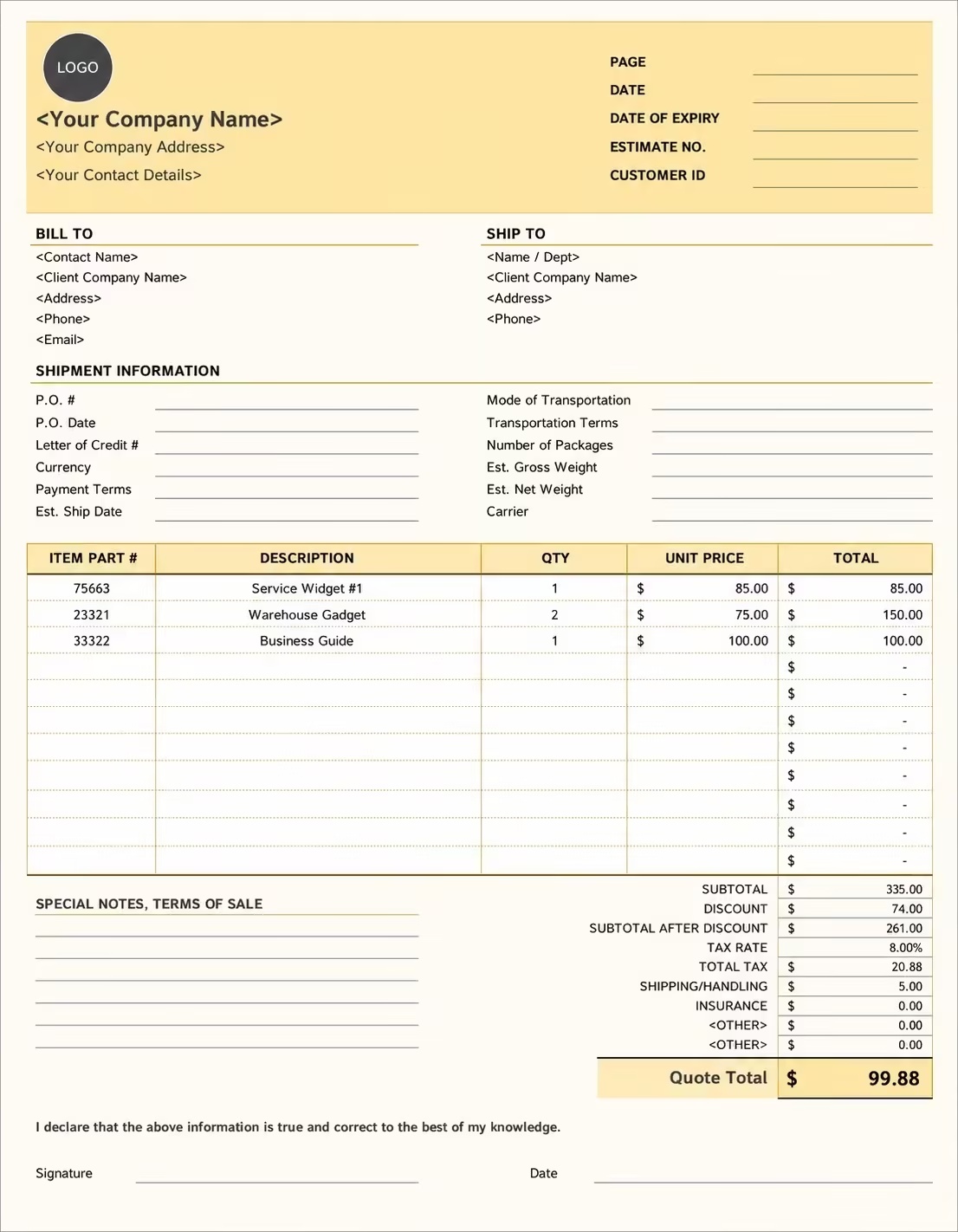
Editable Locksmith Invoice Template
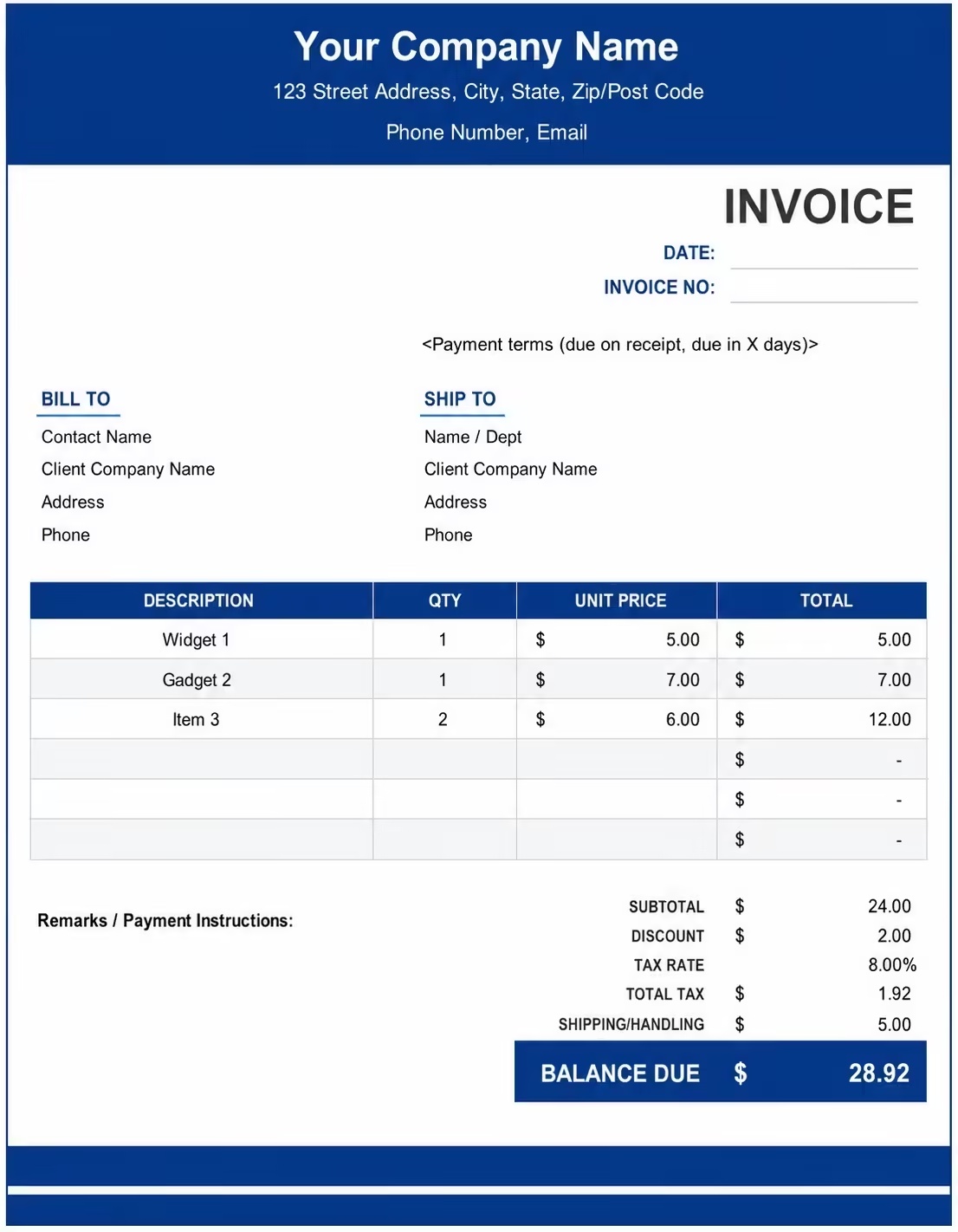
Printable Locksmith Invoice Template
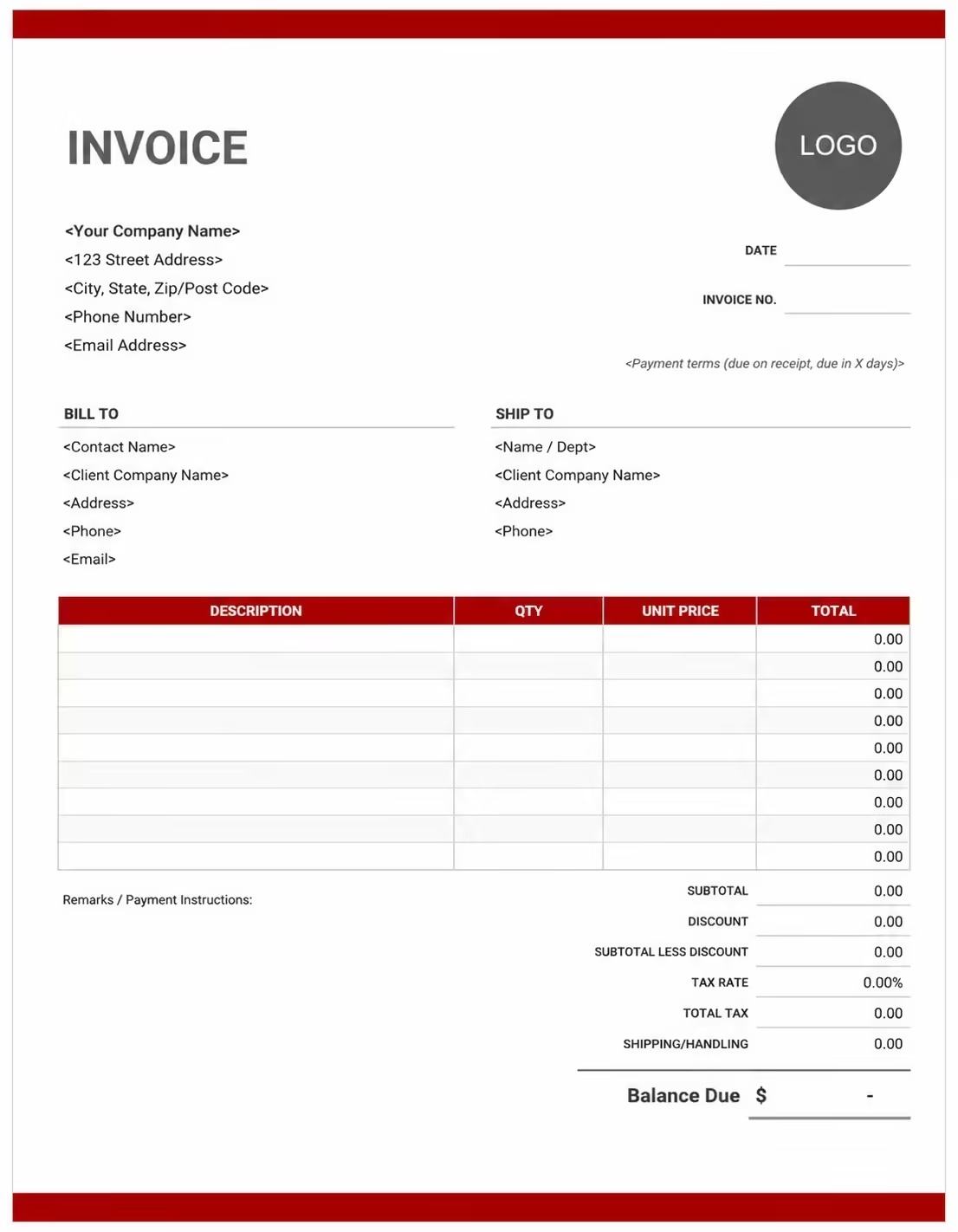
Free Locksmith Invoice Template
Use these templates for residential locksmith work, commercial locksmith jobs, emergency lockouts, rekeying, key cutting, lock replacement, smart lock installation, safe service, access control hardware, mobile service calls, and repair billing.
How to Invoice for Locksmith Work
A good locksmith invoice should clearly show the customer, service address, lock or hardware details, work completed, labor, parts, service call fees, emergency charges, taxes, deposits, and balance due.
Download Free TemplateIn 5 Steps:
- Confirm the customer details, service address, lock type, service request, emergency status, approved work, parts needed, labor rate, service call fee, and payment terms before creating the invoice.
- Record the completed locksmith work, including rekeying, lock installation, lock repair, emergency entry, key cutting, hardware replacement, smart lock setup, safe service, or access hardware work.
- Separate service call fees, emergency or after-hours charges, labor, lock hardware, cylinders, keys, travel, parking, taxes, discounts, deposits, and previous payments so every cost is easy to review.
- Add invoice number, service date, due date, technician notes, accepted payment methods, warranty notes, security notes, and any follow-up recommendations.
- Send the invoice, save a copy for your records, and track whether it is unpaid, partially paid, paid, overdue, or ready for follow-up.
With Invoize, locksmiths can create professional invoices faster, save customer and job details, reuse common service items, add hardware and labor charges, and track payment status from anywhere.
What to Include in a Locksmith Invoice
A professional locksmith invoice should include the details needed to identify the customer, service location, lock or security hardware, work performed, parts used, payment terms, and final amount due.
Invoice and Service Details
- Invoice numberHelps track the invoice, payment, customer record, and job history.
- Work order or service ticket referenceConnects the invoice to the original lockout request, rekeying job, repair ticket, or approved estimate.
- Business name and locksmith contact detailsShows which locksmith company, mobile locksmith, or security hardware provider completed the work.
- Customer name and billing detailsIdentifies who requested the locksmith service and who is responsible for payment.
- Service address and service dateShows where and when the lockout, rekeying, installation, repair, or hardware service was completed.
Locksmith Labor, Parts, and Hardware Details
- Service descriptionExplains the completed work, such as emergency lockout, rekeying, lock installation, deadbolt replacement, key cutting, lock repair, or smart lock setup.
- Technician labor hours and rateShows how service labor, repair time, installation work, or emergency service time was calculated.
- Locks, keys, and partsLists cylinders, deadbolts, knobs, levers, strike plates, smart locks, keys, fobs, pins, screws, and other hardware used.
- Lock or hardware locationIdentifies the door, gate, cabinet, safe, vehicle, office, unit, or access point where the work was performed.
- Service call, emergency, or travel feeShows call-out, mobile service, after-hours, travel, parking, or emergency charges separately from labor and parts.
Payment and Final Notes
- Deposits or partial paymentsShows money already paid before the remaining balance is calculated.
- Warranty or security notesRecords warranty coverage, lock hardware notes, key control notes, or follow-up recommendations.
- Taxes, discounts, and feesShows adjustments before the final total.
- Total amount dueShows the final amount the customer needs to pay.
- Payment due date and methodsTells the customer when payment is expected and how they can pay.
Billing Scenarios for Locksmith Businesses
Use clear invoice labels so customers understand the locksmith service, labor, parts, hardware, emergency fees, taxes, deposits, and final balance due.
| Scenario | Invoice line items | Best used for | How to describe it |
|---|---|---|---|
| Emergency lockout | Emergency call fee, entry service, technician labor, after-hours fee | Home, office, apartment, vehicle, or commercial lockout service calls. | Show the lockout location, emergency fee, service time, and whether after-hours rates applied. |
| Rekeying service | Rekey labor, cylinder pins, key copies, service call | Residential moves, tenant turnover, office changes, lost keys, and security updates. | List the number of locks rekeyed, key copies made, labor, parts, and property address. |
| Lock installation | New lock hardware, installation labor, strike plate, screws, testing | Deadbolts, door knobs, levers, smart locks, gate locks, and commercial door hardware. | Show the hardware type, quantity, labor, door or access point, and any warranty notes. |
| Lock repair | Diagnosis, repair labor, replacement parts, lubrication, adjustment | Stuck locks, broken keys, damaged cylinders, alignment issues, and worn hardware. | Describe the problem, repair performed, parts replaced, and final testing. |
| Key cutting or duplication | Key blank, duplicate key, programming, labor | House keys, office keys, mailbox keys, padlock keys, fobs, and specialty keys. | Show key type, quantity, blank cost, programming or cutting charge, and total due. |
| Commercial locksmith work | Service call, hardware, rekeying, master key setup, labor | Offices, retail stores, warehouses, rental properties, and property management accounts. | Add business name, job site, access point details, hardware quantities, and account billing notes. |
| Smart lock or keypad setup | Smart lock hardware, installation labor, programming, testing | Smart locks, keypads, access codes, connected door locks, and security upgrades. | Show device type, setup steps, programming notes, user code notes, and hardware cost. |
| Safe or cabinet lock service | Opening, repair, combination reset, parts, labor | Small safes, cabinets, desks, lockers, and secure storage hardware. | Describe the lock type, work performed, parts used, and any security or access notes. |
Create Invoice Now
☝️ Create a professional invoice in seconds.
Common Charges and Fees for Locksmith Work
Itemize locksmith charges clearly so customers can see service calls, labor, hardware, emergency fees, key work, travel, taxes, and final balance.
| Charge or service | Unit | When to use | How to show it |
|---|---|---|---|
| Service call fee | Flat fee | Use for technician dispatch, mobile locksmith service, inspection, or basic troubleshooting. | List it separately from repair labor and parts. |
| Emergency or after-hours fee | Fee | Use for urgent, night, weekend, holiday, or same-day lockout service. | Label the fee clearly so the customer understands the premium charge. |
| Locksmith labor | Hourly or job | Use for rekeying, lock repair, lock installation, smart lock setup, key work, and hardware adjustment. | Show hours, rate, or project price with a short description of the work. |
| Lock hardware | Item or quantity | Use for deadbolts, knobs, levers, cylinders, smart locks, strike plates, and other replacement parts. | List each hardware item and quantity separately from labor. |
| Rekeying | Per lock or project | Use when changing a lock cylinder so old keys no longer work. | Show number of locks rekeyed and key copies included. |
| Key cutting or duplication | Per key | Use for duplicate keys, key blanks, specialty keys, fobs, or programmed keys. | Show key type, quantity, and any programming charge. |
| Travel, parking, or mileage | Fee | Use when the locksmith travels to a job site, remote property, downtown address, or service area outside the standard zone. | Keep travel charges separate from labor and parts. |
| Deposit or previous payment | Amount | Use when the customer paid a booking deposit, parts deposit, or partial payment before completion. | Subtract it clearly from the final amount due. |
| Tax | Percentage or amount | Use when tax applies to labor, hardware, parts, or service fees. | Show tax before the final total so the balance is transparent. |
Common Locksmith Invoicing Mistakes
Locksmith invoices often include service calls, emergency fees, lock hardware, key copies, rekeying, repairs, labor, and security notes. Missing details can confuse customers or delay payment. Avoid these common mistakes.
| Mistake | Why it causes problems | How to fix it |
|---|---|---|
| Leaving out the service address | The customer may not know which property, door, vehicle, office, or unit the invoice belongs to. | Add the exact service address or job location to every locksmith invoice. |
| Not describing the lock service | A generic invoice line can make emergency entry, rekeying, installation, or repair charges unclear. | Add a short service description for each line item. |
| Combining labor and parts into one total | Customers may not understand how the final price was calculated. | Separate labor, hardware, keys, service calls, emergency fees, travel, taxes, and deposits. |
| Not listing hardware quantities | The customer may question the number of locks, cylinders, keys, or parts billed. | Show item names, quantities, rates, and totals. |
| Forgetting emergency or after-hours notes | Premium service fees may look unexpected if the invoice does not explain them. | Label emergency, weekend, holiday, or after-hours charges clearly. |
| Missing rekeying details | The customer may not know how many locks were rekeyed or how many keys were included. | List locks rekeyed, key copies, and any extra keys separately. |
| No warranty or follow-up notes | Customers may ask what is covered after the lock repair or installation. | Add short notes for hardware warranty, workmanship, and recommended follow-up. |
| Not showing deposits or partial payments | The remaining balance may look higher than expected. | Show deposits received, previous payments, current amount due, and remaining balance. |
| No payment due date | Clients may delay payment if the invoice does not say when payment is expected. | Add payment terms, due date, accepted methods, and late payment notes if needed. |
| Not keeping job records | Tracking lock work, key requests, repairs, customers, and payment history becomes harder. | Save every locksmith invoice with the customer, service address, and job notes. |
More Invoice Templates You May Like
Explore closely related invoice templates for locksmith work, similar services, and nearby billing scenarios before choosing the best format for your customer.
Questions
Frequently Asked Questions
What should a locksmith invoice include?
A locksmith invoice should include your business details, customer details, service address, invoice number, service date, work performed, lock or hardware details, labor, parts, emergency fees, travel fees, taxes, deposits, payment terms, and total amount due.
Can I use this template for emergency lockouts?
Yes. Add the service address, lockout type, emergency call fee, after-hours fee if applicable, technician labor, service time, taxes, and final amount due.
How should I invoice for rekeying work?
List the number of locks rekeyed, key copies made, rekey labor, service call fee, hardware or pin charges, taxes, deposits, and the remaining balance.
Should lock hardware and labor be separate line items?
Yes. Separate hardware, parts, keys, labor, service call fees, emergency fees, travel, and taxes so the customer can understand the full bill.
Can this template be used for commercial locksmith jobs?
Yes. Add the business name, job site, doors or access points serviced, lock hardware, rekeying, master key setup, labor, parts, account notes, and payment terms.
How do I show key cutting or duplicate keys?
Add key cutting or duplicate keys as line items with the key type, quantity, unit price, programming fee if needed, and total amount.
Can I include travel or mobile service fees?
Yes. Add travel, mileage, parking, or mobile service charges as separate line items so customers understand charges beyond labor and parts.
What payment terms should a locksmith invoice include?
Include the due date, accepted payment methods, deposit terms, warranty notes, emergency service terms, late payment notes if used, and any follow-up instructions for the customer.













