
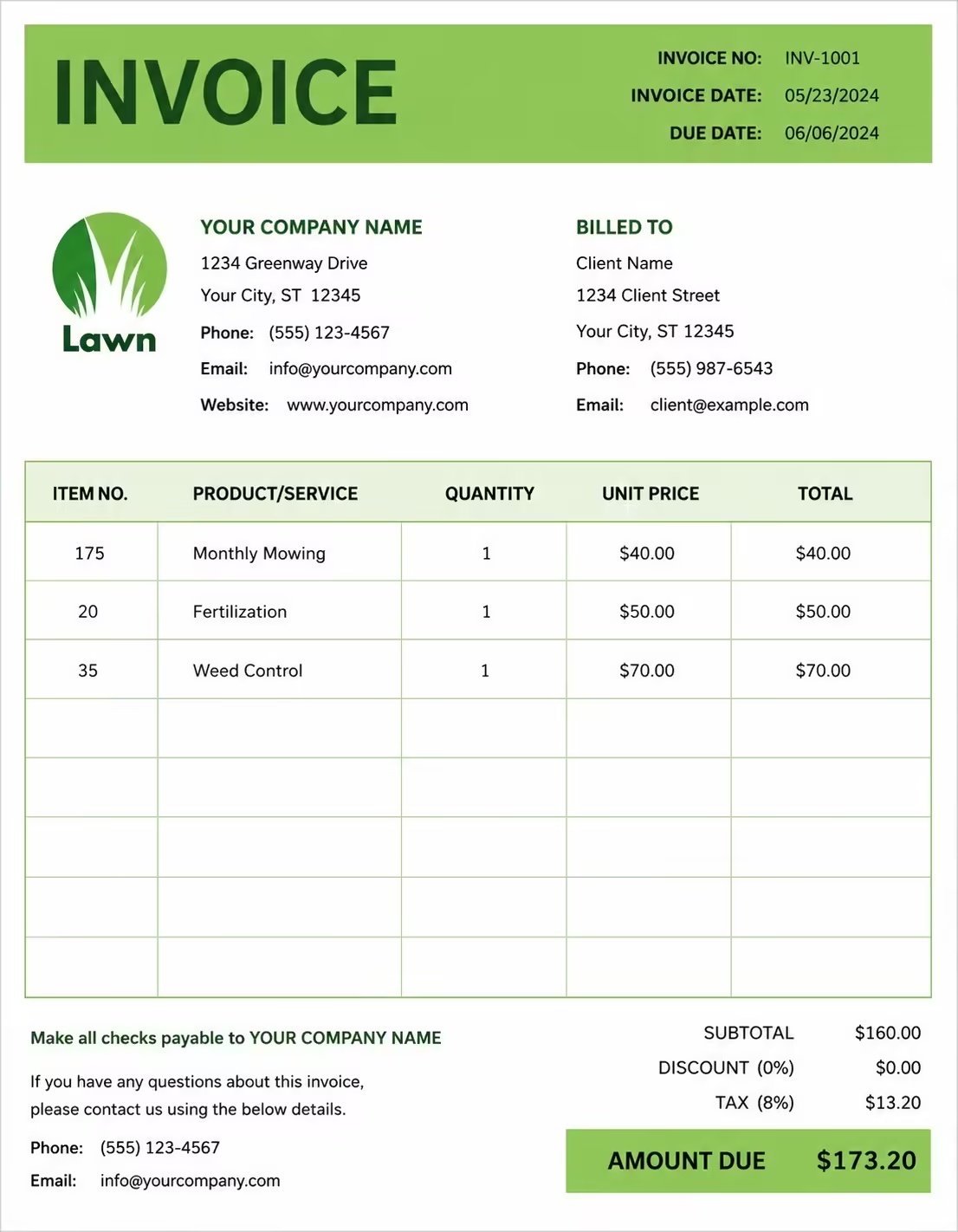
Free Nanny Invoice Template
Free invoice templates for nannies, private childcare providers, live-in nannies, part-time nannies, babysitters, family assistants, and home childcare professionals. Download and edit in PDF, Word, Excel, Google Docs, or Google Sheets.
Use this template to bill for nanny hours, daily childcare, weekly care, overnight care, school pickup, meals, supplies, transportation, late fees, taxes, discounts, deposits, and payment terms in a clear and professional way.
Download the app and manage invoices anywhere


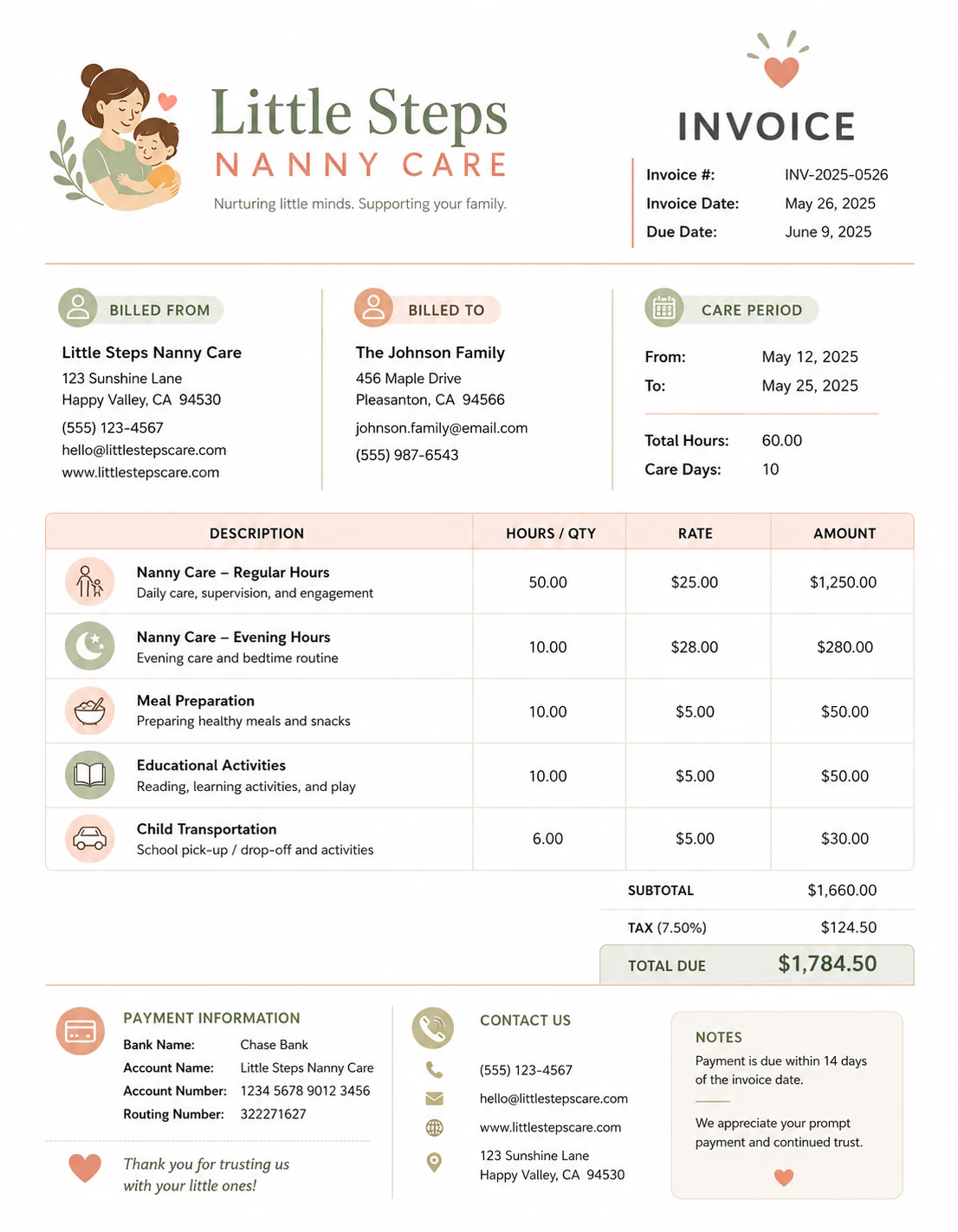
Download Free Nanny Invoice Templates
Download a template, then edit it in PDF, Word, Excel, Google Docs, or Google Sheets. Print it, save it, or send it to the parent or guardian when the nanny service is complete or when a billing period ends.
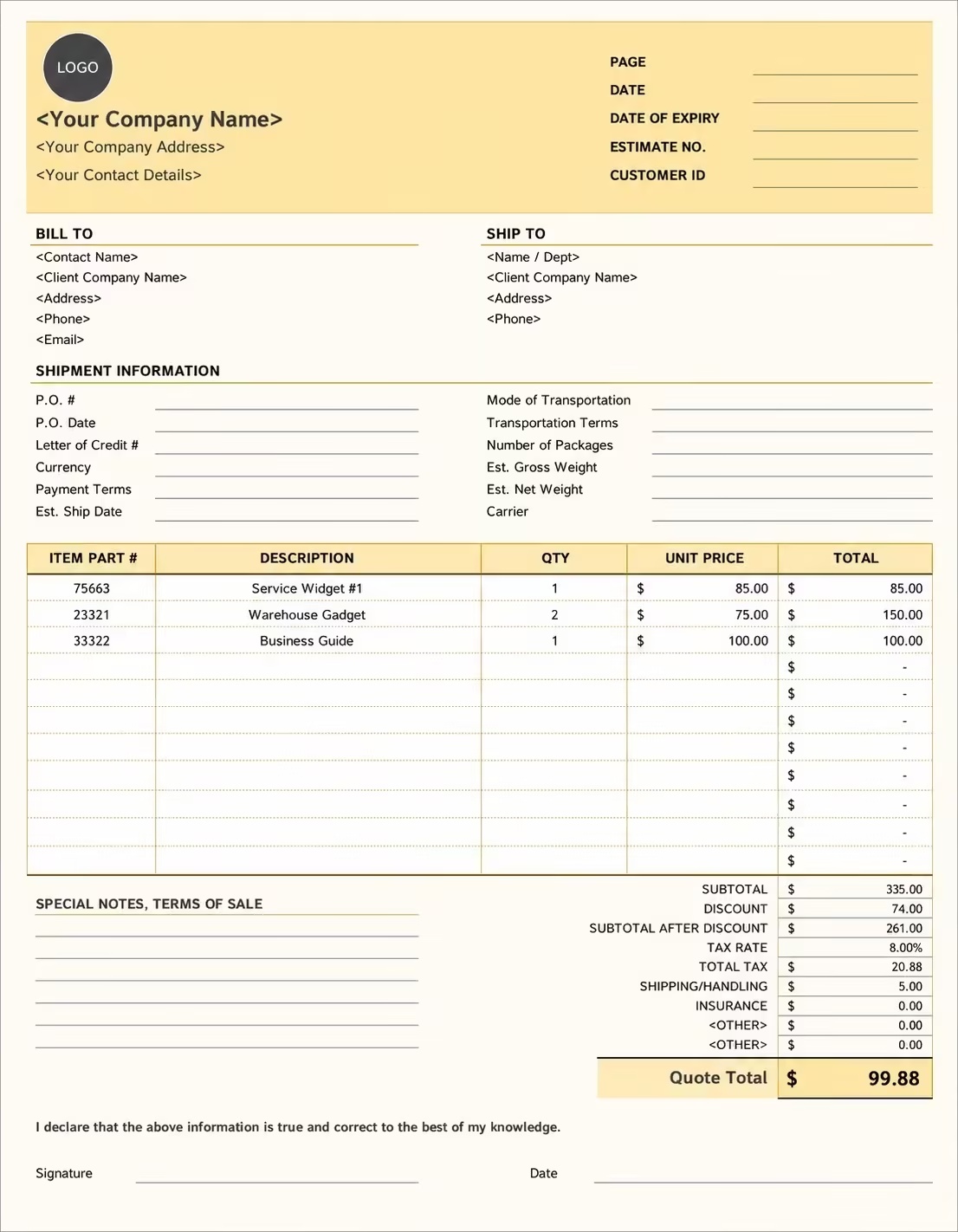
Editable Nanny Invoice Template
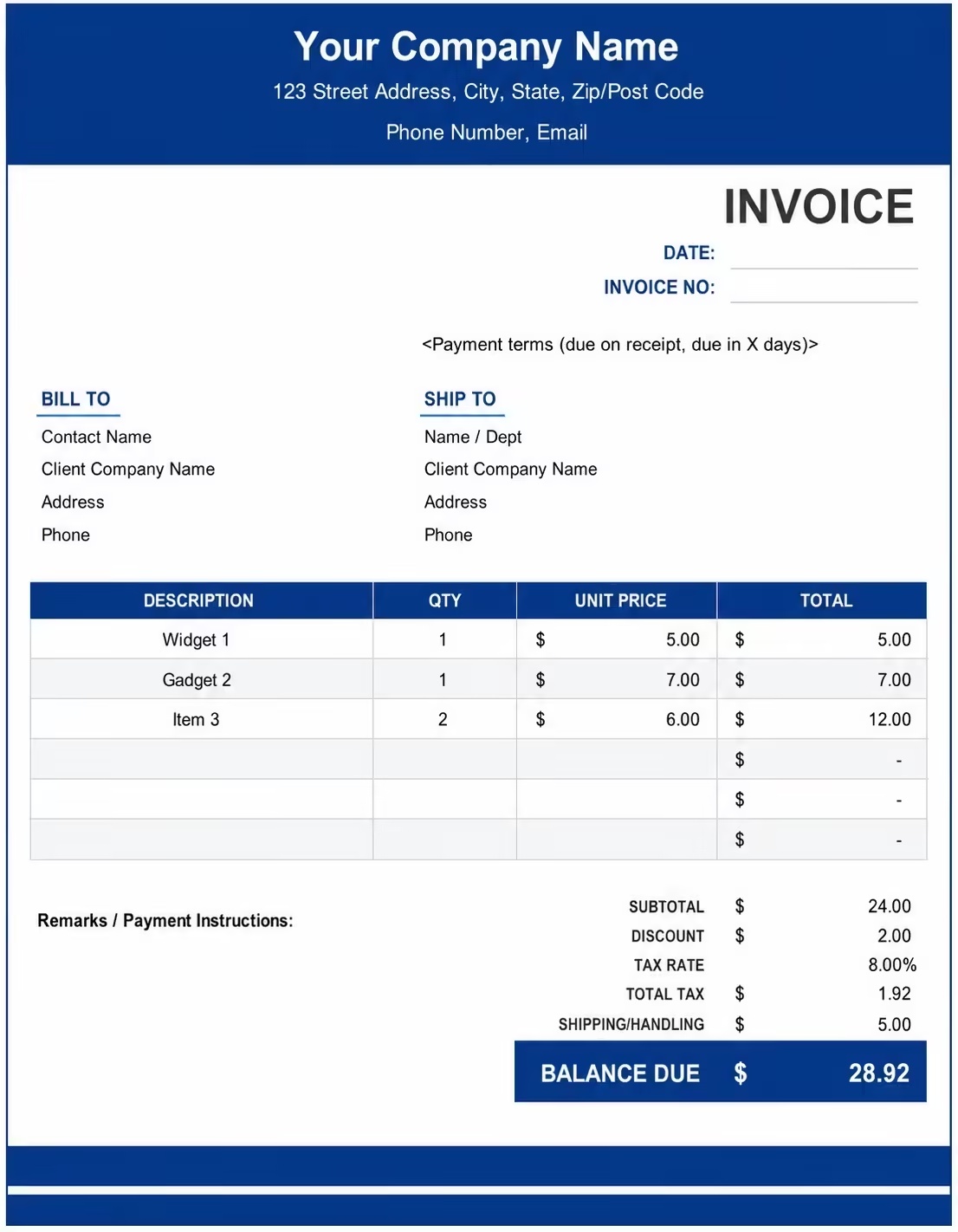
Printable Nanny Invoice Template
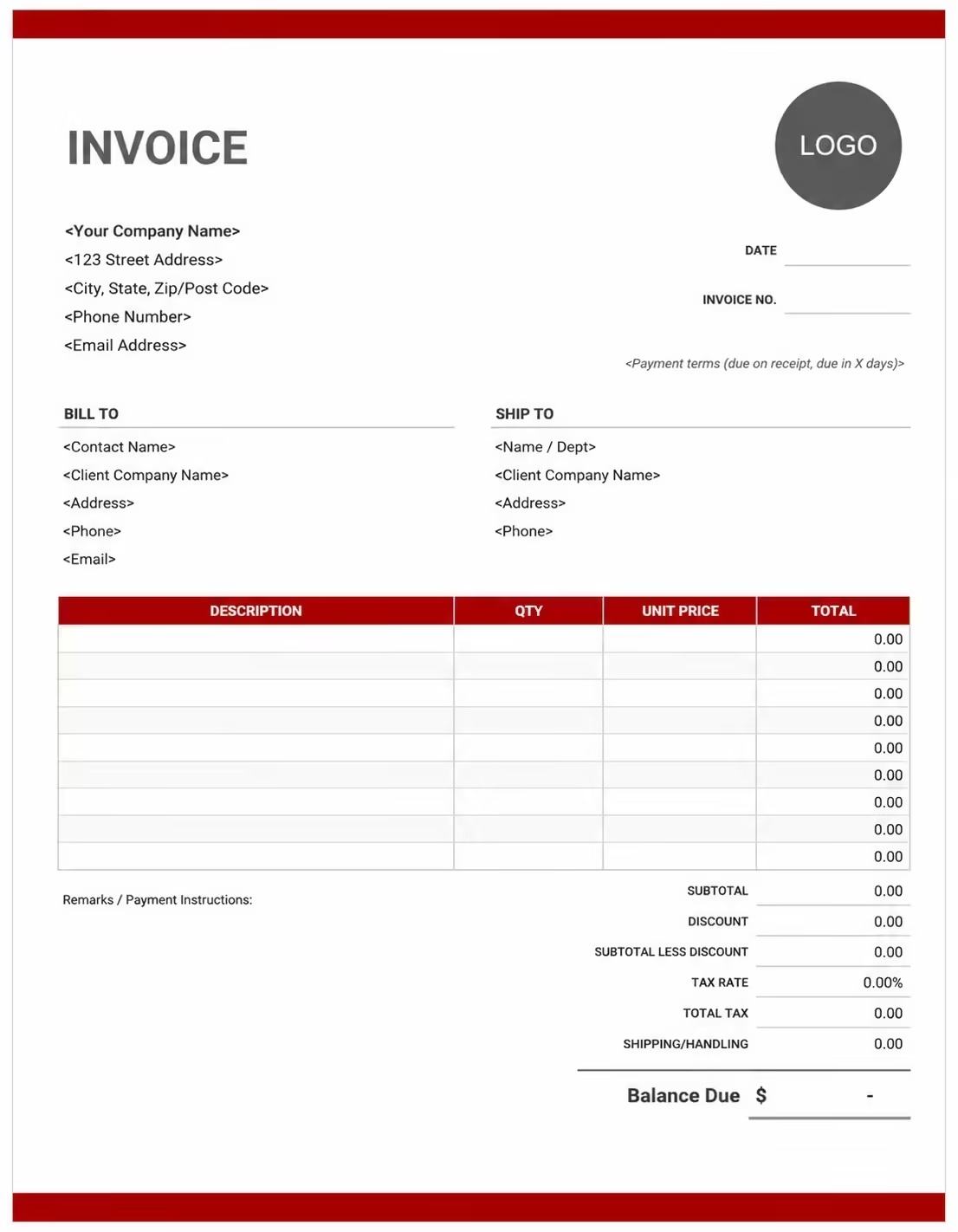
Free Nanny Invoice Template
Use these templates for full-time nannies, part-time nannies, live-in nannies, babysitters, home childcare providers, after-school care providers, overnight nannies, and family support services.
How to Invoice for Nanny Work
A good nanny invoice should clearly show the parent or guardian details, child’s name, care dates, service hours, nanny rate, extra fees, supplies, taxes, and payment terms.
Start Creating Invoices FreeIn 5 Steps:
- Confirm the parent or guardian details, child’s name, care schedule, hourly or weekly rate, duties included, travel needs, and agreed pricing before starting the service.
- Record completed nanny work, childcare hours, care dates, school pickup, meal preparation, homework help, bedtime care, and any approved extra services.
- Track nanny-related costs such as meals, snacks, activity supplies, transportation, mileage, diapers, wipes, late pickup time, and overnight care.
- Calculate nanny hours, daily or weekly care fees, extra services, supplies, travel charges, taxes if applicable, discounts, deposits, and the final balance due.
- Send the invoice with payment options, due date, billing period, care notes, child details, and any remaining balance instructions.
With Invoize, you can create nanny invoices faster, save parent details, reuse common childcare services, add recurring charges, and track payments from your phone.
What to Include in a Nanny Invoice
A professional nanny invoice should include the details needed to identify the parent, child, care period, nanny service, charges, and payment terms.
Invoice and Child Details
- Invoice numberHelps track the invoice, payment record, and nanny service history.
- Parent or guardian detailsShows who booked the nanny service and who is responsible for payment.
- Nanny or childcare detailsShows which nanny, babysitter, or childcare provider completed the service.
- Child’s nameConnects the invoice to the correct child or family account.
- Care dates or billing periodShows which days, week, month, or care period the invoice covers.
Nanny Service Details
- Care scheduleShows whether the service was hourly care, daily care, weekly care, overnight care, live-in care, or after-school care.
- Service descriptionExplains childcare, school pickup, meal help, homework support, playtime, bedtime care, or family assistance.
- Hours, days, or sessionsShows how the nanny service charge was calculated.
- Rate or fixed feeShows whether the service was billed by hourly rate, daily rate, weekly rate, or fixed nanny fee.
- Extra care chargesShows extra hours, overnight care, weekend care, holiday care, or special care outside the regular schedule.
Payment and Final Notes
- Supplies and extra feesLists meals, snacks, diapers, wipes, activities, toys, learning materials, transportation, mileage, or errands.
- Discounts, deposits, or previous paymentsShows credits or amounts already paid before the final balance.
- Total amount dueShows the final amount the parent or guardian needs to pay.
- Payment due date and methodsTells the parent or guardian when payment is expected and how they can pay.
- Care notes or payment termsRecords late pickup rules, recurring billing terms, cancellation notes, family instructions, or care details.
Billing Scenarios for Nannies
Use clear invoice labels so parents understand the type of nanny service, care hours, extra fees, recurring charges, and final amount due.
| Scenario | Invoice line items | Best used for | How to describe it |
|---|---|---|---|
| Hourly nanny care | Care hours, hourly rate, care date, meal help, service notes | Short childcare bookings, part-time nanny care, evening care, or flexible family support. | Show the care date, start time, end time, total hours, and hourly rate clearly. |
| Full-time nanny service | Weekly care fee, daily schedule, child care duties, meals, transportation | Families using regular nanny support for full days or weekly childcare. | Show the billing period, care days, duties included, and weekly or monthly amount. |
| After-school nanny care | School pickup, after-school supervision, homework help, snack fee, mileage | School-age children needing pickup, homework support, activities, and care until parents return. | List the school days covered, pickup details, care hours, and any transportation charges. |
| Overnight nanny care | Overnight care fee, evening care, bedtime routine, morning care, meals | Parents needing overnight childcare, travel support, night care, or extended family help. | Show the overnight dates, care period, included duties, and overnight rate clearly. |
| Live-in nanny service | Weekly or monthly fee, live-in care, agreed duties, meals, household support | Families with ongoing live-in nanny arrangements or long-term childcare support. | Show the billing period, agreed services, schedule, and recurring care fee. |
| Extra care or late hours | Extra hours, late pickup fee, weekend care, holiday care, overtime charge | Care that continues beyond the agreed schedule or happens outside normal working hours. | Show the added time, overtime rate, reason for extra care, and updated total clearly. |
Start Creating Invoices Free
☝️ Create your first invoice in seconds.
Common Charges and Fees for Nannies
Itemize nanny charges clearly so parents can see care hours, weekly rates, meals, supplies, transportation, late fees, taxes, and any extra costs.
| Charge or service | Unit | When to use | How to show it |
|---|---|---|---|
| Hourly nanny care | Hour | Use when billing for babysitting, part-time care, evening care, or flexible nanny hours. | Show hours worked multiplied by the hourly rate with the care date listed. |
| Daily nanny care | Day | Use when charging a fixed amount for each full day or half day of nanny care. | List the care dates, number of days, and daily rate clearly. |
| Weekly or monthly nanny fee | Week or month | Use for recurring nanny services, full-time care, live-in care, or regular family support. | Show the billing period, included days, and recurring amount. |
| After-school care | Session, day, or week | Use when providing care after school hours, homework help, pickup support, or supervised activities. | Show the service dates, care hours, and after-school rate. |
| Overnight care fee | Night | Use when the nanny provides evening, overnight, or early morning care. | Show the overnight dates, care time, and nightly fee clearly. |
| Meal or snack fee | Meal, day, or child | Use when meals, snacks, drinks, or lunch support are provided and billed separately. | List meal or snack charges separately from the regular nanny fee. |
| Supplies fee | Item, day, or fee | Use when charging for diapers, wipes, activity supplies, learning materials, toys, or care products. | Show supply names, quantities, or a simple supply fee when useful. |
| Transportation or mileage fee | Trip, mile, kilometer, or fee | Use when providing school pickup, activity transport, errands, or travel support. | Show transportation separately from the nanny service fee. |
| Late pickup or overtime fee | Minute, hour, or fee | Use when care continues beyond the agreed schedule or pickup time. | Show the extra time and overtime or late pickup rate clearly. |
| Weekend or holiday care | Session, day, or fee | Use when care is provided outside regular weekday hours or on holidays. | Add a clear label so the parent understands why the extra fee applies. |
| Tax | Percentage or amount | Use when tax applies to nanny services, supplies, or extra fees based on local rules. | Show tax before the final total so the parent can see how the balance was calculated. |
| Deposit or previous payment | Credit | Use when the parent has already paid part of the invoice or has an account credit. | Subtract it from the invoice total and show the remaining balance due. |
Common Nanny Invoicing Mistakes
Nanny work can include care dates, child details, hourly care, weekly care, school pickup, meals, supplies, extra hours, and parent notes. Missing details can confuse parents or delay payment. Avoid these common mistakes.
| Mistake | Why it causes problems | How to fix it |
|---|---|---|
| Not listing the child’s name | The invoice may be hard to match with the correct family account, especially when caring for more than one child. | Add the child’s name to every nanny invoice. |
| Not showing care dates clearly | The parent may not know which days, week, or month the invoice covers. | Add the care dates, billing period, or service dates clearly. |
| Combining all charges in one line | The total may look unclear because the parent cannot see care fees, meals, transportation, extra hours, and credits separately. | Separate nanny hours, daily fees, weekly fees, meals, supplies, transportation, overtime, deposits, and taxes into clear line items. |
| Not showing hours or rate | The parent may question the charge if the care time and rate are not visible. | Show start time, end time, total hours, hourly rate, daily rate, or weekly rate when useful. |
| Forgetting extra care or overtime fees | Extra charges may look unexpected if they are not explained. | Add late pickup, overtime, overnight care, weekend care, or holiday care as separate line items. |
| Leaving out transportation costs | School pickup, activity drop-off, errands, or mileage charges may be questioned if not shown clearly. | List transportation, mileage, parking, or trip fees separately when billed. |
| Not recording meals or supplies | The parent may not understand why food, diapers, wipes, or activity items were added. | Show meals, snacks, diapers, wipes, learning materials, or supplies as separate line items when charged. |
| Forgetting deposits or previous payments | The final balance may look higher than expected. | Show deposits, advance payments, partial payments, or credits before the balance due. |
| Leaving out recurring billing details | The parent may not know whether the invoice is for one visit, a week, a month, or a regular care schedule. | Add the billing period, schedule, included days, recurring rate, and due date. |
| Not keeping invoice records | Tracking payments, care dates, family accounts, extra hours, and service history becomes harder. | Keep a copy of every nanny invoice for your business records. |
More Invoice Templates You May Like
Explore closely related invoice templates for nanny work, similar services, and nearby billing scenarios before choosing the best format for your customer.
Questions
Frequently Asked Questions
How should I show nanny hours on an invoice?
List the care dates, number of hours, hourly rate, and total amount clearly. Example: “Nanny service: 6 hours × $22/hr = $132” or “After-school care: 3 days × $45/day = $135.” This helps parents understand how the childcare cost was calculated.
What child and family details should be included?
Include the child’s name, parent or guardian name, care dates, service times, and type of care provided. Example: “Child: Emma Johnson, care period: June 3–June 7, service: after-school nanny care.” This connects the invoice to the correct family and schedule.
How do I invoice for weekly or monthly nanny service?
Show the billing period, number of care days, total hours, and agreed rate. Example: “Weekly nanny care: Monday to Friday, 35 hours × $20/hr = $700.” This works well for full-time, part-time, or regular family care arrangements.
Should school pickup or drop-off be listed separately?
Yes, if transportation is charged separately from regular care. Example: “School pickup service: 5 days × $12 = $60” or “Activity drop-off and pickup: $25.” This keeps travel-related care clear for the parents.
Can I charge extra for meals, homework help, or light housework?
Yes, if these services are outside the normal nanny agreement. Example: “Meal preparation for children: $40,” “Homework support: 3 sessions × $15 = $45,” or “Light laundry for children: $30.” This helps explain added work beyond basic childcare.
How should I bill for overnight or weekend nanny care?
List overnight or weekend care separately because it may use a different rate. Example: “Overnight nanny care: 1 night: $180” or “Weekend care: Saturday, 8 hours × $25/hr = $200.” This makes special care hours easy to review.
How do I show deposits or advance payments?
Show the full nanny service amount, payment already received, and remaining balance. Example: “Weekly nanny service total: $650,” “Advance payment received: $200,” and “Balance due: $450.” This helps both the nanny and family track payments clearly.
What payment terms should a nanny invoice include?
Include the due date, accepted payment methods, cancellation policy, late pickup fees, and overtime rules. Example: “Payment due every Friday. Extra hours are billed at the agreed overtime rate. Cancellations with less than 24 hours’ notice may still be charged.”













