
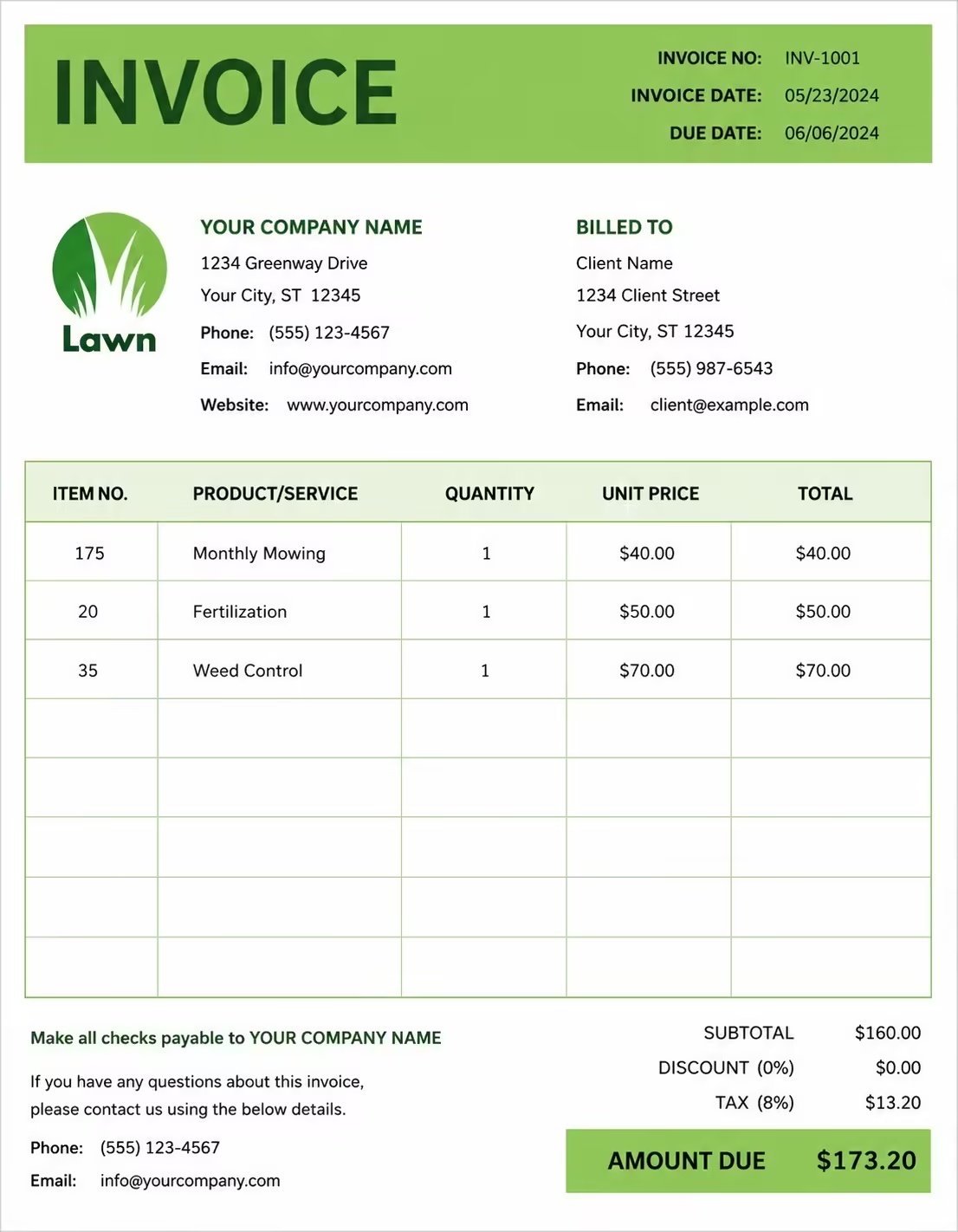
Free Photography Invoice Template
Free invoice templates for photographers, photography studios, freelance photographers, event photographers, wedding photographers, portrait photographers, and commercial photography businesses. Download and edit in PDF, Word, Excel, Google Docs, or Google Sheets.
Use this template to bill for photo shoots, editing, retouching, studio sessions, event coverage, prints, albums, equipment use, travel, licensing, taxes, discounts, deposits, and payment terms in a clear and professional way.
Download the app and manage invoices anywhere


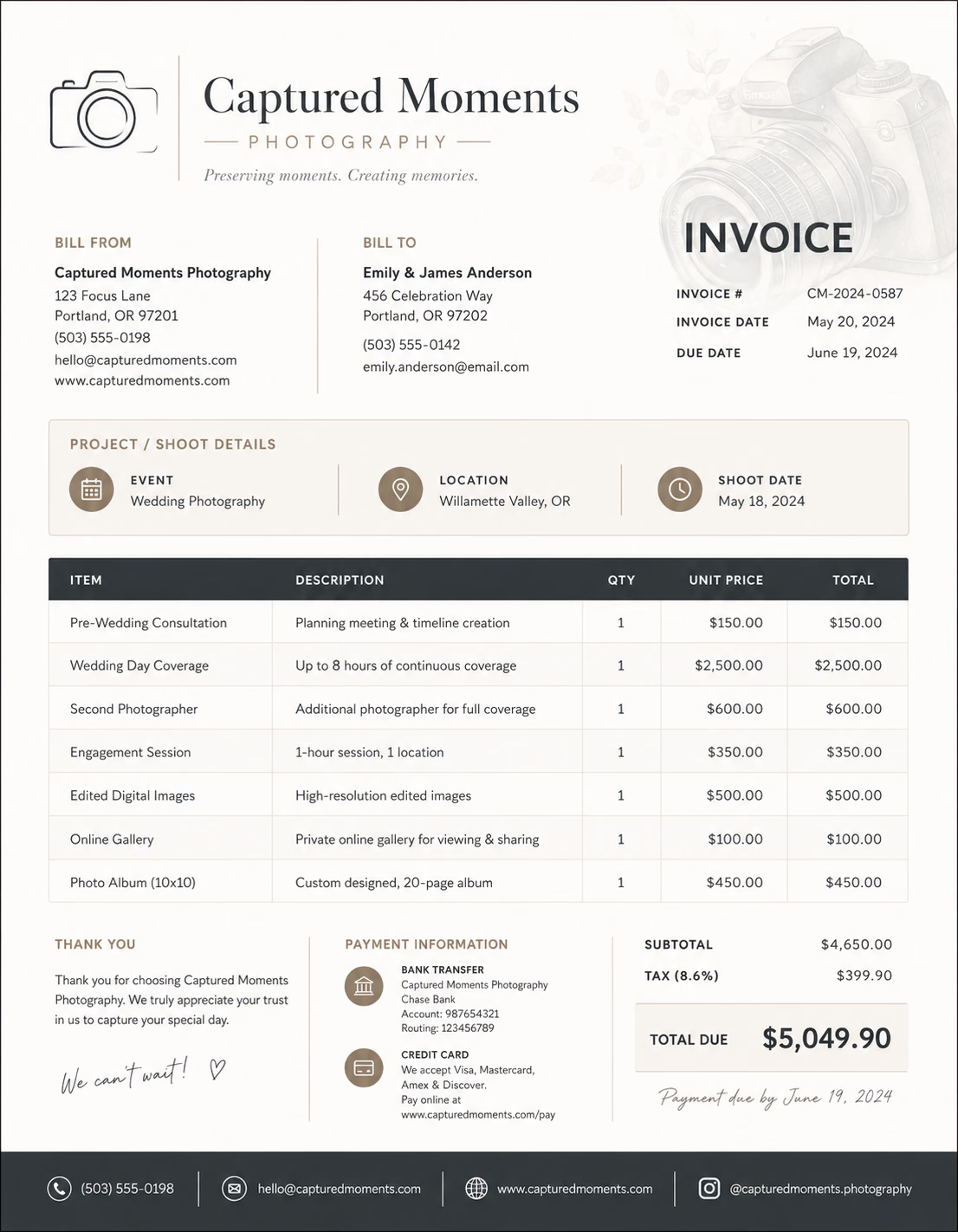
Download Free Photography Invoice Templates
Download a template, then edit it in PDF, Word, Excel, Google Docs, or Google Sheets. Print it, save it, or send it to your client when the photography work is complete or when a billing period ends.
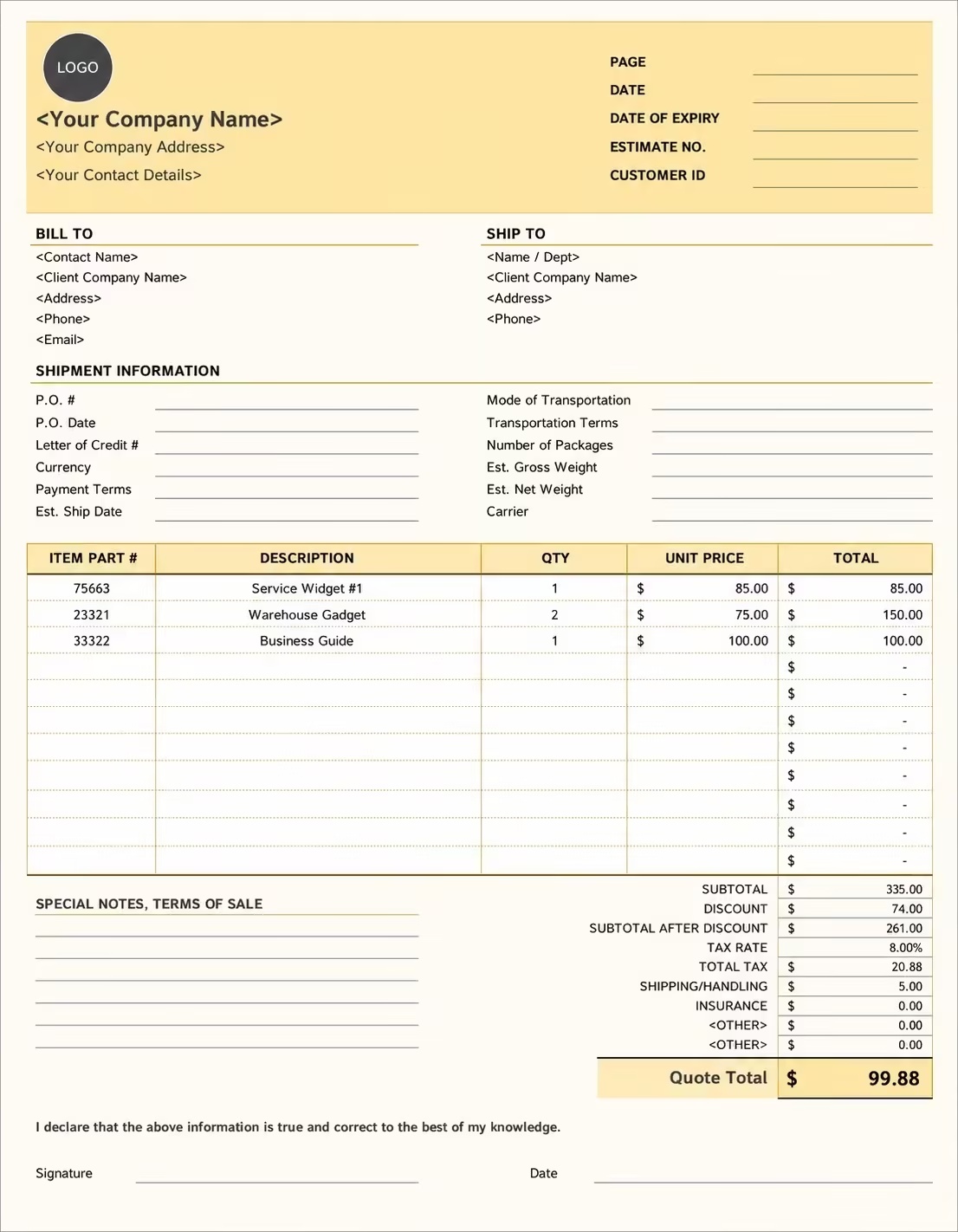
Editable Photography Invoice Template
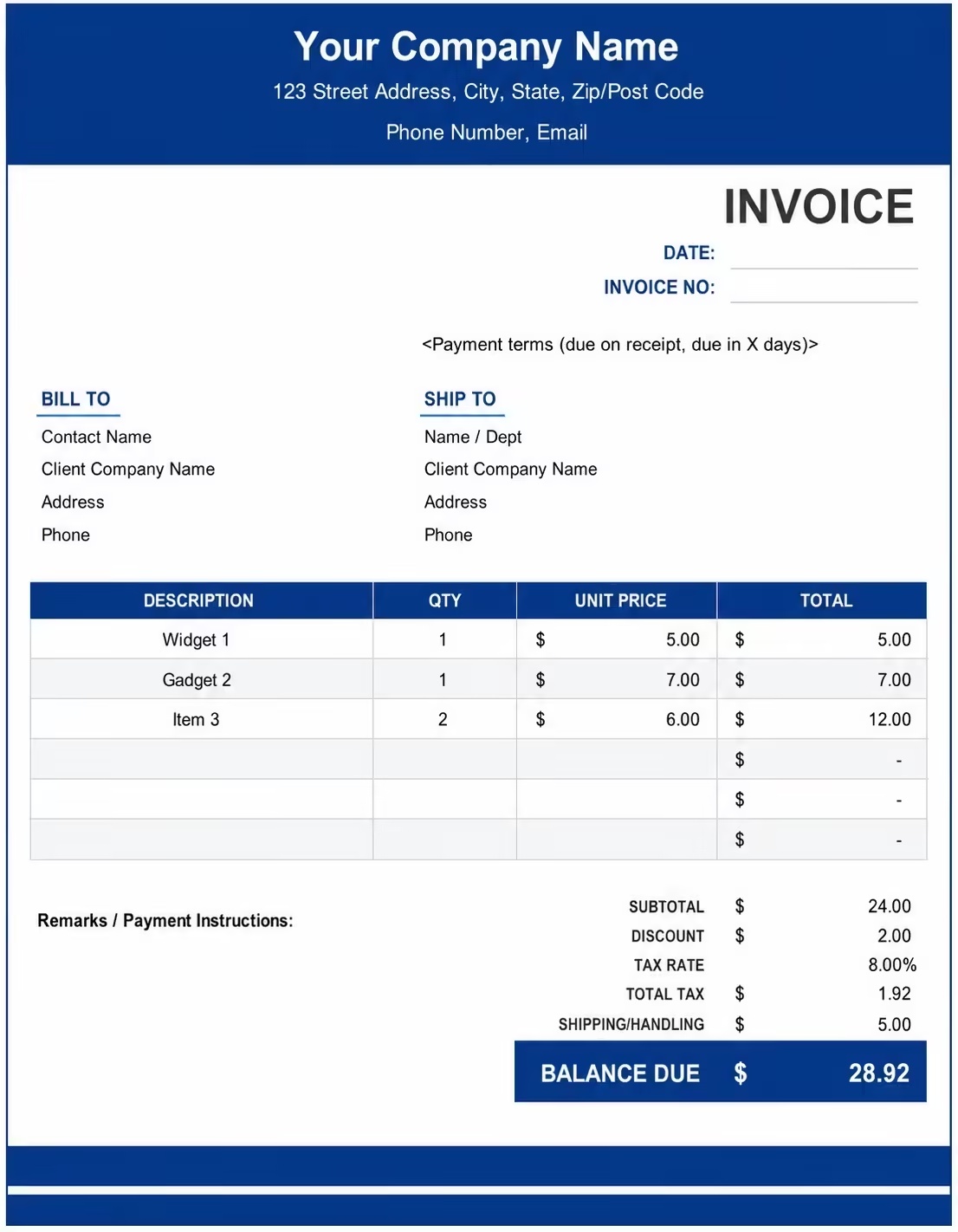
Printable Photography Invoice Template
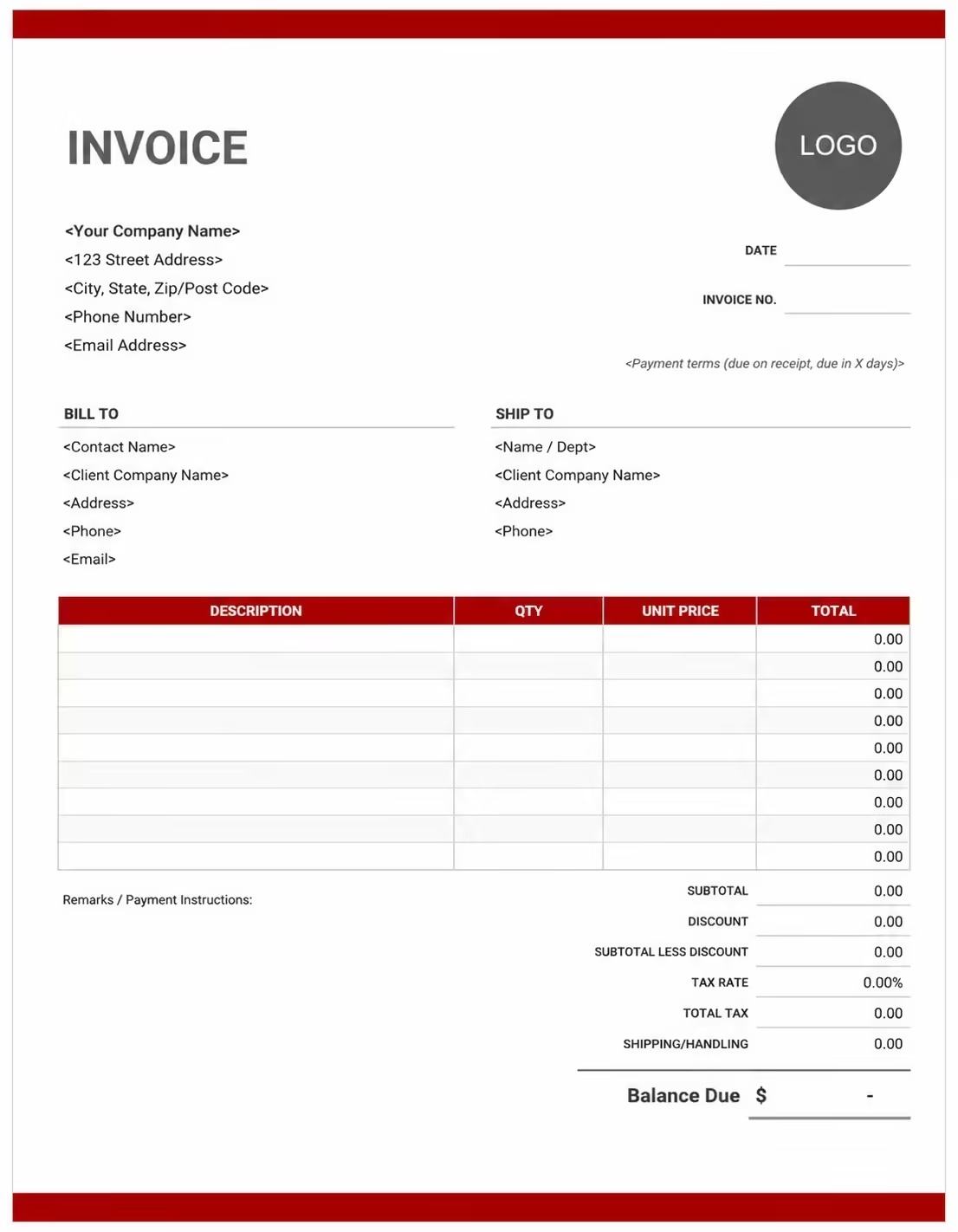
Free Photography Invoice Template
Use these templates for photographers, photo studios, freelance photographers, event photographers, wedding photographers, portrait photographers, and creative photography professionals.
How to Invoice for Photography Work
A good photography invoice should clearly show the client details, shoot date, photography service type, session length, editing work, print or album costs, travel fees, deposits, taxes, and payment terms.
Download Free TemplateIn 5 Steps:
- Confirm the client details, photo shoot type, shoot date, location, session length, editing needs, delivery format, and agreed pricing before starting the work.
- Record completed photography work, shoot time, image selection, editing, retouching, studio setup, event coverage, product shots, prints, albums, and any approved extra services.
- Track project costs such as camera gear, lighting, backdrops, props, studio rental, travel, parking, assistants, editing tools, prints, albums, and storage.
- Calculate photography session fees, editing charges, retouching fees, print costs, travel fees, equipment charges, discounts, deposits, taxes if applicable, and the final balance due.
- Send the invoice with payment options, due date, project notes, image delivery details, usage terms, and any remaining balance instructions.
With Invoize, you can create photography invoices faster, save client details, reuse common photography service items, add deposits and print fees, and track payments from your phone.
What to Include in a Photography Invoice
A professional photography invoice should include the details needed to identify the client, photography project, shoot details, deliverables, charges, and payment terms.
Invoice and Project Details
- Invoice numberHelps track the invoice, payment record, and photography project history.
- Client name and contact detailsShows who booked the photography service and who is responsible for payment.
- Photographer, studio, agency, or business detailsShows which photographer, studio, agency, or photography business completed the work.
- Project name, event name, session name, or shoot referenceConnects the invoice to the correct shoot, event, campaign, or client file.
- Shoot date, event date, or project phaseShows when the photography work happened or which billing period, project phase, or shoot period the invoice covers.
Photography Service Details
- Photo shoot location, studio, venue, or property addressShows where the photography session, event coverage, or project work took place.
- Photography service typeShows wedding photography, portrait photography, product photography, event photography, real estate photography, or commercial photography.
- Service descriptionExplains photo sessions, event coverage, image editing, retouching, studio setup, final image delivery, or photography work completed.
- Hours, day rate, session fee, or project priceShows whether the work was billed by shoot hours, editing hours, session length, project days, hourly rate, day rate, package fee, session fee, or fixed project price.
- DeliverablesShows what the client receives, such as edited images, raw photos, online gallery, prints, albums, or social media files.
Payment and Final Notes
- Equipment, products, and extra feesLists camera gear, lighting, backdrops, props, studio rental, assistants, second photographers, travel, parking, prints, albums, frames, rush editing, extra retouching, or licensing fees.
- Discounts, deposits, retainers, or milestone paymentsShows credits, retainers, milestone payments, deposits, or amounts already paid before the final balance.
- Total amount dueShows the final amount the client needs to pay.
- Payment due date and methodsTells the client when payment is expected and how they can pay.
- Project notes or payment termsRecords editing limits, delivery terms, usage rights, image licensing, cancellation terms, late fees, final handover instructions, or project notes.
Billing Scenarios for Photographers
Use clear invoice labels so clients understand the type of photography work, session cost, editing fee, print charge, deposit, and final amount due.
| Scenario | Invoice line items | Best used for | How to describe it |
|---|---|---|---|
| Wedding photography | Wedding coverage, shoot hours, editing, online gallery, album, travel | Wedding ceremonies, receptions, engagement sessions, bridal portraits, and full wedding photo packages. | Show the wedding date, venue, coverage hours, package details, deliverables, deposit, and remaining balance clearly. |
| Portrait photography | Portrait session, studio time, editing, retouching, final images | Personal portraits, family portraits, headshots, maternity shoots, graduation photos, and branding portraits. | List the session date, location, session length, edited image count, and final portrait package fee. |
| Product photography | Product shoot, item count, studio setup, editing, background cleanup, file delivery | Ecommerce products, catalog images, marketplace listings, food photography, and promotional product shoots. | Show the product count, image style, editing work, number of final images, and total project charge. |
| Event photography | Event coverage, photography hours, image editing, online gallery, travel | Corporate events, parties, conferences, launches, school events, concerts, and private events. | Show the event name, date, location, coverage hours, gallery delivery, and event photography fee. |
| Real estate photography | Property shoot, room coverage, exterior photos, editing, rush delivery, travel | Homes, apartments, rental listings, commercial spaces, property portfolios, and real estate marketing. | Show the property address, number of photos, shoot type, editing details, and final delivery fee. |
| Commercial photography | Commercial shoot, creative direction, production setup, editing, licensing, final files | Brand campaigns, business marketing, advertisements, social media content, and company photography projects. | List the campaign name, usage rights, shoot details, final files, and licensing or project fee clearly. |
Create Invoice Now
☝️ Create a professional invoice in seconds.
Common Charges and Fees for Photography Services
Itemize photography charges clearly so clients can see session fees, editing costs, prints, albums, travel, licensing, taxes, and any extra costs.
| Charge or service | Unit | When to use | How to show it |
|---|---|---|---|
| Photography session fee | Session, hour, day, or project | Use when charging for the main photo shoot, event coverage, studio session, or on-location photography work. | Show the shoot date, session length, location, and photography fee clearly. |
| Hourly photography fee | Hour | Use when billing by time for shooting, setup, coverage, image review, or client-approved extra work. | Show hours worked multiplied by the hourly rate with a short service description. |
| Photography package fee | Package | Use when the client buys a defined photography package with included hours and deliverables. | List the package name, included hours, edited image count, and package amount. |
| Photo editing fee | Hour, image, or project | Use when billing for image selection, color correction, cropping, lighting adjustment, or final file preparation. | Show editing hours, number of images, or fixed editing fee clearly. |
| Retouching fee | Image or hour | Use when detailed skin retouching, background cleanup, object removal, product cleanup, or advanced edits are needed. | Show retouching separately when it is not included in the standard editing package. |
| Prints, albums, or frames | Item, print, album, or package | Use when providing printed photos, framed images, photo books, albums, canvases, or keepsake products. | Show product name, quantity, size, unit price, and total cost when useful. |
| Studio or location fee | Hour, session, or location | Use when studio rental, venue access, permits, room use, or special location costs are billed. | Show the studio or location fee separately from the photography service charge. |
| Equipment or assistant fee | Item, person, hour, or day | Use when lighting, backdrops, props, second photographers, assistants, or special equipment are billed separately. | List equipment or assistant fees separately when they add to the project cost. |
| Travel or mileage fee | Mile, kilometer, trip, or fee | Use when travel distance, parking, fuel, accommodation, or location access adds cost to the photo shoot. | Show travel and location fees separately from shooting and editing charges. |
| Image licensing or usage fee | License, image, campaign, or project | Use when charging for commercial usage, extended image rights, advertising use, or special licensing terms. | Show usage rights, license period, and licensing fee clearly when billed. |
| Extra revision or rush delivery fee | Hour, round, or fee | Use when the client requests extra edits, additional images, urgent delivery, or work outside the agreed scope. | Add a clear label so the client understands why the extra fee applies. |
| Tax | Percentage or amount | Use when tax applies to photography services, prints, albums, equipment, licensing, or extra fees based on local rules. | Show tax before the final total so the client can see how the balance was calculated. |
| Deposit, retainer, or previous payment | Credit | Use when the client paid before or during the photography project. | Subtract it from the invoice total and show the remaining balance due. |
Common Photography Invoicing Mistakes
Photography work can include shoot dates, session hours, editing, retouching, prints, licensing, travel, deposits, and final image delivery. Missing details can confuse clients or delay payment. Avoid these common mistakes.
| Mistake | Why it causes problems | How to fix it |
|---|---|---|
| Not listing the shoot date or event date | The client may not know which photo shoot, event, session, or billing period the invoice covers. | Add the shoot date, event date, session date, delivery date, or billing period clearly. |
| Not describing the photography service clearly | The client may not understand whether the charge is for shooting, editing, retouching, prints, or licensing. | Add a simple service description for each photography task, package, or deliverable. |
| Combining all charges in one line | The total may look unclear because the client cannot see session fees, editing, prints, travel, licensing, and taxes separately. | Separate photography fees, editing work, retouching, prints, travel, licensing, deposits, and taxes into clear line items. |
| Not showing session hours or package details | The client may question the charge if the time spent, image count, or package price is not visible. | Show session length, coverage hours, hourly rate, package name, edited image count, or fixed project fee clearly. |
| Leaving out final deliverables | The client may not know what files, images, formats, prints, albums, or galleries are included. | Add deliverables such as edited images, online gallery, print sizes, albums, raw files, or social media files. |
| Forgetting print, album, or product charges | Physical photo products may look unexpected if sizes, quantities, or item prices are not listed. | Add prints, albums, frames, canvases, photo books, or other products as separate line items when charged. |
| Not recording approved extra edits | Additional retouching, extra images, background cleanup, or urgent edits may be questioned later. | Show approved extra edits, added images, extra retouching hours, and updated totals clearly. |
| Forgetting licensing or usage notes | The client may not understand commercial usage rights, image ownership, print rights, or social media usage terms. | Add short notes for image licensing, usage rights, print rights, raw file terms, and ownership limits when useful. |
| Forgetting deposits or previous payments | The final balance may look higher than expected. | Show deposits, retainers, advance payments, milestone payments, partial payments, or credits before the balance due. |
| Not keeping invoice records | Tracking photo shoots, payments, image delivery, print orders, licensing terms, and client history becomes harder. | Keep a copy of every photography invoice for your business records. |
More Invoice Templates You May Like
Explore closely related invoice templates for photography work, similar services, and nearby billing scenarios before choosing the best format for your customer.
Questions
Frequently Asked Questions
How should I show photography session charges on an invoice?
List the session type, date, duration, and price clearly. Example: “Portrait photography session: 2 hours: $250” or “Wedding photography coverage: 8 hours: $1,800.” This helps the client understand exactly what photography service was provided.
What booking details should be included on a photography invoice?
Include the client name, shoot date, location, session type, coverage hours, package name, and invoice number. Example: “Family photo session at City Park, June 12, 4 PM to 6 PM.” This connects the invoice to the correct photography booking.
How do I invoice for photo editing or retouching?
List editing separately if it is charged outside the package. Example: “Photo retouching: 20 images × $8 = $160” or “Advanced skin retouching: 5 images × $20 = $100.” This keeps editing work clear and separate from the photo session fee.
Should prints, albums, or digital files be listed separately?
Yes. List each delivered product with quantity and price. Example: “Digital photo gallery: 50 edited images: $150,” “Photo album: 1 × $220,” or “Printed photos: 20 prints × $3 = $60.” This helps the client see what products are included.
Can I include travel or location fees?
Yes. If the shoot takes place outside your standard service area, add travel as a separate line item. Example: “Travel fee: Photoshoot location outside standard area: $45” or “Parking fee at event venue: $12.” This keeps travel costs separate from photography service charges.
How should I bill for weddings or event photography?
List the event package, coverage hours, photographer count, and add-ons clearly. Example: “Wedding photography package: 8 hours of coverage: $2,000” and “Second photographer: 4 hours × $75/hr = $300.” This makes event photography billing easy to review.
How do I show deposits or booking retainers?
Show the full booking amount, deposit paid, and remaining balance. Example: “Photography booking total: $1,200,” “Booking deposit received: $300,” and “Balance due before photo delivery: $900.” This helps both sides track payment clearly.
What payment terms should a photography invoice include?
Include the due date, accepted payment methods, deposit terms, cancellation policy, revision rules, and final delivery terms. Example: “Final payment due before edited gallery delivery. Extra edits, added shoot time, travel, prints, or album upgrades may require an updated invoice."













