
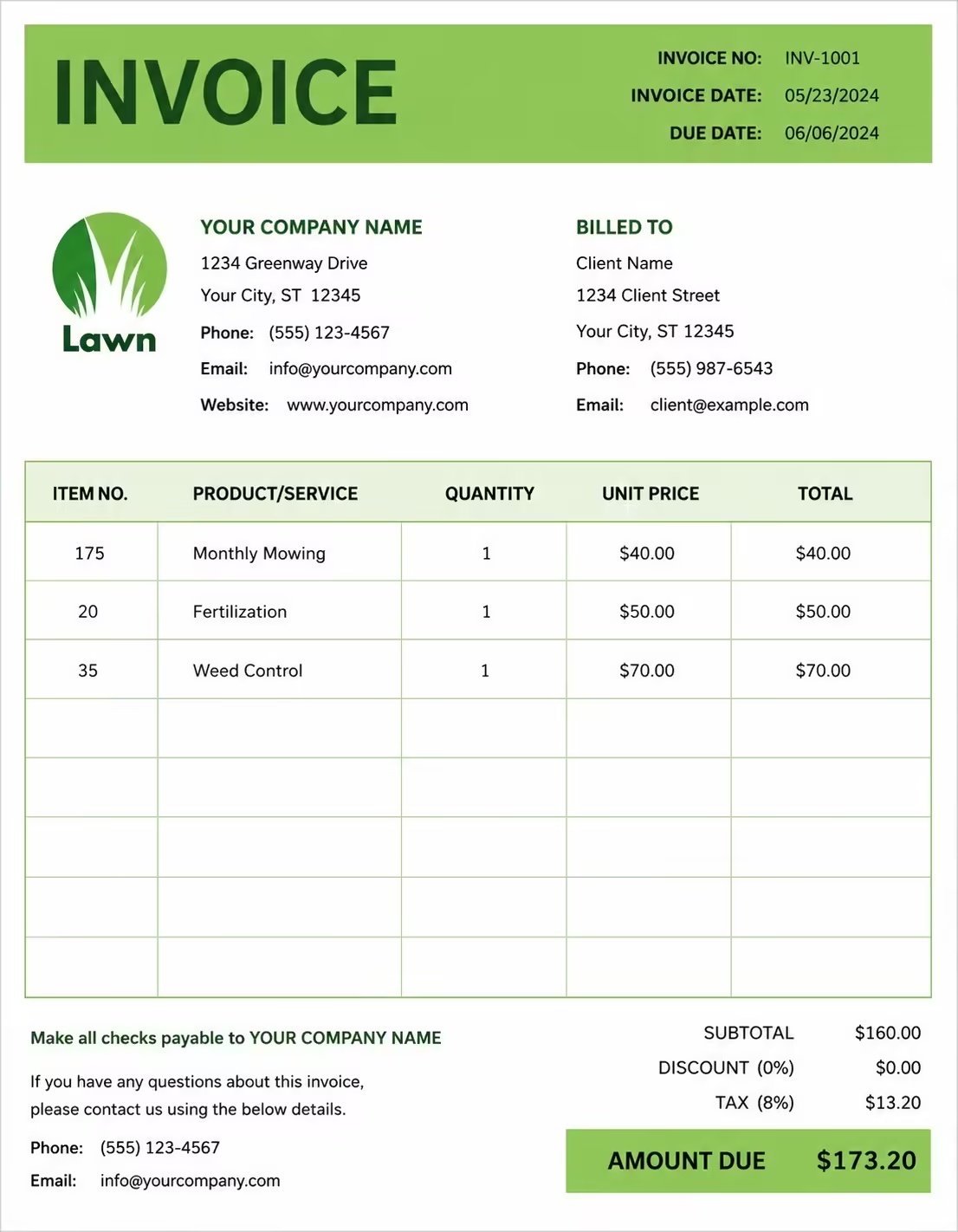
Free B2B Invoice Template
Free invoice templates for B2B companies, service providers, suppliers, vendors, consultants, agencies, wholesalers, contractors, and business service providers. Download and edit in PDF, Word, Excel, Google Docs, or Google Sheets.
Use this template to bill for business services, product supply, consulting work, recurring services, project work, retainers, delivery fees, taxes, discounts, deposits, and payment terms in a clear and professional way.
Download the app and manage invoices anywhere


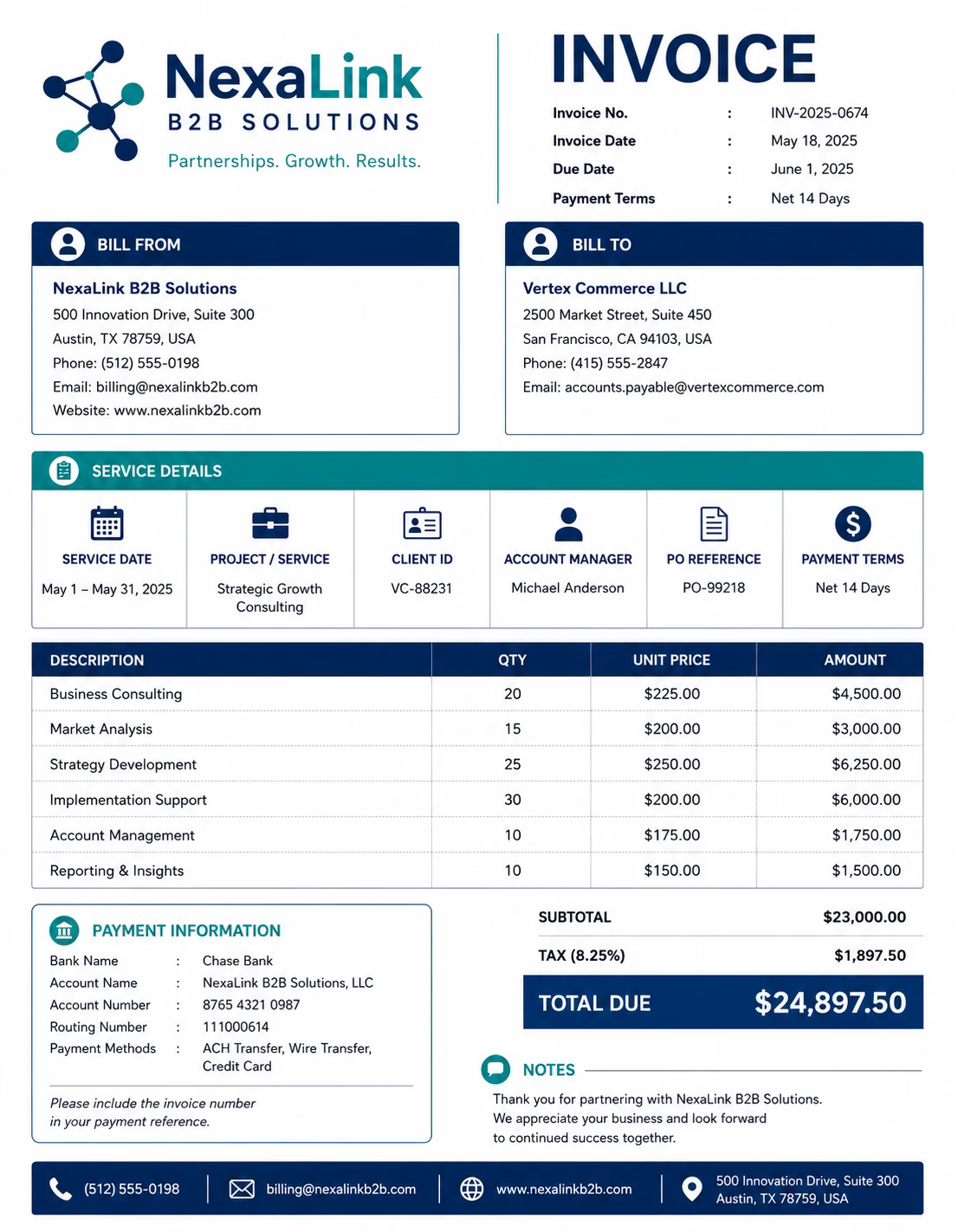
Download Free B2B Invoice Templates
Download a template, then edit it in PDF, Word, Excel, Google Docs, or Google Sheets. Print it, save it, or send it to your business client, company, buyer, organization, or account contact when the work is complete or when a billing period ends.
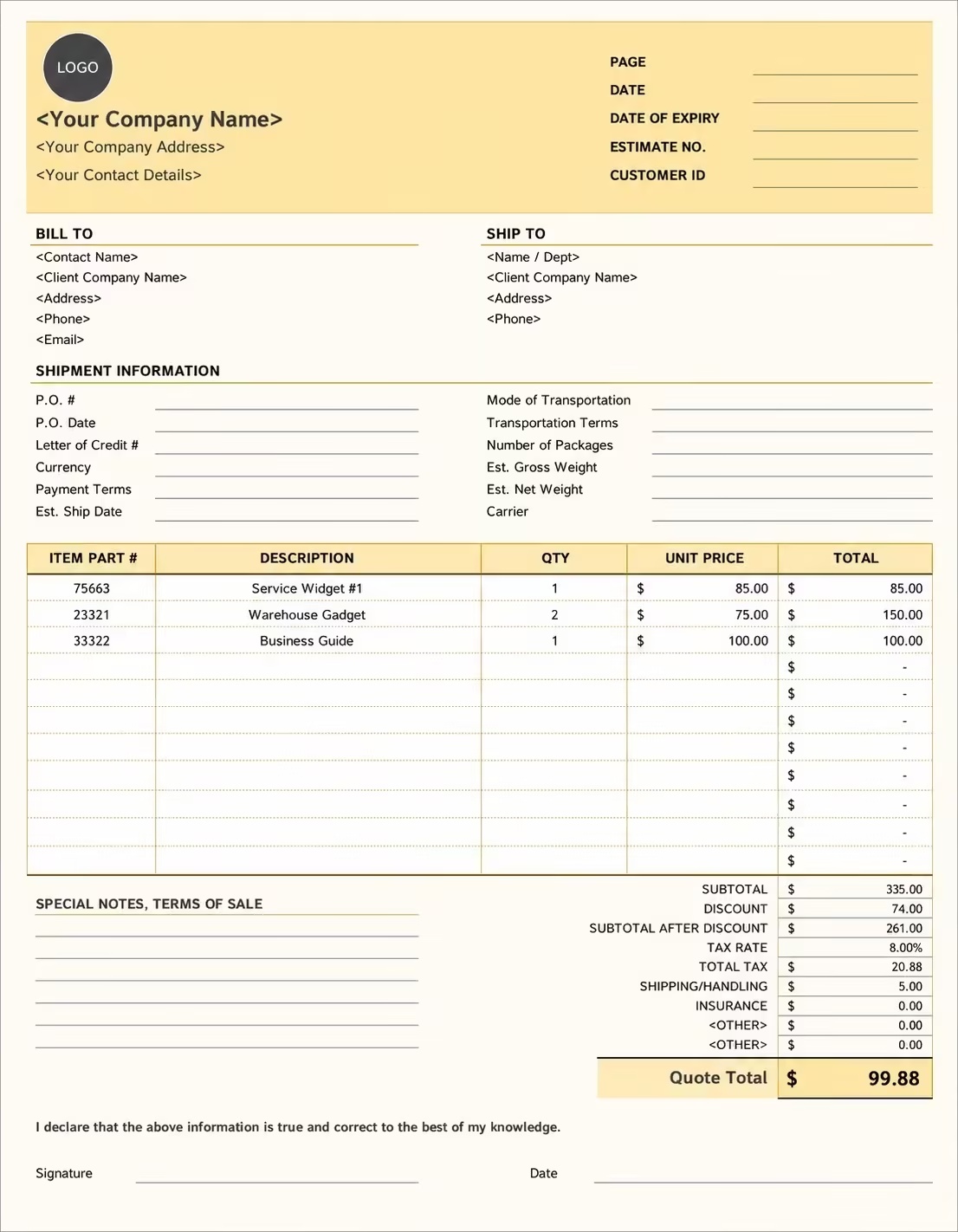
Editable B2B Invoice Template
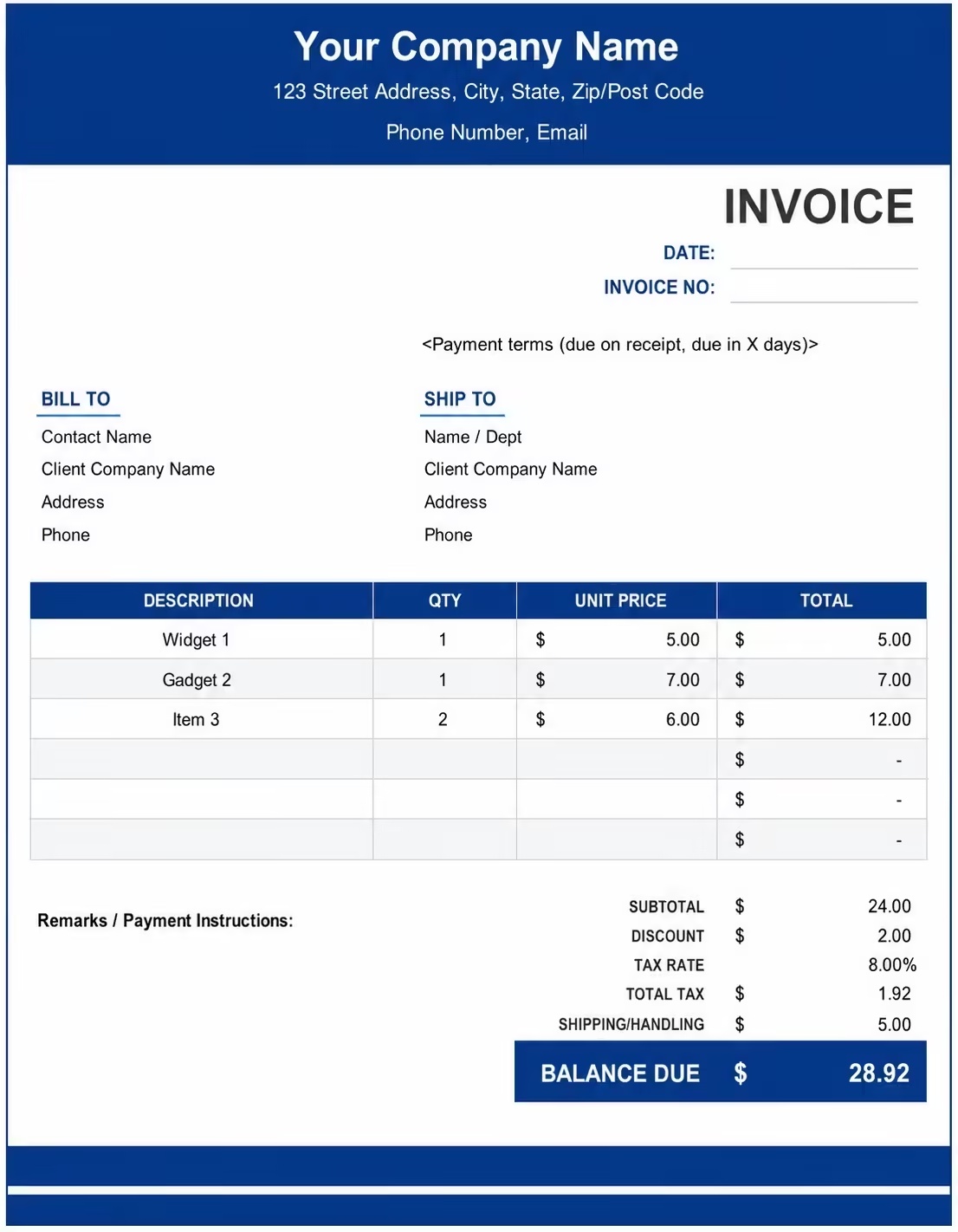
Printable B2B Invoice Template
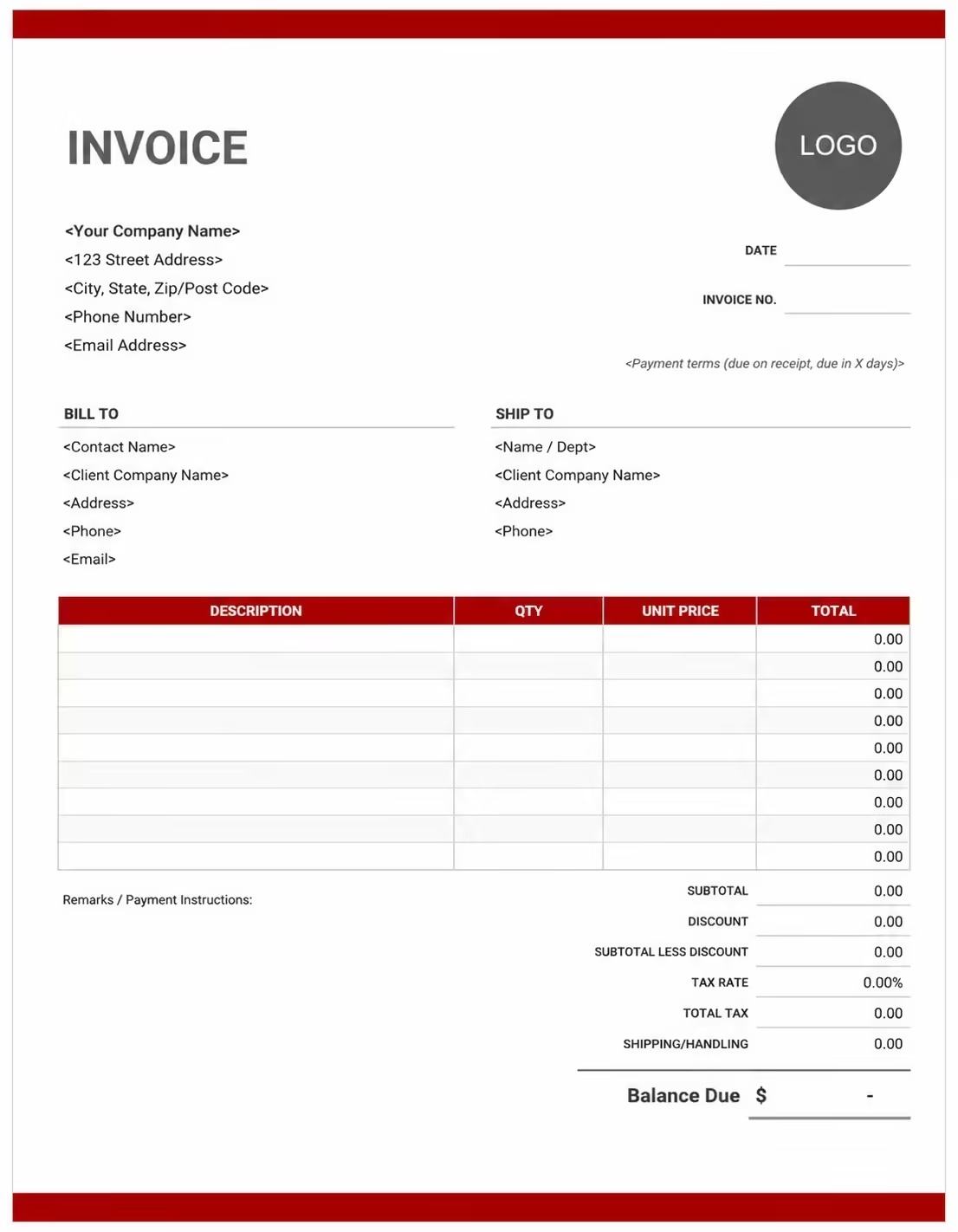
Free B2B Invoice Template
Use these templates for B2B service providers, consultants, suppliers, vendors, agencies, wholesalers, contractors, professional service firms, and companies billing other businesses.
How to Invoice for B2B Services
A good B2B invoice should clearly show the business client details, supplier or service provider details, order or project reference, products or services provided, charges, taxes, deposits, and payment terms.
Download Free TemplateIn 5 Steps:
- Confirm the business client details, company name, billing contact, purchase order, project scope, service period, delivery details, and agreed pricing before preparing the invoice.
- Record completed B2B work, supplied products, consulting services, project milestones, monthly services, retainers, delivery details, and any approved extra charges.
- Track business-related costs such as materials, labor, software, shipping, handling, travel, admin work, support time, subcontractor costs, and service add-ons.
- Calculate service fees, product charges, hourly rates, project fees, recurring charges, discounts, deposits, taxes if applicable, and the final balance due.
- Send the invoice with payment options, due date, business account details, project notes, service descriptions, and any remaining balance instructions.
With Invoize, you can create B2B invoices faster, save business client details, reuse common products or services, add taxes and deposits, and track payments from your phone.
What to Include in a B2B Invoice
A professional B2B invoice should include the details needed to identify the business client, service provider, order, project, products or services, charges, and payment terms.
Invoice and Business Details
- Invoice numberHelps track the invoice, payment record, and B2B billing history.
- Client company, billing contact, department, or account detailsShows which business received the product or service and who is responsible for payment.
- Supplier, vendor, contractor, agency, or consultant detailsShows which business provided the service, product, project work, or supply order.
- Purchase order, project, contract, quote, or account referenceConnects the invoice to the correct business order, contract, quote, project record, or buyer account.
- Invoice date, service date, delivery date, or billing periodShows when the product or service was provided or which project date, delivery date, or billing period the invoice covers.
Product and Service Details
- Business location, delivery address, branch, or departmentShows where the product was delivered or where the business service was completed.
- Product, service, item, SKU, package, or project taskHelps identify the exact business products, services, packages, project tasks, or line items being billed.
- Quantity, unit, hours, days, package count, or service quantityShows how the B2B invoice total was calculated by quantity, units, hours, days, order count, or service quantity.
- Unit price, hourly rate, day rate, project fee, or agreed rateShows the pricing method for each product, service, project line item, package, or agreed business rate.
- Line item total, milestone, deliverable, or work summaryShows the cost for each business product or service and helps the client understand what was completed or delivered.
Payment and Final Notes
- Extra costs and feesLists shipping, delivery, handling, travel, setup, support, admin, material costs, rush work, extra revisions, overtime, subcontractor fees, software fees, or custom request fees.
- Discounts, deposits, retainers, or advance paymentsShows credits, retainers, advance payments, deposits, discounts, or amounts already paid before the final balance.
- Subtotal, tax, and total amount dueShows the final amount the business client, buyer, company, or organization needs to pay.
- Payment due date and methodsTells the business client when payment is expected and how they can pay.
- Business notes or payment termsRecords purchase order terms, contract terms, late fees, delivery notes, tax notes, balance instructions, or B2B payment terms.
Billing Scenarios for B2B Businesses
Use clear invoice labels so business clients, buyers, departments, and organizations understand the products or services provided, quantity billed, project fee, deposit, and final amount due.
| Scenario | Invoice line items | Best used for | How to describe it |
|---|---|---|---|
| B2B service invoice | Service name, service period, hours, rate, project notes | Consultants, agencies, contractors, support providers, and professional service businesses. | Show the business client name, service dates, work completed, hours or fixed fee, and final balance clearly. |
| Product supply invoice | Product items, quantities, unit prices, purchase order, delivery charge | Suppliers, vendors, wholesalers, distributors, manufacturers, and product-based B2B businesses. | List each product, SKU if useful, quantity, unit price, delivery date, and total product charge. |
| Monthly business billing | Monthly service, account reference, recurring fee, support time, balance due | Retainers, subscriptions, managed services, maintenance plans, and ongoing business accounts. | Show the billing month, included services, recurring fee, extra charges, previous payments, and amount due. |
| Project milestone billing | Project milestone, completed deliverables, milestone fee, deposit, remaining balance | Agencies, developers, consultants, contractors, and project-based service providers. | Show the project name, milestone completed, deliverables, milestone amount, and final balance. |
| Retainer or advance billing | Retainer fee, service period, included hours, extra work, previous credits | Consultants, legal services, marketing agencies, accountants, advisors, and long-term client accounts. | Show the retainer period, included work, used hours, extra charges, and remaining amount due. |
| Rush or custom business order | Custom service, urgent delivery, extra labor, special handling, approved add-on | Urgent business requests, custom product orders, priority services, and special project requirements. | Show the custom request, approval note, rush fee, delivery date, and updated invoice total. |
Create Invoice Now
☝️ Create a professional invoice in seconds.
Common Charges and Fees for B2B Invoices
Itemize B2B charges clearly so business clients can see service fees, product costs, quantities, project charges, delivery fees, taxes, and any extra costs.
| Charge or service | Unit | When to use | How to show it |
|---|---|---|---|
| Business service fee | Service, hour, day, project, or package | Use when billing another business for consulting, agency work, support, admin, maintenance, or professional services. | Show the service name, service date or period, rate, and total service charge clearly. |
| Product or supply charge | Item, unit, pack, carton, pallet, or order | Use when selling products, materials, equipment, supplies, parts, or inventory to another business. | Show product name, quantity, unit price, and line total clearly. |
| Hourly work fee | Hour | Use when billing by time for business support, consulting, technical work, admin, revisions, or service delivery. | Show hours worked multiplied by the hourly rate with a short work description. |
| Project fee | Project or milestone | Use when billing for a fixed business project, milestone, campaign, setup, implementation, or delivery phase. | Show the project name, milestone, included work, and project fee. |
| Recurring service fee | Month, quarter, year, or billing period | Use when billing for ongoing services, subscriptions, retainers, maintenance, support, or managed services. | Show the billing period, included services, and recurring fee. |
| Setup or onboarding fee | Fee, project, or account | Use when setting up a new business account, system, project, service plan, or vendor relationship. | Show setup or onboarding separately from recurring charges. |
| Delivery, shipping, or handling fee | Delivery, shipment, order, trip, or fee | Use when products, materials, documents, or equipment are delivered to the business client. | Show delivery address, delivery date, shipping method, and delivery fee separately. |
| Travel or onsite service fee | Trip, visit, mile, kilometer, or day | Use when work requires travel to the client’s office, site, warehouse, store, or business location. | Show the visit date, location, travel details, and travel charge separately. |
| Extra work or revision fee | Hour, revision, request, or fee | Use when the business client requests extra work, additional changes, new tasks, or work outside the original scope. | Add a clear label so the client understands why the extra fee applies. |
| Rush or priority fee | Fee, order, project, or percentage | Use when the client requests urgent delivery, fast processing, priority support, or quick turnaround. | Show the rush fee separately with the approved deadline or priority request. |
| Tax | Percentage or amount | Use when tax applies to business services, products, materials, shipping, handling, or extra fees based on local rules. | Show tax before the final total so the business client can see how the balance was calculated. |
| Deposit, retainer, or previous payment | Credit | Use when the business client paid a deposit, retainer, advance payment, or previous amount toward the order or project. | Subtract it from the invoice total and show the remaining balance due. |
Common B2B Invoicing Mistakes
B2B billing can include company details, purchase orders, service periods, product quantities, project milestones, delivery charges, deposits, taxes, and payment terms. Missing details can confuse business clients or delay payment. Avoid these common mistakes.
| Mistake | Why it causes problems | How to fix it |
|---|---|---|
| Not listing the company or billing contact | The invoice may not reach the correct department, account contact, buyer, or finance team. | Add the company name, billing contact, department, account reference, and billing address clearly. |
| Not adding a purchase order or project reference | The business client may not know which order, contract, quote, project, or account the invoice covers. | Add the purchase order number, project number, contract number, quote number, or client reference. |
| Combining all charges in one line | The total may look unclear because the client cannot see products, services, delivery, deposits, discounts, and taxes separately. | Separate services, products, project fees, delivery charges, extra work, deposits, credits, and taxes into clear line items. |
| Not describing products or services clearly | The client may not understand what was delivered, supplied, completed, or billed. | Add product names, service descriptions, project tasks, deliverables, SKUs, quantities, or work notes. |
| Not showing quantity, hours, or pricing method | The business client may question the total if quantity, billable hours, unit rate, or project price is not visible. | Show quantity, hours, units, service period, hourly rate, unit price, project fee, or package price clearly. |
| Leaving out delivery or service dates | The invoice may be harder to match with delivery records, project timelines, or accounting periods. | Add service dates, delivery dates, project dates, shipping dates, or billing period clearly. |
| Forgetting approved extra work | Rush work, added tasks, extra revisions, or special requests may be questioned if not shown clearly. | Add approved add-ons, extra hours, revision fees, rush charges, and updated totals as separate line items. |
| Forgetting deposits or previous payments | The final balance may look higher than expected. | Show deposits, retainers, advance payments, partial payments, discounts, or credits before the balance due. |
| Leaving out payment terms | The business client may not know when payment is due, how to pay, or how late payment is handled. | Add payment due date, payment methods, account terms, late fees, contract terms, and balance instructions. |
| Not keeping invoice records | Tracking business clients, products, services, projects, payments, deposits, and order history becomes harder. | Keep a copy of every B2B invoice for your business records. |
More Invoice Templates You May Like
Explore closely related invoice templates for b2b work, similar services, and nearby billing scenarios before choosing the best format for your customer.
Questions
Frequently Asked Questions
How should I show business-to-business charges on an invoice?
List each product or service with a clear description, quantity, unit price, and total amount. Example: “Monthly consulting service: 10 hours × $85/hr = $850” or “Office supplies order: 50 units × $12 = $600.” This helps the client understand exactly what the business is being billed for.
What company details should be included on a B2B invoice?
Include both business names, billing addresses, contact details, tax ID or VAT number if needed, invoice number, invoice date, and payment due date. Example: “Supplier: ABC Solutions, Client: Green Retail Ltd, Invoice date: June 12.” This connects the invoice to the correct business transaction.
Should purchase order numbers be included?
Yes. If the client provided a purchase order, add the PO number clearly on the invoice. Example: “Purchase Order #PO-2048.” This helps the client match the invoice with their approved order and speeds up payment processing.
How do I invoice for bulk orders or wholesale pricing?
Show the quantity, unit rate, and total for each item. Example: “Packaging boxes: 1,000 units × $0.35 = $350” or “Uniform shirts: 200 pieces × $8.50 = $1,700.” If a bulk discount applies, show it clearly below the subtotal.
Can I include service fees, delivery, or handling charges?
Yes. Add delivery, freight, handling, setup, admin, or service fees as separate line items. Example: “Freight delivery charge: $120” or “Account setup fee: $75.” This keeps product or service pricing separate from extra business charges.
How should I show taxes, discounts, or credits?
Show the subtotal first, then add taxes and subtract discounts or credits clearly. Example: “Subtotal: $2,000,” “B2B discount: -$150,” “Sales tax: $148,” and “Total due: $1,998.” This makes the final amount easy for the client to review.
How do I show deposits or advance payments?
Show the full invoice total, payment already received, and remaining balance. Example: “Project total: $5,000,” “Advance payment received: $1,500,” and “Balance due: $3,500.” This helps both businesses track payment clearly.
What payment terms should a B2B invoice include?
Include the due date, accepted payment methods, late fee policy, PO terms, tax note, and any rules for order changes or disputes. Example: “Payment due within 30 days. Purchase order changes, added services, late payments, or disputed items may require an updated invoice.”













