
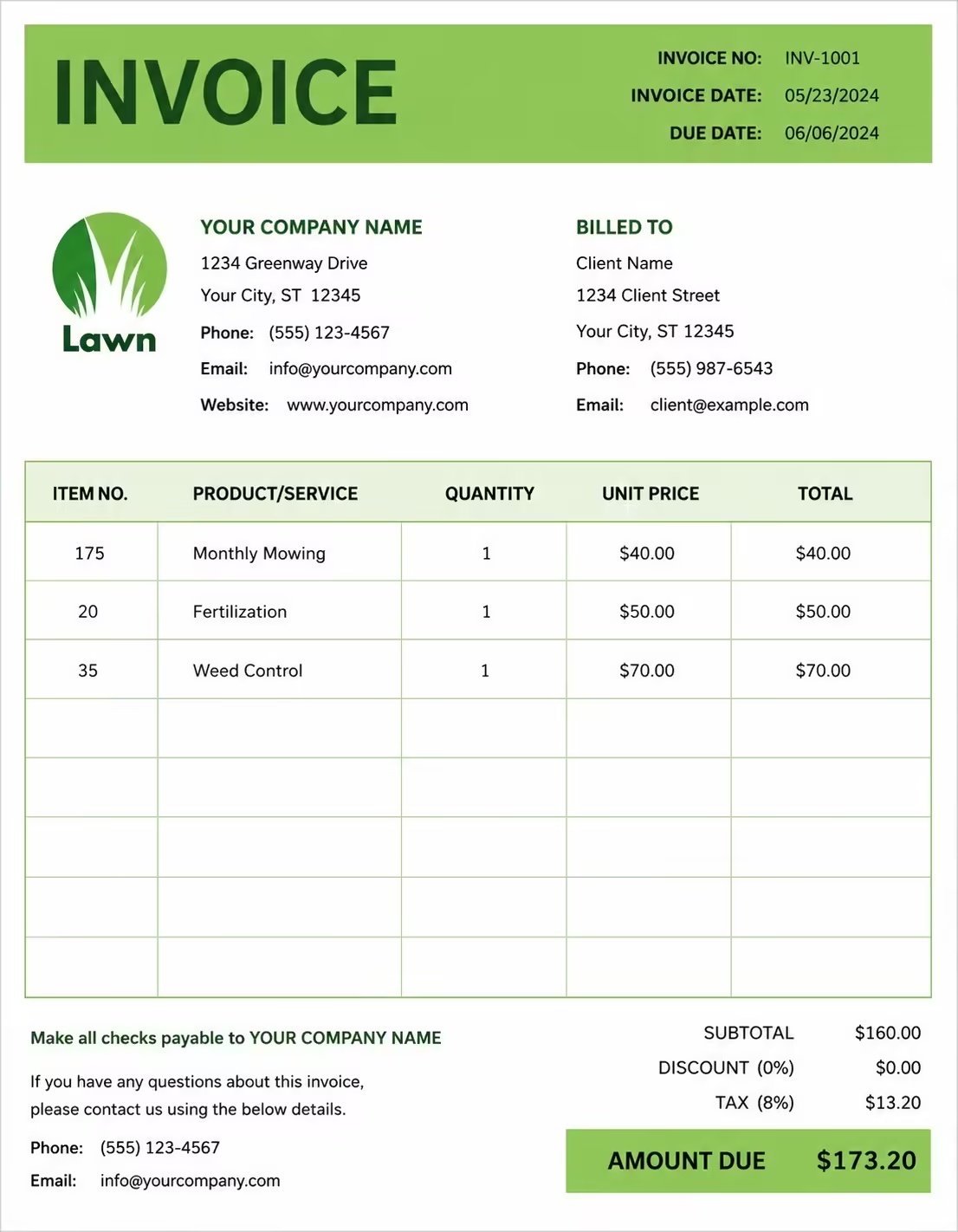
Free Car Dealer Invoice Template
Free invoice templates for car dealers, auto dealerships, used car sellers, vehicle traders, car sales businesses, fleet sellers, and automotive sales providers. Download and edit in PDF, Word, Excel, Google Docs, or Google Sheets.
Use this template to bill for vehicle sales, car purchases, trade-ins, deposits, delivery fees, registration support, dealer charges, accessories, warranties, taxes, discounts, and payment terms in a clear and professional way.
Download the app and manage invoices anywhere


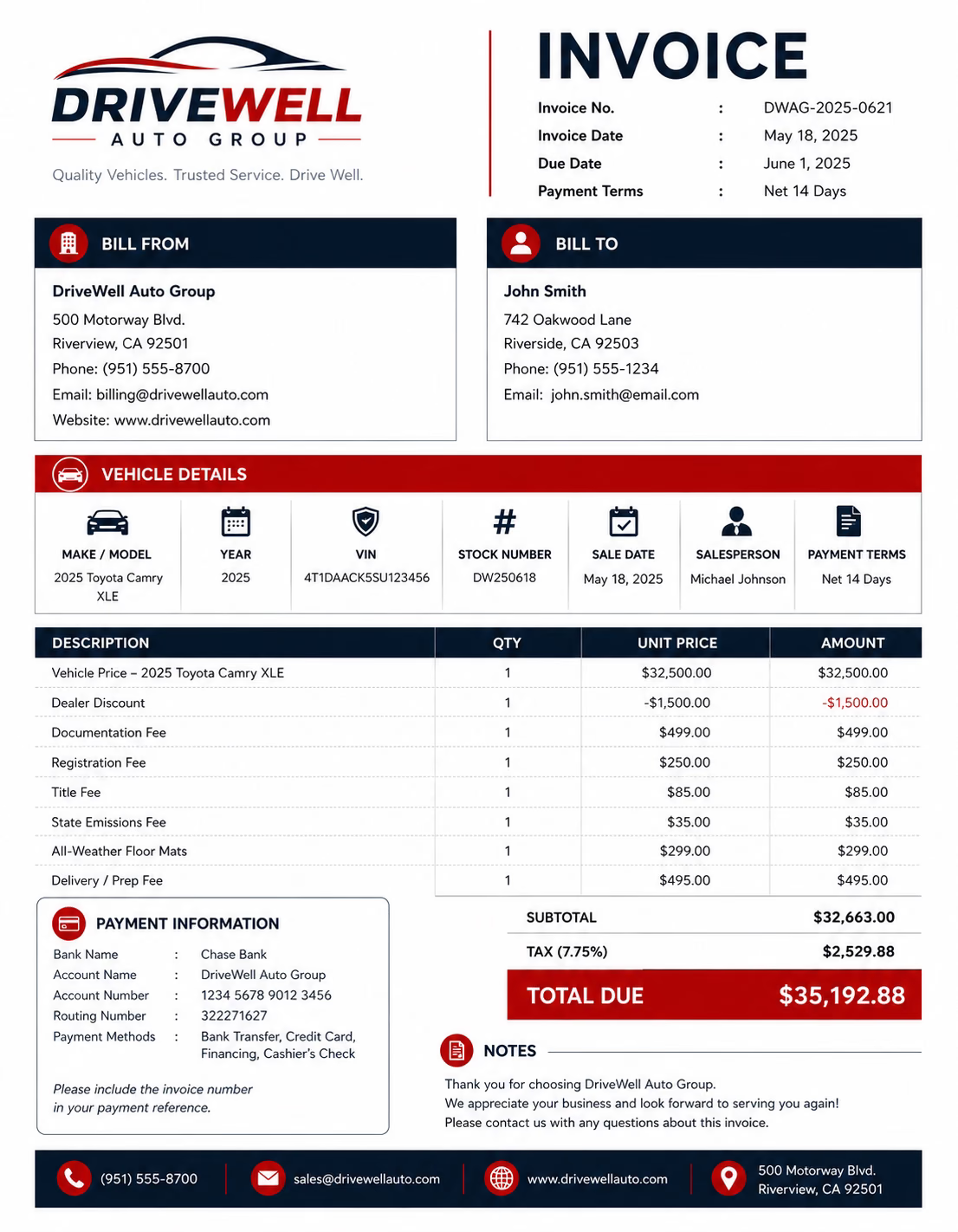
Download Free Car Dealer Invoice Templates
Download a template, then edit it in PDF, Word, Excel, Google Docs, or Google Sheets. Print it, save it, or send it to your buyer, customer, business, finance company, or organization when the vehicle sale is complete or when payment is due.
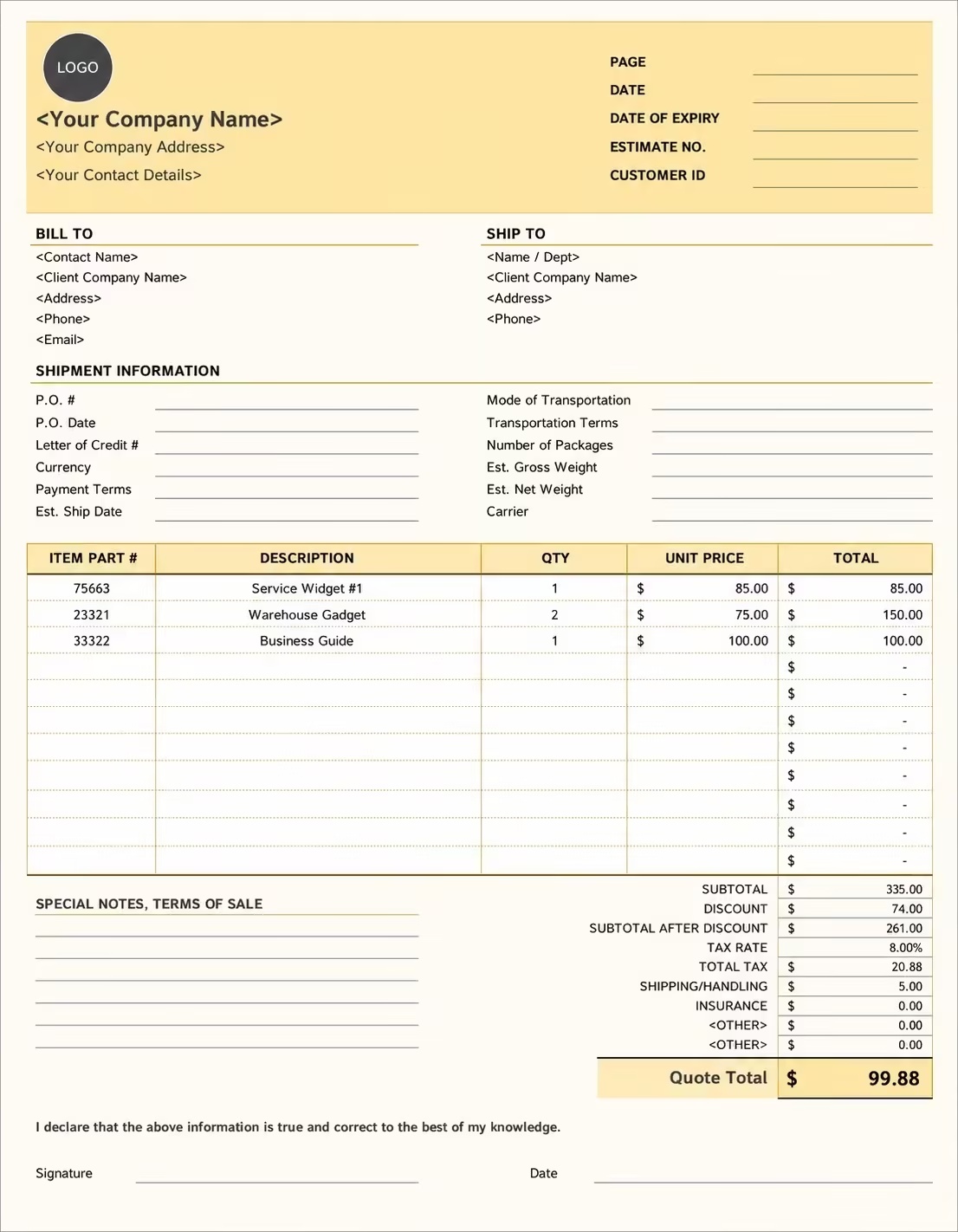
Editable Car Dealer Invoice Template
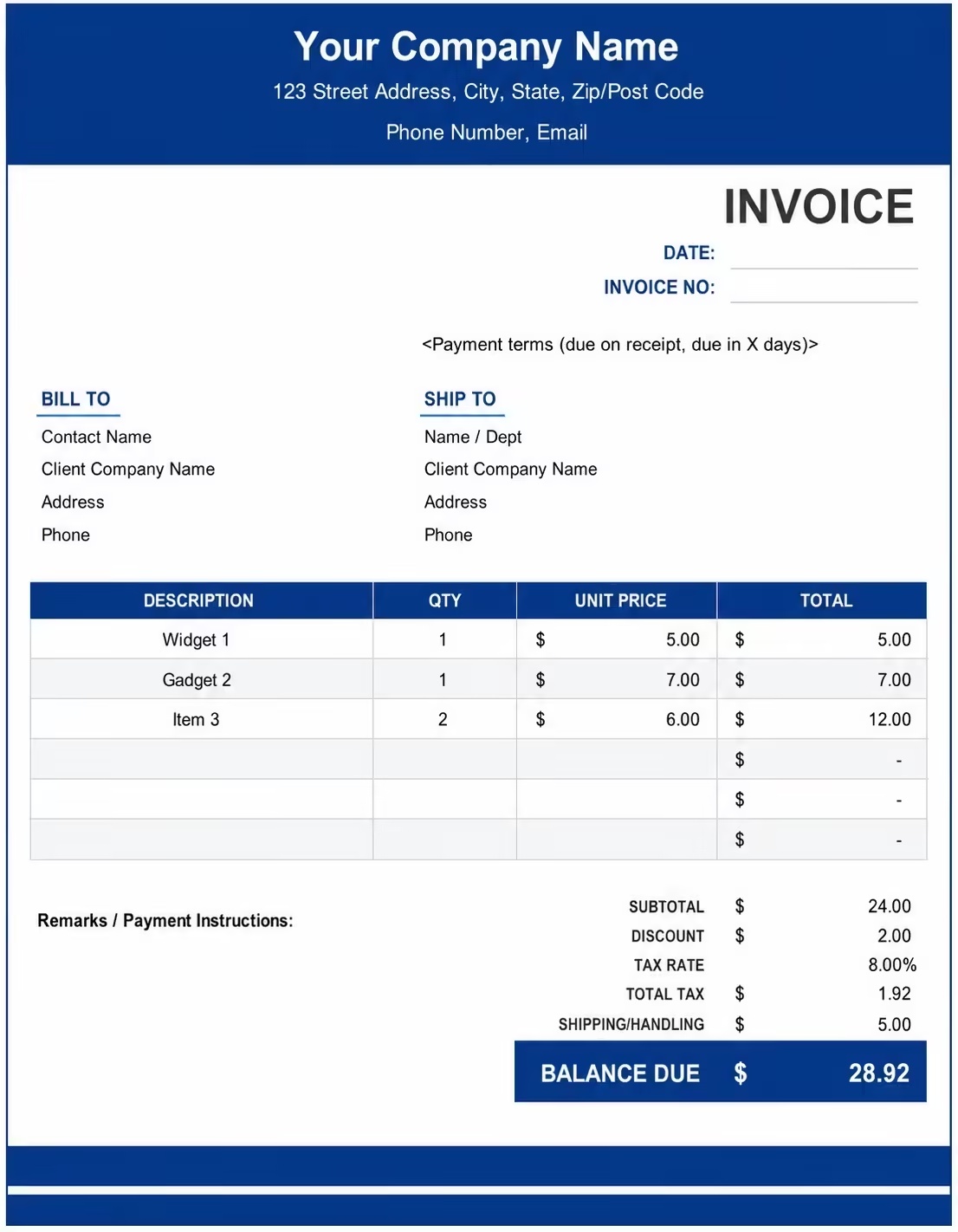
Printable Car Dealer Invoice Template
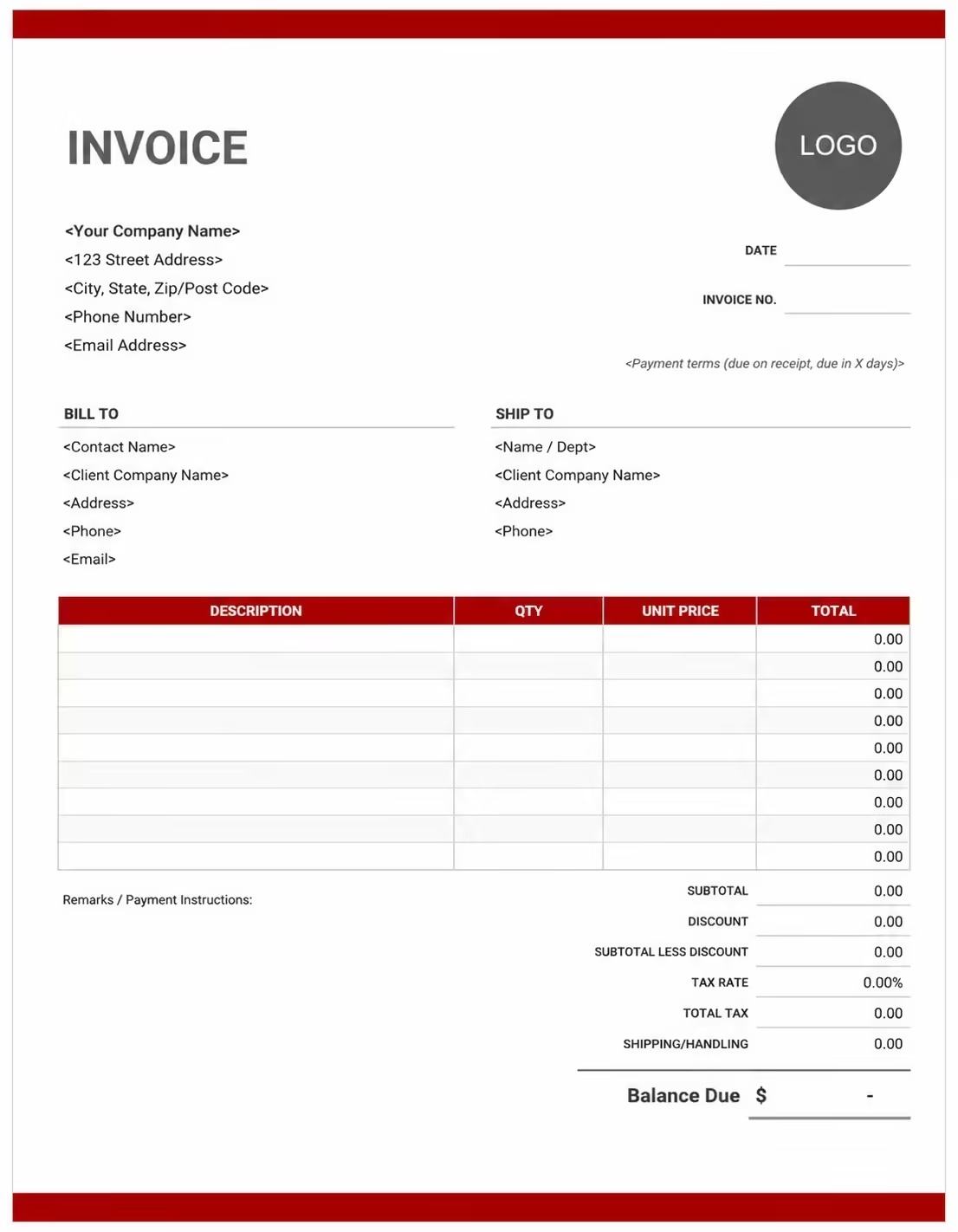
Free Car Dealer Invoice Template
Use these templates for car dealers, auto dealerships, used car sellers, vehicle traders, car sales businesses, fleet sellers, and automotive sales providers.
How to Invoice for Car Dealer Sales
A good car dealer invoice should clearly show the buyer details, dealership details, vehicle information, sale price, trade-in value, deposit, dealer fees, taxes, and payment terms.
Download Free TemplateIn 5 Steps:
- Confirm the buyer details, vehicle make and model, VIN, registration details, sale price, trade-in value, deposit amount, and payment terms before preparing the invoice.
- Record the vehicle sale, accessories included, warranty details, delivery arrangement, registration support, documentation fees, trade-in details, and any approved extra charges.
- Track dealer-related costs such as vehicle preparation, inspection, cleaning, delivery, admin work, documentation, registration support, accessories, and warranty add-ons.
- Calculate vehicle price, dealer fees, accessory charges, delivery fees, trade-in deductions, deposits, discounts, taxes if applicable, and the final balance due.
- Send the invoice with payment options, due date, vehicle details, sale notes, pickup or delivery instructions, and any remaining balance instructions.
With Invoize, you can create car dealer invoices faster, save buyer details, reuse common vehicle sale items, add deposits and trade-in deductions, and track payments from your phone.
What to Include in a Car Dealer Invoice
A professional car dealer invoice should include the details needed to identify the buyer, dealership, vehicle, sale price, fees, credits, and payment terms.
Invoice and Buyer Details
- Invoice numberHelps track the invoice, payment record, and vehicle sale history.
- Buyer, customer, business, finance company, or organization detailsShows who purchased the vehicle and who is responsible for payment.
- Car dealer, dealership, vehicle seller, or auto trader detailsShows which dealer, dealership, vehicle seller, auto trader, or automotive business sold the vehicle.
- Invoice date, sale date, delivery date, or pickup dateShows when the vehicle sale was prepared, completed, delivered, picked up, or billed.
- Vehicle make, model, year, trim, color, mileage, or body typeHelps identify the exact car or vehicle being sold.
Vehicle Pricing Details
- VIN, registration number, stock number, or vehicle referenceConnects the invoice to the correct vehicle record, stock file, plate number, or sale agreement.
- Vehicle sale priceShows the main price agreed for the car before fees, taxes, credits, or deposits.
- Quantity, unit, vehicle count, or fleet countShows how the invoice total was calculated when one or more vehicles are sold.
- Trade-in value, part exchange, discount, or promotional offerShows credits or reductions applied to the vehicle sale price.
- Line item totalShows the final amount for each vehicle or vehicle-related charge.
Payment and Final Notes
- Dealer fees and add-onsLists documentation fees, admin fees, registration support, inspection, cleaning, preparation fees, accessories, extended warranty, service packages, delivery, fuel, or protection packages.
- Finance and ownership transfer feesShows finance setup, loan support, title transfer, plate support, handling fees, or vehicle paperwork costs.
- Discounts, deposits, advance payments, or trade-in creditsShows credits, deposits, advance payments, discounts, trade-in credits, or amounts already paid before the final balance.
- Subtotal, tax, and total amount dueShows the final amount the buyer, customer, business, or organization needs to pay.
- Sale notes or payment termsRecords the due date, payment methods, delivery terms, pickup notes, warranty notes, trade-in terms, refund terms, late fees, or balance instructions.
Billing Scenarios for Car Dealers
Use clear invoice labels so buyers, businesses, finance companies, and organizations understand the vehicle sold, sale price, dealer fees, trade-in credit, deposit, and final amount due.
| Scenario | Invoice line items | Best used for | How to describe it |
|---|---|---|---|
| New car sale | Vehicle price, VIN, dealer fee, registration support, taxes, balance due | Dealerships selling new cars, showroom vehicles, demo cars, and customer vehicle orders. | Show the make, model, year, VIN, sale price, fees, deposit, and final balance clearly. |
| Used car sale | Used vehicle price, mileage, inspection, preparation fee, warranty add-on | Used car dealers, independent auto lots, trade-in resale, and second-hand vehicle sales. | List the vehicle condition, mileage, sale date, inspection notes, included add-ons, and final amount due. |
| Trade-in vehicle sale | Vehicle sale price, trade-in value, deposit, dealer fee, remaining balance | Customers exchanging an old vehicle as part of a new or used car purchase. | Show the purchased vehicle, trade-in vehicle, trade-in credit, deposit, and balance due. |
| Fleet vehicle sale | Multiple vehicles, unit price, fleet discount, delivery fee, business billing | Businesses, rental companies, delivery companies, and organizations buying multiple vehicles. | Show each vehicle, quantity, unit price, fleet discount, delivery details, and total fleet charge. |
| Vehicle deposit invoice | Deposit amount, vehicle reference, buyer details, reservation note, balance due | Vehicle reservations, pre-orders, custom orders, and cars held for a buyer before final payment. | Show the vehicle details, deposit paid, reservation terms, payment due date, and remaining balance. |
| Vehicle add-ons and accessories | Warranty, protection package, accessories, service plan, delivery, installation | Buyers adding warranty coverage, vehicle accessories, service packages, or delivery services. | Show each add-on, price, quantity, approval note, and updated vehicle invoice total. |
Create Invoice Now
☝️ Create a professional invoice in seconds.
Common Charges and Fees for Car Dealer Invoices
Itemize car dealer charges clearly so buyers can see vehicle price, trade-in credits, deposits, dealer fees, accessories, taxes, and any extra costs.
| Charge or service | Unit | When to use | How to show it |
|---|---|---|---|
| Vehicle sale price | Vehicle, car, unit, or sale | Use when billing for the main car purchase price. | Show the vehicle make, model, year, VIN, and sale price clearly. |
| Used vehicle price | Vehicle or sale | Use when selling a second-hand, pre-owned, trade-in, or inspected used vehicle. | Show mileage, condition note, stock number, and used vehicle price. |
| Dealer documentation fee | Fee, sale, or vehicle | Use when charging for sale paperwork, invoice preparation, buyer records, or dealer admin work. | Show documentation or admin fees separately from the vehicle price. |
| Registration or title support fee | Fee, service, or vehicle | Use when helping with registration, title transfer, plates, ownership paperwork, or vehicle documents. | Show the registration or transfer support fee as a separate line item. |
| Vehicle preparation fee | Vehicle, service, or fee | Use when inspection, cleaning, detailing, servicing, or preparation is charged before delivery. | Show preparation work separately when it is not included in the sale price. |
| Delivery or transport fee | Delivery, trip, vehicle, mile, or kilometer | Use when delivering the vehicle to the buyer, moving it between locations, or arranging transport. | Show delivery address, delivery date, transport method, and delivery fee separately. |
| Warranty or service package | Package, vehicle, month, year, or plan | Use when the buyer adds an extended warranty, service plan, maintenance package, or protection plan. | Show the package name, coverage period, and package fee clearly. |
| Vehicle accessories | Item, set, package, or vehicle | Use when billing for mats, tinting, roof racks, chargers, safety kits, upgrades, or added accessories. | Show each accessory name, quantity, unit price, and total accessory charge. |
| Finance or processing fee | Fee, application, or sale | Use when finance setup, loan support, payment processing, or buyer application support is charged. | Add a clear label so the buyer understands why the finance or processing fee applies. |
| Trade-in credit | Credit or vehicle | Use when the buyer trades in a vehicle and the value is deducted from the sale amount. | Show the trade-in vehicle details and subtract the credit before the balance due. |
| Tax | Percentage or amount | Use when tax applies to vehicle sales, dealer fees, accessories, delivery, or extra services based on local rules. | Show tax before the final total so the buyer can see how the balance was calculated. |
| Deposit, advance payment, or previous payment | Credit | Use when the buyer paid a deposit, reservation amount, advance payment, or previous amount toward the vehicle purchase. | Subtract it from the invoice total and show the remaining balance due. |
Common Car Dealer Invoicing Mistakes
Car dealer billing can include vehicle details, VIN numbers, sale prices, trade-in credits, deposits, dealer fees, accessories, taxes, and payment terms. Missing details can confuse buyers or delay payment. Avoid these common mistakes.
| Mistake | Why it causes problems | How to fix it |
|---|---|---|
| Not listing the vehicle details | The buyer may not know which car, stock item, sale, or vehicle record the invoice covers. | Add the make, model, year, trim, color, mileage, stock number, registration number, or vehicle reference clearly. |
| Leaving out the VIN | The invoice may be harder to match with the correct vehicle, ownership record, finance file, or sale document. | Add the VIN, registration number, plate number, stock number, or title reference when available. |
| Combining all charges in one line | The total may look unclear because the buyer cannot see vehicle price, dealer fees, accessories, deposits, trade-in credits, and taxes separately. | Separate vehicle price, dealer fees, accessories, delivery, registration support, trade-in credits, deposits, and taxes into clear line items. |
| Not showing trade-in value | The buyer may question the balance if the part exchange or trade-in deduction is not visible. | Show the trade-in vehicle details, agreed trade-in value, credit amount, and remaining balance due. |
| Forgetting deposits or reservation payments | The final balance may look higher than expected. | Show deposits, reservation payments, advance payments, partial payments, discounts, or credits before the balance due. |
| Forgetting dealer fees or registration support | Documentation, registration, title transfer, preparation, or admin costs may look unexpected if not listed clearly. | Add dealer documentation fees, registration support, title transfer, preparation fees, and admin fees as separate line items. |
| Not recording accessories or warranty add-ons | Optional extras may be questioned if the buyer cannot see what was added to the vehicle sale. | Show accessories, warranty packages, service plans, protection plans, delivery, and approved add-ons clearly. |
| Leaving out pickup or delivery details | The buyer may not know when the vehicle is ready, where to collect it, or how delivery is handled. | Add pickup date, delivery date, dealership location, delivery address, handover notes, or collection instructions. |
| Leaving out payment terms | The buyer may not know when payment is due, how to pay, or how late payment and refunds are handled. | Add payment due date, payment methods, sale terms, refund notes, finance notes, late fees, and balance instructions. |
| Not keeping invoice records | Tracking vehicle sales, buyer details, trade-ins, deposits, taxes, and dealership records becomes harder. | Keep a copy of every car dealer invoice for your dealership or vehicle sales business records. |
More Invoice Templates You May Like
Explore closely related invoice templates for car dealer work, similar services, and nearby billing scenarios before choosing the best format for your customer.
Questions
Frequently Asked Questions
How should I show vehicle sale charges on a car dealer invoice?
List the vehicle price clearly with the make, model, year, and selling price. Example: “2021 Toyota Corolla: Sale price: $18,500.” This helps the buyer understand exactly which vehicle they are being charged for.
What vehicle details should be included on the invoice?
Include the vehicle make, model, year, VIN, mileage, color, license plate if available, and stock number. Example: “Vehicle: 2020 Honda Civic, VIN: 1HGCM82633A004352, Mileage: 42,000.” This connects the invoice to the correct car sale.
How do I show trade-in value on a car dealer invoice?
Show the trade-in vehicle and subtract its value from the sale total. Example: “Trade-in: 2016 Ford Focus: -$5,000.” This helps the buyer see how the trade-in reduced the final balance due.
Should taxes and registration fees be listed separately?
Yes. Sales tax, registration, title transfer, plate fees, and documentation fees should be shown as separate line items. Example: “Vehicle registration fee: $180” or “Title transfer fee: $75.” This keeps government and admin charges clear.
Can I include dealer fees or documentation charges?
Yes. Dealer preparation, documentation, inspection, or processing fees should be listed separately from the vehicle price. Example: “Dealer documentation fee: $250” or “Vehicle preparation fee: $150.” This helps explain extra charges beyond the car price.
How should I show warranty or service plan charges?
List warranties, extended service plans, protection packages, or roadside assistance separately. Example: “Extended warranty: 3-year coverage: $1,200” or “Paint protection package: $350.” This keeps optional add-ons easy to review.
How do I show deposits or down payments?
Show the full vehicle total, deposit paid, down payment, and remaining balance. Example: “Vehicle total: $20,000,” “Deposit received: $500,” “Down payment: $3,000,” and “Balance due: $16,500.” This helps both the dealer and buyer track payment clearly.
What payment terms should a car dealer invoice include?
Include the due date, accepted payment methods, financing note, deposit terms, and delivery rules. Example: “Final payment due before vehicle release. Financing approval, registration fees, added warranties, or trade-in changes may require an updated invoice.”













