
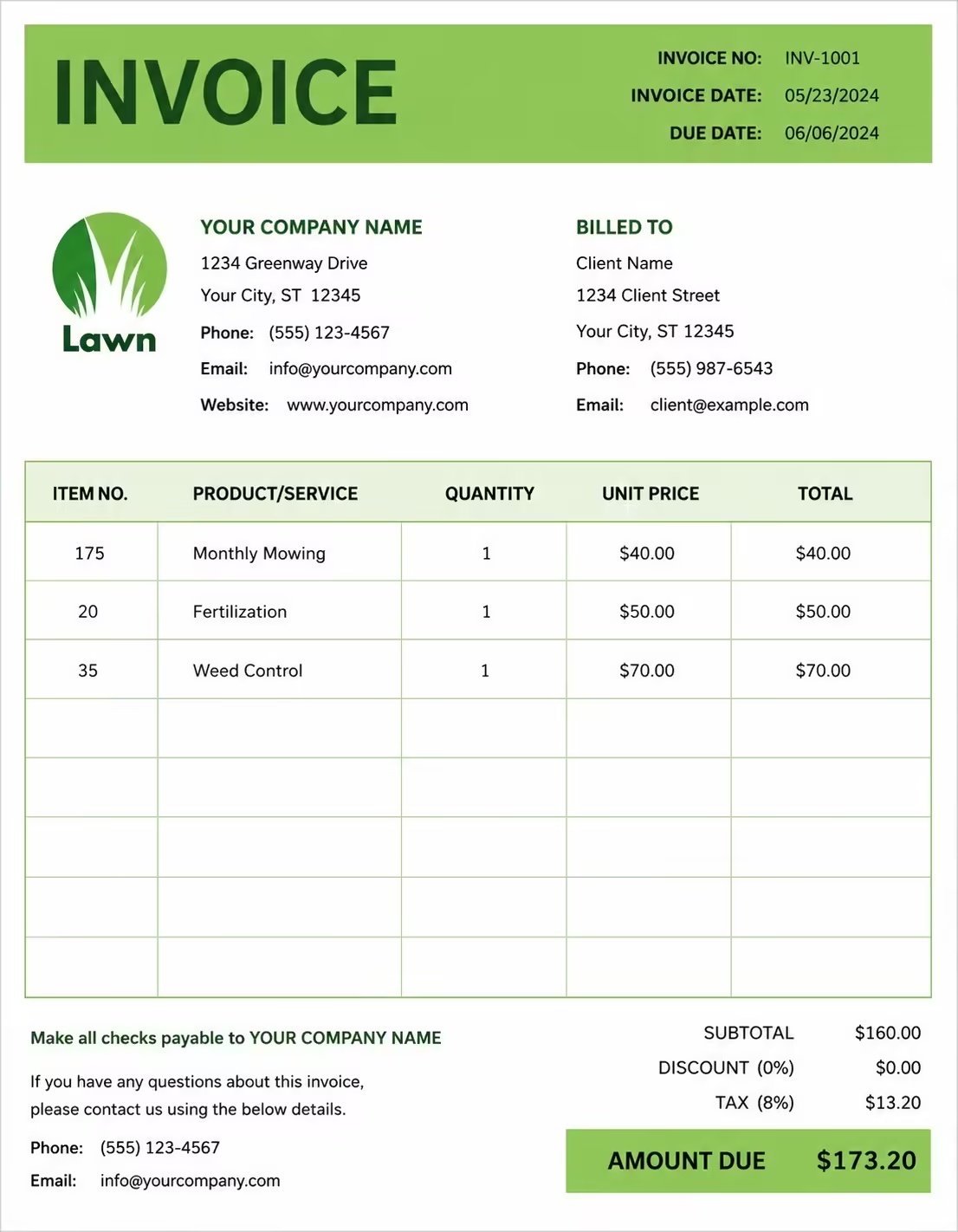
Free Computer Shop Invoice Template
Free invoice templates for computer shops, PC stores, laptop sellers, computer repair shops, electronics retailers, IT hardware stores, accessory sellers, and computer service businesses. Download and edit in PDF, Word, Excel, Google Docs, or Google Sheets.
Use this template to bill for computers, laptops, PC parts, accessories, software, repairs, upgrades, diagnostics, setup services, deposits, taxes, discounts, and payment terms in a clear and professional way.
Download the app and manage invoices anywhere


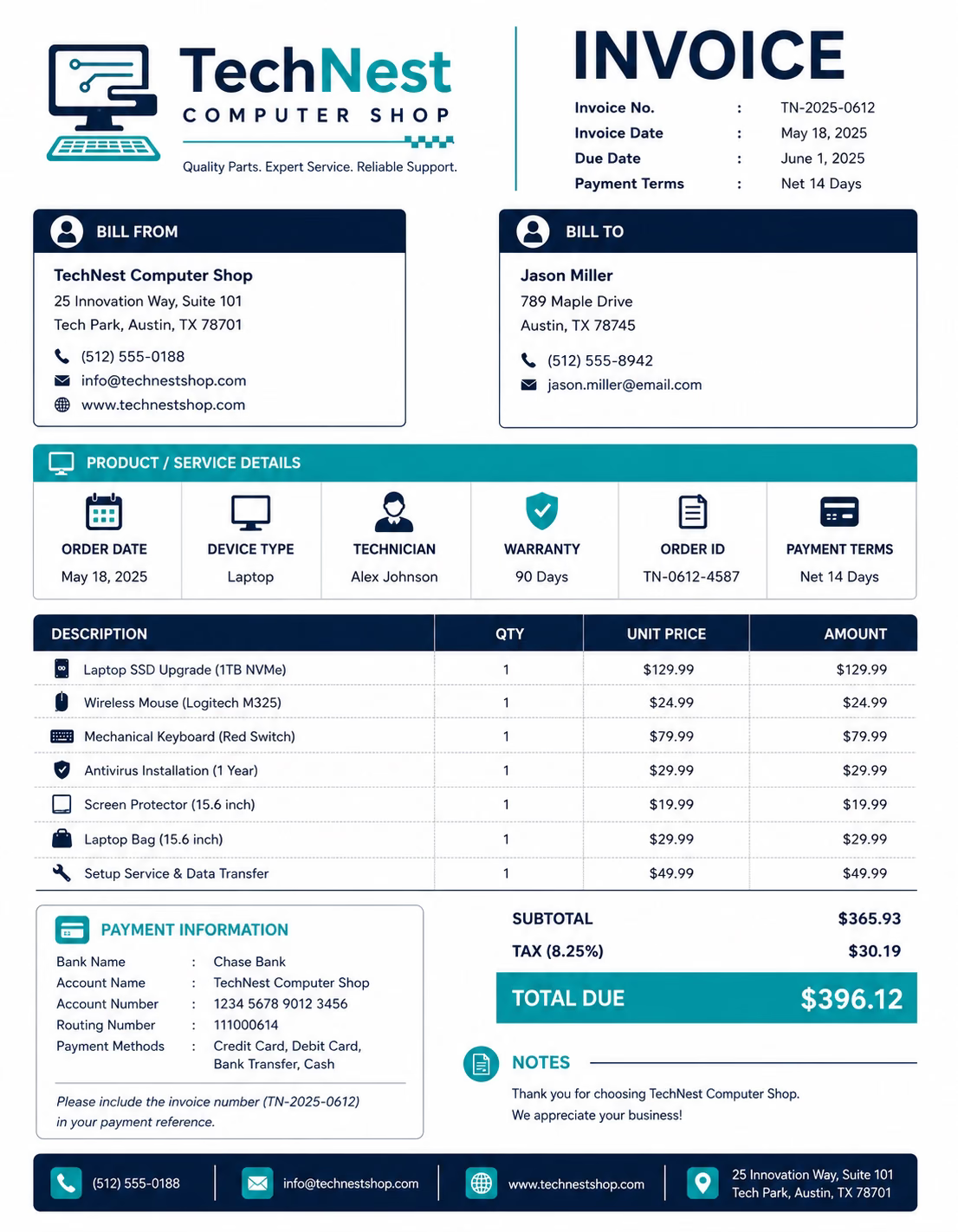
Download Free Computer Shop Invoice Templates
Download a template, then edit it in PDF, Word, Excel, Google Docs, or Google Sheets. Print it, save it, or send it to your customer, client, business, school, office, or organization when the product is sold or the computer service is complete.
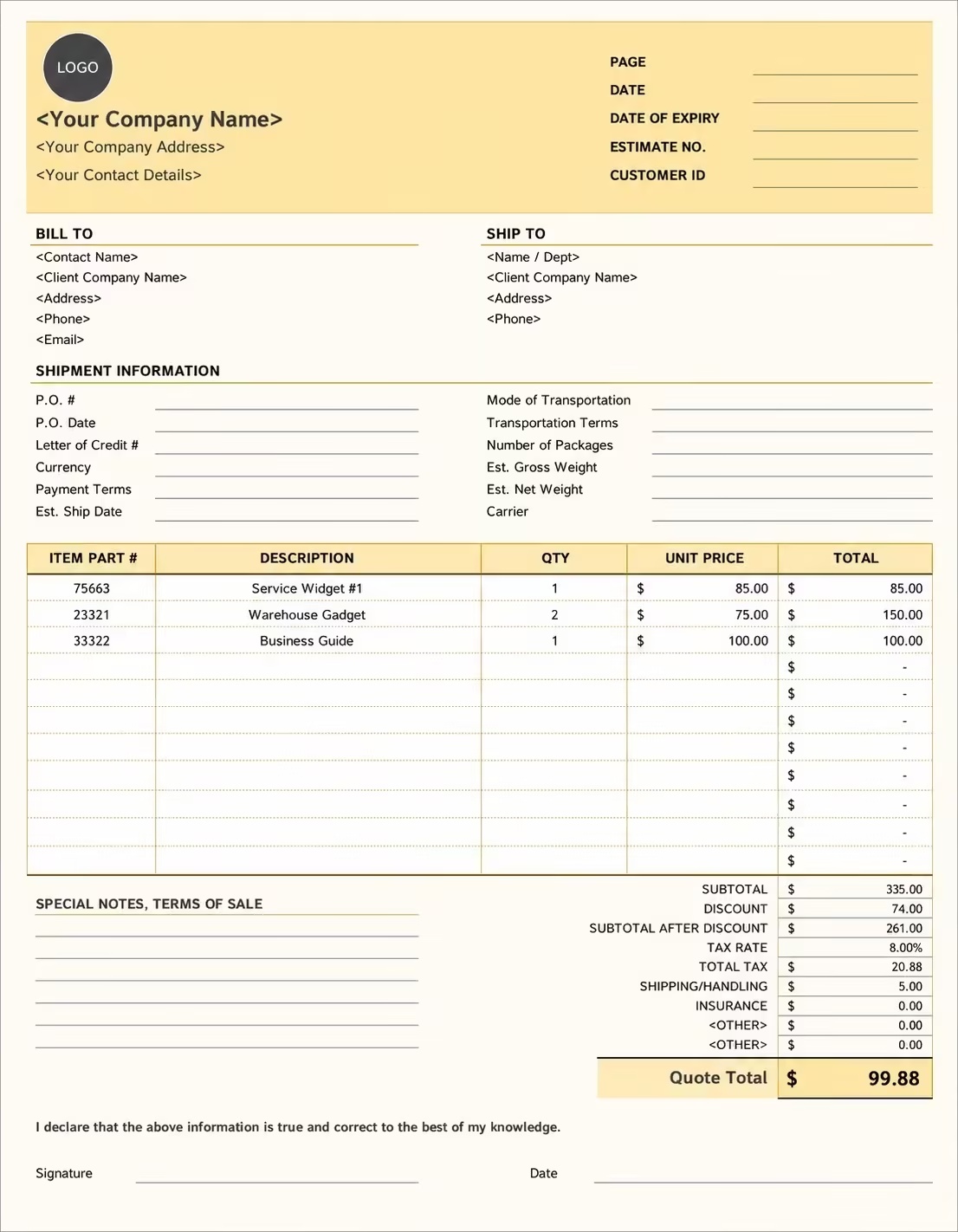
Editable Computer Shop Invoice Template
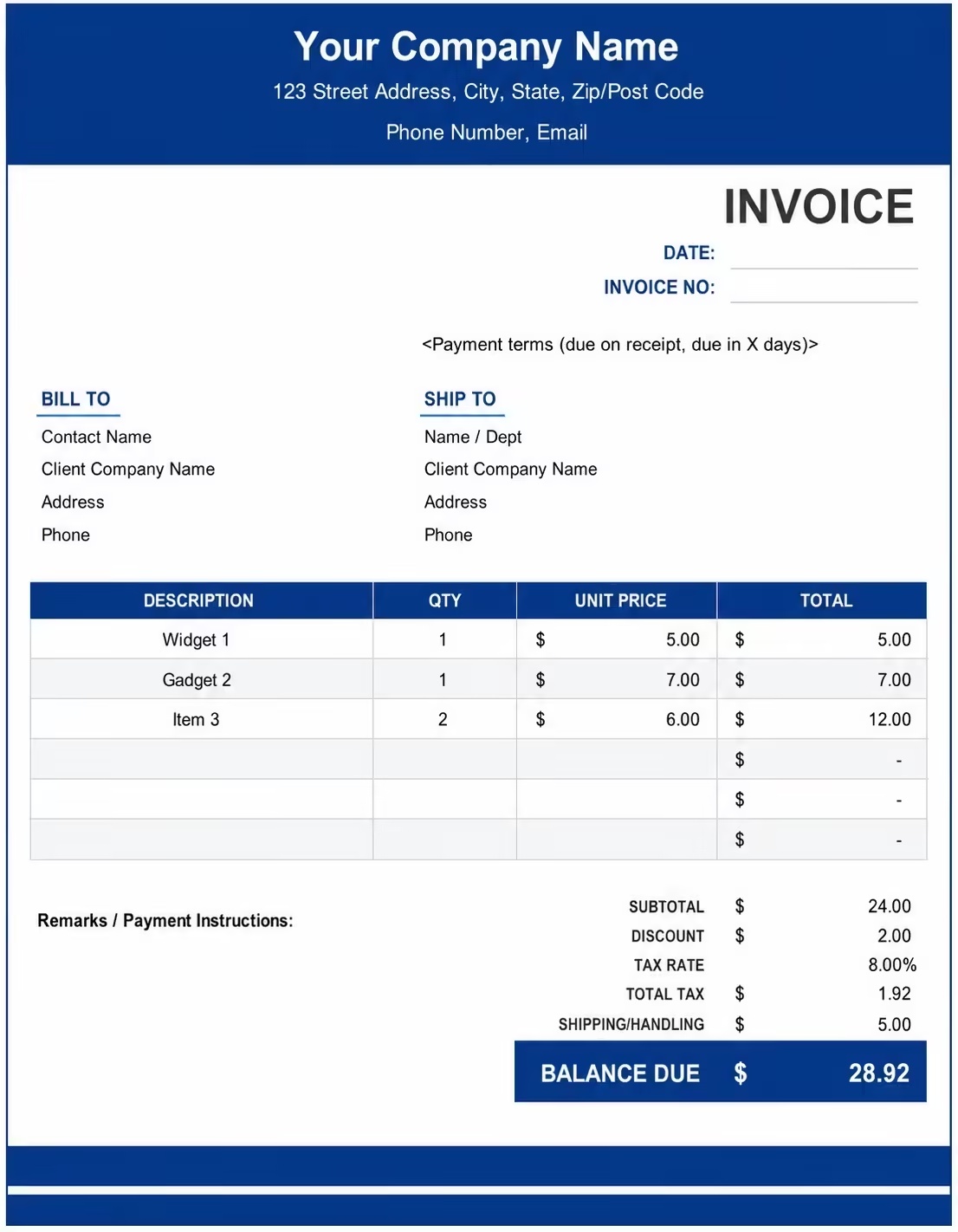
Printable Computer Shop Invoice Template
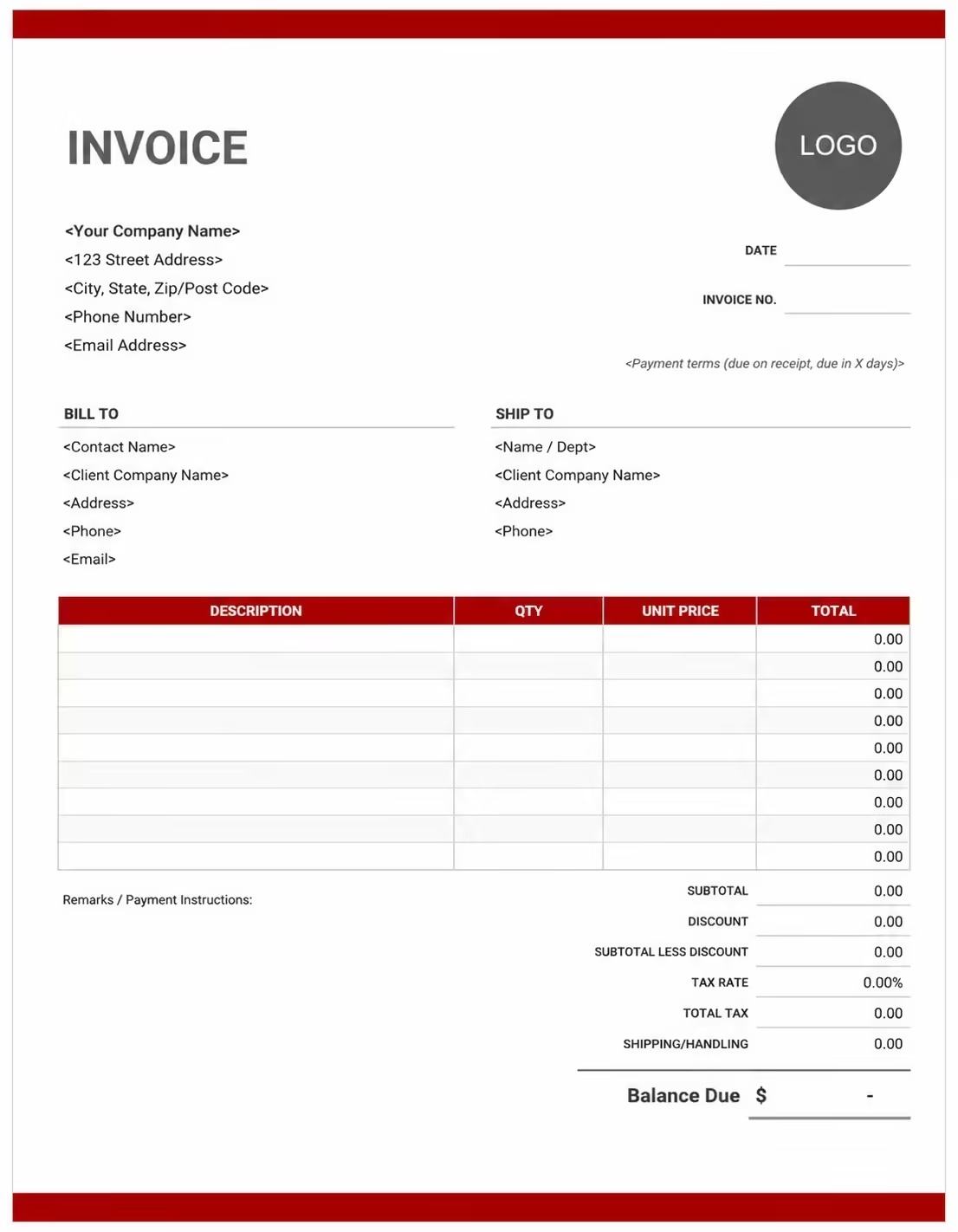
Free Computer Shop Invoice Template
Use these templates for computer shops, laptop stores, PC retailers, electronics stores, repair shops, IT hardware sellers, accessory providers, software sellers, and computer service businesses.
How to Invoice for Computer Shop Sales and Services
A good computer shop invoice should clearly show the customer details, product or service details, computer model, serial number, parts used, labor charges, deposits, taxes, and payment terms.
Download Free TemplateIn 5 Steps:
- Confirm the customer details, product or service request, computer model, part details, serial number, warranty notes, repair issue, and agreed pricing before preparing the invoice.
- Record products sold, laptops, desktops, PC parts, accessories, software, repairs, upgrades, diagnostics, installation work, setup support, and any approved extra services.
- Track computer shop-related costs such as parts, labor, accessories, software licenses, delivery, installation, warranty support, diagnostics, data backup, and admin work.
- Calculate product prices, repair labor, part charges, accessory fees, software costs, setup fees, discounts, deposits, taxes if applicable, and the final balance due.
- Send the invoice with payment options, due date, product details, service notes, warranty terms, pickup instructions, and any remaining balance instructions.
With Invoize, you can create computer shop invoices faster, save customer details, reuse common product and repair items, add parts and labor charges, and track payments from your phone.
What to Include in a Computer Shop Invoice
A professional computer shop invoice should include the details needed to identify the customer, computer shop, product or service, parts, charges, and payment terms.
Invoice and Order Details
- Invoice numberHelps track the invoice, payment record, product sale, or repair history.
- Customer, buyer, business client, student, office, or school detailsShows who purchased the computer product or requested the service and who is responsible for payment.
- Computer shop, laptop store, PC retailer, repair shop, or IT store detailsShows which shop supplied the product, part, accessory, software, or service.
- Order number, receipt number, repair ticket, quote, or job numberConnects the invoice to the correct product order, repair job, service request, quote, or customer account.
- Invoice date, sale date, service date, repair date, or delivery dateShows when the product was sold, service was completed, delivered, collected, repaired, or billed.
Product and Service Details
- Store branch, service location, delivery address, or pickup pointShows where the product was sold, delivered, serviced, repaired, collected, or completed onsite.
- Computer, laptop, desktop, monitor, printer, accessory, or softwareHelps identify the exact computer product, item, part, software, or service included in the invoice.
- Brand, model, serial number, SKU, warranty number, or device referenceHelps match the invoice with the correct device, product, warranty, service record, or product code.
- Quantity, item count, part count, license count, or service countShows how the computer shop invoice total was calculated.
- Unit price, part price, product price, hourly rate, or service feeShows the pricing method and line item total for each product, service, repair item, part, accessory, or software item.
Payment and Final Notes
- Repair and setup detailsExplains diagnosis, repair description, upgrade details, installation work, data backup, setup notes, or labor description.
- Extra costs and feesLists delivery, onsite visits, installation, rush service, warranty support, data recovery, special handling, or approved costs outside the regular product or repair price.
- Discounts, deposits, advance payments, or store creditsShows credits, deposits, advance payments, discounts, exchange credits, store credits, or amounts already paid before the final balance.
- Subtotal, tax, and total amount dueShows the final amount the customer, buyer, business client, company, school, or organization needs to pay.
- Warranty notes, service notes, return terms, or payment termsRecords the due date, payment methods, warranty coverage, return rules, repair terms, pickup notes, late fees, or balance instructions.
Billing Scenarios for Computer Shops
Use clear invoice labels so customers, buyers, business clients, offices, schools, and companies understand the computer products, parts, services, labor charges, deposits, and final amount due.
| Scenario | Invoice line items | Best used for | How to describe it |
|---|---|---|---|
| Computer or laptop sale | Device name, brand, model, serial number, unit price, total amount | Computer shops, laptop retailers, PC stores, electronics shops, and hardware sellers. | Show the device brand, model, serial number, quantity, warranty note, and sale price clearly. |
| Computer repair service | Diagnosis, repair labor, parts used, service fee, pickup note | PC repair shops, laptop repair services, electronics repair desks, and IT service providers. | Show the device issue, repair work completed, parts replaced, labor charge, and final balance. |
| PC upgrade invoice | RAM, SSD, graphics card, installation labor, testing fee | Customers upgrading laptops, desktops, gaming PCs, office computers, or workstations. | List each part, quantity, installation work, testing note, and upgrade total clearly. |
| Accessories and peripherals sale | Keyboard, mouse, monitor, printer, cable, adapter, quantity, price | Computer accessory sales, office equipment sales, gaming accessories, and peripheral orders. | Show each accessory name, quantity, unit price, warranty note if useful, and total charge. |
| Software or license invoice | Software name, license count, subscription period, setup fee, total amount | Software sales, antivirus setup, operating system installation, business apps, and subscription licenses. | Show the software name, license type, license count, service period, installation note, and total fee. |
| Business computer setup | Devices, installation, network setup, software setup, onsite visit, support fee | Offices, schools, small businesses, clinics, stores, and organizations setting up multiple computers. | Show the device count, setup tasks, location, onsite work, software installation, and final project charge. |
Create Invoice Now
☝️ Create a professional invoice in seconds.
Common Charges and Fees for Computer Shop Invoices
Itemize computer shop charges clearly so customers can see device prices, parts, labor, accessories, software, setup fees, taxes, and any extra costs.
| Charge or service | Unit | When to use | How to show it |
|---|---|---|---|
| Computer or laptop charge | Device, unit, item, or order | Use when billing for desktops, laptops, workstations, gaming PCs, refurbished computers, or new devices. | Show the brand, model, serial number, quantity, unit price, and line total clearly. |
| Computer part charge | Part, item, unit, or component | Use when selling or installing RAM, SSDs, hard drives, motherboards, power supplies, screens, batteries, or keyboards. | Show the part name, compatibility note, quantity, part price, and total part charge. |
| Repair labor fee | Hour, service, repair, or job | Use when charging for diagnosis, troubleshooting, screen repair, hardware repair, software fixes, or device servicing. | Show the repair task, labor time if useful, rate, and repair labor total. |
| Diagnostic fee | Device, check, service, or job | Use when checking a device issue, testing hardware, scanning software problems, or preparing a repair estimate. | Show the device checked, issue reported, diagnostic work, and diagnostic fee. |
| Installation or setup fee | Device, software, service, or package | Use when setting up a computer, installing software, configuring a printer, preparing accounts, or setting up a new system. | Show the setup task, device details, software installed, and setup charge separately. |
| Software or license fee | License, user, device, month, year, or subscription | Use when billing for antivirus, operating systems, office software, business tools, or subscription licenses. | Show the software name, license count, service period, and license fee. |
| Accessory charge | Item, unit, set, pack, or order | Use when selling keyboards, mice, monitors, webcams, adapters, chargers, cables, speakers, printers, or bags. | Show each accessory name, quantity, unit price, and line total clearly. |
| Data backup or recovery fee | Device, drive, service, gigabyte, or job | Use when backing up data, transferring files, recovering files, cloning drives, or moving data to a new computer. | Show the data service type, device or drive reference, and service fee separately. |
| Onsite visit or delivery fee | Trip, visit, address, device, or service | Use when visiting a customer location, delivering a device, installing equipment onsite, or collecting a computer for repair. | Show the address, visit date, service reason, and onsite or delivery fee. |
| Rush service fee | Fee, job, device, or percentage | Use when the customer requests urgent repair, fast setup, priority service, or same-day delivery. | Add a clear label so the customer understands why the rush fee applies. |
| Tax | Percentage or amount | Use when tax applies to computers, parts, accessories, software, repair labor, delivery, or extra services based on local rules. | Show tax before the final total so the customer can see how the balance was calculated. |
| Deposit, advance payment, or previous payment | Credit | Use when the customer, business client, company, school, or organization paid before or during the product order or repair service. | Subtract it from the invoice total and show the remaining balance due. |
Common Computer Shop Invoicing Mistakes
Computer shop billing can include product names, model numbers, serial numbers, parts, labor, software, warranty notes, deposits, taxes, and payment terms. Missing details can confuse customers or delay payment. Avoid these common mistakes.
| Mistake | Why it causes problems | How to fix it |
|---|---|---|
| Not listing the device or product details | The customer may not know which computer, laptop, part, software, accessory, or repair job the invoice covers. | Add the product name, brand, model, SKU, serial number, product code, or repair ticket number clearly. |
| Leaving out serial numbers or model numbers | The invoice may be harder to match with warranty records, device records, repair history, or customer support notes. | Add serial numbers, model numbers, warranty numbers, device references, or stock numbers when available. |
| Combining all charges in one line | The total may look unclear because the customer cannot see devices, parts, labor, software, deposits, and taxes separately. | Separate products, parts, repair labor, diagnostics, software, accessories, delivery, deposits, discounts, and taxes into clear line items. |
| Not describing repair work clearly | The customer may not understand what issue was fixed, what part was replaced, or why labor was charged. | Add diagnosis notes, repair description, replaced parts, testing notes, setup work, or service summary. |
| Not showing quantity or unit price | The customer may question the total if product quantity, part count, license count, or unit price is not visible. | Show quantity, item count, license count, part count, unit price, labor rate, package price, and line total clearly. |
| Forgetting software or license details | Software charges may be unclear if the license name, device count, user count, or subscription period is missing. | Add software name, license count, subscription period, device count, installation note, and setup details. |
| Leaving out warranty or return terms | The customer may not know what is covered, how long support lasts, or how returns and service issues are handled. | Add warranty notes, service warranty, return terms, replacement terms, support period, and pickup instructions. |
| Forgetting deposits or previous payments | The final balance may look higher than expected. | Show deposits, advance payments, partial payments, store credits, exchange credits, discounts, or previous payments before the balance due. |
| Leaving out payment terms | The customer may not know when payment is due, how to pay, or when the device can be collected. | Add payment due date, payment methods, pickup terms, delivery notes, warranty terms, late fees, and balance instructions. |
| Not keeping invoice records | Tracking computer sales, repairs, parts, software licenses, warranties, payments, and customer history becomes harder. | Keep a copy of every computer shop invoice for your computer store, repair shop, or electronics business records. |
More Invoice Templates You May Like
Explore closely related invoice templates for computer shop work, similar services, and nearby billing scenarios before choosing the best format for your customer.
Questions
Frequently Asked Questions
How should I show computer product charges on an invoice?
List each product separately with the item name, quantity, unit price, and total amount. Example: “Dell laptop: 1 × $650 = $650” or “Wireless mouse: 2 × $18 = $36.” This helps the customer clearly see what computer items were purchased.
What customer and device details should be included?
Include the customer name, invoice number, purchase or service date, product brand, model number, serial number if available, and payment due date. Example: “Device: HP ProBook 450, Model: G9, Serial: HP2048.” This connects the invoice to the correct computer or repair order.
How do I invoice for computer repair services?
List the repair service, issue, labor charge, and parts used. Example: “Laptop screen replacement labor: $75” and “Replacement screen: $120.” This helps the customer understand both the repair work and the parts cost.
Should diagnostic fees be listed separately?
Yes. If you charge for checking the computer before repair, show it as its own line item. Example: “Computer diagnostic check: Hardware, battery, storage, and operating system test: $35.” If the fee is later adjusted, show it as a discount or credit.
Can I include software installation or setup fees?
Yes. Operating system installation, antivirus setup, driver installation, data transfer, backup setup, or software configuration should be listed separately if charged. Example: “Windows installation and setup: $60” or “Antivirus setup: $25.”
How should I show hardware upgrades?
List each upgrade part and installation labor separately. Example: “SSD upgrade: 512GB: $70” and “SSD installation labor: $30.” This works well for RAM upgrades, batteries, chargers, keyboards, graphics cards, and other computer parts.
How do I show deposits, discounts, or partial payments?
Show the full computer shop invoice total, discount or deposit applied, and remaining balance. Example: “Invoice total: $850,” “Deposit received: $250,” and “Balance due: $600.” This helps both the shop and customer track payment clearly.
What payment terms should a computer shop invoice include?
Include the due date, accepted payment methods, repair approval terms, warranty note, return policy, and pickup rules. Example: “Payment due before product pickup. Extra diagnostics, replacement parts, software setup, added accessories, or repair changes may require an updated invoice.”













