
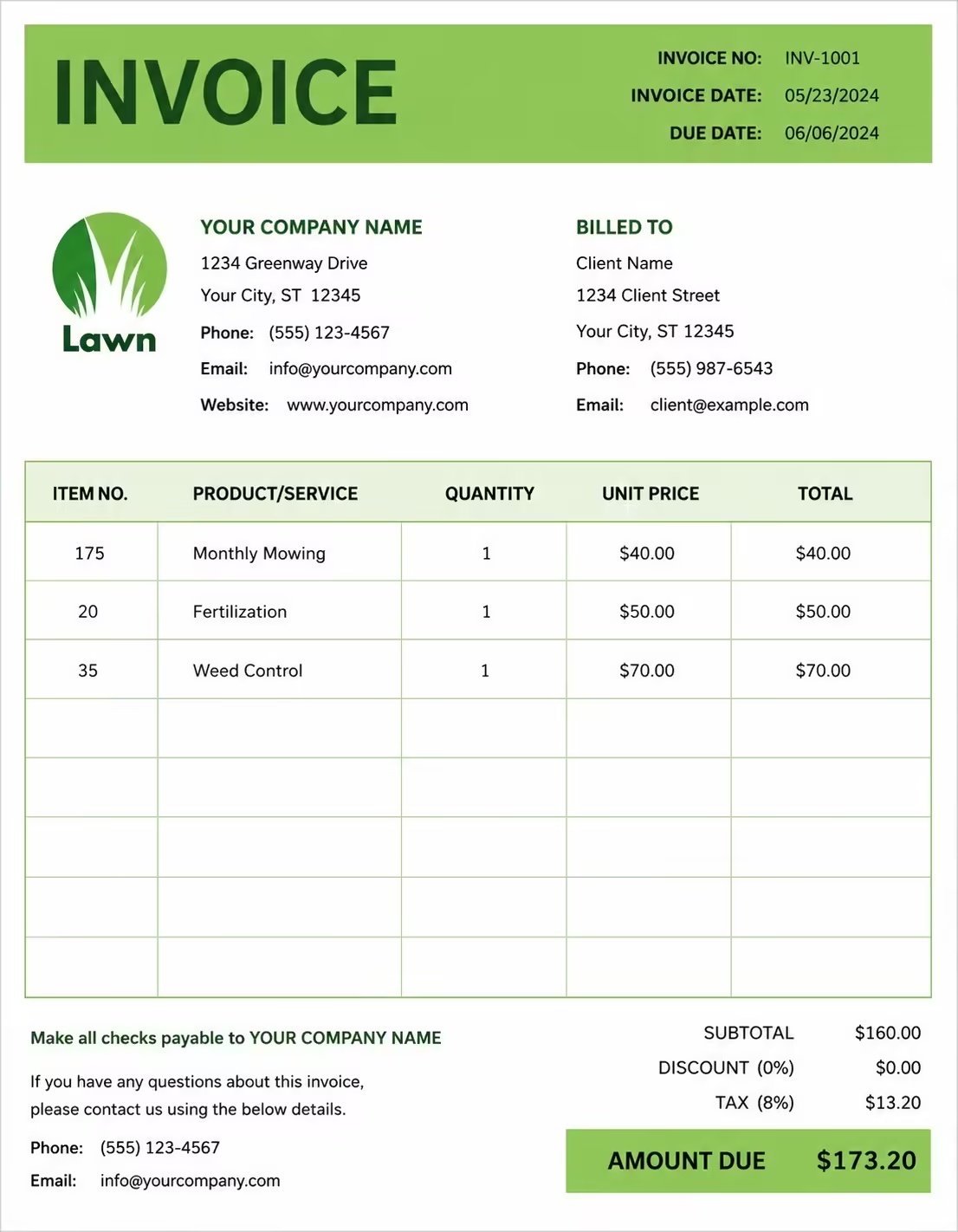
Free E-Commerce Invoice Template
Free invoice templates for e-commerce stores, online sellers, Shopify stores, marketplace sellers, digital shops, product brands, dropshipping businesses, and online retail businesses. Download and edit in PDF, Word, Excel, Google Docs, or Google Sheets.
Use this template to bill for online orders, product sales, shipping, handling, discounts, coupons, returns, taxes, deposits, and payment terms in a clear and professional way.
Download the app and manage invoices anywhere


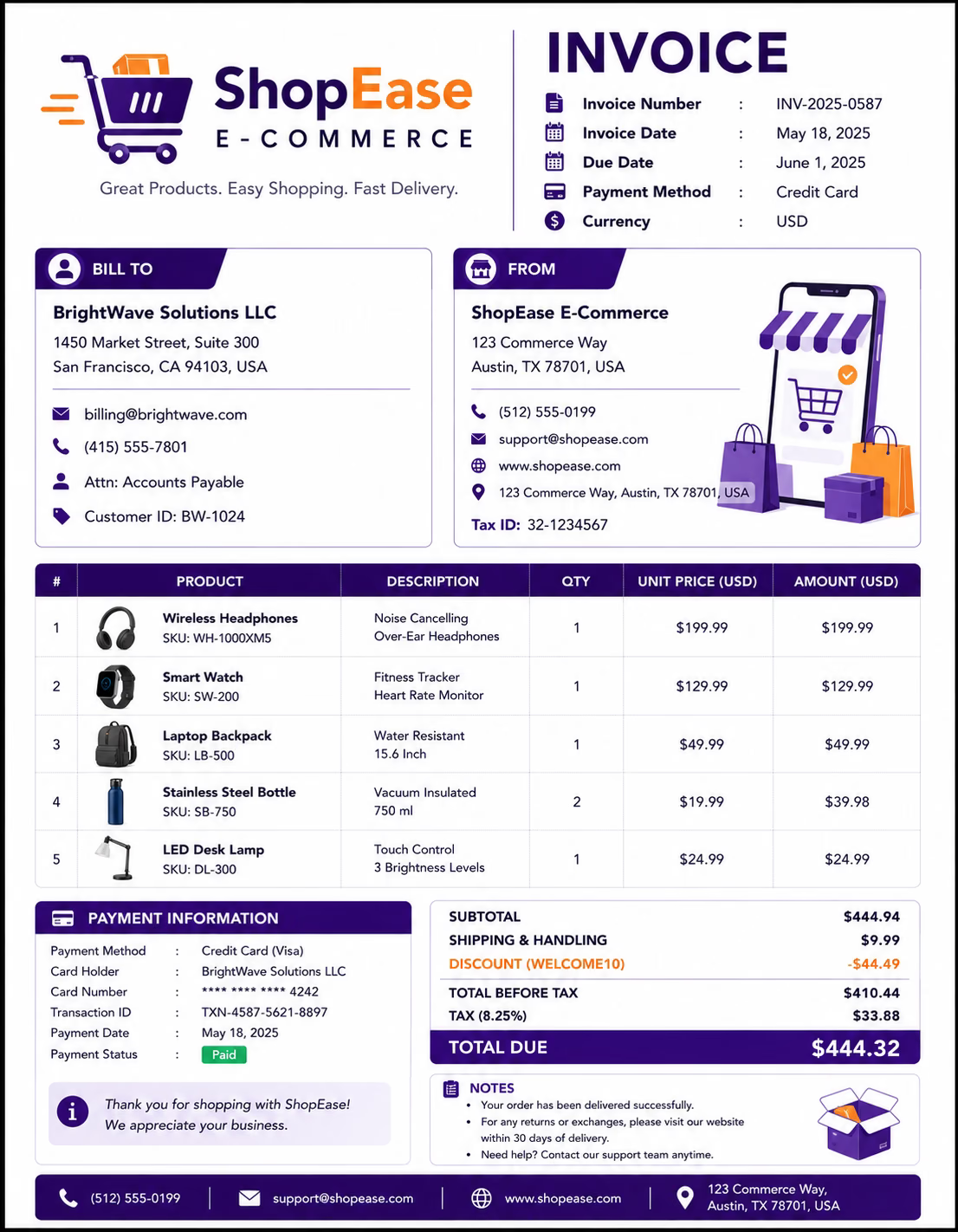
Download Free E-Commerce Invoice Templates
Download a template, then edit it in PDF, Word, Excel, Google Docs, or Google Sheets. Print it, save it, or send it to your customer, buyer, business client, marketplace customer, or organization when the online order is complete or shipped.
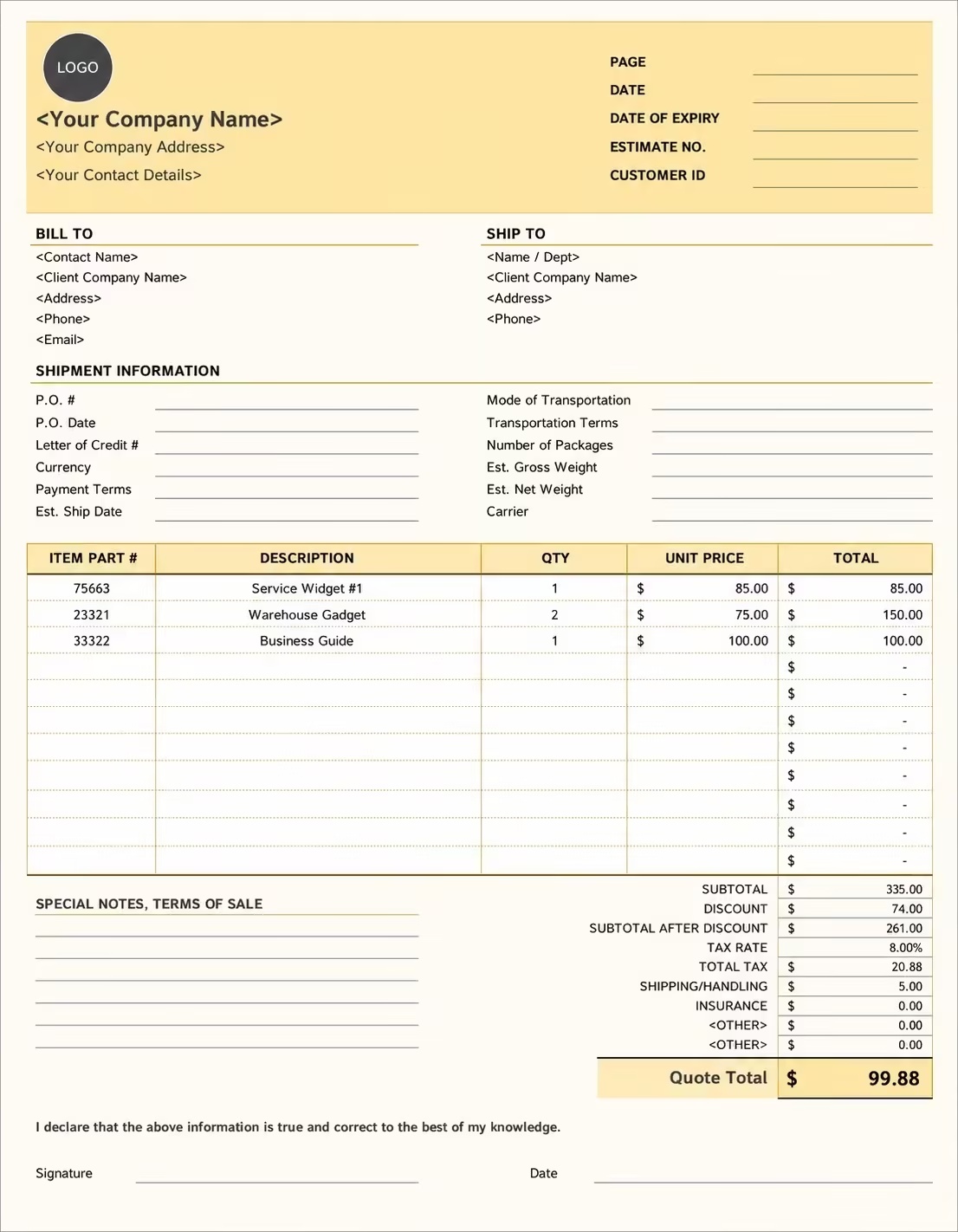
Editable E-Commerce Invoice Template
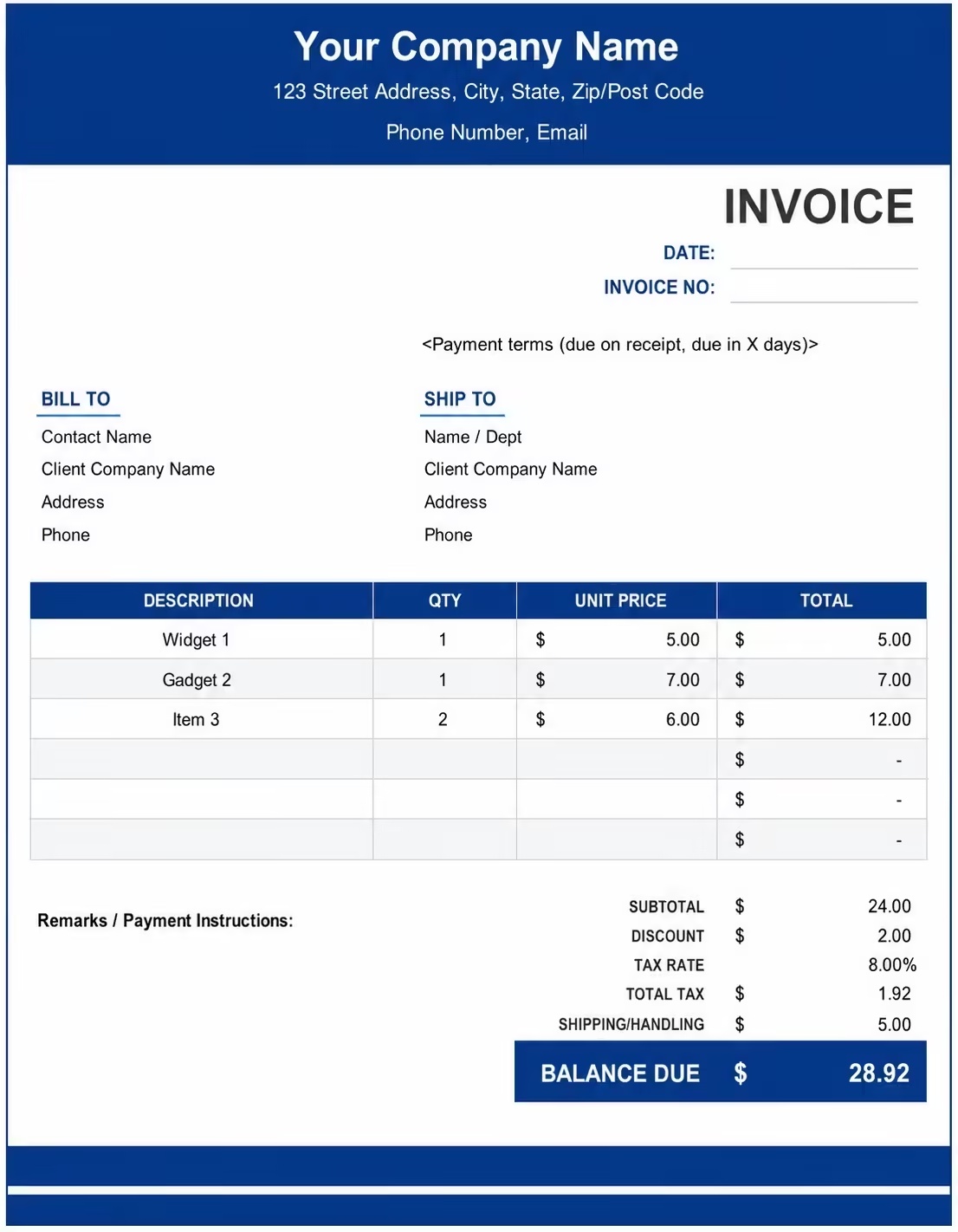
Printable E-Commerce Invoice Template
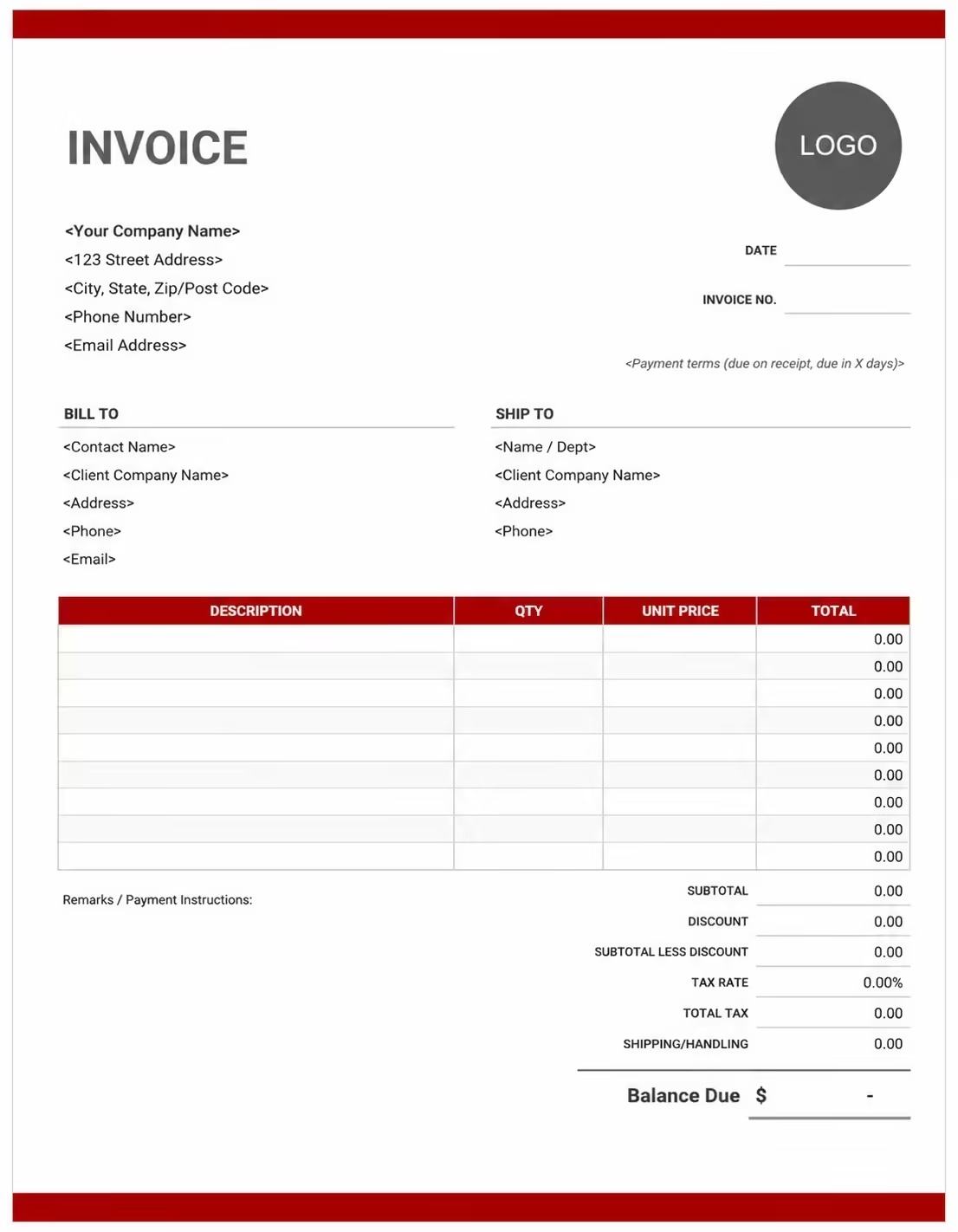
Free E-Commerce Invoice Template
Use these templates for online stores, e-commerce brands, Shopify sellers, marketplace sellers, dropshipping stores, product sellers, digital retailers, and online business owners.
How to Invoice for E-Commerce Orders
A good e-commerce invoice should clearly show the customer details, order number, product list, quantities, unit prices, discounts, shipping fees, taxes, payment status, and payment terms.
Download Free TemplateIn 5 Steps:
- Confirm the customer details, order number, product list, shipping address, billing address, delivery method, discount code, and payment status before preparing the invoice.
- Record all online order items, product names, SKUs, quantities, unit prices, shipping charges, handling fees, discounts, returns, and any approved extra charges.
- Track e-commerce-related costs such as packaging, shipping, fulfillment, labels, delivery, platform fees, handling, product customization, and order processing.
- Calculate product totals, shipping fees, handling charges, coupon discounts, refunds, deposits, taxes if applicable, and the final balance due.
- Send the invoice with payment options, due date, order notes, shipping details, return terms, and any remaining balance instructions.
With Invoize, you can create e-commerce invoices faster, save customer details, reuse common products, add shipping fees and discounts, and track payments from your phone.
What to Include in an E-Commerce Invoice
A professional e-commerce invoice should include the details needed to identify the customer, online store, order, products, shipping details, charges, and payment terms.
Invoice and Order Details
- Invoice numberHelps track the invoice, payment record, and e-commerce order history.
- Customer, buyer, business client, or marketplace customer detailsShows who placed the online order and who is responsible for payment.
- E-commerce store, online seller, marketplace shop, or brand detailsShows which online store, seller, marketplace shop, product brand, or business supplied the products.
- Order number, transaction ID, marketplace order ID, or receipt numberConnects the invoice to the correct online order, payment record, customer account, or receipt.
- Order date, invoice date, payment date, shipping date, or delivery dateShows when the online order was placed, paid, shipped, delivered, billed, or which billing period the invoice covers.
Product and Shipping Details
- Billing address, shipping address, delivery location, or pickup pointShows where the order was billed, shipped, delivered, collected, or connected to a store location.
- Product, item description, SKU, variant, size, color, or modelHelps identify the exact products, variants, product codes, sizes, colors, or models included in the e-commerce order.
- Quantity, unit, pack size, item count, or bundle countShows how the product total was calculated by quantity, unit, pack size, item count, bundle count, or order quantity.
- Unit price, item price, sale price, bundle price, or line item totalShows the pricing method for each online order item and the total cost based on quantity and unit price.
- Product condition, return status, fulfillment status, or delivery statusHelps with order tracking, returns, replacements, refunds, delivery updates, and customer support.
Payment and Final Notes
- Shipping and handling detailsShows shipping fees, delivery fees, handling fees, packaging fees, tracking number, courier name, or delivery-related costs.
- Coupons, promotional discounts, store credits, or refund adjustmentsShows why the final amount is lower than the regular product total and records credits already applied.
- Discounts, deposits, advance payments, or previous paymentsShows credits, refunds, store credits, deposits, advance payments, discounts, or amounts already paid before the final balance.
- Subtotal, tax, and total amount dueShows the final amount the customer, buyer, business client, or organization needs to pay.
- Order notes or payment termsRecords the due date, payment methods, shipping terms, return policy, refund notes, exchange terms, late fees, or balance instructions.
Billing Scenarios for E-Commerce Businesses
Use clear invoice labels so customers, buyers, businesses, and marketplace clients understand the products ordered, quantity billed, shipping charge, discount, refund, and final amount due.
| Scenario | Invoice line items | Best used for | How to describe it |
|---|---|---|---|
| Standard online order | Product items, quantities, unit prices, shipping fee, tax, total amount | Regular e-commerce purchases, online store orders, direct website sales, and product shipments. | Show the order number, product names, quantities, item prices, shipping method, and final total clearly. |
| Marketplace order | Marketplace order ID, product list, seller fee, shipping, customer payment | Online marketplace sellers, multi-channel sellers, and sellers using platforms to receive customer orders. | List the marketplace order reference, product details, fulfillment status, shipping fee, and balance due. |
| Wholesale e-commerce order | Bulk products, carton count, pack size, wholesale rate, delivery charge | Business buyers, retailers, resellers, subscription box businesses, and bulk online product orders. | Show each product, pack size, quantity, wholesale rate, bulk discount, and delivery charge. |
| Dropshipping order | Product order, supplier fulfillment, shipping charge, tracking number, handling fee | Dropshipping stores, supplier-fulfilled orders, and online sellers using third-party fulfillment. | Show the customer order number, product details, fulfillment note, shipping method, and final order amount. |
| Return or refund adjustment | Returned product, refund amount, store credit, restocking fee, balance due | Orders with returns, exchanges, damaged items, partial refunds, or customer credit adjustments. | Show the original order number, returned item, refund or credit amount, adjustment reason, and updated total. |
| Subscription or recurring order | Monthly subscription, product bundle, billing period, shipping, previous payments | Subscription boxes, recurring product deliveries, membership orders, and repeat e-commerce customers. | Show the billing period, included products, delivery date, subscription fee, credits, and remaining balance. |
Create Invoice Now
☝️ Create a professional invoice in seconds.
Common Charges and Fees for E-Commerce Invoices
Itemize e-commerce charges clearly so customers can see product costs, quantities, shipping fees, discounts, refunds, taxes, and any extra costs.
| Charge or service | Unit | When to use | How to show it |
|---|---|---|---|
| Product charge | Item, unit, pack, bundle, or order | Use when billing for products sold through an online store, marketplace, website, or digital shop. | Show product name, variant, quantity, unit price, and line total clearly. |
| Bundle or package charge | Bundle, kit, box, package, or set | Use when selling grouped products, kits, subscription boxes, gift sets, or product bundles. | Show the bundle name, included items if useful, quantity, and bundle price. |
| Shipping fee | Shipment, order, package, delivery, or courier | Use when charging for shipping products to the customer, buyer, or business client. | Show shipping address, courier name if useful, tracking number, and shipping charge separately. |
| Handling or packaging fee | Package, order, item, or fee | Use when packaging, packing materials, labels, boxes, wrapping, or fulfillment work is billed separately. | Show handling or packaging separately from product prices. |
| Custom product fee | Item, order, design, or service | Use when the product includes customization, engraving, printing, personalization, gift wrapping, or special preparation. | Show the custom request, product name, added fee, and final item total. |
| Rush fulfillment fee | Fee, order, or shipment | Use when the customer requests priority packing, fast dispatch, urgent shipping, or quick order processing. | Add a clear label so the customer understands why the rush fee applies. |
| Coupon or promotional discount | Percentage, amount, item, or order | Use when a discount code, sale offer, loyalty reward, or promotional campaign reduces the invoice total. | Show the coupon code or discount name and amount before the final total. |
| Return, refund, or store credit | Credit, item, order, or adjustment | Use when returned items, damaged products, refunds, exchanges, or store credits reduce the amount due. | Show the returned item, credit amount, refund adjustment, or replacement note clearly. |
| Marketplace or processing fee | Fee, order, transaction, or percentage | Use when platform fees, payment processing charges, or marketplace-related costs are billed or shown separately. | Show the fee type, order reference, and amount separately when needed. |
| Restocking or cancellation fee | Fee, item, or order | Use when a customer cancels late, returns items after processing, or creates a restocking cost. | Show the cancellation or restocking fee separately with a short note. |
| Tax | Percentage or amount | Use when tax applies to online products, shipping, handling, packaging, or extra fees based on local rules. | Show tax before the final total so the customer can see how the balance was calculated. |
| Deposit, advance payment, or previous payment | Credit | Use when the customer, buyer, business client, or organization paid before or during the e-commerce order process. | Subtract it from the invoice total and show the remaining balance due. |
Common E-Commerce Invoicing Mistakes
E-commerce billing can include order numbers, product names, SKUs, quantities, shipping fees, discounts, returns, taxes, and payment terms. Missing details can confuse customers or delay payment. Avoid these common mistakes.
| Mistake | Why it causes problems | How to fix it |
|---|---|---|
| Not listing the order number | The customer may not know which online order, payment, shipment, or billing period the invoice covers. | Add the order number, transaction ID, marketplace order ID, receipt number, or account reference clearly. |
| Not describing products clearly | The customer may not understand which products, variants, sizes, colors, or bundles were ordered. | Add product names, item descriptions, SKUs, variants, sizes, colors, product codes, or bundle details. |
| Combining all charges in one line | The total may look unclear because the customer cannot see products, shipping, handling, discounts, refunds, and taxes separately. | Separate product prices, shipping fees, handling fees, discounts, refunds, deposits, credits, and taxes into clear line items. |
| Not showing quantity or unit price | The customer may question the total if item quantity, bundle count, unit price, or sale price is not visible. | Show quantity, unit price, sale price, bundle price, item count, and line total clearly. |
| Leaving out shipping or tracking details | The customer may not know where the order was shipped, which courier was used, or how delivery is being handled. | Add shipping address, delivery method, courier name, tracking number, shipping date, or delivery note when useful. |
| Forgetting discounts or coupon codes | The customer may not see how promotions, loyalty rewards, or sale offers changed the final amount. | Show coupon codes, promotional discounts, loyalty credits, store credits, and sale adjustments before the balance due. |
| Forgetting return or refund adjustments | Refunds, exchanges, damaged products, or store credits may create confusion if they are not shown clearly. | Add return notes, refund amounts, exchange details, damaged item adjustments, or store credit amounts when useful. |
| Not recording fulfillment or delivery status | The customer or business may not know whether the order is pending, shipped, delivered, returned, or partially fulfilled. | Add fulfillment status, delivery status, shipment notes, pickup notes, or partial order details when useful. |
| Leaving out return or payment terms | The customer may not know how returns, exchanges, refunds, late payments, or unpaid balances are handled. | Add payment due date, payment methods, return policy, exchange terms, refund notes, late fees, and balance instructions. |
| Not keeping invoice records | Tracking online orders, customers, payments, shipping, returns, discounts, and product history becomes harder. | Keep a copy of every e-commerce invoice for your online store, marketplace, or retail business records. |
More Invoice Templates You May Like
Explore closely related invoice templates for e-commerce work, similar services, and nearby billing scenarios before choosing the best format for your customer.
Questions
Frequently Asked Questions
How should I show online order items on an e-commerce invoice?
List each product separately with the item name, quantity, unit price, and total amount. Example: “Wireless headphones: 2 units × $45 = $90” or “Cotton T-shirt: 3 units × $18 = $54.” This helps the customer clearly see what they ordered.
What customer and order details should be included?
Include the customer name, billing address, shipping address, order number, invoice number, order date, and payment due date if needed. Example: “Order #2048, Customer: Sarah Miller, Shipping address: 245 Main Street.” This connects the invoice to the correct online purchase.
How do I invoice for shipping or delivery charges?
Show shipping, courier, delivery, or handling fees separately from the product subtotal. Example: “Standard shipping: $8” or “Express delivery: $18.” This helps the customer understand which part of the total is for delivery.
Should discounts or coupon codes be listed separately?
Yes. Show the discount clearly below the subtotal or beside the related product. Example: “Coupon code WELCOME10: -$10” or “Holiday sale discount: -$25.” This makes the final amount easier for the customer to review.
Can I include taxes on an e-commerce invoice?
Yes. Add sales tax, VAT, GST, or other applicable tax below the item subtotal. Example: “Subtotal: $150,” “Sales tax: $12,” and “Total due: $162.” This keeps the product total and tax amount clear.
How should I show returns, refunds, or store credits?
List returned items, refund amounts, or store credits as negative amounts. Example: “Returned item: Blue hoodie: -$35” or “Store credit applied: -$20.” This helps keep the payment record clear when an order is adjusted.
How do I show payment status on an e-commerce invoice?
Add a clear payment note such as paid, unpaid, partially paid, or refunded. Example: “Payment status: Paid by card” or “Payment received: $100, Balance due: $40.” This helps both the seller and customer track the order payment.
What payment terms should an e-commerce invoice include?
Include the due date if payment is not already collected, accepted payment methods, return policy, shipping terms, and refund rules. Example: “Payment due before dispatch. Returns must follow store policy. Added items, shipping upgrades, refunds, or order changes may require an updated invoice.”













