
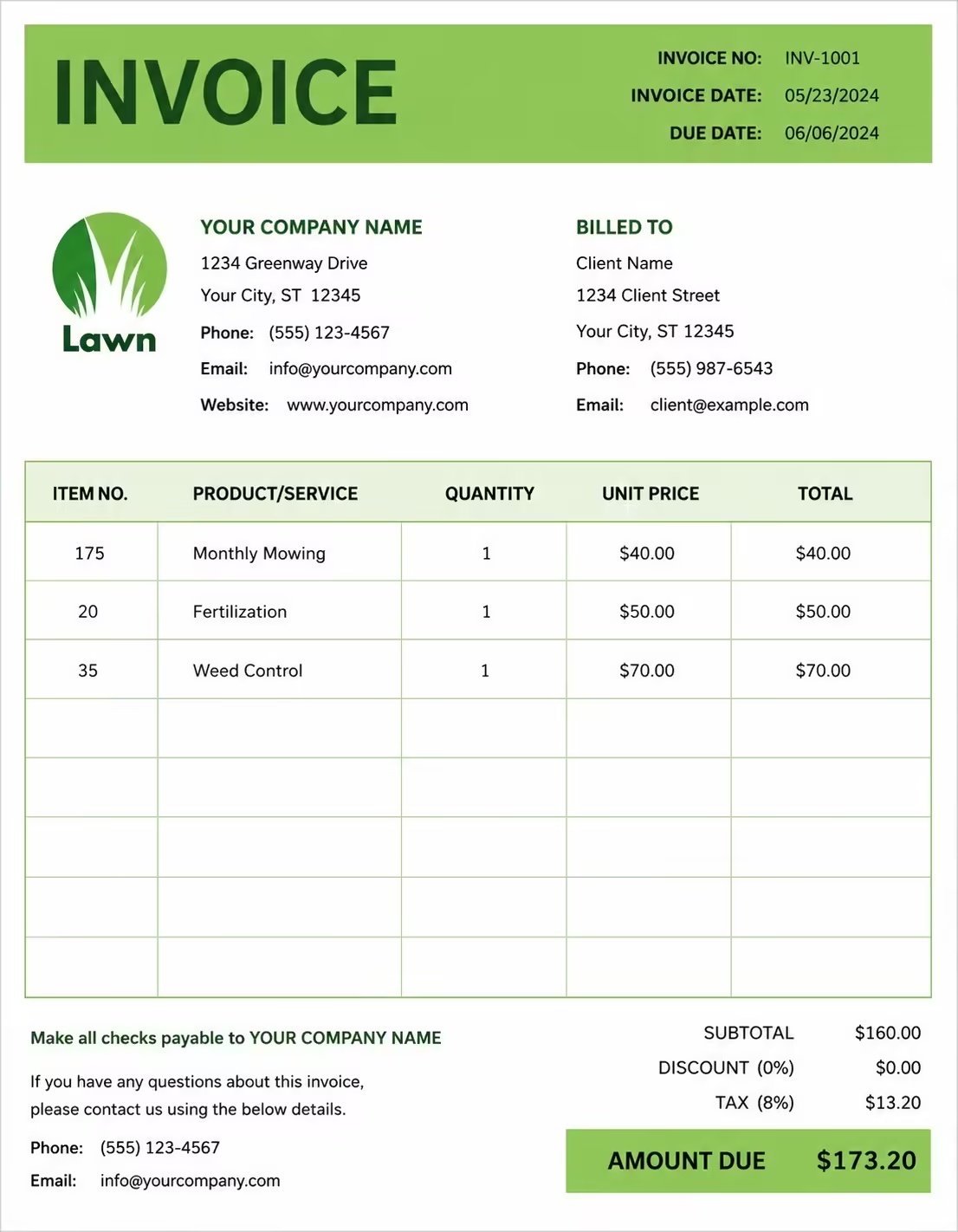
Free Car Rental Invoice Template
Free invoice templates for car rental companies, vehicle hire businesses, rental agencies, fleet rental providers, travel rental services, corporate car rental teams, and short-term vehicle rental businesses. Download and edit in PDF, Word, Excel, Google Docs, or Google Sheets.
Use this template to bill for car rental fees, daily or weekly hire, mileage charges, insurance, deposits, fuel charges, late return fees, delivery, taxes, discounts, and payment terms in a clear and professional way.
Download the app and manage invoices anywhere


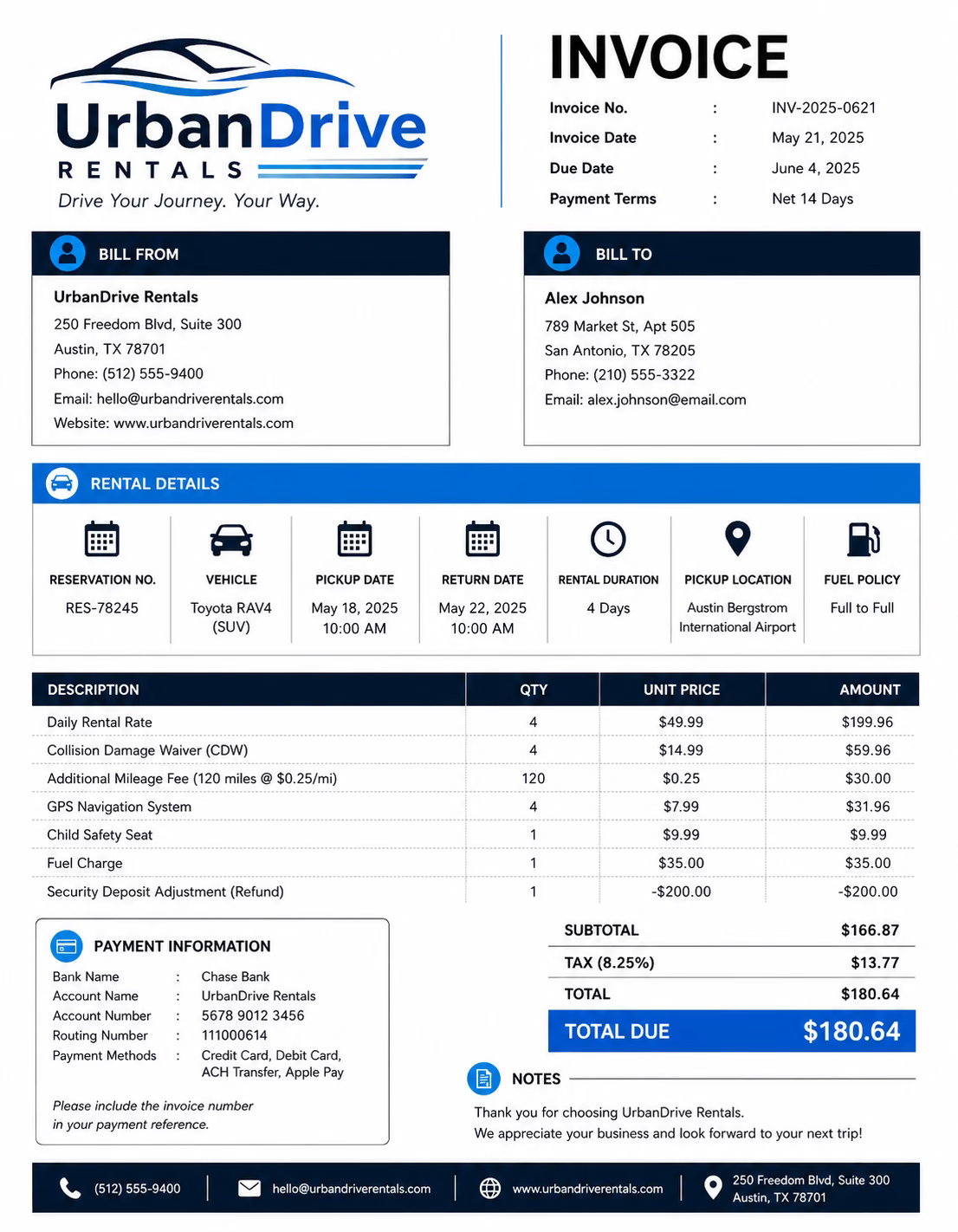
Download Free Car Rental Invoice Templates
Download a template, then edit in PDF, Word, Excel, Google Docs or Google Sheets. Print or email when ready.
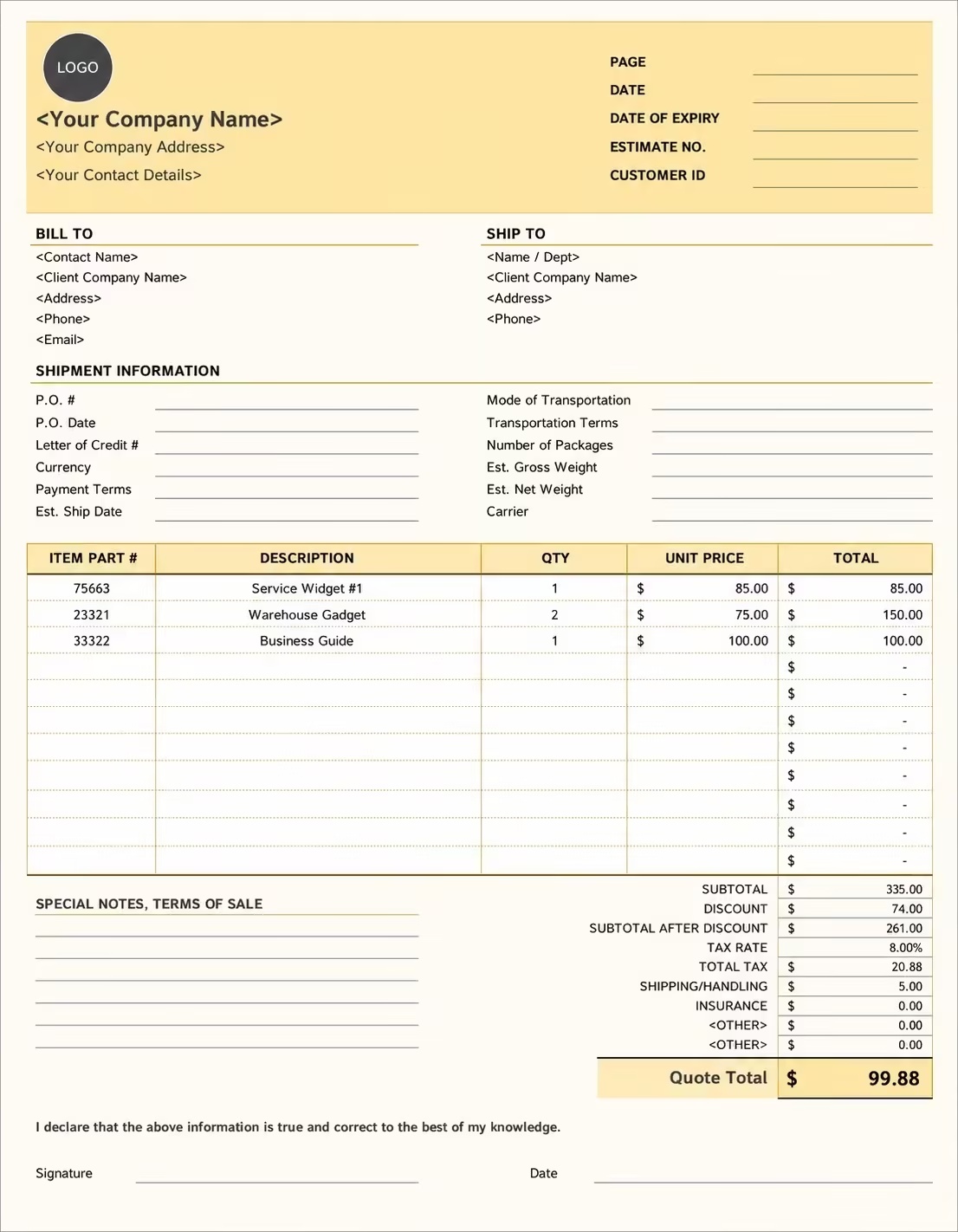
Editable Car Rental Invoice Template
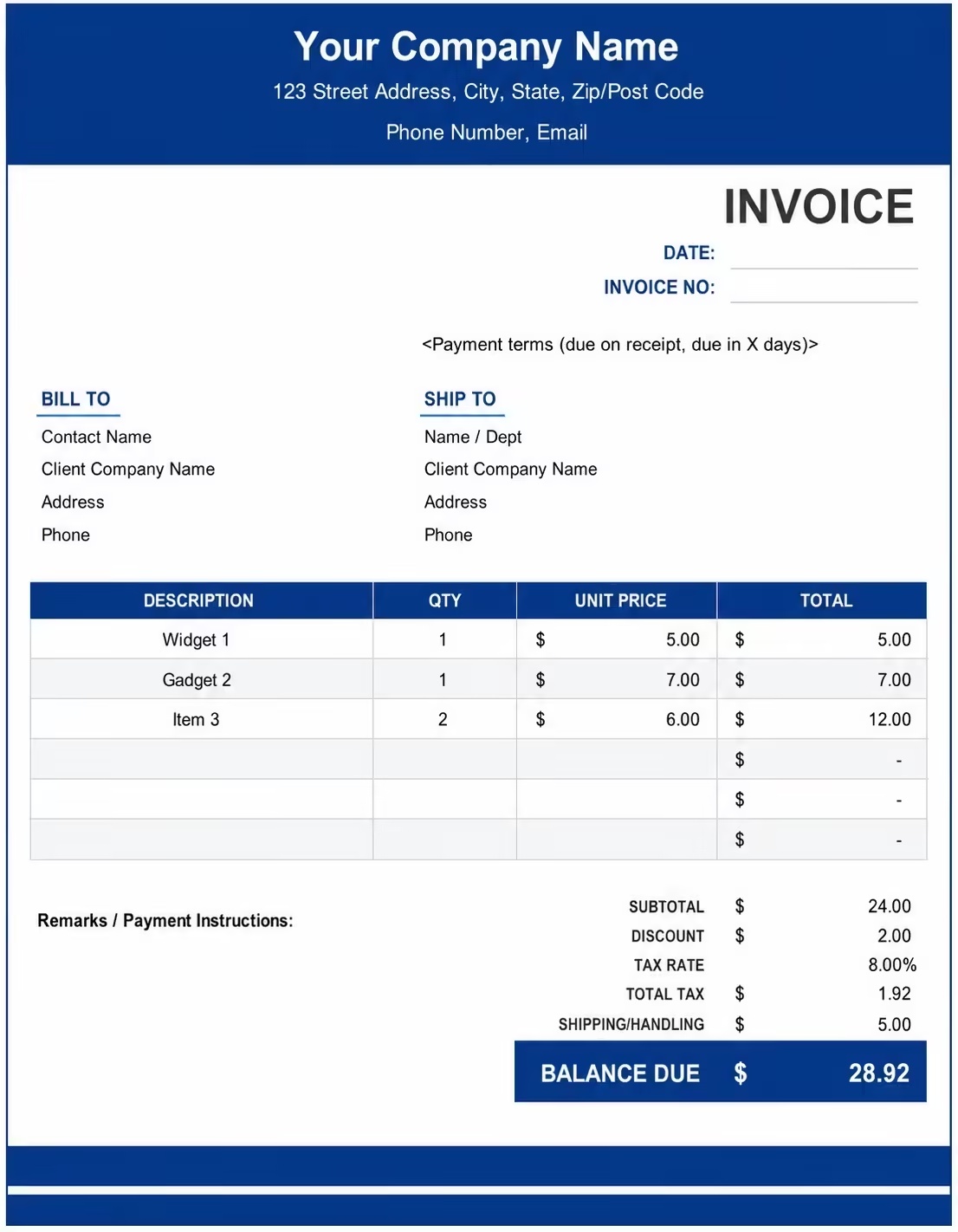
Printable Car Rental Invoice Template
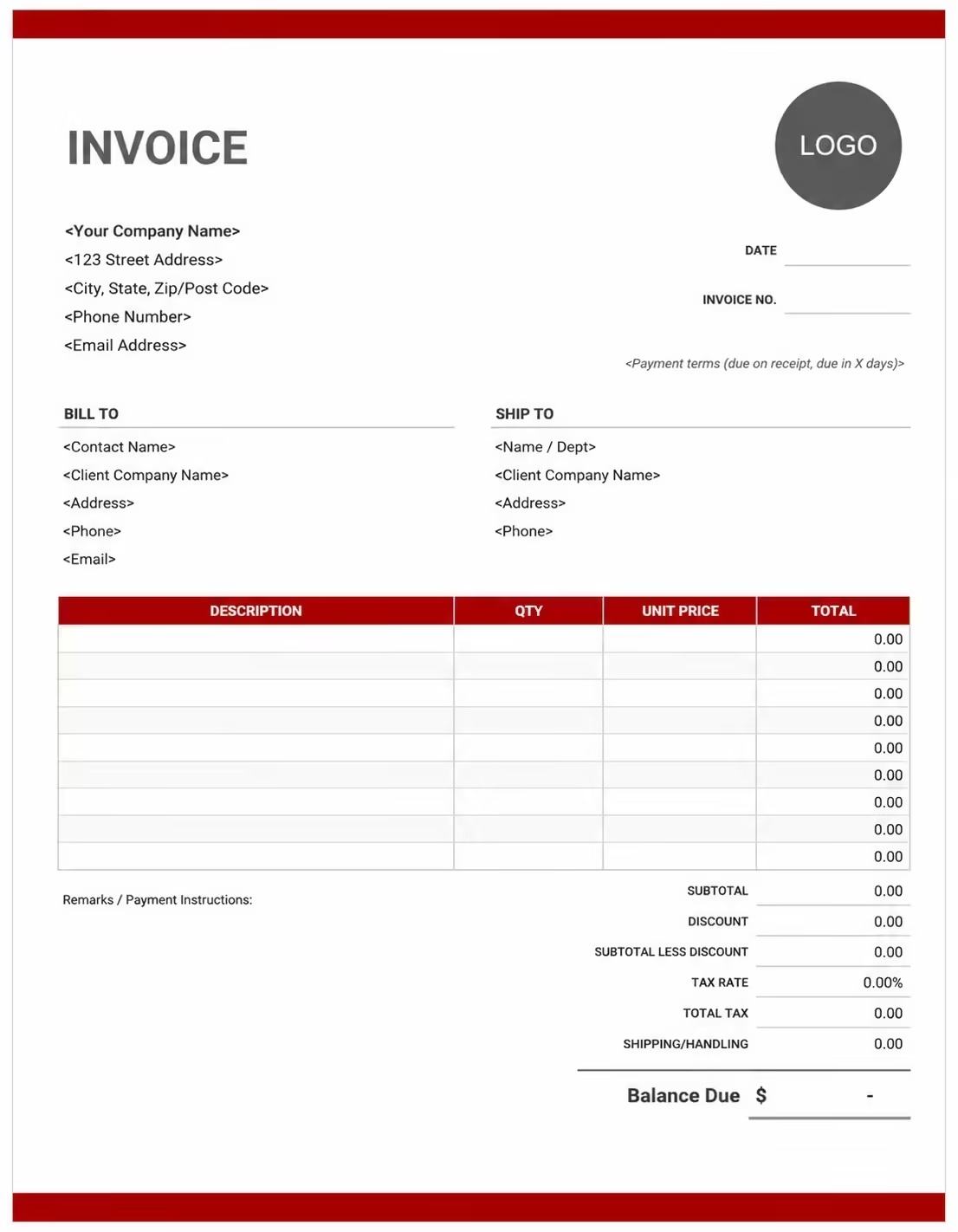
Free Car Rental Invoice Template
Use these templates for car rental companies, vehicle hire businesses, rental agencies, fleet rental providers, travel rental services, corporate car rental teams, and short-term vehicle rental businesses.
How to Invoice for Car Rental Services
A good car rental invoice should clearly show the renter details, vehicle information, rental period, pickup and return dates, daily or weekly rate, mileage charges, insurance, deposits, taxes, and payment terms.
Download Free TemplateIn 5 Steps:
- Confirm the renter details, vehicle make and model, rental start date, return date, pickup location, return location, mileage terms, insurance option, deposit amount, and agreed pricing before preparing the invoice.
- Record completed rental services, vehicle hire period, mileage used, insurance coverage, fuel level, delivery or pickup support, late return fees, cleaning fees, and any approved extra charges.
- Track car rental-related costs such as vehicle use, mileage, insurance, fuel, cleaning, delivery, tolls, driver add-ons, admin work, and damage or late return charges.
- Calculate rental fees, daily or weekly rates, mileage charges, insurance fees, fuel charges, late fees, discounts, deposits, taxes if applicable, and the final balance due.
- Send the invoice with payment options, due date, rental details, vehicle return notes, deposit adjustment, and any remaining balance instructions.
With Invoize, you can create car rental invoices faster, save renter and vehicle details, reuse common rental service items, add deposits and mileage charges, and track payments from your phone.
What to Include in a Car Rental Invoice
A professional car rental invoice should include the details needed to identify the renter, rental company, vehicle, rental period, charges, deposits, and payment terms.
Invoice and Rental Details
- Invoice numberHelps track the invoice, payment record, and car rental history.
- Renter, customer, driver, business client, or travel agency detailsShows who rented the vehicle and who is responsible for payment.
- Car rental company, vehicle hire business, rental agency, or branch detailsShows which rental provider, fleet provider, agency, or branch supplied the vehicle.
- Booking number, rental agreement, reservation, or contract referenceConnects the invoice to the correct rental booking, customer account, reservation, contract, or rental agreement.
- Invoice date, rental start date, return date, pickup date, or drop-off dateShows when the rental started, ended, returned, picked up, dropped off, or was billed.
Vehicle and Rental Charges
- Pickup location, return location, branch, airport, or delivery addressShows where the vehicle was collected, delivered, returned, rented from, or connected to a service area.
- Vehicle make, model, year, trim, color, registration, VIN, or fleet numberHelps identify the exact rental vehicle used by the renter.
- Vehicle type, rental class, fuel type, transmission, or seat countHelps explain the rental rate and vehicle category selected.
- Rental period, days, weeks, months, or service quantityShows how the rental charge was calculated.
- Daily rate, weekly rate, monthly rate, hourly rate, or package priceShows the pricing method and line item total for each rental period, vehicle, add-on, or service line.
Payment and Final Notes
- Mileage and usage detailsShows starting mileage, ending mileage, included mileage, extra mileage, mileage rate, and whether extra mileage charges apply.
- Extra costs and feesLists insurance, fuel charges, cleaning fees, tolls, delivery, pickup, driver add-ons, child seats, late return fees, damage charges, cancellation fees, extension fees, admin fees, or special request fees.
- Discounts, deposits, security deposits, or advance paymentsShows credits, deposits, security deposits, advance payments, discounts, or amounts already paid before the final balance.
- Subtotal, tax, and total amount dueShows the final amount the renter, customer, business client, company, or organization needs to pay.
- Rental notes or payment termsRecords the due date, payment methods, return rules, mileage terms, fuel policy, deposit terms, insurance notes, late fees, or balance instructions.
Billing Scenarios for Car Rental Businesses
Use clear invoice labels so renters, customers, business clients, travel agencies, companies, and organizations understand the rental period, vehicle details, mileage charge, deposit, insurance fee, and final amount due.
| Scenario | Invoice line items | Best used for | How to describe it |
|---|---|---|---|
| Daily car rental | Vehicle rental, daily rate, rental dates, mileage, balance due | Short-term rentals, travel rentals, airport rentals, city rentals, and personal vehicle hire. | Show the vehicle details, pickup and return dates, number of rental days, daily rate, and final amount clearly. |
| Weekly or monthly rental | Rental period, weekly or monthly rate, mileage terms, deposit, payment balance | Longer rentals, business travel, temporary vehicle needs, replacement cars, and extended vehicle hire. | Show the full rental period, rate, included mileage, deposit paid, and remaining balance due. |
| Corporate car rental | Business account, rental vehicle, driver name, billing period, company payment | Companies renting vehicles for employees, client visits, business trips, field teams, or temporary transport. | Show the company name, driver name, rental dates, vehicle class, business reference, and total charge. |
| Airport or travel rental | Airport pickup, return location, rental days, insurance, fuel charge | Airport car rentals, tourist rentals, travel agency bookings, hotel guests, and visitor transport. | Show the pickup airport, return location, travel dates, rental rate, insurance, and final balance. |
| Rental with extra mileage | Included mileage, extra mileage, mileage rate, rental fee, balance due | Rentals where the customer drives more than the included mileage limit. | Show starting mileage, ending mileage, included mileage, extra miles or kilometers, and extra mileage charge. |
| Rental with late return or damage charge | Late fee, damage charge, cleaning fee, deposit adjustment, remaining balance | Late vehicle returns, minor damage, cleaning issues, fuel differences, and deposit adjustments. | Show the return time, reason for the extra charge, deposit applied, and updated amount due. |
Create Invoice Now
☝️ Create a professional invoice in seconds.
Common Charges and Fees for Car Rental Invoices
Itemize car rental charges clearly so renters can see rental rates, mileage charges, insurance, deposits, fuel fees, taxes, and any extra costs.
| Charge or service | Unit | When to use | How to show it |
|---|---|---|---|
| Car rental fee | Vehicle, day, week, month, hour, or rental period | Use when billing for the main vehicle hire period. | Show the vehicle details, rental dates, rate, and rental total clearly. |
| Daily rental rate | Day | Use when the rental is charged by the day for short-term vehicle use. | Show the number of rental days multiplied by the daily rate. |
| Weekly or monthly rental rate | Week, month, or billing period | Use when the customer rents the vehicle for a longer period at a weekly or monthly rate. | Show the rental period, weekly or monthly rate, and total rental amount. |
| Extra mileage charge | Mile, kilometer, or distance unit | Use when the renter exceeds the included mileage or distance allowance. | Show included mileage, extra mileage used, mileage rate, and extra mileage total. |
| Insurance or protection fee | Day, rental, vehicle, or coverage package | Use when the renter adds insurance, damage waiver, roadside support, or protection coverage. | Show the coverage type, rental period, and insurance fee separately. |
| Fuel charge | Fuel difference, liter, gallon, vehicle, or fee | Use when the vehicle is returned with less fuel than agreed or when fuel is billed separately. | Show the fuel policy, fuel level note, and fuel charge clearly. |
| Pickup or delivery fee | Trip, address, branch, vehicle, or service | Use when the vehicle is delivered to the renter or collected from a different location. | Show pickup address, delivery address, date, and service charge separately. |
| Additional driver fee | Driver, day, rental, or fee | Use when more than one driver is added to the rental agreement. | Show the additional driver count, rental period, and added driver fee. |
| Cleaning or detailing fee | Vehicle, service, or fee | Use when the vehicle needs extra cleaning, stain removal, odor removal, or detailing after return. | Add a clear label so the renter understands why the cleaning fee applies. |
| Late return or extension fee | Hour, day, rental period, or fee | Use when the vehicle is returned late or the renter extends the rental period. | Show the late period or extension period, rate, and added fee separately. |
| Tax | Percentage or amount | Use when tax applies to car rental, insurance, mileage, delivery, cleaning, fuel, or extra fees based on local rules. | Show tax before the final total so the renter can see how the balance was calculated. |
| Deposit, security deposit, or previous payment | Credit | Use when the renter, customer, business client, company, or organization paid before or during the rental period. | Subtract it from the invoice total and show the remaining balance due. |
Common Car Rental Invoicing Mistakes
Car rental billing can include renter details, vehicle information, rental dates, mileage, insurance, deposits, fuel charges, late fees, taxes, and payment terms. Missing details can confuse renters or delay payment. Avoid these common mistakes.
| Mistake | Why it causes problems | How to fix it |
|---|---|---|
| Not listing the vehicle details | The renter may not know which car, rental booking, agreement, or vehicle record the invoice covers. | Add the vehicle make, model, year, color, registration number, VIN, fleet number, or vehicle reference clearly. |
| Not showing the rental period | The renter may question the total if pickup date, return date, rental days, or billing period is missing. | Add rental start date, return date, pickup time, drop-off time, number of days, or billing period clearly. |
| Combining all charges in one line | The total may look unclear because the renter cannot see rental fees, mileage, insurance, fuel, deposits, and taxes separately. | Separate rental fees, mileage charges, insurance, fuel charges, cleaning fees, deposits, discounts, and taxes into clear line items. |
| Not showing the rental rate | The renter may not understand whether the invoice is based on a daily, weekly, monthly, or hourly rate. | Show the rental rate, billing unit, vehicle class, rental period, and line item total clearly. |
| Forgetting mileage details | Extra mileage charges may be questioned if starting mileage, ending mileage, or included mileage is missing. | Add starting mileage, ending mileage, included mileage, extra mileage, mileage rate, and distance charge. |
| Leaving out pickup or return location | The invoice may be harder to match with branch records, airport rentals, delivery notes, or return details. | Add pickup location, return location, branch, airport location, delivery address, or service area. |
| Not recording fuel, cleaning, or late return charges | Extra charges may look unexpected if the return condition or return time is not explained. | Show fuel level notes, cleaning reason, late return time, extension period, and added fees separately. |
| Forgetting deposits or security deposits | The final balance may look higher than expected. | Show deposits, security deposits, advance payments, partial payments, discounts, credits, or previous payments before the balance due. |
| Leaving out rental terms | The renter may not know when payment is due, how mileage is handled, or how late returns and damage charges work. | Add payment due date, payment methods, mileage terms, fuel policy, insurance notes, late fees, deposit terms, and balance instructions. |
| Not keeping invoice records | Tracking rental bookings, vehicles, renters, mileage, deposits, payments, and return history becomes harder. | Keep a copy of every car rental invoice for your car rental, fleet rental, or vehicle hire business records. |
More Invoice Templates You May Like
Explore closely related invoice templates for car rental work, similar services, and nearby billing scenarios before choosing the best format for your customer.
Questions
Frequently Asked Questions
How should I show car rental charges on an invoice?
List the rental period, rental rate, and total charge clearly. Example: “Car rental: 5 days × $45/day = $225” or “Weekly SUV rental: $320.” This helps the customer understand how the rental cost was calculated.
What vehicle and customer details should be included?
Include the customer name, invoice number, rental start date, return date, vehicle make, model, year, license plate, and booking reference. Example: “Vehicle: 2022 Toyota Corolla, Plate: ABC-2048, Rental period: June 1–June 5.” This connects the invoice to the correct rental booking.
How do I invoice for mileage charges?
Show the included mileage, extra mileage, rate per mile or kilometer, and total charge. Example: “Extra mileage: 80 miles × $0.35 = $28.” This helps the customer see why mileage charges were added.
Should fuel charges be listed separately?
Yes. Fuel refill charges, missing fuel, or prepaid fuel packages should be shown as separate line items. Example: “Fuel refill charge: $42” or “Prepaid fuel option: $65.” This keeps fuel costs separate from the vehicle rental rate.
Can I include insurance or protection plan charges?
Yes. Rental insurance, damage waiver, roadside assistance, or theft protection should be listed separately if selected. Example: “Collision damage waiver: 5 days × $12 = $60.” This helps the customer review optional protection charges.
How should I show late return fees?
List late return charges separately with the extra time and rate. Example: “Late return fee: 3 hours × $15 = $45” or “Extra rental day: $45.” This makes added charges clear when the vehicle is returned after the agreed time.
How do I show deposits or security payments?
Show the full rental total, deposit received, refundable security deposit, and remaining balance. Example: “Rental total: $300,” “Security deposit received: $150,” and “Balance due: $150.” This helps both the rental company and customer track payment clearly.
What payment terms should a car rental invoice include?
Include the due date, accepted payment methods, deposit terms, fuel policy, mileage rules, damage policy, and late return charges. Example: “Payment due before vehicle pickup. Extra mileage, fuel refill, insurance, damage, or late return fees may require an updated invoice.”













