
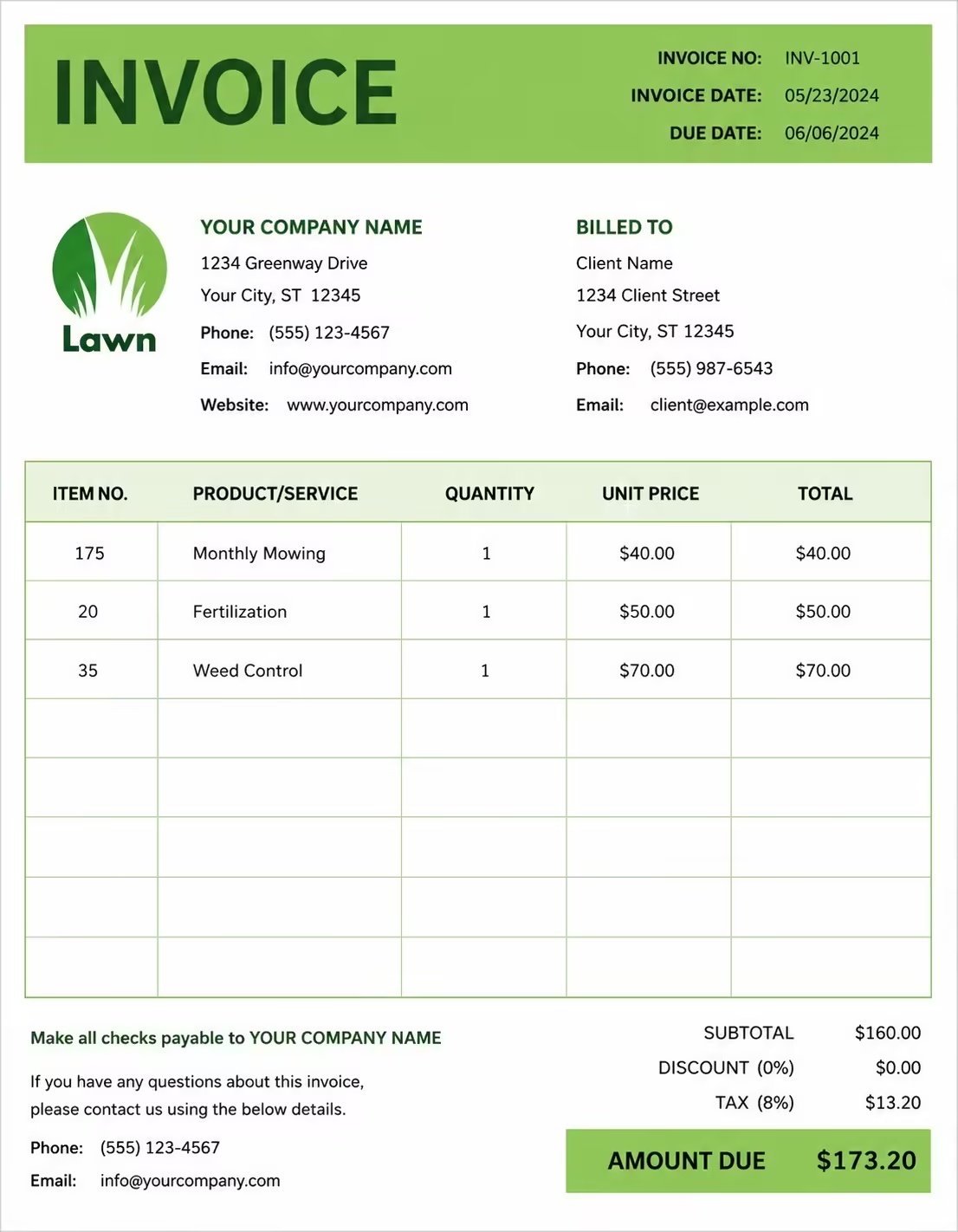
Free Hours Worked Invoice Template
Free invoice templates for freelancers, consultants, contractors, agencies, virtual assistants, tutors, developers, designers, repair professionals, field service teams, hourly workers, and service businesses that bill clients by time. Download and edit in PDF, Word, Excel, Google Docs, or Google Sheets.
Use this hours worked invoice template to bill for hourly services, daily labor, tracked time, overtime, project work, consulting sessions, time blocks, billable tasks, retainers, expenses, taxes, discounts, deposits, and payment terms in a clear and professional way.
Download the app and manage invoices anywhere


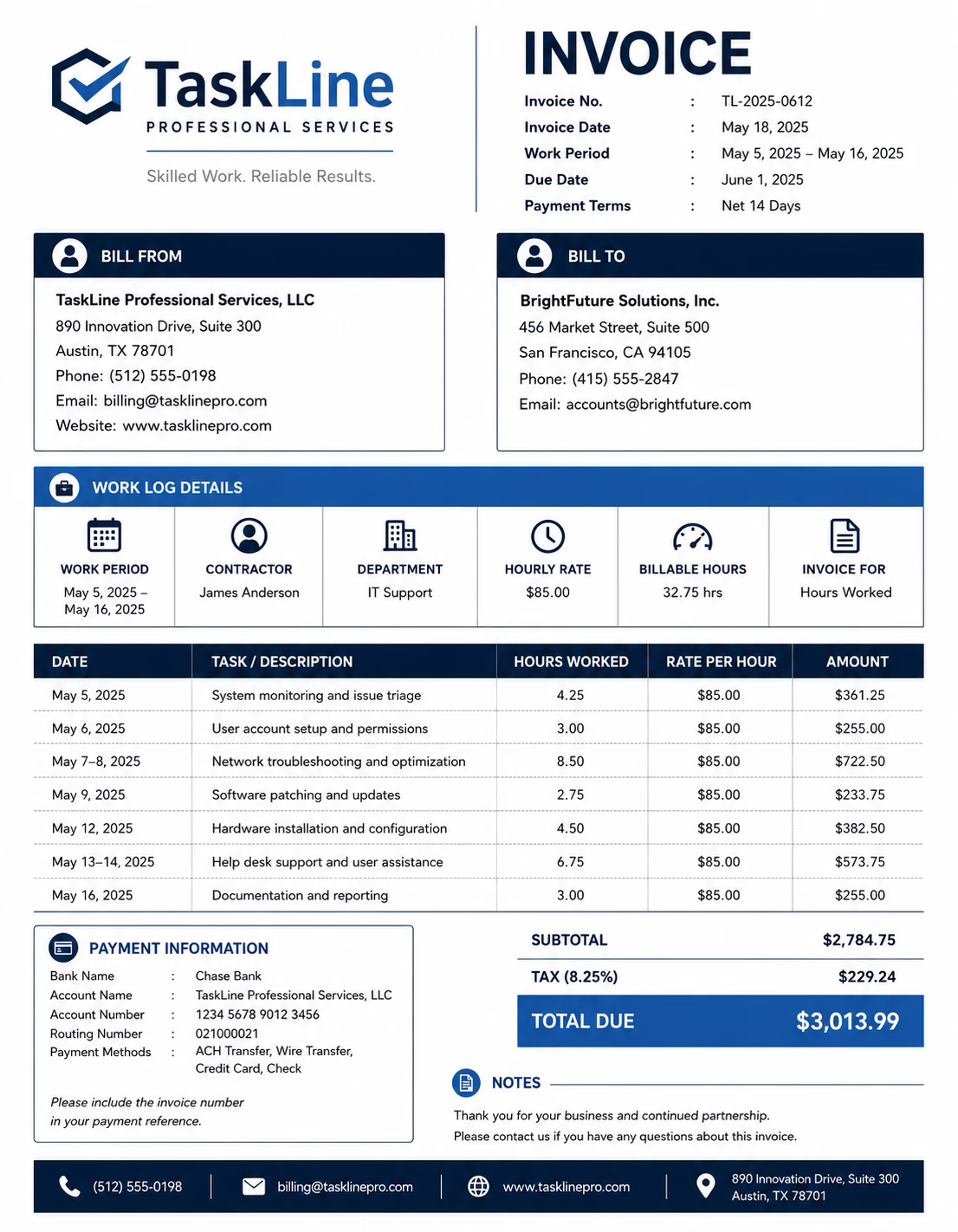
Download Free Hours Worked Invoice Templates
Download a template, then edit it in PDF, Word, Excel, Google Docs, or Google Sheets. Print it, save it, or send it to your client when the hourly work is complete or when the billing period ends.
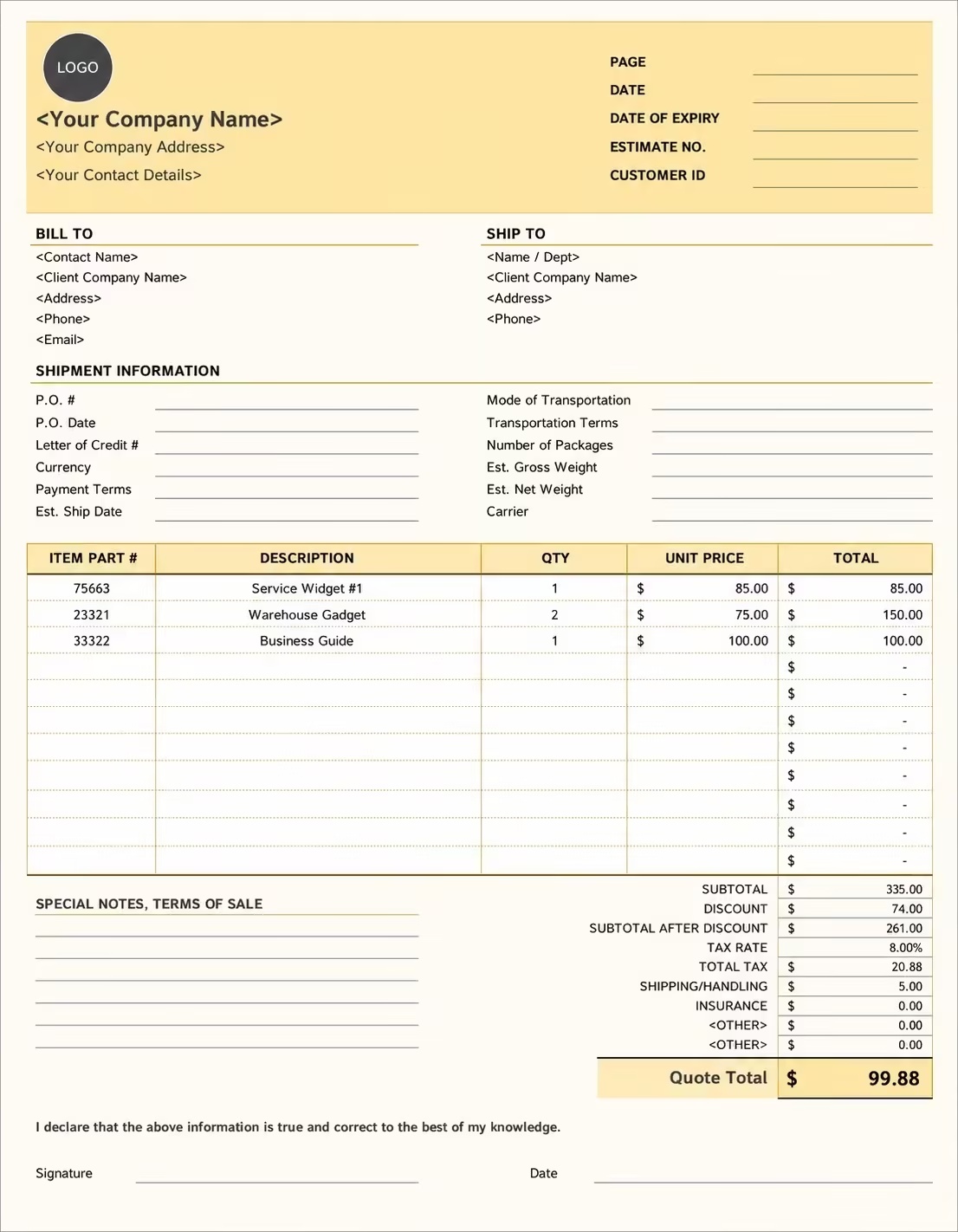
Editable Hours Worked Invoice Template
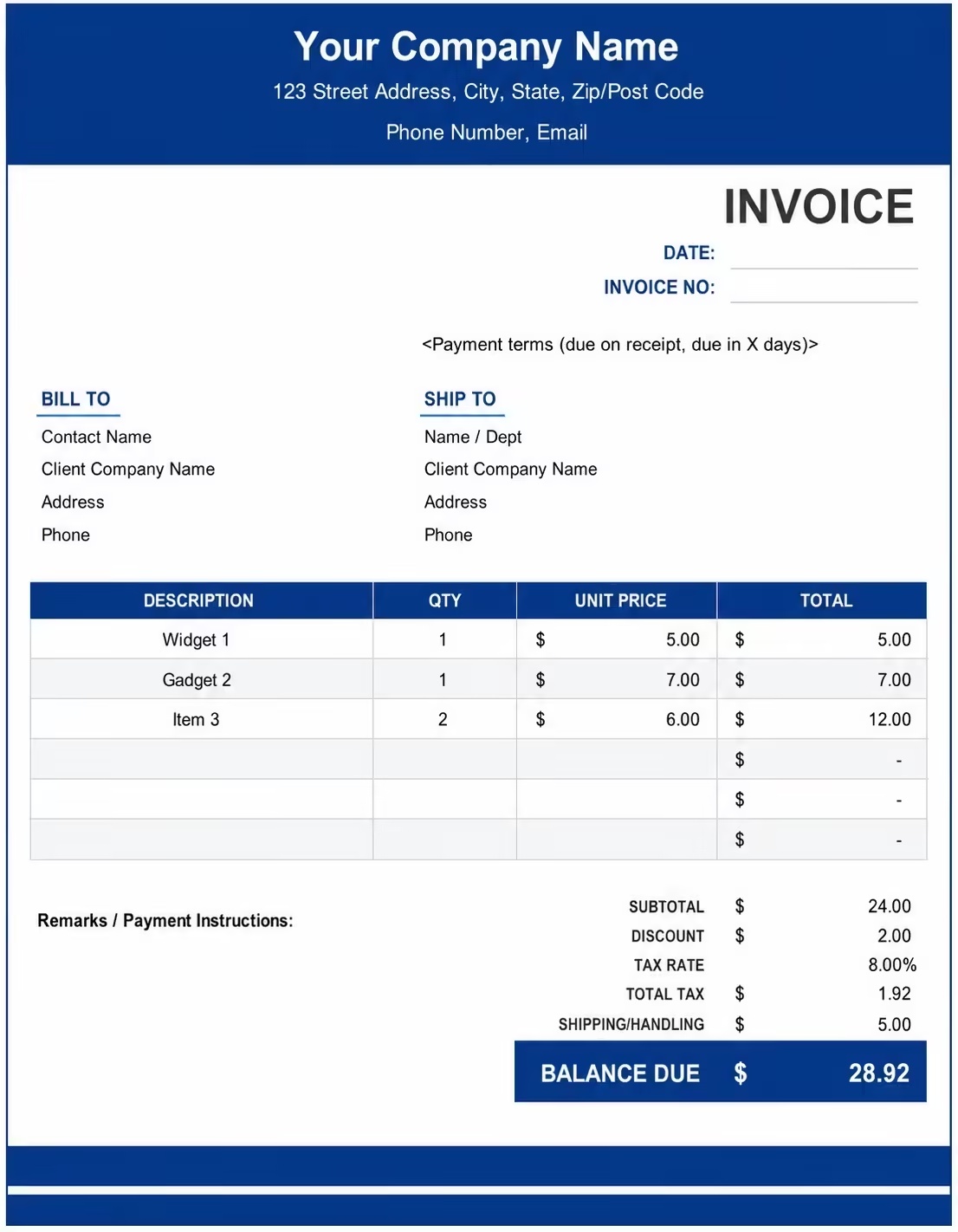
Printable Hours Worked Invoice Template
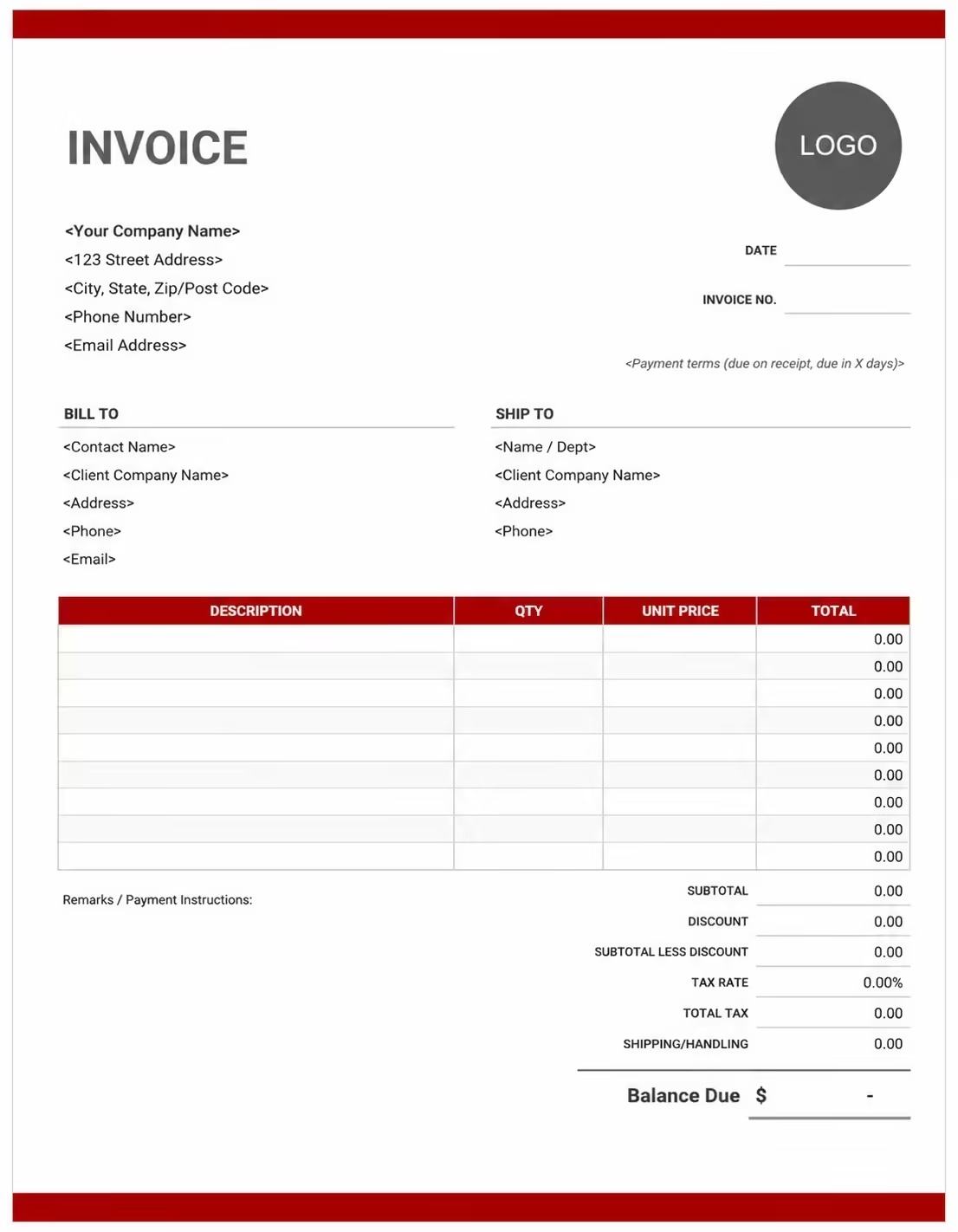
Free Hours Worked Invoice Template
Use these templates for freelancers, consultants, contractors, agencies, virtual assistants, developers, designers, tutors, technicians, and service providers who invoice by the hour.
How to Invoice for Hours Worked
A good hours worked invoice should clearly show the client details, service dates, time entries, hourly rates, overtime, expenses, taxes, deposits, and final amount due.
Download Free TemplateIn 5 Steps:
- Confirm the client details, service scope, hourly rate, billing period, minimum time rules, overtime rate, reimbursable expenses, and payment terms before starting the work.
- Record each billable time entry with the date, task, start and end time, total hours, project reference, service description, and any approved notes.
- Separate regular hours, overtime, travel time, admin time, consultation time, retainer hours, and non-billable time so the invoice is easy for the client to review.
- Calculate hourly charges, overtime fees, project expenses, discounts, taxes if applicable, deposits, retainer credits, and the final balance due.
- Send the invoice with payment options, due date, timesheet notes, approval references, and any remaining balance instructions.
With Invoize, you can create hourly invoices faster, save client details, reuse service descriptions, add time-based line items, include notes, and track paid, unpaid, and overdue invoices from your phone.
What to Include in an Hours Worked Invoice
A professional hours worked invoice should include the details needed to identify the client, time worked, services completed, hourly rate, payment terms, and final balance.
Invoice and Client Details
- Invoice numberHelps track the invoice, payment record, timesheet, and billing history.
- Client name, company name, billing contact, and addressShows who received the hourly service and who is responsible for payment.
- Service provider, freelancer, contractor, agency, or business detailsShows who completed the work and where payment should be sent.
- Project name, job number, work order, contract reference, or departmentConnects the time entries to the correct client project, job, agreement, or internal approval.
- Invoice date, due date, service dates, or billing periodShows when the hours were worked and when payment is expected.
Hours Worked Details
- Service or task descriptionExplains the work completed, such as consulting, design, development, repair, training, support, or project coordination.
- Date workedShows exactly when each time entry or service session took place.
- Hours, time blocks, or quantityShows how regular hours, overtime hours, consultation time, travel time, or retainer hours were calculated.
- Hourly rate, overtime rate, daily rate, or project rateShows the agreed pricing method for each service line.
- Timesheet notes, approvals, or task referencesGives clients supporting details for reviewing and approving time-based billing.
Payment and Final Notes
- Regular hours, overtime, expenses, and reimbursementsSeparates different charge types so the client can review each amount clearly.
- Discounts, deposits, retainers, or advance paymentsShows credits, prepaid time, retainers, deposits, or amounts already paid before the final balance.
- Subtotal, tax, expenses, and total amount dueShows the final amount the client needs to pay.
- Payment methodsLists bank transfer, card payment, online payment, or other accepted payment options.
- Hourly billing notes or payment termsRecords the due date, late fees, minimum billing rules, overtime policy, approval notes, or next billing cycle details.
Billing Scenarios for Hours Worked
Use clear invoice labels so clients understand the work period, time entries, hourly rate, overtime, approvals, and final amount due.
| Scenario | Invoice line items | Best used for | How to describe it |
|---|---|---|---|
| Hourly consulting work | Consultation dates, hours, hourly rate, project notes | Consultants, advisors, coaches, and business service providers. | Show the session date, total hours, hourly rate, and consultation topic. |
| Freelance project hours | Task names, hours worked, project reference, hourly rate | Designers, developers, writers, marketers, and creative freelancers. | List each project task or weekly time entry so the client can approve the billed time. |
| Contractor labor | Labor dates, regular hours, overtime, job site, materials or expenses | Independent contractors, field workers, repair teams, and construction support. | Separate labor hours from materials, travel, and reimbursable costs. |
| Virtual assistant hours | Admin tasks, support hours, billing period, hourly rate | Virtual assistants and remote support professionals. | Show the billing week or month and group related admin tasks clearly. |
| Technical support hours | Support tickets, troubleshooting time, setup time, hourly rate | IT consultants, support teams, software providers, and technicians. | Reference ticket numbers, support dates, and resolved issues where possible. |
| Training or tutoring sessions | Session dates, lesson hours, preparation time, hourly rate | Tutors, trainers, instructors, and education providers. | List each session date and length so the client can verify attendance. |
| Overtime billing | Regular hours, overtime hours, overtime rate, approval notes | Contractors and service providers with after-hours or extended work. | Show overtime separately and include the approved overtime rate. |
| Retainer hours | Monthly retainer, included hours, used hours, extra hours | Consultants, agencies, and professionals billing prepaid time. | Show included hours, consumed hours, remaining hours, and any overage charges. |
| Travel or on-site time | Travel hours, site visits, mileage, parking, reimbursable expenses | Field service teams, consultants, trainers, and repair professionals. | Separate travel time and reimbursable travel costs from service hours. |
| Weekly or monthly timesheet billing | Timesheet summary, billing period, total hours, hourly rate | Ongoing service providers and recurring hourly clients. | Attach or summarize the timesheet and show the total approved hours. |
Create Invoice Now
☝️ Create a professional invoice in seconds.
Common Charges and Fees for Hours Worked Invoices
Itemize time-based charges clearly so clients can see regular hours, overtime, expenses, taxes, deposits, retainers, and final payment amount.
| Charge or service | Unit | When to use | How to show it |
|---|---|---|---|
| Regular hourly work | Hour | Use for standard billable time within the agreed scope. | Hourly service work |
| Consultation fee | Hour or session | Use for advisory calls, strategy sessions, coaching, or expert review. | Consultation hours |
| Overtime fee | Hour | Use when approved hours exceed standard working time or happen after hours. | Approved overtime hours |
| Project support hours | Hour | Use for hourly work connected to a project, milestone, or work order. | Project support and task work |
| Admin or coordination time | Hour | Use when client-approved scheduling, coordination, reporting, or admin work is billable. | Project coordination hours |
| Travel time | Hour | Use when travel time is billable under the agreement. | Billable travel time |
| On-site labor | Hour | Use for field work, site visits, repairs, installations, or hands-on service time. | On-site labor hours |
| Training or tutoring time | Session or hour | Use for lessons, workshops, onboarding, and training sessions. | Training session hours |
| Retainer overage | Hour | Use when the client uses more hours than included in a retainer. | Additional hours beyond retainer |
| Expense reimbursement | Amount | Use for approved materials, software, travel, parking, supplies, or third-party costs. | Approved expense reimbursement |
| Rush or after-hours fee | Fee | Use for urgent work, weekend work, or short-notice requests. | Rush service fee |
| Discount | Amount or percentage | Use for loyalty discounts, package pricing, or adjusted invoices. | Client discount |
| Tax or VAT | Percentage | Use when required by your location or business rules. | Sales tax / VAT |
| Late payment fee | Fee | Use when allowed by your payment terms or contract. | Late payment fee |
Common Hours Worked Invoicing Mistakes
Avoid unclear hourly invoices by separating time entries, service descriptions, rates, approvals, expenses, and payment terms.
| Mistake | Why it causes problems | How to fix it |
|---|---|---|
| Only showing a total number of hours | The client may not understand what work was completed. | Break hours into dates, tasks, service descriptions, or timesheet summaries. |
| Missing the billing period | Weekly or monthly hourly invoices can become confusing without clear dates. | Add service dates or a billing period to every hours worked invoice. |
| Not separating overtime | Overtime charges may be disputed if they are mixed with regular hours. | List regular hours and overtime hours on separate lines with separate rates. |
| Using vague task descriptions | Clients may delay approval if they cannot connect charges to the work performed. | Use clear task names, project references, job numbers, or approval notes. |
| Forgetting retainer credits | The client may overpay or dispute remaining balances. | Show prepaid hours, used hours, remaining hours, and overage charges clearly. |
| Mixing expenses with hourly fees | Expenses can look like hidden time charges. | Separate reimbursements, materials, travel costs, and service hours. |
| Leaving out payment terms | Clients may delay payment if the due date is unclear. | Add due date, payment method, late fee terms, and accepted payment options. |
| Not documenting approved extra hours | Extra time may be disputed if it was not explained. | Add approval references, scope notes, or written confirmation details. |
| Forgetting minimum billing rules | Short tasks can create confusion when minimum time blocks apply. | Mention minimum billing increments, call-out fees, or rounded time rules if used. |
| Forgetting taxes | Tax errors can affect accounting and compliance. | Add tax or VAT where applicable and calculate totals accurately. |
More Invoice Templates You May Like
Explore closely related invoice templates for hours worked work, similar services, and nearby billing scenarios before choosing the best format for your customer.
Questions
Frequently Asked Questions
How should I show hours worked on an invoice?
List each time entry with the service date, task description, quantity of hours, hourly rate, and line total. You can group hours by day, week, project, task, or billing period if the client prefers a summary.
What details should an hours worked invoice include?
Include your business details, client details, invoice number, invoice date, due date, billing period, service dates, task descriptions, hours worked, rates, subtotal, taxes, discounts, deposits, and final amount due.
Can I use this template with a timesheet?
Yes. You can summarize the approved timesheet on the invoice and include line items for each date, task, or project. If needed, attach the detailed timesheet separately for client review.
How do I invoice for overtime hours?
Add overtime as a separate line item with the overtime hours, overtime rate, approval note, and total. Keeping overtime separate helps clients understand why the rate is different from regular hourly work.
Can I invoice for travel time?
Yes, if travel time is included in your agreement. List travel time separately from service hours and include mileage, parking, lodging, or other reimbursable expenses as separate charges.
How should retainer hours be shown?
Show the monthly retainer, included hours, hours used, prepaid credit, extra hours, and remaining balance. This helps the client see whether the invoice is covered by the retainer or includes overage charges.
Should expenses be included on an hours worked invoice?
Approved expenses can be included, but they should be listed separately from hourly service fees. This makes the invoice easier to review and keeps reimbursable costs clear.
What payment terms should an hourly invoice include?
Include the due date, accepted payment methods, late fee policy, deposit or retainer rules, minimum billing increments, and any notes about approved extra hours or overtime.













