
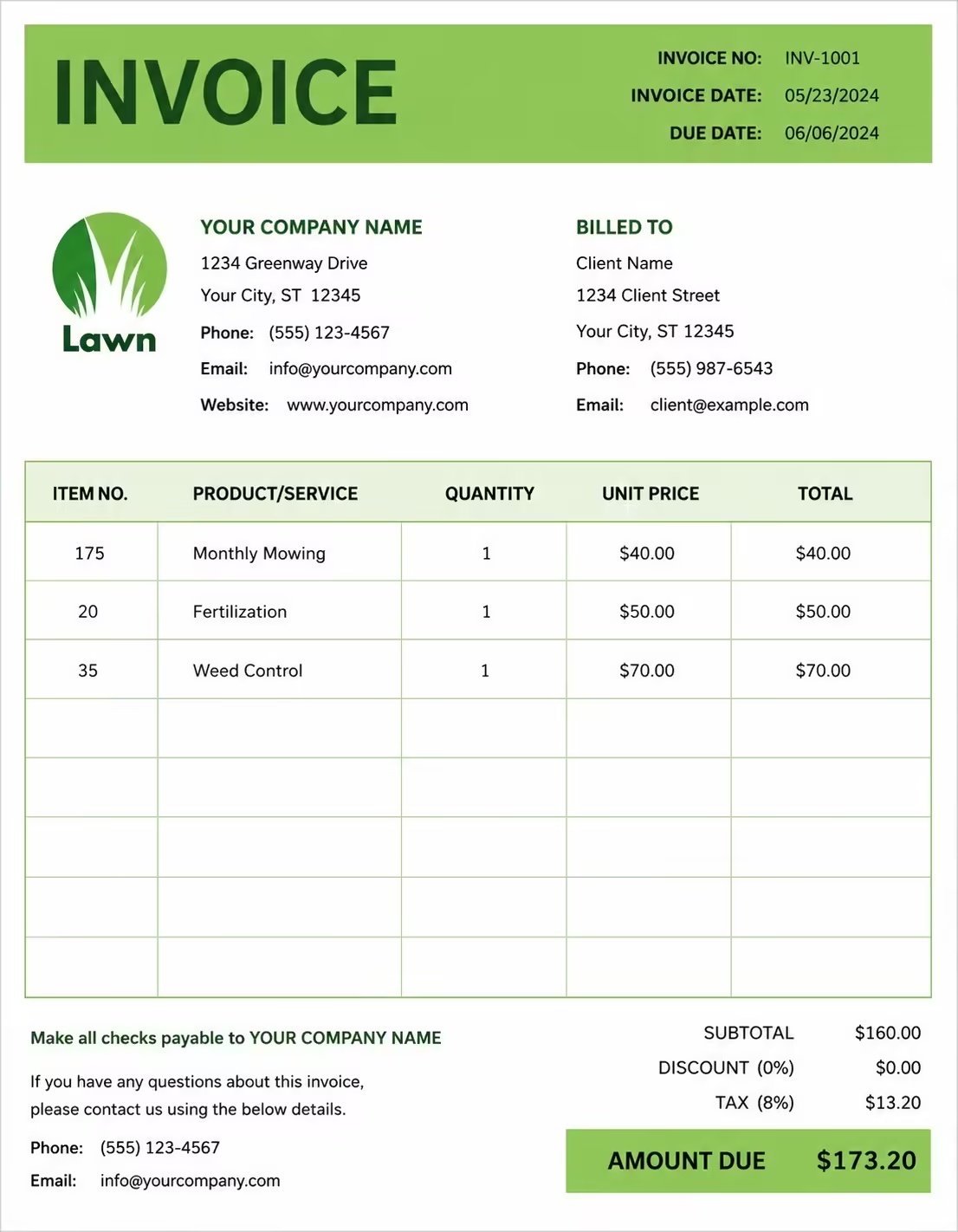
Free Software Invoice Template
Free invoice templates for software companies, software developers, IT vendors, app businesses, implementation teams, software consultants, licensing providers, maintenance providers, support teams, and technology service businesses. Download and edit in PDF, Word, Excel, Google Docs, or Google Sheets.
Use this software invoice template to bill for software licenses, custom software work, implementation, setup, onboarding, maintenance, support plans, upgrades, integrations, training, usage charges, subscriptions, taxes, discounts, deposits, and final client balances in a clear and professional way.
Download the app and manage invoices anywhere


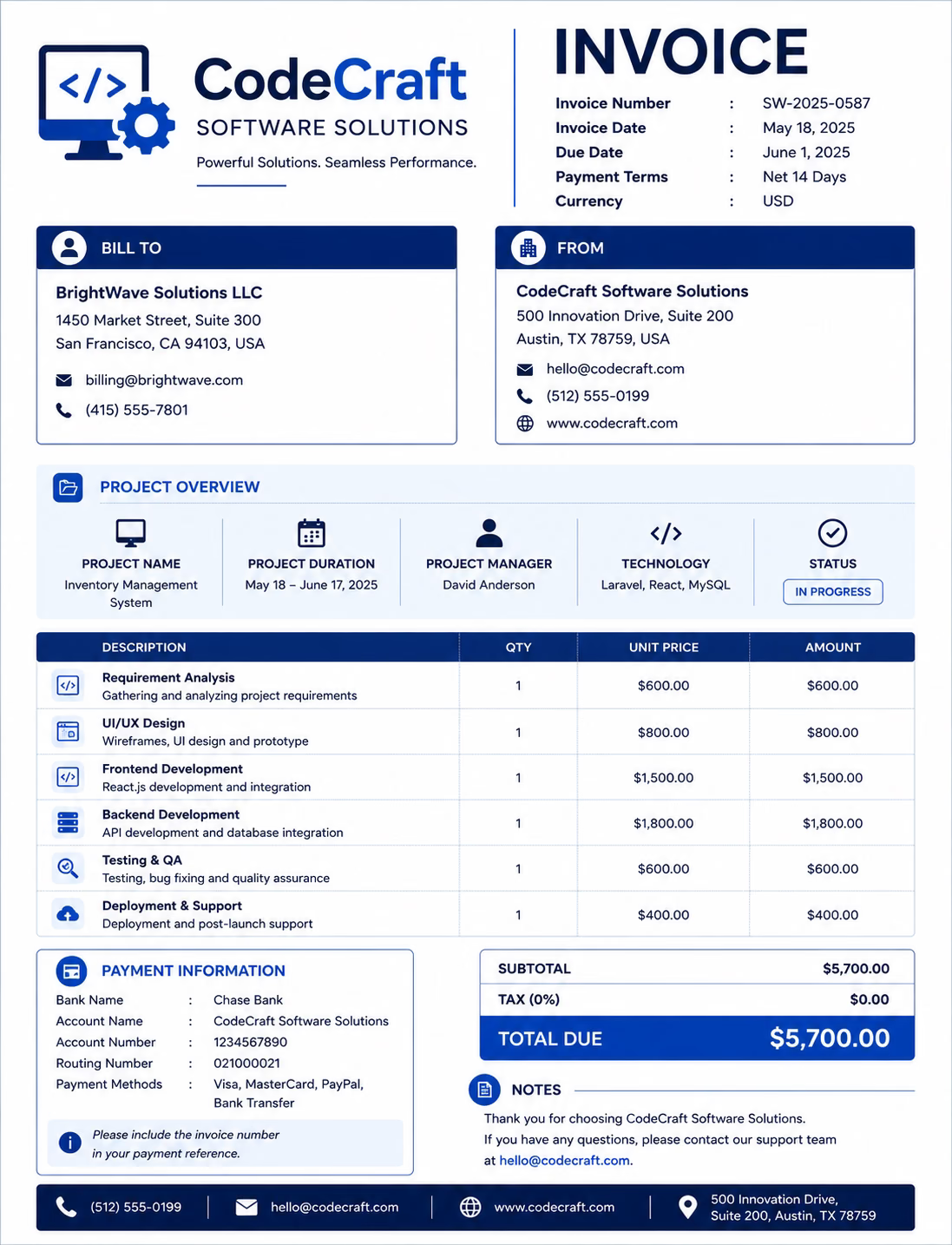
Download Free Software Invoice Templates
Download a template, then edit it in PDF, Word, Excel, Google Docs, or Google Sheets. Print it, save it, or send it to your client after a software license period, development milestone, implementation project, support cycle, or maintenance period is complete.
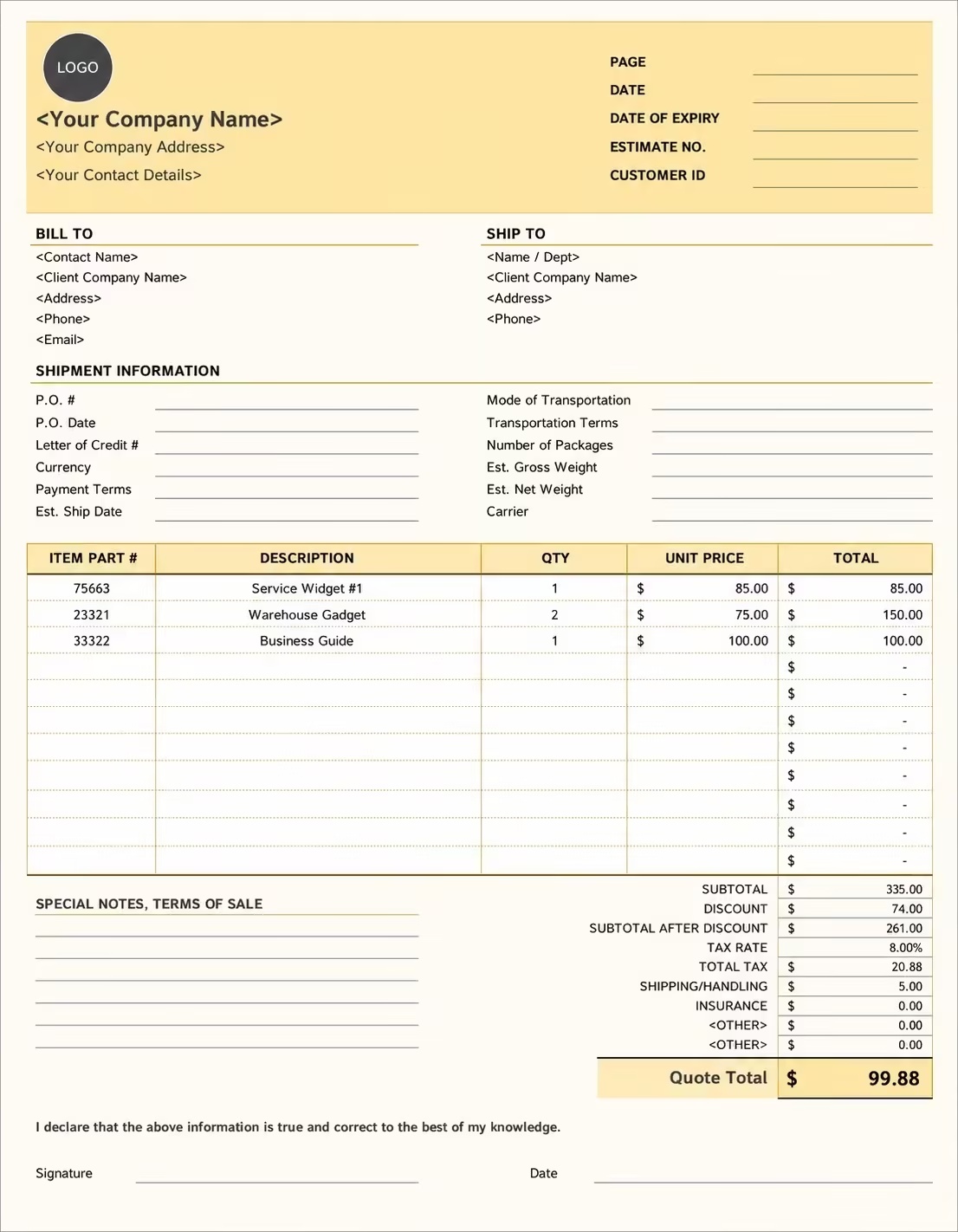
Editable Software Invoice Template
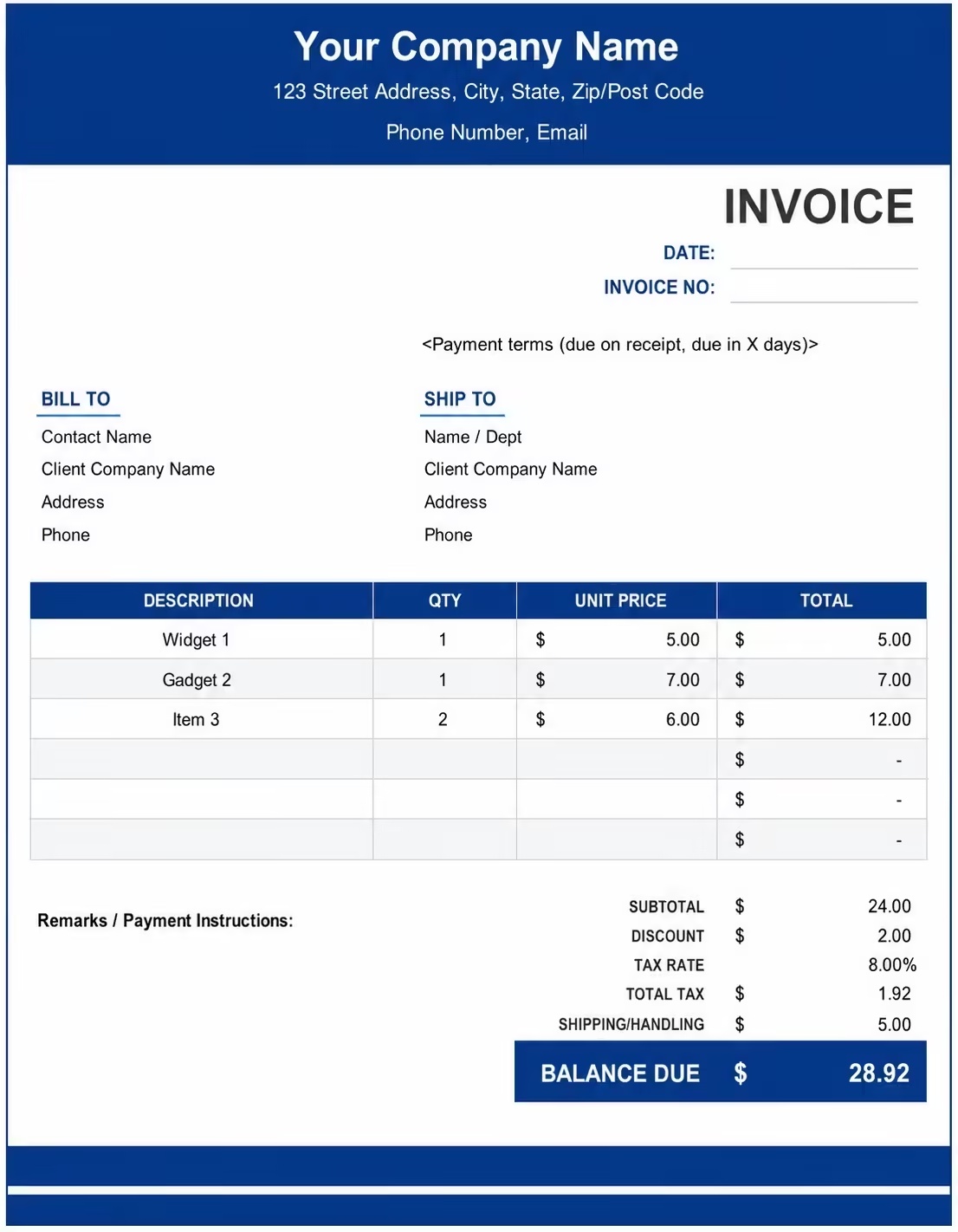
Printable Software Invoice Template
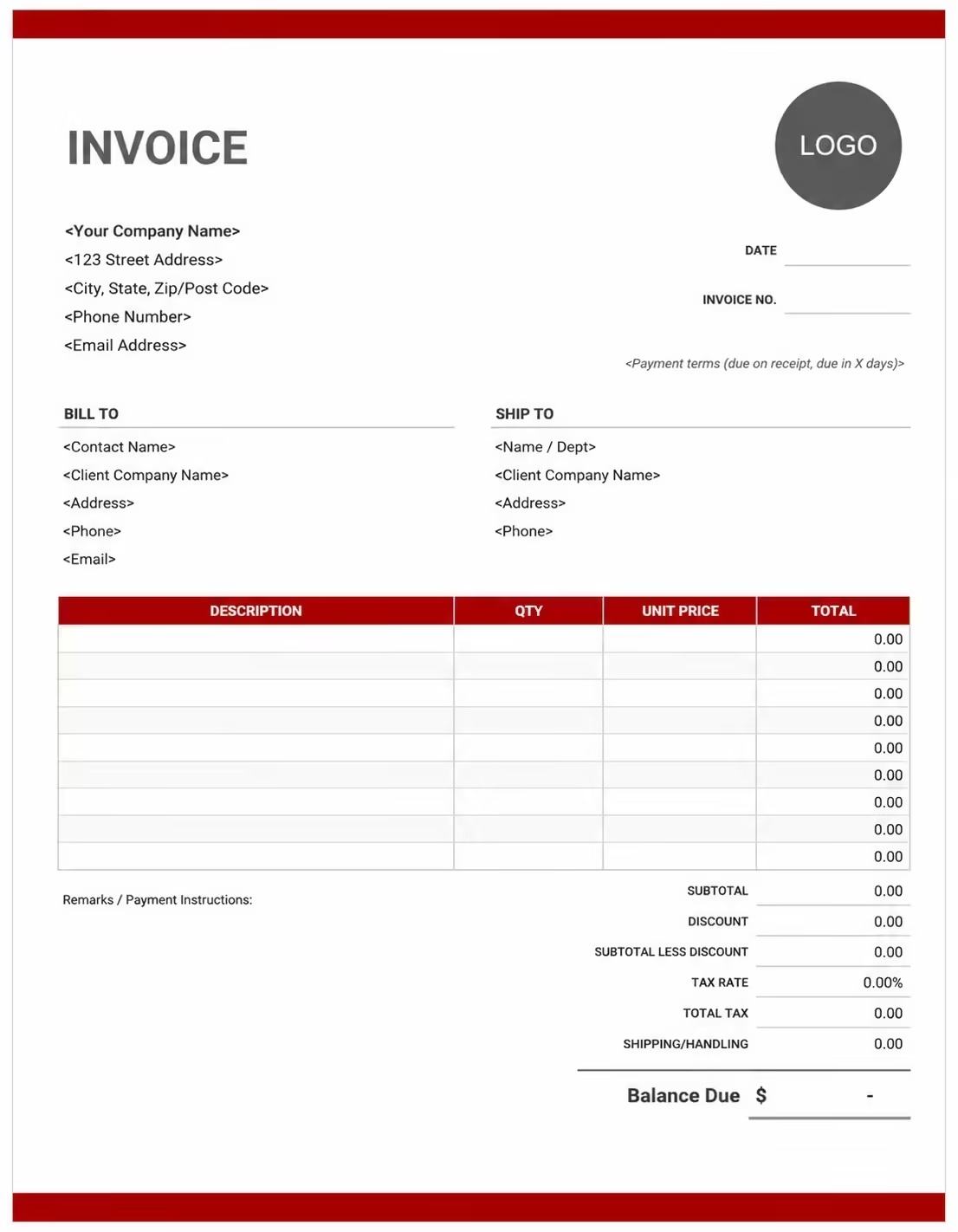
Free Software Invoice Template
Use these templates for software vendors, app developers, custom software teams, SaaS providers, IT consultants, implementation partners, licensing providers, support teams, and technology businesses billing clients for software products and services.
How to Invoice for Software Products and Services
A good software invoice should clearly show the customer details, software product or service provided, billing period, license terms, quantities, support charges, taxes, and final amount due.
Download Free TemplateIn 5 Steps:
- Confirm the client details, software product, license type, service scope, billing period, user count, implementation work, support plan, discounts, taxes, deposits, and payment terms before preparing the invoice.
- Add invoice details such as the invoice number, invoice date, due date, customer name, company name, product name, purchase order number, contract reference, subscription ID, or license key reference.
- List each software charge clearly, including license fees, custom development, implementation, onboarding, maintenance, technical support, integrations, upgrades, training, hosting, storage, usage, or professional services.
- Separate one-time fees, recurring charges, seat-based pricing, usage charges, support costs, reimbursable expenses, discounts, credits, deposits, taxes, and the final balance due so the client can review the invoice quickly.
- Send the invoice with accepted payment methods, bank or online payment details, renewal notes, license terms, support notes, delivery references, and late payment terms when applicable.
With Invoize, you can create software invoices faster, save customer details, reuse common software line items, add licenses, subscriptions, implementation fees, support charges, taxes, discounts, and track paid, unpaid, and overdue invoices from your phone.
What to Include in a Software Invoice
A professional software invoice should include the details needed to identify the customer, software product, service period, license terms, charges, payment terms, and final balance.
Invoice and Customer Details
- Invoice numberHelps track the invoice, payment record, customer account, software order, and billing history.
- Customer name, company name, billing contact, and addressShows who purchased the software product or service and who is responsible for payment.
- Software company, developer, vendor, or consultant detailsShows who provided the software, license, implementation, support, or professional service and where payment should be sent.
- Product name, license reference, contract number, purchase order, or account IDConnects the invoice to the correct software product, agreement, order, approval, or finance record.
- Invoice date, due date, service date, renewal date, or billing periodShows which software period or project phase is being billed and when payment is expected.
Software Product and Service Details
- Software descriptionExplains the software product or service being billed, such as a license, app, custom module, integration, platform access, or implementation project.
- License type or billing methodShows whether the charge is one-time, monthly, annual, per user, per device, per project, per milestone, or usage-based.
- Users, seats, devices, modules, support hours, or usage unitsShows how the software quantity, license count, support time, storage, API usage, or service amount was calculated.
- Rate, unit price, license fee, support fee, or fixed project amountShows the agreed pricing method for each software line item.
- Delivery, implementation, support, or renewal notesGives clients context for reviewing software delivery, setup work, maintenance, support coverage, or renewal terms.
Payment and Final Notes
- Software fees, setup fees, support fees, and reimbursable costsSeparates different software cost types so the client can review each charge clearly.
- Discounts, credits, deposits, renewals, upgrades, or advance paymentsShows prepaid amounts, plan credits, upgrade charges, package discounts, and remaining balance.
- Subtotal, tax, fees, and total amount dueShows the final amount the client needs to pay.
- Payment methodsLists bank transfer, card payment, PayPal, Stripe, ACH, check, or other accepted payment options.
- Software notes and payment termsRecords due date, late fees, license limits, renewal dates, support period, delivery status, or cancellation notes.
Billing Scenarios for Software Businesses
Use clear invoice labels so clients understand the software product, license period, implementation work, support coverage, usage charges, taxes, deposits, and final amount due.
| Scenario | Invoice line items | Best used for | How to describe it |
|---|---|---|---|
| Software license sale | Product name, license type, quantity, unit price, renewal terms | Software vendors and app businesses selling licenses. | Show whether the license is perpetual, annual, monthly, per user, or per device. |
| Custom software project | Project name, development phase, deliverables, fixed fee or milestone amount | Development teams and software consultants. | Break large projects into milestones or phases for easier client approval. |
| Implementation service | Setup work, configuration, migration, onboarding, training, service dates | Software providers implementing systems for clients. | Separate implementation fees from license or subscription fees. |
| Maintenance and support plan | Support period, included hours, response level, monthly or annual fee | Software companies offering ongoing support. | Mention the coverage period and what support level is included. |
| Software subscription | Billing period, plan name, user count, recurring fee | SaaS and subscription software businesses. | Add the service period and renewal date clearly. |
| Seat-based billing | Number of users, seat price, plan type, billing cycle | B2B software companies with team accounts. | Show the seat count and price per seat. |
| Usage-based billing | API calls, transactions, storage, messages, credits, or units consumed | Platforms that charge based on usage. | Add the usage period and unit rate. |
| Upgrade or add-on invoice | Plan upgrade, new module, premium feature, prorated charge | Software vendors adding features or modules. | Show prorated amounts and effective dates when needed. |
| Training or onboarding session | Training date, session length, attendee count, trainer fee | Software providers offering client enablement. | List training sessions separately from license fees. |
| Renewal invoice | Previous license, renewal period, renewal amount, due date | Annual licenses, support renewals, and maintenance contracts. | Mention the renewal period and expiration date. |
Create Invoice Now
☝️ Create a professional invoice in seconds.
Common Charges and Fees for Software Invoices
Software invoices may include license fees, subscription fees, custom development, implementation, support, training, integrations, hosting, usage charges, discounts, taxes, deposits, and late payment fees.
| Charge or service | Unit | When to use | How to show it |
|---|---|---|---|
| Software license fee | Access to a software product or application | When selling a license | Software license fee |
| Subscription fee | Recurring access to software or a cloud platform | For monthly or annual software billing | Software subscription fee |
| Custom development fee | Programming, feature work, modules, or software customization | For custom software projects | Custom software development |
| Implementation fee | Setup, configuration, migration, and launch support | When onboarding a client | Software implementation fee |
| Onboarding fee | Account setup, training, and initial guidance | For new software customers | Customer onboarding fee |
| Support plan fee | Technical support, troubleshooting, and service desk help | For ongoing client support | Software support plan |
| Maintenance fee | Bug fixes, patches, monitoring, and updates | For maintenance contracts | Software maintenance fee |
| Integration fee | Connecting the software with another system or API | For integration projects | System integration fee |
| Training fee | User training, admin training, or team workshops | When training is billed separately | Software training session |
| Usage charge | API calls, transactions, storage, seats, or other metered use | For usage-based billing | Software usage charge |
| Hosting or storage fee | Server hosting, cloud storage, backups, or infrastructure | When hosting is billed separately | Hosting and storage fee |
| Upgrade or add-on fee | Premium modules, extra features, or plan upgrades | When a client adds features | Software upgrade fee |
| Tax or VAT | Required tax based on location or software rules | When tax applies | Tax / VAT |
| Late payment fee | Fee charged after the invoice due date | If allowed by payment terms | Late payment fee |
Common Software Invoicing Mistakes
Software invoices should be specific about product names, billing periods, license terms, user counts, implementation work, support coverage, taxes, and payment terms. Avoid vague line items that slow down approval.
| Mistake | Why it causes problems | How to fix it |
|---|---|---|
| Not naming the software product | Clients may not know which license, app, or platform the invoice covers. | Add the product name, module, plan, or account reference. |
| Missing the billing period | Subscriptions, support plans, and renewals become hard to verify. | Add the start date, end date, renewal date, or service period. |
| Not separating license fees and services | Implementation or support charges can look like hidden license costs. | Separate license, implementation, support, training, and usage line items. |
| Leaving out user or seat count | Seat-based billing can be disputed without quantity details. | Show the number of users, devices, seats, or licenses. |
| Using vague implementation descriptions | Clients may not understand what work was completed. | List setup, migration, training, configuration, or integration tasks clearly. |
| Forgetting credits or discounts | Plan changes and promotions can create billing questions. | Show credits, discounts, prorations, deposits, and remaining balance. |
| Not explaining usage charges | Metered invoices may be disputed if usage details are unclear. | Add usage period, units consumed, and unit rate. |
| Missing tax details | Software tax rules can vary by location and product type. | Add tax or VAT as a separate line when applicable. |
| No payment or renewal terms | Clients may delay payment or miss renewal deadlines. | Add due date, payment methods, renewal notes, and late fee terms. |
| Sending invoices without support notes | Support or maintenance invoices can be unclear without coverage details. | Mention support level, included hours, maintenance period, or service agreement. |
More Invoice Templates You May Like
Explore closely related invoice templates for software work, similar services, and nearby billing scenarios before choosing the best format for your customer.
Questions
Frequently Asked Questions
What is a software invoice?
A software invoice is a billing document used to charge clients for software licenses, subscriptions, custom software, implementation, onboarding, maintenance, support, training, integrations, usage charges, taxes, and final balances.
What should a software invoice include?
A software invoice should include customer details, vendor details, invoice number, invoice date, due date, product name, license or account reference, billing period, service descriptions, rates, taxes, discounts, deposits, and total amount due.
Can I use this template for software licenses?
Yes. Add the software product name, license type, quantity, unit price, license period, renewal date, tax if applicable, and payment terms.
Can I use this template for custom software development?
Yes. List project phases, milestones, development tasks, deliverables, fixed fees or hourly rates, deposits, and the remaining balance due.
Can I invoice for implementation and onboarding?
Yes. Add setup, configuration, migration, onboarding, training, and support line items separately from license or subscription charges.
Should software support be listed separately?
Yes. If support or maintenance is billed separately, include the support period, service level, included hours, and support fee so the client can review it clearly.
Can this template handle subscription software billing?
Yes. Use it for monthly, quarterly, annual, seat-based, or usage-based software subscriptions by adding the billing period, plan name, quantity, and renewal details.
How do I invoice for usage-based software charges?
Include the usage period, unit type, units consumed, unit price, subtotal, tax, and total due. Examples include API calls, storage, transactions, credits, or messages.
Can I add taxes and discounts to a software invoice?
Yes. Add tax, VAT, discounts, credits, prorations, deposits, or advance payments before showing the final amount due.
Can I use this software invoice template for SaaS?
Yes. It can be used for SaaS subscriptions, software licenses, cloud platforms, support plans, user seats, implementation work, and customer billing.













