
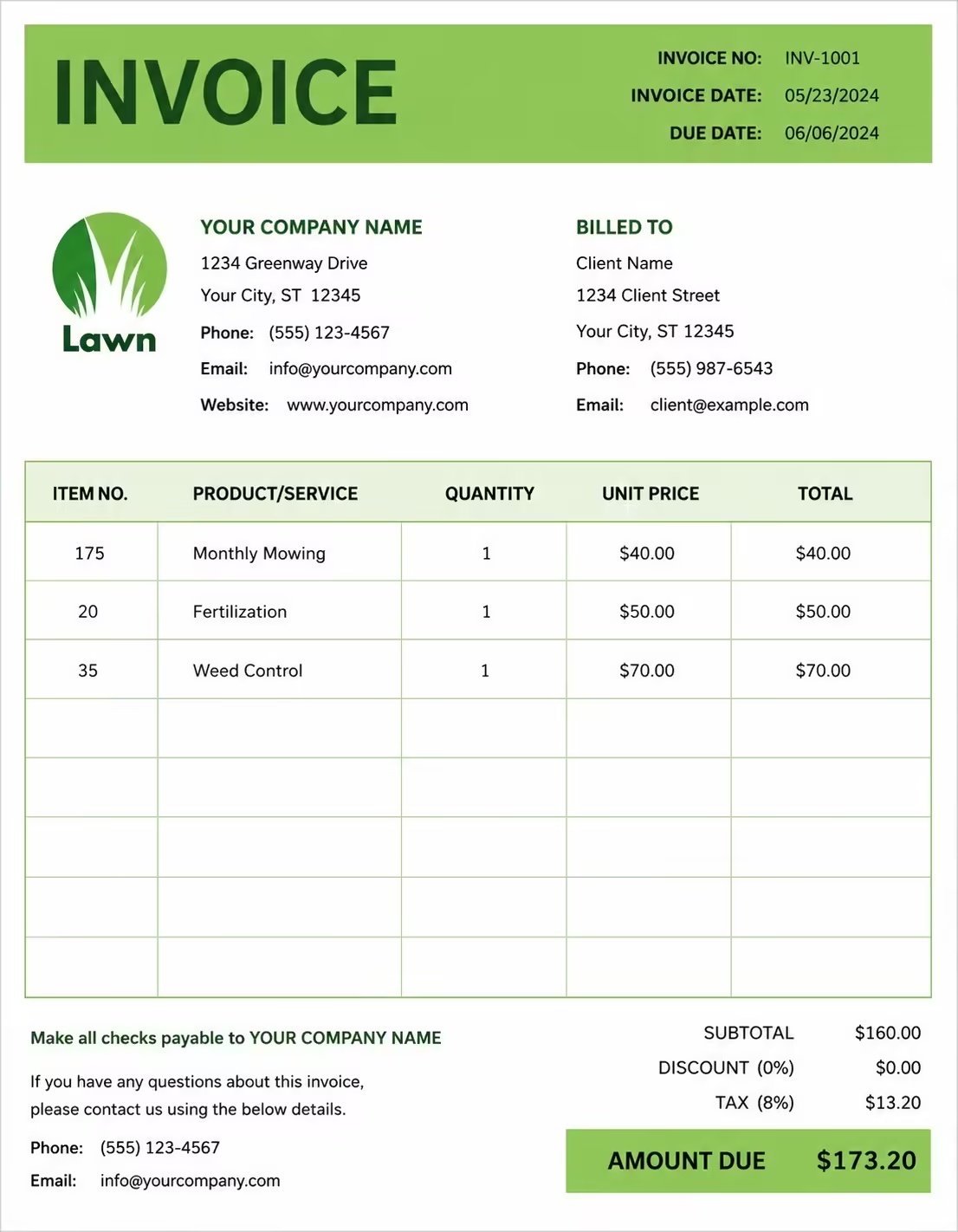
Free SEO Invoice Template
Free invoice templates for SEO consultants, SEO agencies, digital marketers, technical SEO specialists, content SEO teams, local SEO providers, link building consultants, ecommerce SEO experts, and freelance search engine optimization professionals. Download and edit in PDF, Word, Excel, Google Docs, or Google Sheets.
Use this SEO invoice template to bill for SEO audits, keyword research, on-page optimization, technical fixes, content briefs, local SEO, analytics setup, link outreach, monthly retainers, reporting, taxes, deposits, discounts, and payment terms in a clear and professional way.
Download the app and manage invoices anywhere


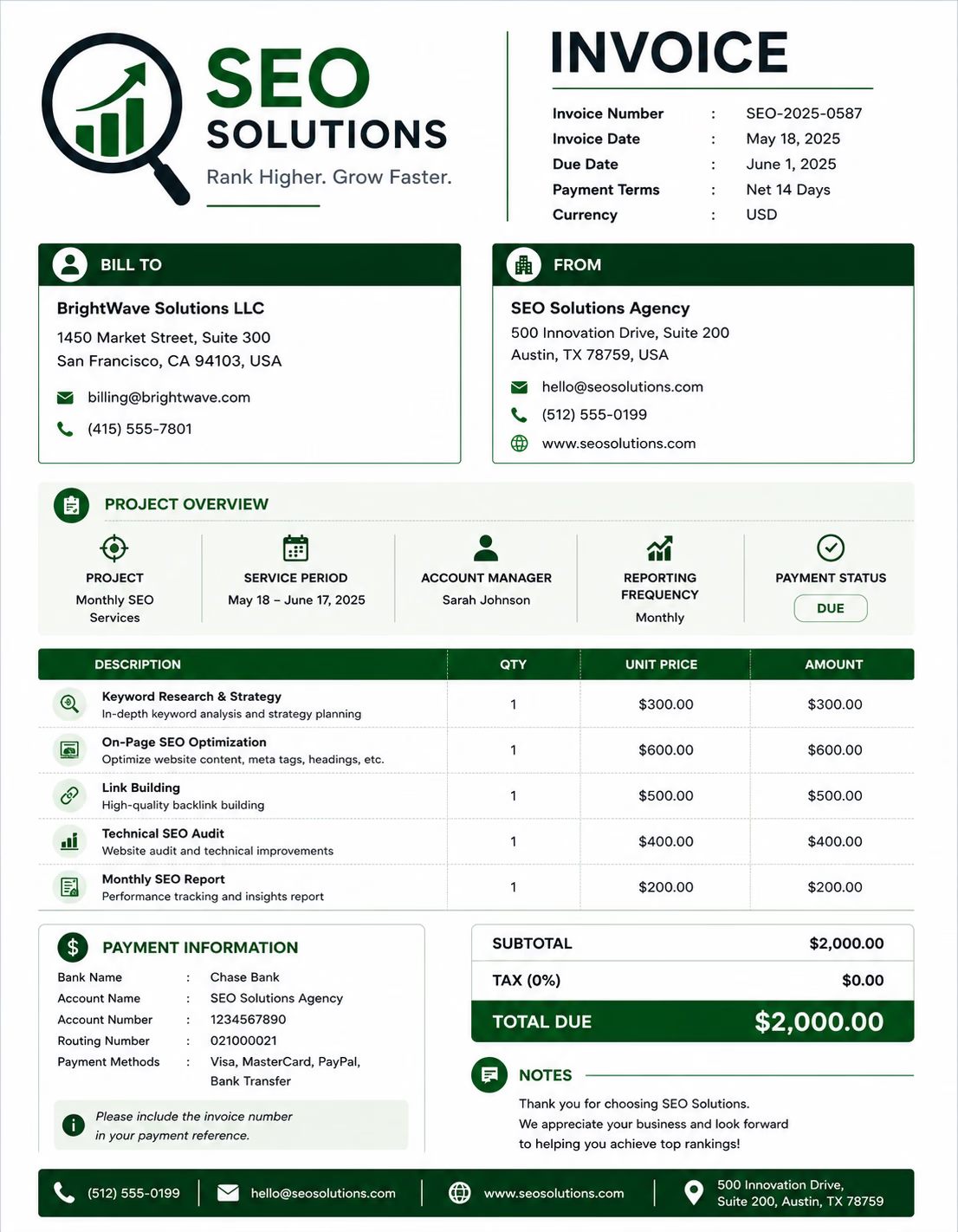
Download Free SEO Invoice Templates
Download a template, then edit it in PDF, Word, Excel, Google Docs, or Google Sheets. Print it, save it, or send it to your client when the SEO work is complete or when the billing period ends.
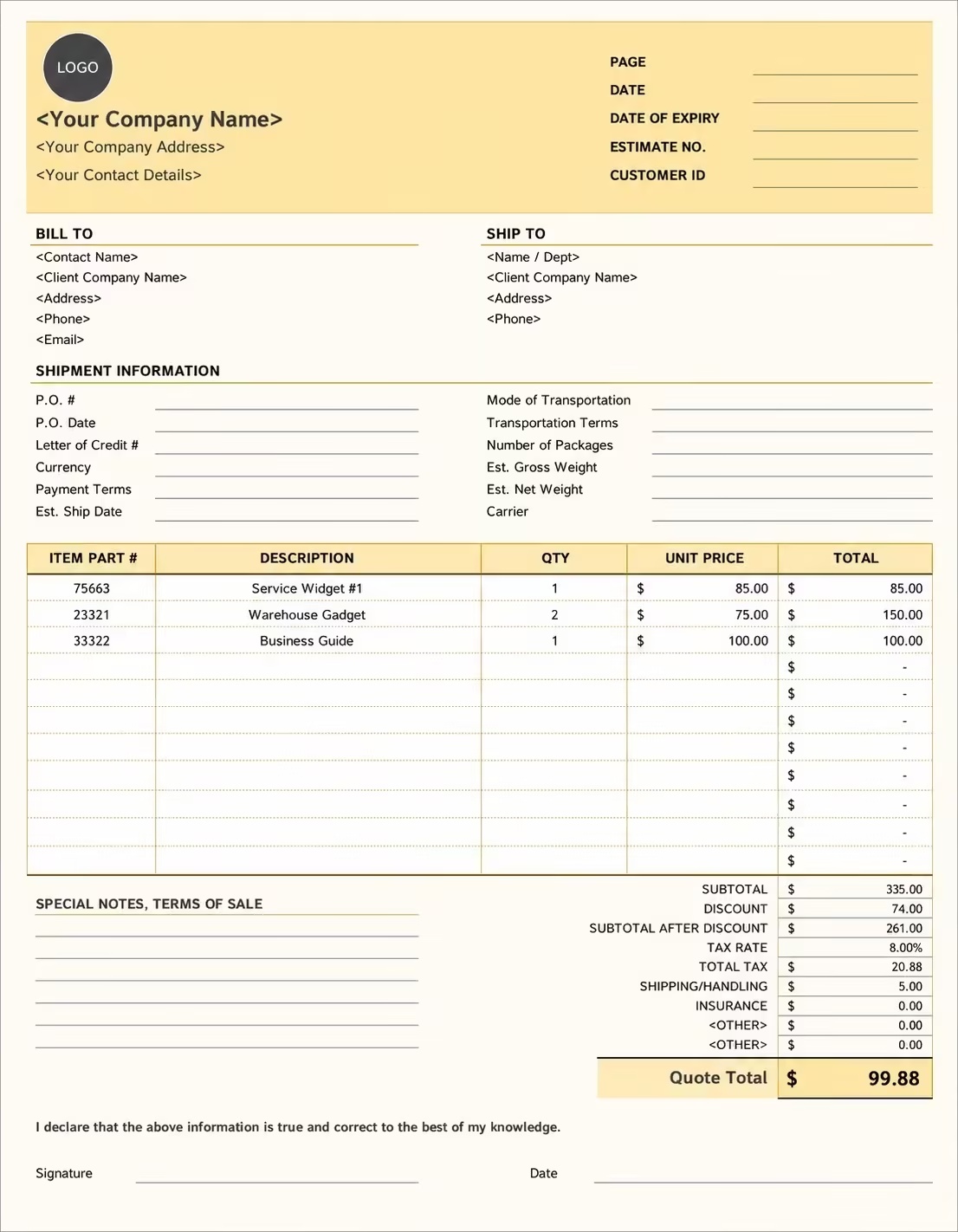
Editable SEO Invoice Template
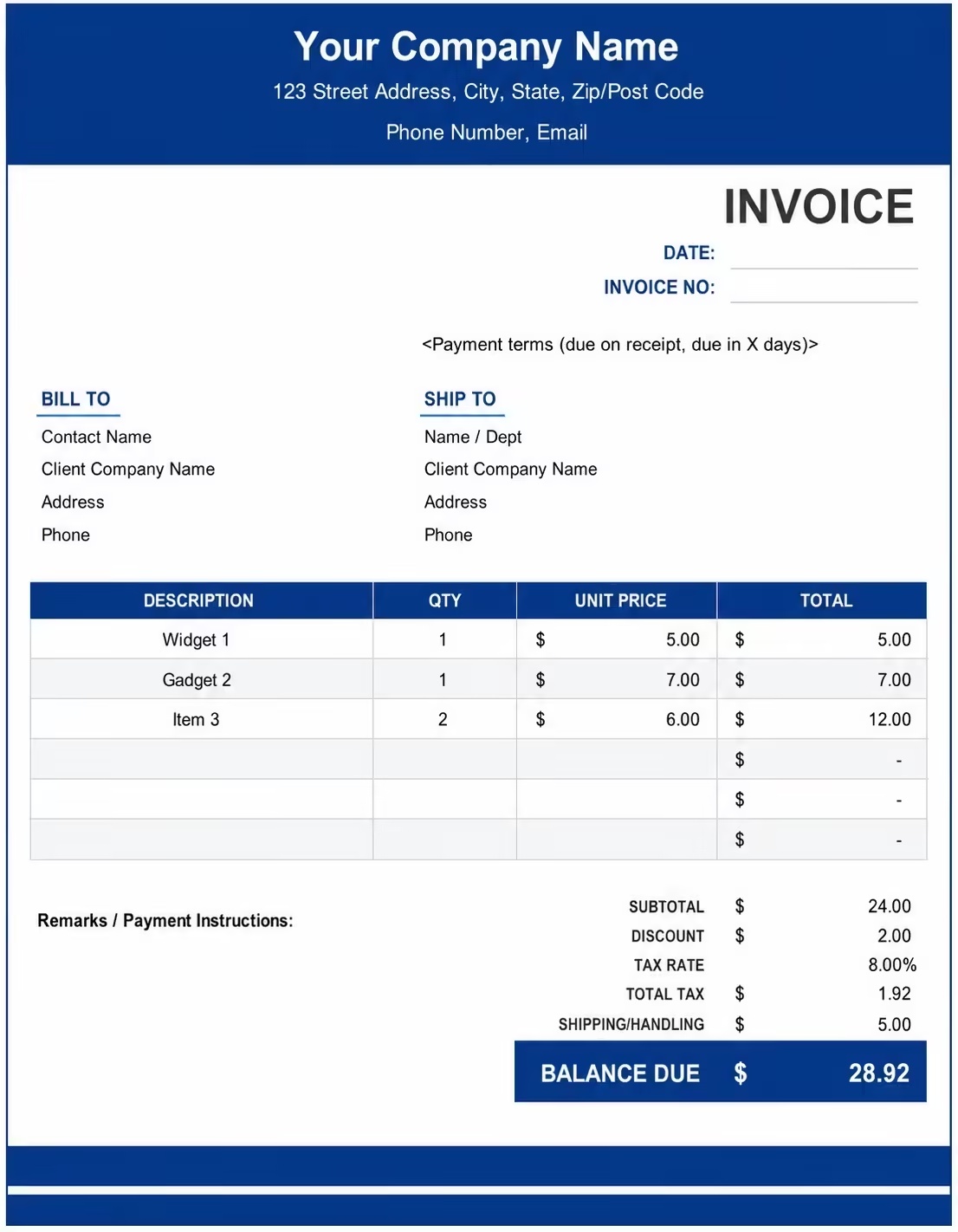
Printable SEO Invoice Template
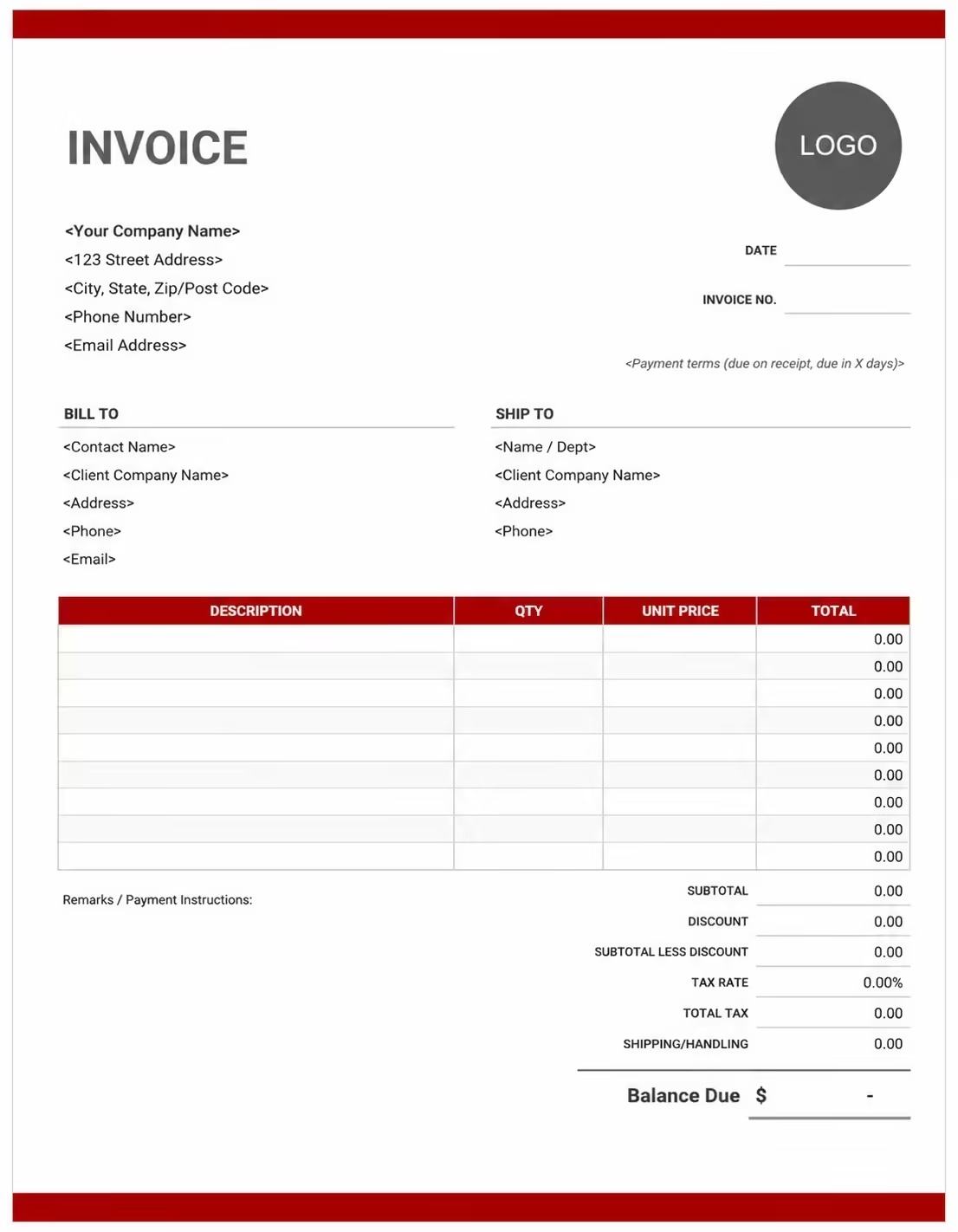
Free SEO Invoice Template
Use these templates for SEO agencies, freelance SEO consultants, local SEO providers, technical SEO specialists, ecommerce SEO teams, content optimization consultants, and digital marketing professionals.
How to Invoice for SEO Services
A good SEO invoice should clearly show the client details, website or campaign name, SEO services delivered, billing period, pricing method, reports, expenses, taxes, deposits, and payment terms.
Download Free TemplateIn 5 Steps:
- Confirm the client details, website URL, SEO scope, billing period, deliverables, hourly rate, monthly retainer, project fee, reporting expectations, and payment terms before starting the work.
- Record completed SEO work such as audits, keyword research, technical SEO fixes, on-page optimization, content briefs, internal linking, local SEO updates, analytics setup, and reporting.
- Track SEO-related costs such as rank tracking tools, content tools, outreach expenses, website plugins, subcontractor work, copywriting, development support, and other approved reimbursable expenses.
- Calculate service fees, hourly charges, monthly retainers, fixed project fees, tool reimbursements, taxes if applicable, deposits, discounts, and the final balance due.
- Send the invoice with payment options, due date, website or campaign notes, service breakdown, reporting period, and any remaining balance instructions.
With Invoize, you can create SEO invoices faster, save client details, reuse common SEO service items, add campaign notes, separate retainers from extra work, and track payments from your phone.
What to Include in an SEO Invoice
A professional SEO invoice should include the details needed to identify the client, website, SEO work completed, pricing, payment terms, and final balance.
Invoice and Client Details
- Invoice numberHelps track the invoice, payment record, and SEO billing history.
- Client name, company name, billing contact, and addressShows who received the SEO service and who is responsible for payment.
- SEO agency, consultant, freelancer, or business detailsShows which SEO provider completed the work and where payment should be sent.
- Website URL, campaign name, project name, or account referenceConnects the invoice to the correct website, SEO campaign, client account, or retainer.
- Invoice date, due date, service dates, or billing periodShows when the SEO work was completed and when payment is expected.
SEO Service Details
- SEO service typeShows whether the work was an audit, keyword research, technical SEO, on-page SEO, content optimization, local SEO, link outreach, or reporting.
- Service descriptionExplains the SEO tasks completed, recommendations delivered, issues fixed, pages optimized, or reports prepared.
- Quantity, hours, deliverables, pages, keywords, or package detailsShows how time-based, deliverable-based, monthly, or package pricing was calculated.
- Hourly rate, monthly retainer, fixed fee, project fee, or audit feeShows the agreed pricing method for the SEO service and helps the client understand what is included.
- SEO tools, content support, development support, or reimbursable expensesSeparates approved SEO expenses from service fees so the client can review each charge clearly.
Payment and Final Notes
- Work completed, campaign progress, or deliverablesRecords audits, keyword lists, optimized pages, technical fixes, content briefs, reports, or SEO milestones included in the invoice.
- Discounts, deposits, retainers, or advance paymentsShows credits, retainers, advance payments, deposits, discounts, or amounts already paid before the final balance.
- Subtotal, tax, expenses, reimbursements, and total amount dueShows the final amount the client needs to pay.
- Payment methodsLists bank transfer, card payment, online payment, or other accepted payment options.
- SEO billing notes or payment termsRecords the due date, late fees, retainer terms, reporting notes, approval notes, excluded services, or next billing cycle details.
Billing Scenarios for SEO Services
Use clear invoice labels so clients understand the SEO service type, website scope, billing period, retainer credit, extra work, and final amount due.
| Scenario | Invoice line items | Best used for | How to describe it |
|---|---|---|---|
| Monthly SEO retainer | Monthly package, billing period, included services, fixed retainer fee | SEO agencies, consultants, and ongoing SEO clients. | Show the billing month, included services, retainer fee, extra work, and balance due. |
| SEO audit | Website audit, technical review, content review, recommendations | New clients, one-time audits, and strategy projects. | List the audit type, website URL, report delivery date, and fixed fee. |
| Keyword research project | Keyword list, search intent mapping, competitor review, content opportunities | Content SEO projects, new websites, and campaign planning. | Show the number of keyword groups, pages, topics, or research deliverables. |
| Technical SEO work | Crawl issues, indexation checks, redirects, schema, speed recommendations | Technical SEO consultants, developers, and agencies. | List technical tasks completed and separate development support if billed separately. |
| On-page optimization | Title tags, meta descriptions, headers, internal links, page updates | SEO specialists optimizing service pages, blogs, or product pages. | Show the number of pages optimized and the agreed rate per page or project. |
| Content SEO support | Content briefs, outlines, optimization notes, refreshes, topic plans | Content teams, bloggers, ecommerce websites, and agencies. | List deliverables such as briefs, updated pages, content plans, or reports. |
| Local SEO services | Google Business Profile updates, citations, local pages, review support | Local businesses, service providers, and location-based SEO clients. | Mention the locations, business profiles, citations, and local pages included. |
| Link building or outreach | Outreach hours, prospect lists, placement coordination, reporting | SEO agencies and consultants offering off-page SEO support. | Separate outreach service fees from any approved placement or publishing costs. |
| SEO reporting | Rank tracking, traffic reporting, analytics review, monthly summary | Monthly retainers, campaign reviews, and client reporting packages. | Show the reporting period, report type, and included analysis. |
| SEO consultation | Strategy call, hourly advice, training, recommendations | Freelance SEO consultants and advisors. | Show consultation date, session length, hourly rate, and total consultation fee. |
Create Invoice Now
☝️ Create a professional invoice in seconds.
Common Charges and Fees for SEO Services
Itemize SEO charges clearly so clients can see service fees, retainers, tool costs, taxes, deposits, and final payment amount.
| Charge or service | Unit | When to use | How to show it |
|---|---|---|---|
| SEO audit fee | Project | Use for technical, content, local, ecommerce, or full website audits. | SEO audit and recommendations |
| Monthly SEO retainer | Month | Use for recurring SEO services and ongoing campaign support. | Monthly SEO retainer for July |
| Keyword research fee | Project or keyword set | Use for keyword lists, search intent mapping, and topic research. | Keyword research and SEO opportunity mapping |
| Technical SEO fee | Project or hour | Use for crawl analysis, indexation checks, redirects, schema, and technical recommendations. | Technical SEO fixes and audit support |
| On-page SEO fee | Page or project | Use for title tags, meta descriptions, headers, internal links, and page optimization. | On-page optimization for service pages |
| Content optimization fee | Page or deliverable | Use for updating existing content, briefs, outlines, and SEO recommendations. | Content optimization and SEO brief |
| Local SEO fee | Location or month | Use for Google Business Profile work, local citations, and location pages. | Local SEO setup and monthly support |
| Link outreach fee | Campaign or hour | Use for prospecting, outreach, placement coordination, and reporting. | SEO outreach campaign management |
| Reporting fee | Report | Use for dashboards, ranking reports, analytics summaries, and recommendations. | Monthly SEO performance report |
| SEO consultation fee | Hour or session | Use for advice calls, audits, training, and strategy sessions. | SEO consultation session |
| Tool reimbursement | Amount | Use when approved SEO tools, crawlers, reports, or software are billed back to the client. | Approved SEO tool reimbursement |
| Revision or extra work fee | Task or hour | Use when extra changes exceed the original SEO scope. | Additional SEO support |
| Rush fee | Project | Use for urgent audits, quick fixes, or expedited deliverables. | Rush SEO audit delivery fee |
| Tax or VAT | Percentage | Use when required by your location or business rules. | Sales tax / VAT |
| Late payment fee | Fee | Use when allowed by your payment terms or contract. | Late payment fee |
Common SEO Invoicing Mistakes
Avoid unclear SEO invoices by separating tasks, billing periods, deliverables, expenses, approvals, and payment terms.
| Mistake | Why it causes problems | How to fix it |
|---|---|---|
| Using vague SEO service descriptions | The client may not understand what work was completed. | Describe each SEO service with website URLs, tasks, deliverables, or report names. |
| Missing the billing period | Monthly retainers can become confusing without clear dates. | Add the billing month or service period to every retainer invoice. |
| Not showing the website or campaign reference | Clients with multiple websites may not know which project the invoice covers. | Include website URL, campaign name, project name, or account reference. |
| Mixing tool costs with service fees | Expenses can look like hidden service charges. | Separate SEO tools, subscriptions, outreach costs, and service fees. |
| Not listing deliverable quantities | Page optimization, briefs, audits, and reports can be unclear without quantities. | Add page count, keyword groups, report names, hours, or deliverable details. |
| Forgetting approved extra work | Extra SEO tasks may be disputed if they are not explained. | Add notes for approved additional tasks, change requests, or out-of-scope work. |
| Leaving out payment terms | Clients may delay payment if the due date is unclear. | Add due date, payment method, late fee terms, and retainer terms. |
| Not showing deposits or retainer credits | The client may overpay or dispute the remaining balance. | Show advance payments, retainer credits, and remaining balance clearly. |
| Claiming guaranteed rankings in invoice notes | SEO results can depend on many external factors and may create client confusion. | Use clear service-based descriptions instead of guarantee-based billing language. |
| Forgetting taxes | Tax errors can affect accounting and compliance. | Add tax or VAT where applicable and calculate totals accurately. |
More Invoice Templates You May Like
Explore closely related invoice templates for seo work, similar services, and nearby billing scenarios before choosing the best format for your customer.
Questions
Frequently Asked Questions
How should I show SEO services on an invoice?
List each SEO service with the website URL, billing period, quantity or hours, rate, and total amount. Example: “Technical SEO audit for example.com: $750” or “Monthly SEO retainer: July: $1,200.” This helps the client understand exactly what SEO work was billed.
What client and website details should be included?
Include the client name, company name, website URL, campaign or project name, billing period, invoice number, invoice date, and payment due date. This connects the invoice to the correct SEO project.
Can I use this template for monthly SEO retainers?
Yes. Add the retainer package name, billing month, included SEO services, monthly fee, extra work if any, and remaining balance. This is useful for agencies and consultants with recurring SEO clients.
How do I invoice for an SEO audit?
Add the audit type, website URL, report delivery date, audit scope, fixed fee, and any optional follow-up consultation. You can also include technical audit, content audit, local SEO audit, or ecommerce SEO audit as separate line items.
How should keyword research be billed?
List keyword research by project, keyword group, page set, or fixed deliverable. Example: “Keyword research for 20 service pages: $450” or “Search intent mapping and competitor review: $600.”
Should SEO tool costs be listed separately?
Yes. If the client approved tool, crawler, reporting, or outreach costs, list them separately from service fees. This keeps expenses clear and avoids confusion.
How do I invoice for on-page SEO?
Add line items for pages optimized, title tags, meta descriptions, headings, internal links, schema notes, or content recommendations. You can bill per page, per hour, or as a fixed project fee.
What payment terms should an SEO invoice include?
Include the payment due date, accepted payment methods, deposit rules, retainer terms, late fee policy, and any notes about out-of-scope SEO work or approved extra tasks.













